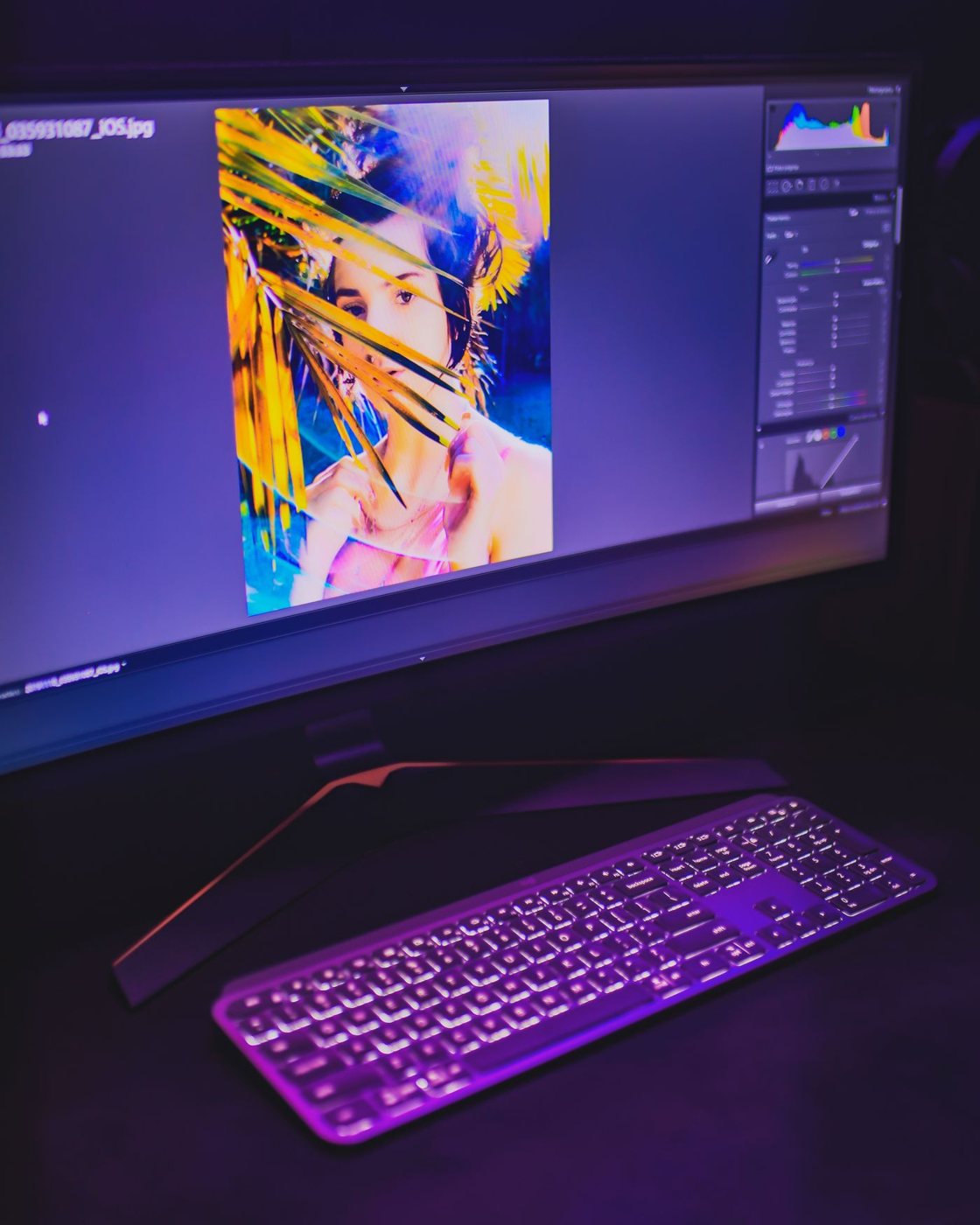
Preparing photographs for printing and designing graphics for a website do not require exactly the same display workflow. Begin with the destination of the work and the color space requested by the client, printer, or delivery specification. A display should support that process rather than merely advertise a large color-gamut percentage.
Gamut is only part of the result
Gamut describes a range of colors a display can reproduce. It does not by itself establish accuracy, evenness across the panel, or the quality of a particular viewing mode. Compare the stated coverage of the color space relevant to your work, and look for information about calibration and uniformity.
EIZO explains that calibration cannot make a display reproduce colors outside its physical gamut or remove all panel limitations. This is a useful boundary: calibration is part of managing suitable equipment, not a way to turn any inexpensive screen into an equivalent production monitor.
For work where color decisions carry consequences, budget for a compatible measurement device or a monitor with an appropriate integrated system. Confirm operating-system support and the display modes that can be calibrated. A factory report can be useful, but your room, settings, and the screen's behavior over time still matter.
Keep the workflow consistent
Use applications that handle the profiles required by your work, and preserve the intended profile when exporting. A wide-gamut display can make unmanaged content look unexpectedly vivid; more saturated appearance is not proof of more accurate output. Check files in the delivery context as well as the editing application.
Control changing light around the desk. Strong colored reflections or daylight that varies across a session can make comparisons harder. If assessing prints, consider their illumination separately from the monitor rather than expecting paper and an emissive screen to match under arbitrary room lighting.
Keep ordinary office settings distinct from a validated production mode. Automatic brightness changes or a warm evening display setting can be convenient for casual use but alter the conditions under which you make color decisions. Record the mode and settings used for a job so that later revisions begin from a known state.
Before purchasing, define what you need to judge: skin tones, product colors, print shadows, or simple presentation graphics. That narrows the investment. A display appropriate for occasional image selection may be entirely adequate, while contract proofing or demanding print work calls for a more controlled process with validation beyond the monitor's specification sheet.
Define a handoff standard
If someone else will approve the result, agree on the deliverable before tuning the display. Ask which profile, file format, and proofing process they expect. A disagreement caused by one person viewing an unmanaged preview cannot be solved simply by buying a wider-gamut panel.
Keep a known reference image and a record of the production settings you use. After a system update or a display replacement, inspect that reference in the same application. This does not replace measurement, but it can help reveal a changed preset or a missing profile before you revise a whole set of images.
For print work, evaluate an approved test output under the intended viewing conditions and discuss discrepancies with the print provider. Do not repeatedly alter the file to compensate for a single unknown screen. The monitor belongs in a chain of decisions that includes the application, export, output process, and viewing environment.


