Equipment. Connections. Everyday work.
Your next setup,
thought through.
Make sense of the tools on your desk, the ports on your devices, and the files behind your work.
Find your starting point ↗
The screen question
A bigger display needs a better plan.
Explore by task
What are you
working on?
A place to begin
Browse all guides ↗Computers & screensChoosing a monitor size for your desk
Compare screen dimensions, stand depth, text scaling, and everyday applications before choosing a larger monitor.
 Input & meetings
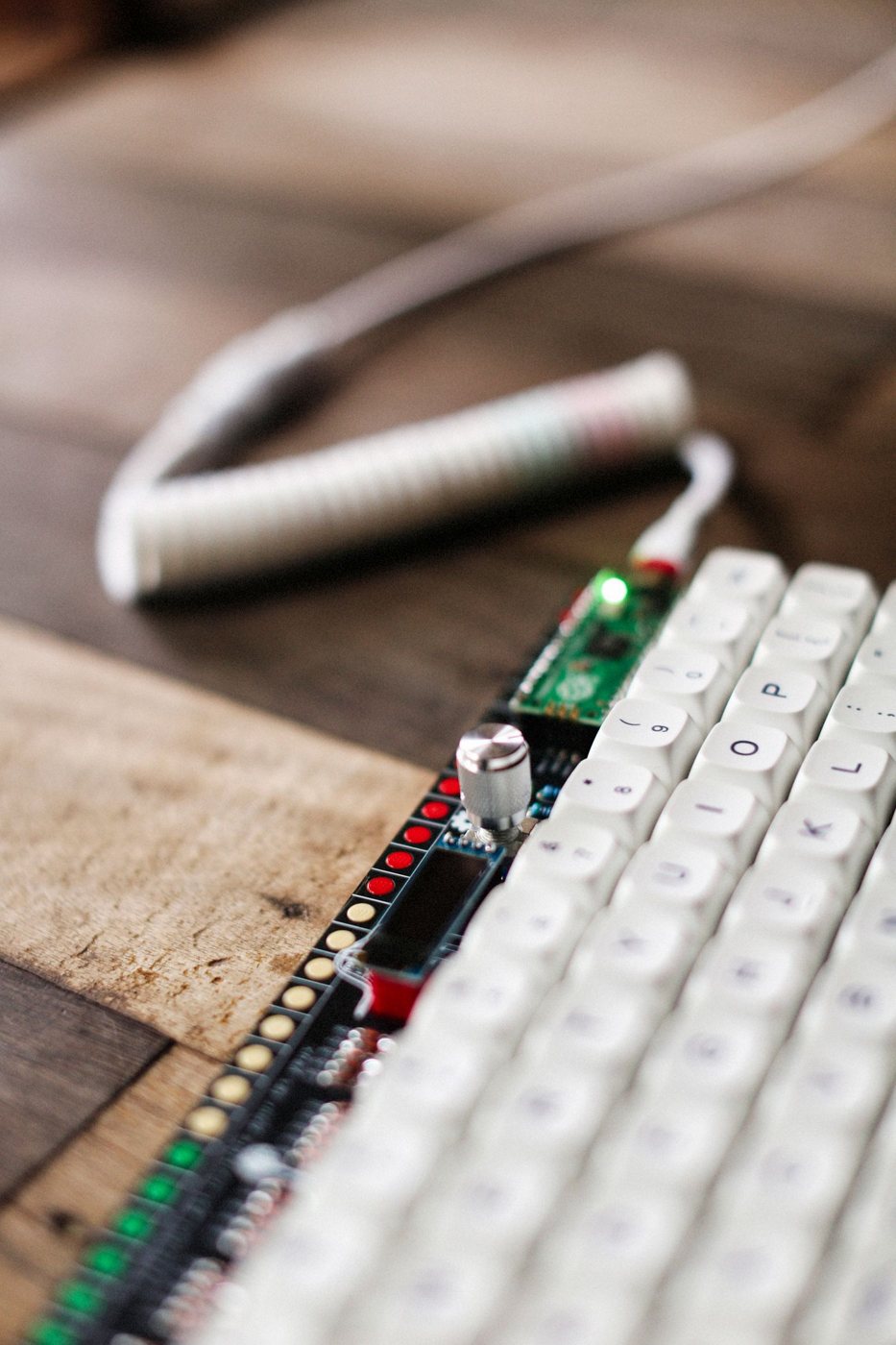
Choosing a keyboard layout you can live with
Check physical key positions, operating-system mappings, and the symbols your work requires before switching keyboards.
 Desk & workspace
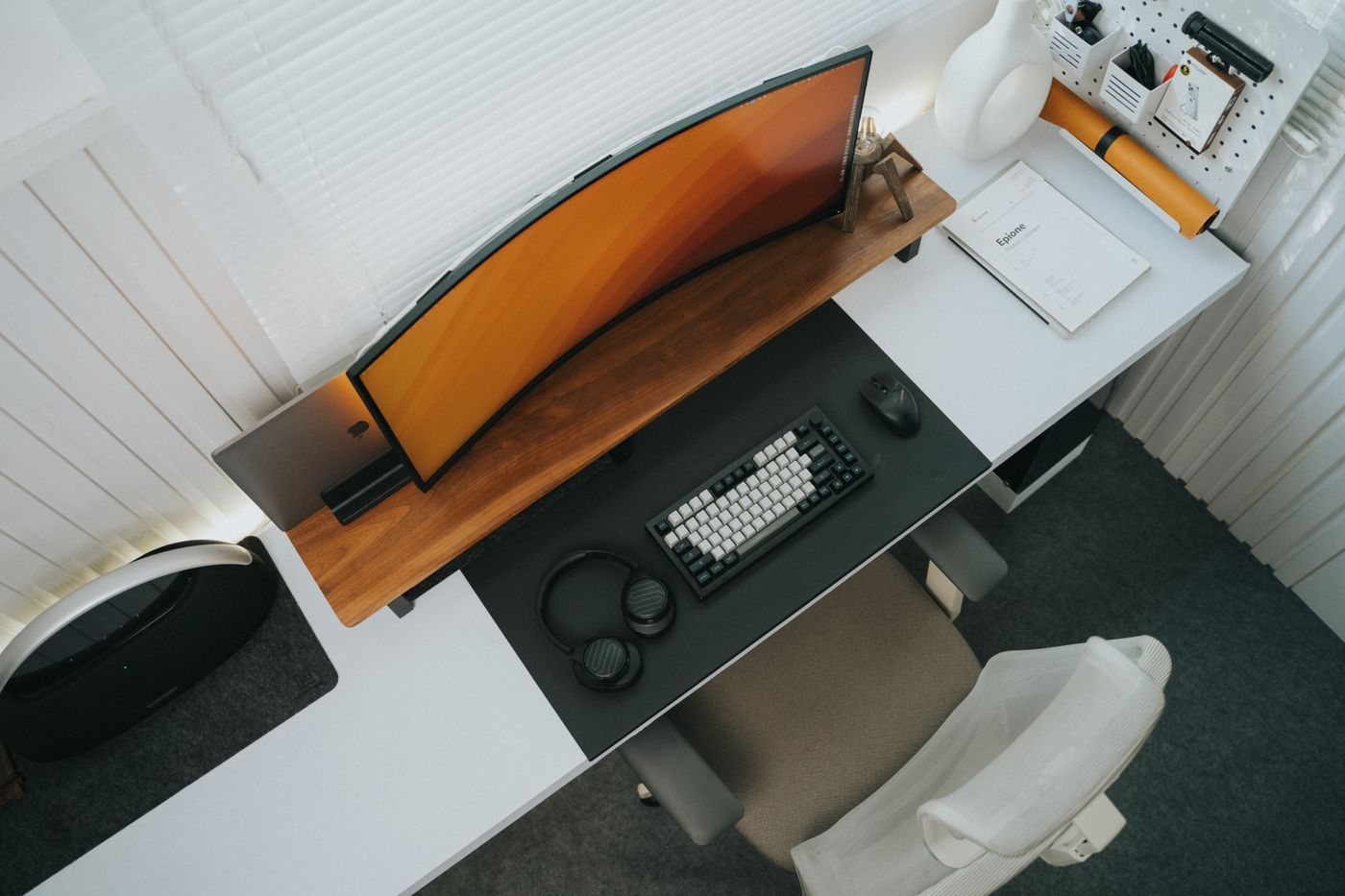
Choosing desk depth around your equipment
Measure the space needed for the screen, input devices, and papers rather than choosing a desk by width alone.
 Connections & storage
Checking what a USB-C connection can do
Separate connector shape, data speed, video output, and charging before choosing a USB-C accessory.
 Files & workflow
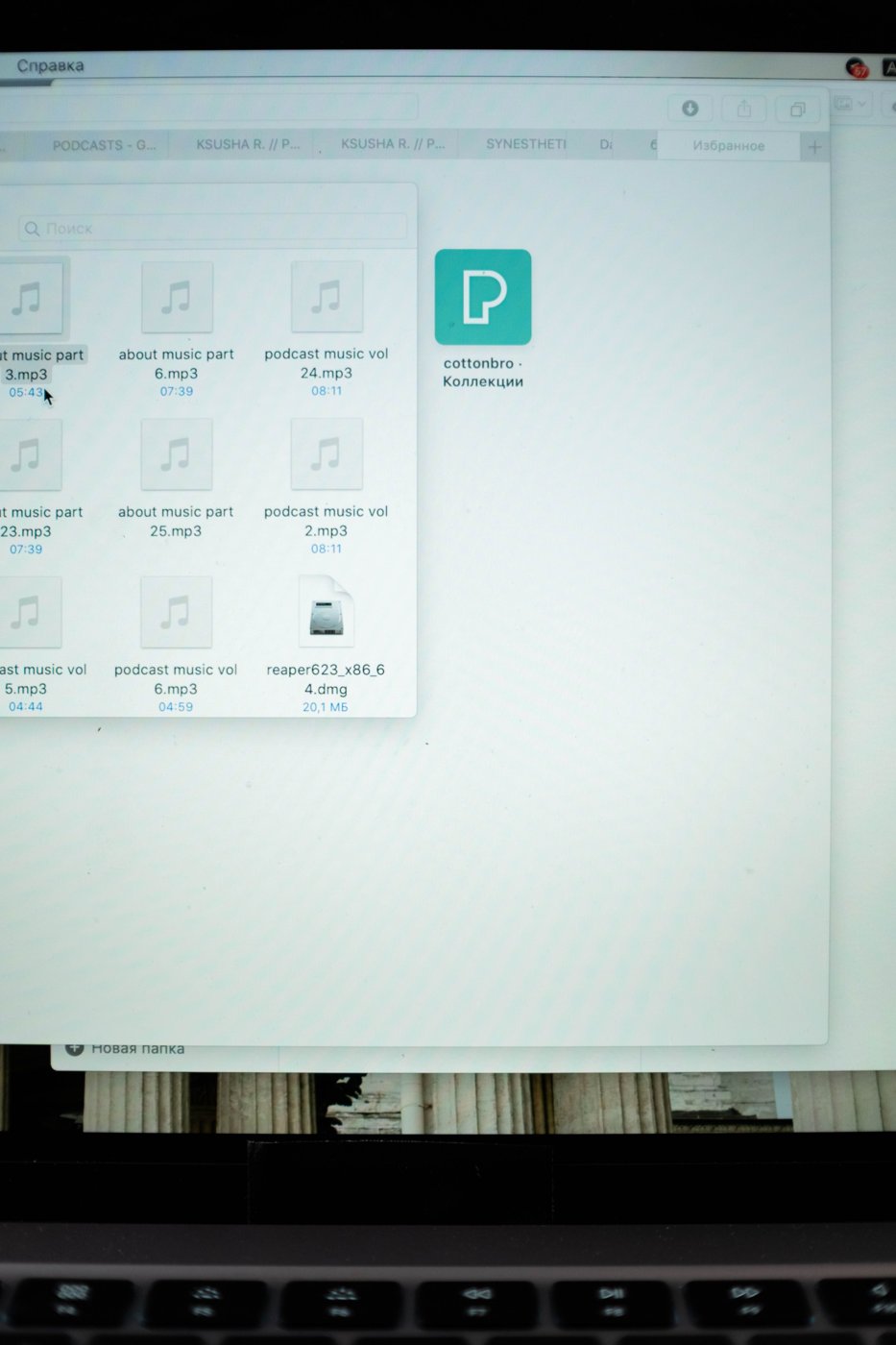
Creating file names you can recognize later
Build a small naming convention around subject, date, and version so files remain understandable outside their original folder.
 Care & troubleshooting
Cleaning a screen without guessing at the finish
Identify the screen finish and follow its cleaning instructions before applying any liquid or product.
The work behind the setup
Find the file.
Keep the context.
A recognizable name can save a trail of downloads, duplicate drafts, and forgotten attachments. Start with a convention that fits the way you work.
Build a naming habit ↗