The guide library
Find the guide for the job.
Browse by topic or search the complete guide collection for an item, connection, or everyday task.
 Computers & screens
Choosing a monitor size for your desk
Compare screen dimensions, stand depth, text scaling, and everyday applications before choosing a larger monitor.
 Computers & screens
Matching a laptop to your everyday workload
Build a laptop shortlist around the applications, files, meetings, and connections that make up an ordinary working day.
 Computers & screens
Choosing between a desktop and a laptop
Compare mobility, desk space, repair options, and the accessories each computer format needs.
 Computers & screens
Where a mini PC fits in a home office
Check a mini PC's connections, mounting, included components, and service access before giving it a place on your desk.
 Computers & screens
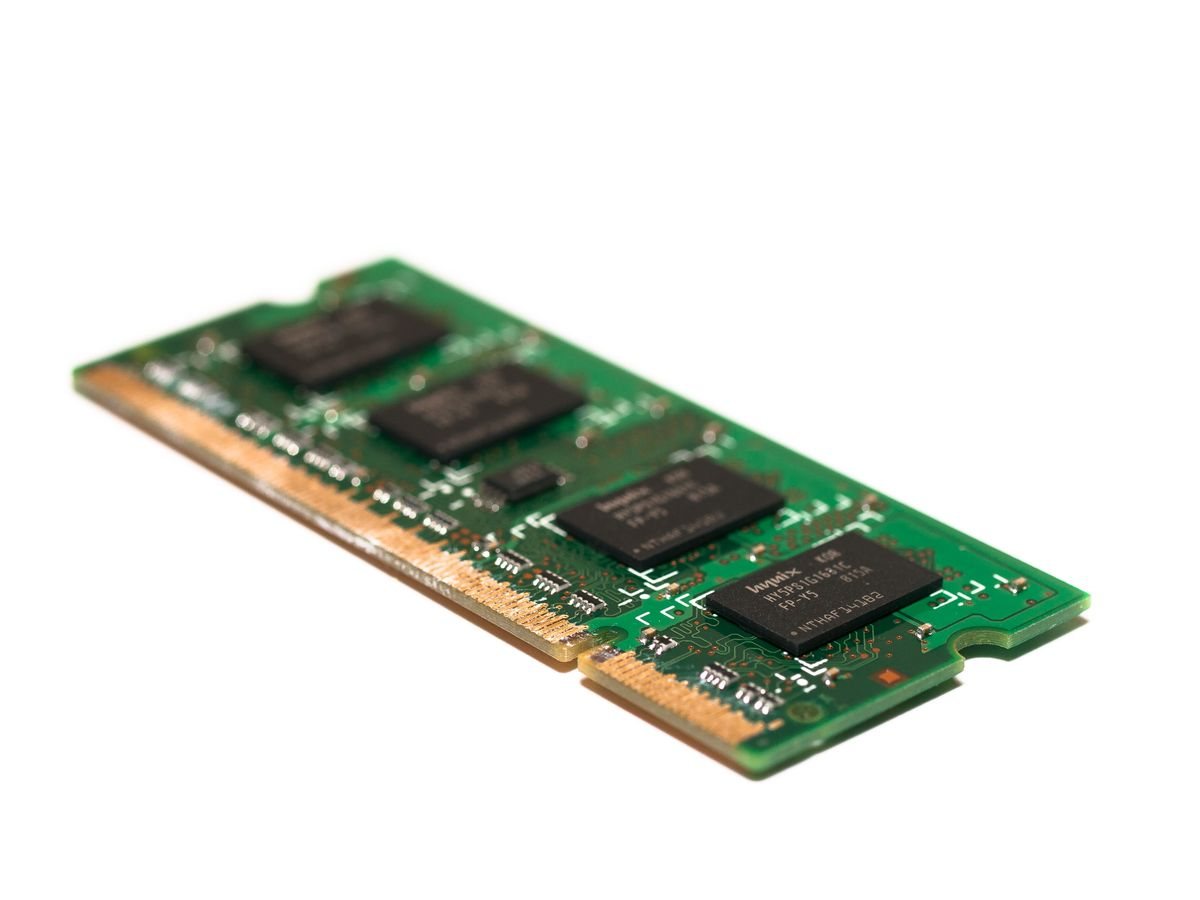
Planning memory capacity for everyday work
Use real multitasking, application requirements, and upgrade limits to decide how much memory belongs in your next computer.
 Computers & screens
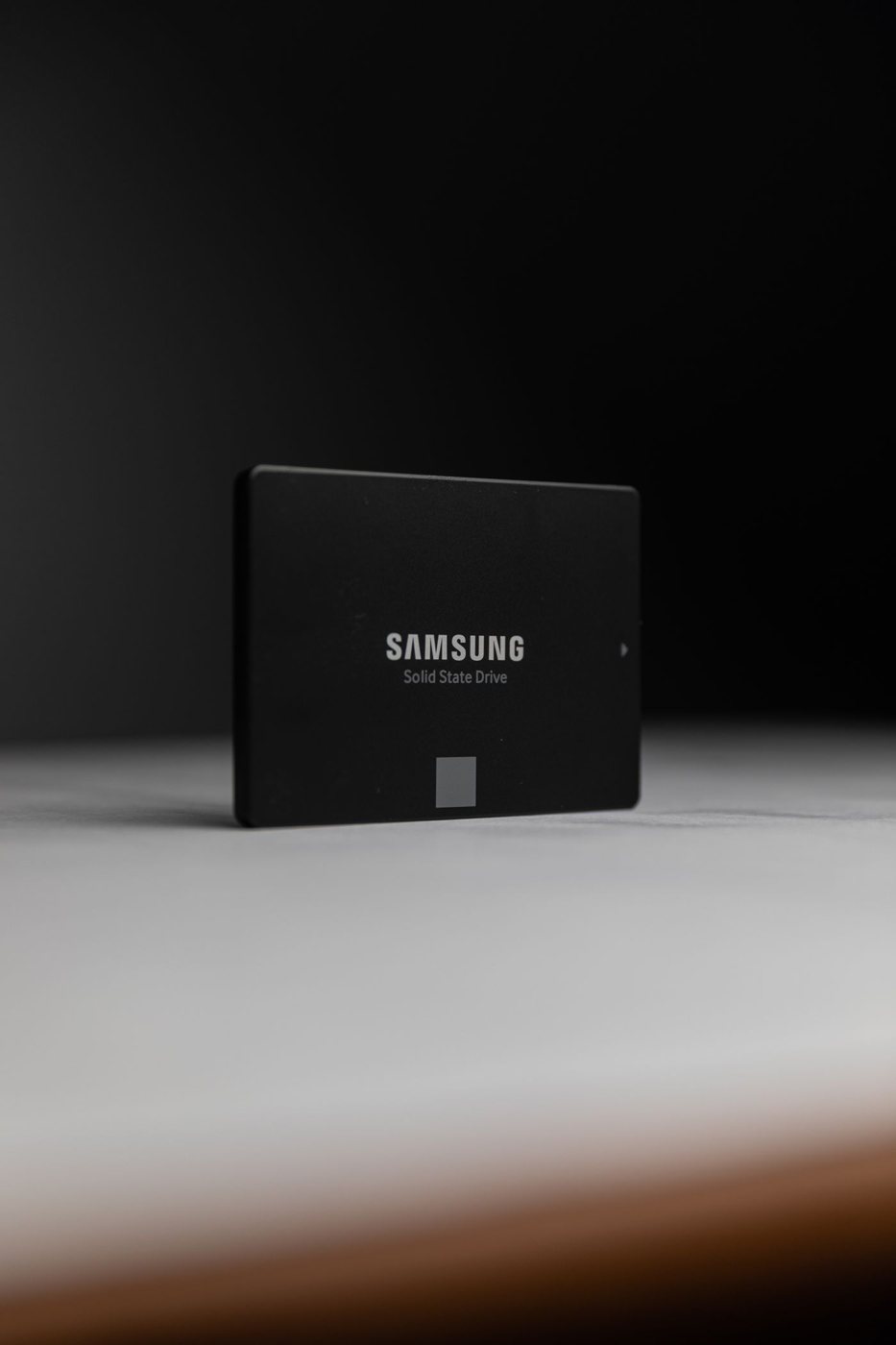
Choosing a useful SSD capacity
Estimate storage from current files, expected growth, working space, and the computer's actual upgrade options.
 Computers & screens
Understanding screen resolution and scaling
Separate pixel count, physical size, and interface scaling when comparing readable workspace on a display.
 Computers & screens
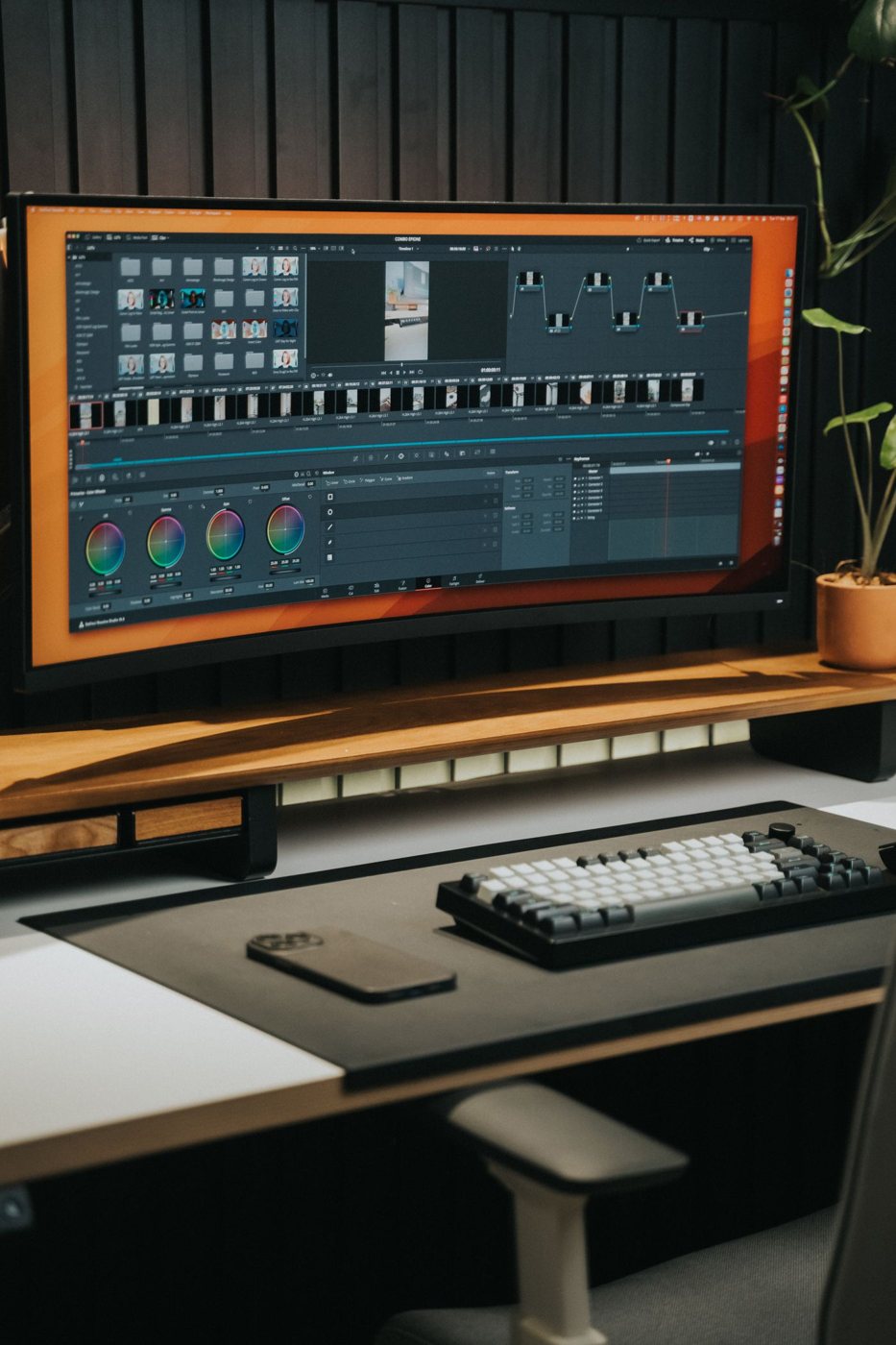
An ultrawide screen or two monitors?
Compare one continuous canvas with two separate displays using your window layout, sharing habits, and desk dimensions.
 Computers & screens
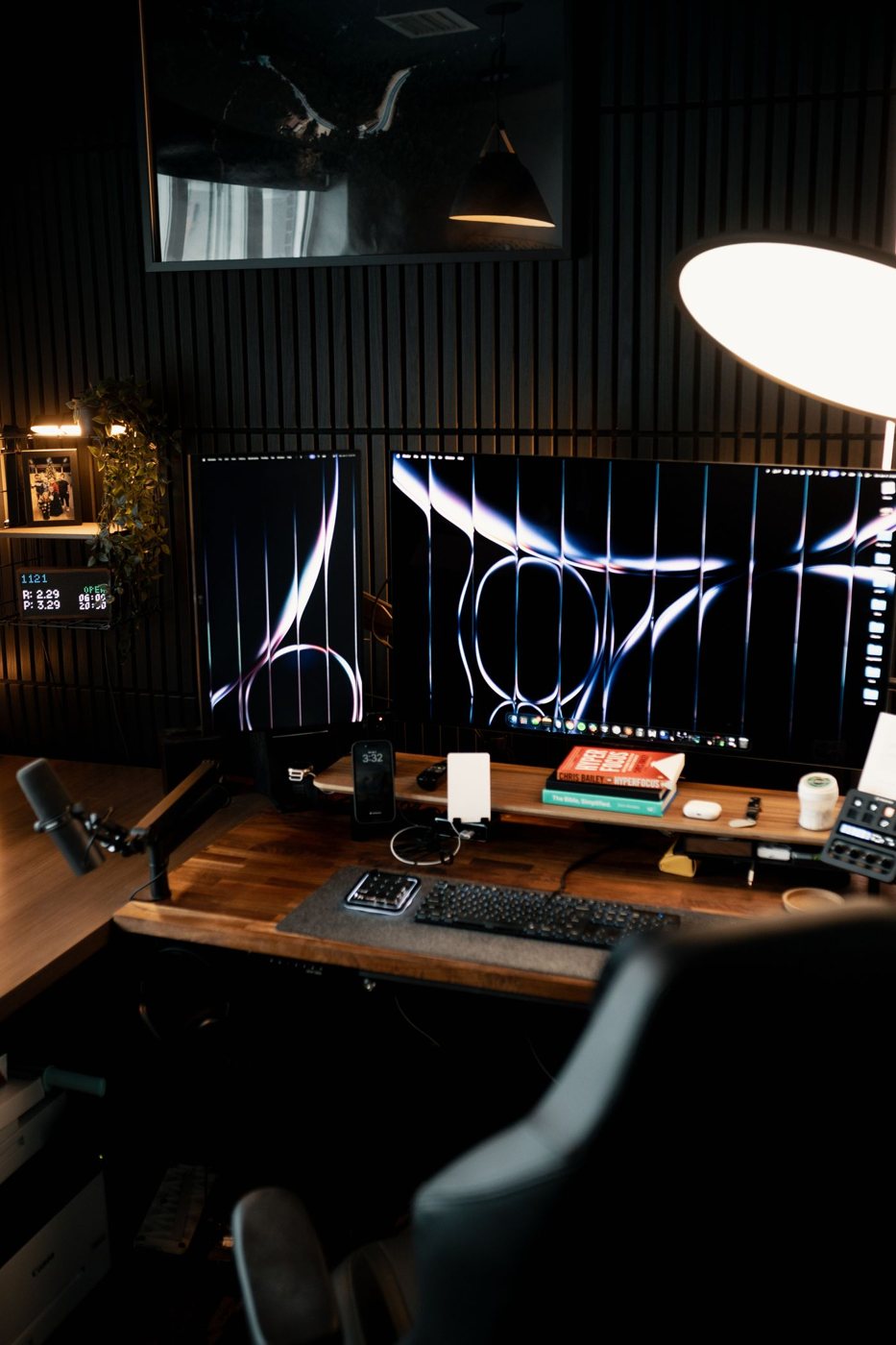
Planning a two-monitor workspace
Work through display support, arrangement, scaling, and daily use before adding a second monitor.
 Computers & screens
Checking monitor ports before buying
Match video input, USB data, charging, and audio functions to the computer and cables you already use.
 Computers & screens
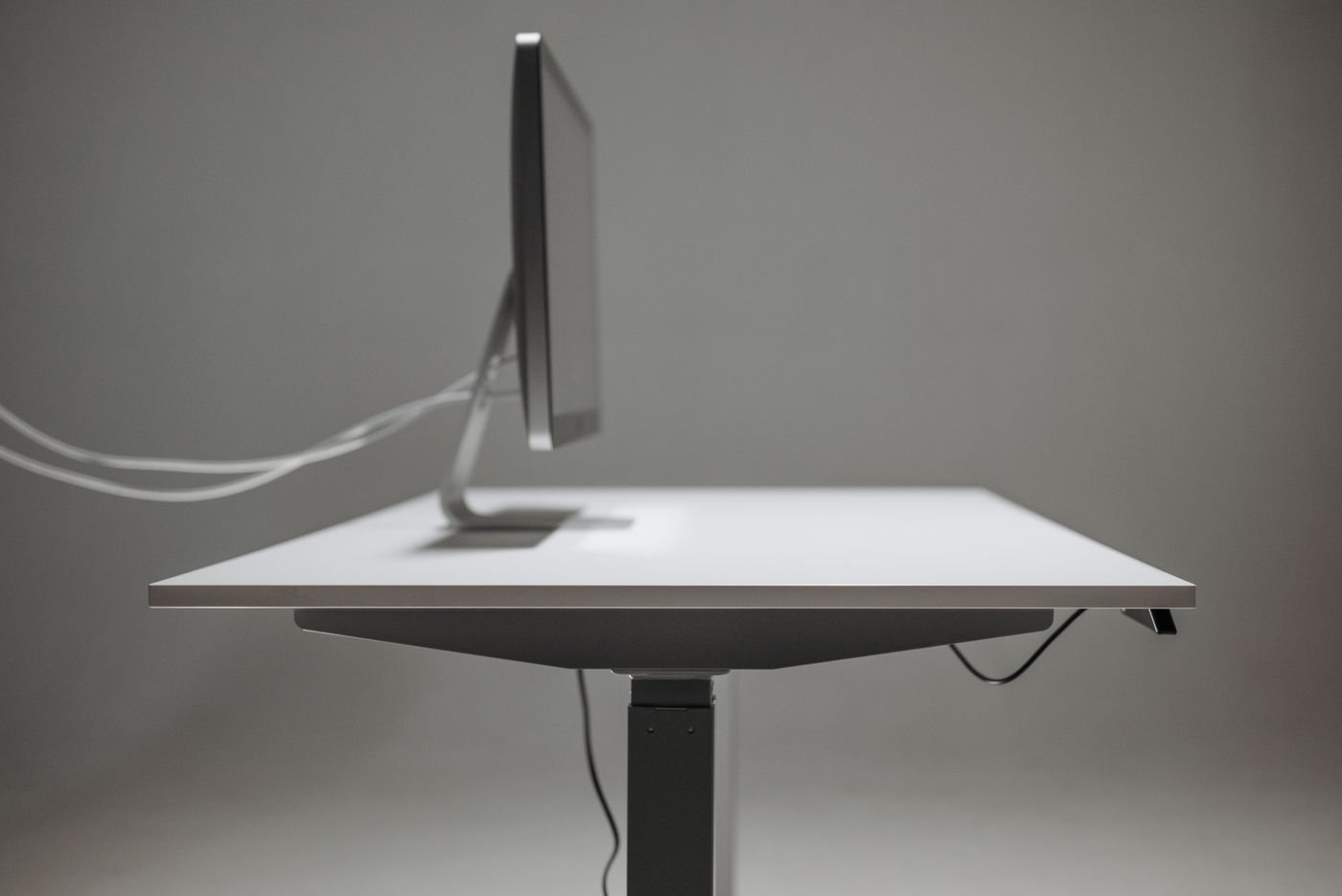
Setting up a monitor at a usable height
Adjust screen position around your seated view, text size, and stand range instead of relying on a desk photograph.
 Computers & screens
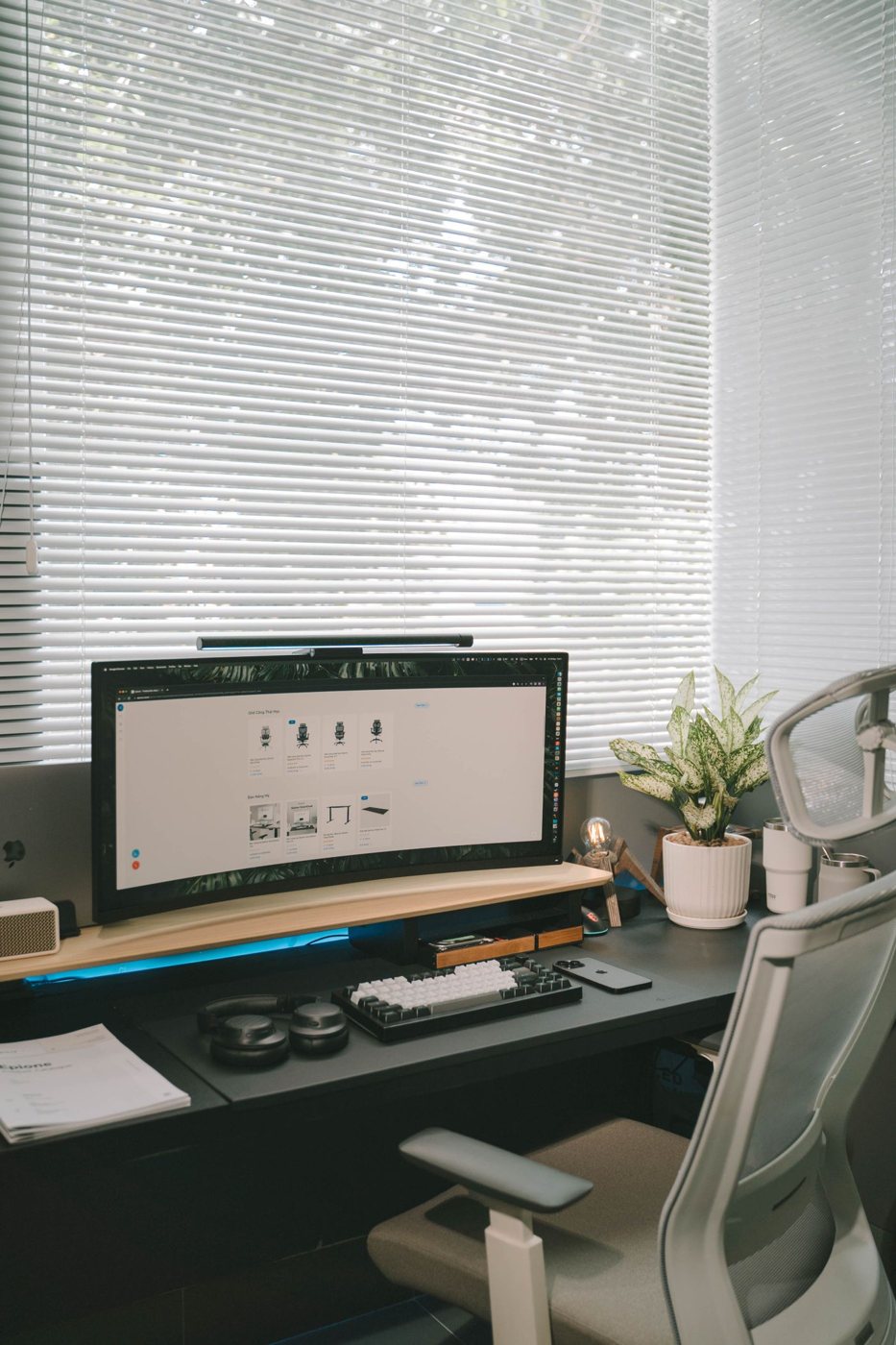
Reducing glare on a work screen
Locate reflections, adjust the room, and test screen settings before buying another display or an add-on filter.