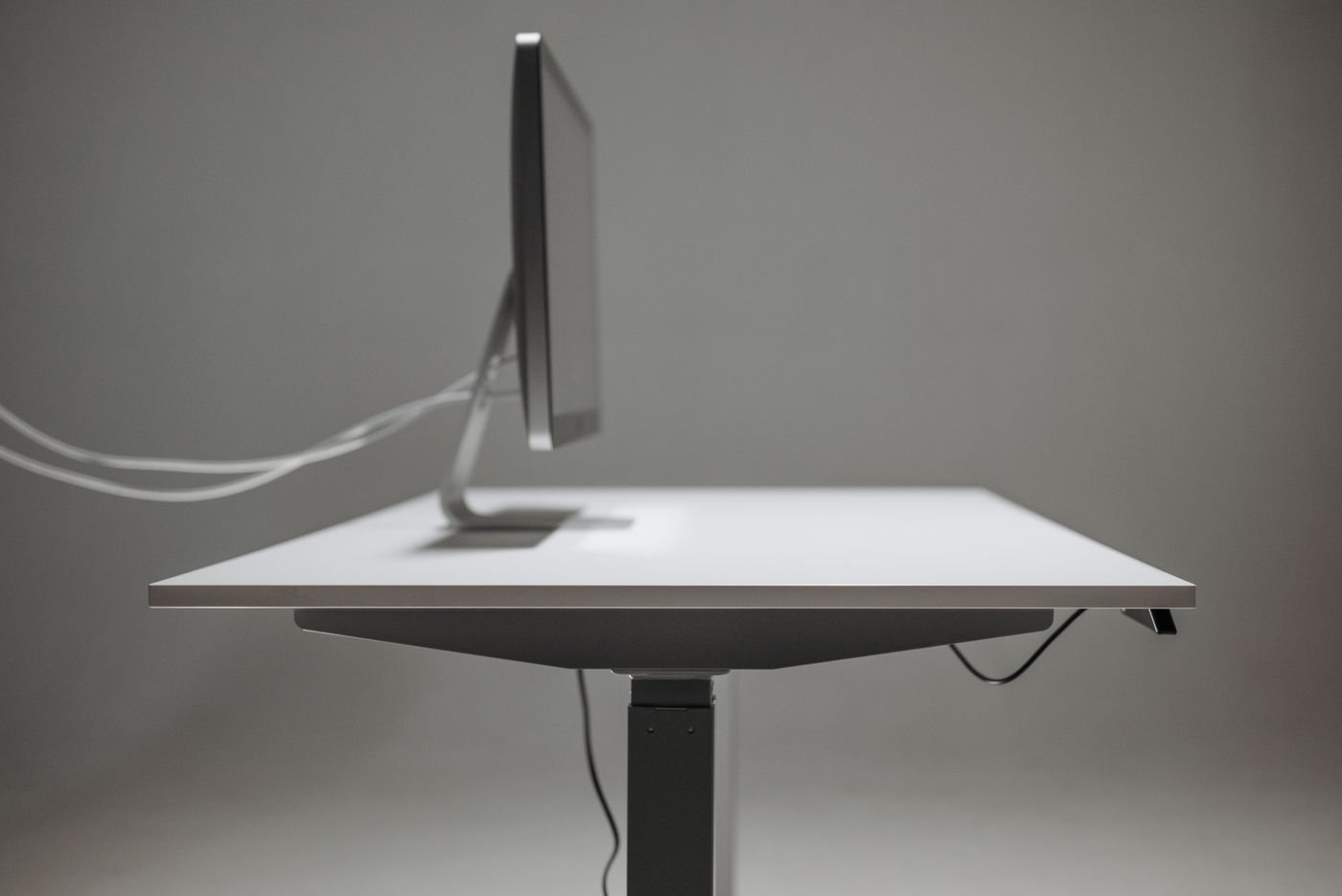
Set your chair and working position before moving the monitor. If you adjust the display while leaning forward or sitting on the edge of the chair, the result may suit a posture you do not actually maintain. Open a document with ordinary text and let that become the reference for the adjustment.
OSHA's workstation guidance emphasizes placing the main monitor ahead of the user and avoiding a position that requires sustained head turning or tilting. Treat this as a starting principle rather than a reason to chase one exact measurement regardless of your vision, glasses, screen size, or task.
Move the content you read most
The physical top edge of the panel is easy to measure, but your attention may sit much lower in an application. Try the height with a browser, a spreadsheet, and a meeting window. If one task requires a different position, consider moving its window before moving the whole screen.
Check distance and scaling together with height. Tiny text can make you lean toward an otherwise sensibly placed display. Increase text or interface size, then see whether the intended distance becomes usable. A display that is too far away cannot always be corrected by raising it.
If you use glasses with different viewing zones, pay attention to whether you lift your chin to find clear text. A lower screen position may be more useful than a generic diagram suggests. Persistent discomfort deserves individual advice rather than repeated furniture changes based on guesswork.
Use a stable adjustment
A height-adjustable stand gives you a straightforward way to experiment. Before buying a riser, check its load rating, platform dimensions, and the monitor base's full contact area. An uneven stack of books can shift when you touch a control or move a cable.
For an arm, verify the monitor's mounting compatibility, supported weight, and the desk attachment requirements. Height range alone is insufficient if the arm cannot place the display at the right distance. Ensure cables have slack throughout the intended movement.
Try the revised position over several normal tasks, taking ordinary breaks and noticing any tendency to tilt or lean. Small adjustments are easier to evaluate than changing the chair, desk, screen, and text size all at once. The aim is a position that supports your usual view without demanding constant correction from your body.


