The guide library
Find the guide for the job.
Browse by topic or search the complete guide collection for an item, connection, or everyday task.
 Computers & screens
Building a complete computer budget
Include the connections, software, backup, and workspace pieces required to make a computer usable from the first day.
 Computers & screens
Checking a monitor stand against your desk
Measure the base, adjustment range, cable space, and remaining work surface before choosing a monitor stand.
 Computers & screens
Setting up a computer shared by a household
Separate accounts, shared files, software access, and maintenance responsibilities on a household computer.
 Computers & screens
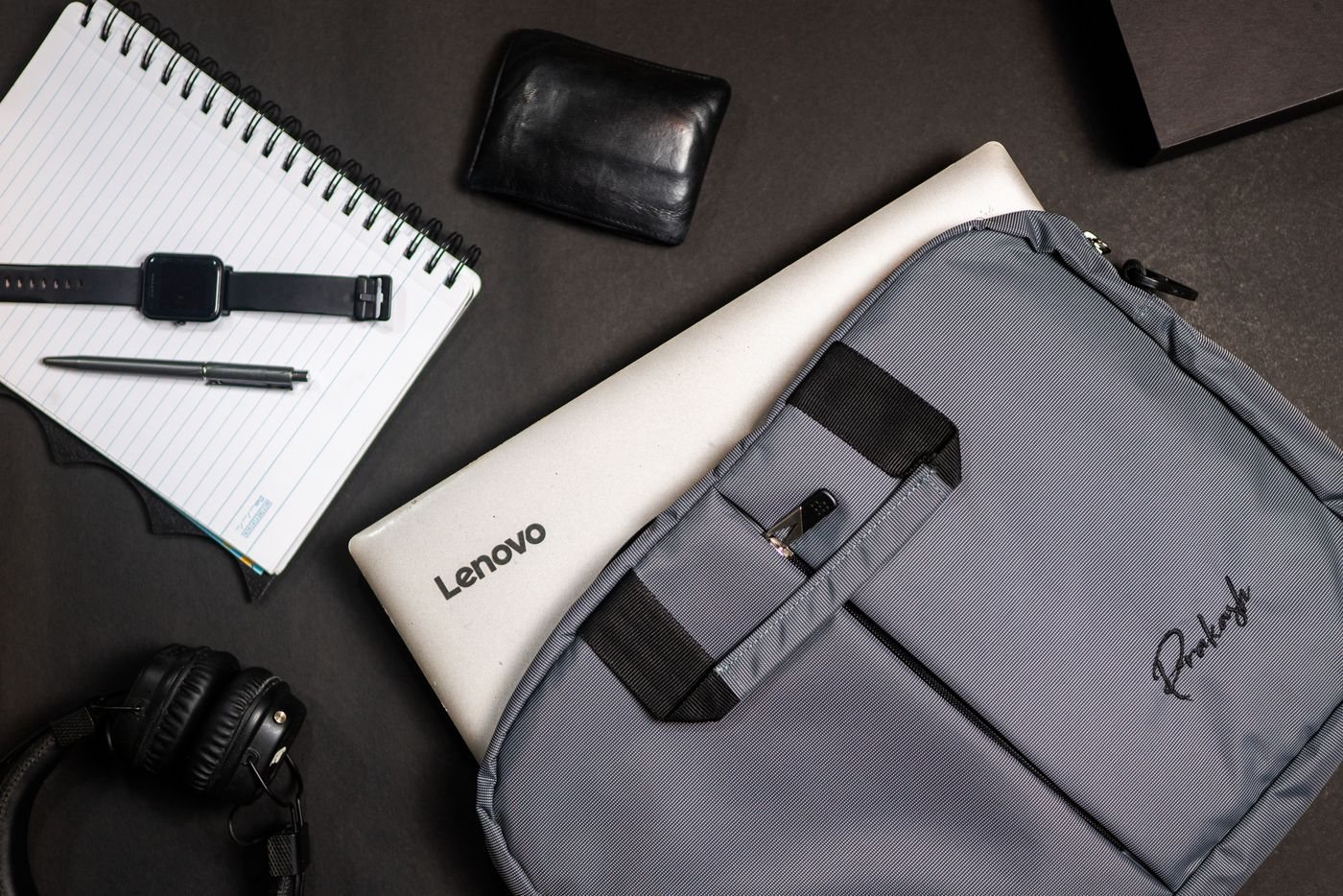
Packing a smaller laptop work kit
Build a travel kit around confirmed tasks and connections, then remove duplicates without losing essential capability.
 Input & meetings
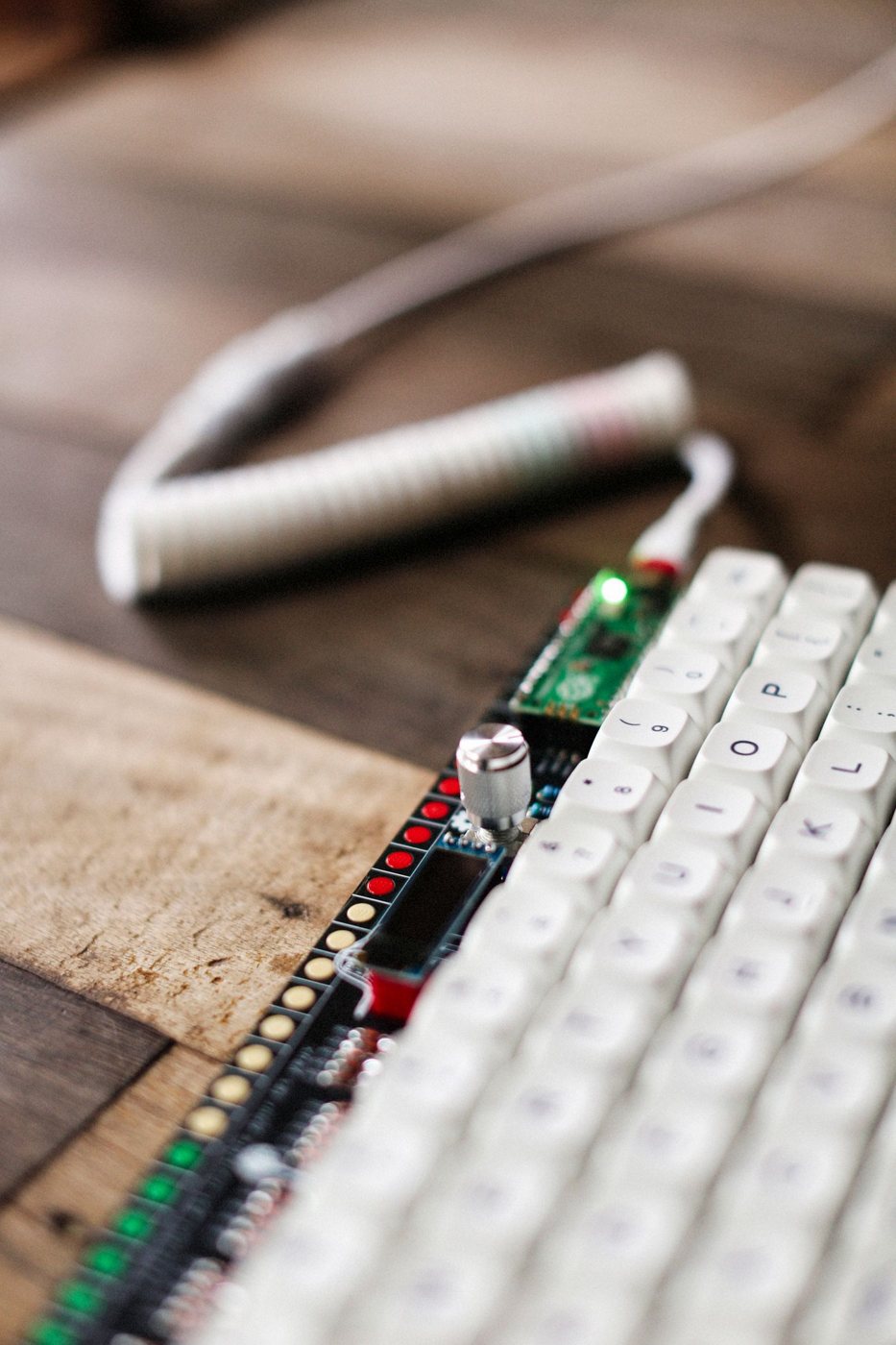
Choosing a keyboard layout you can live with
Check physical key positions, operating-system mappings, and the symbols your work requires before switching keyboards.
 Input & meetings
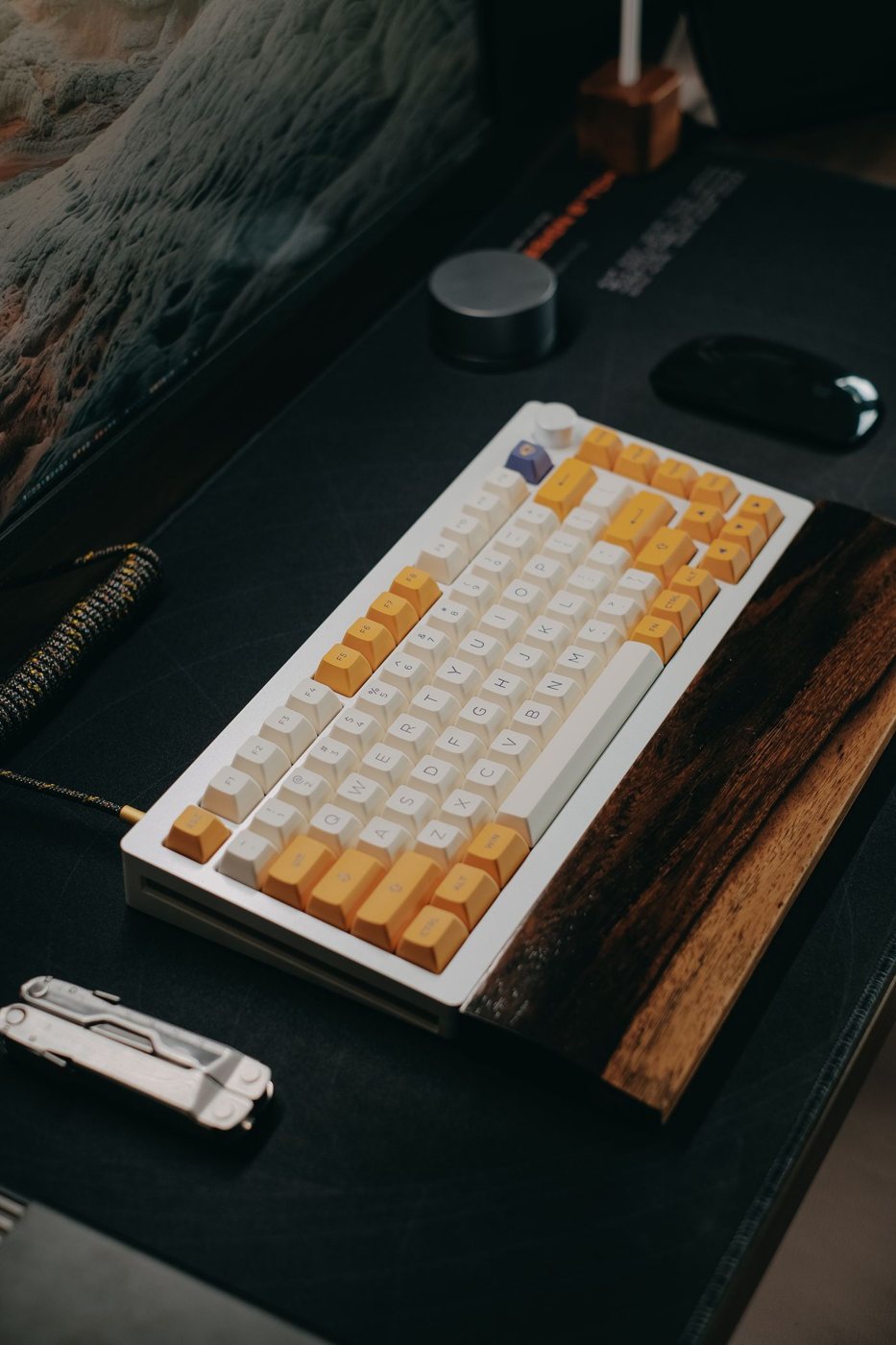
Full-size, compact, or something between?
Choose keyboard width by the keys you use and the space your pointing device needs, not by percentage labels alone.
 Input & meetings
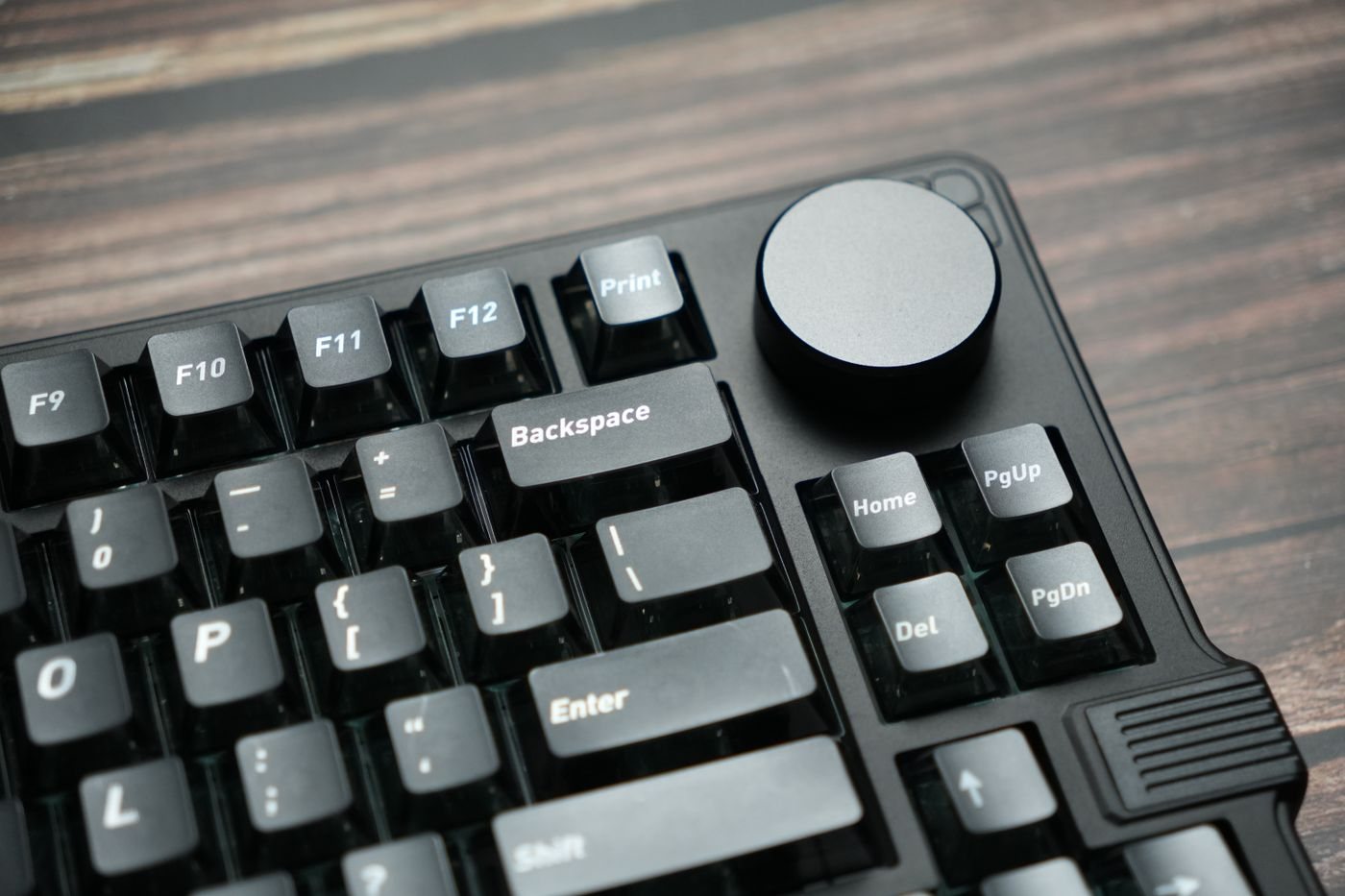
Comparing keyboard feel without relying on labels
Evaluate key resistance, feedback, travel, and the complete keyboard instead of treating switch colors as universal descriptions.
 Input & meetings
Choosing a quieter keyboard for shared spaces
Assess typing sound where it will be heard, including large keys, desk vibration, and microphone pickup.
 Input & meetings
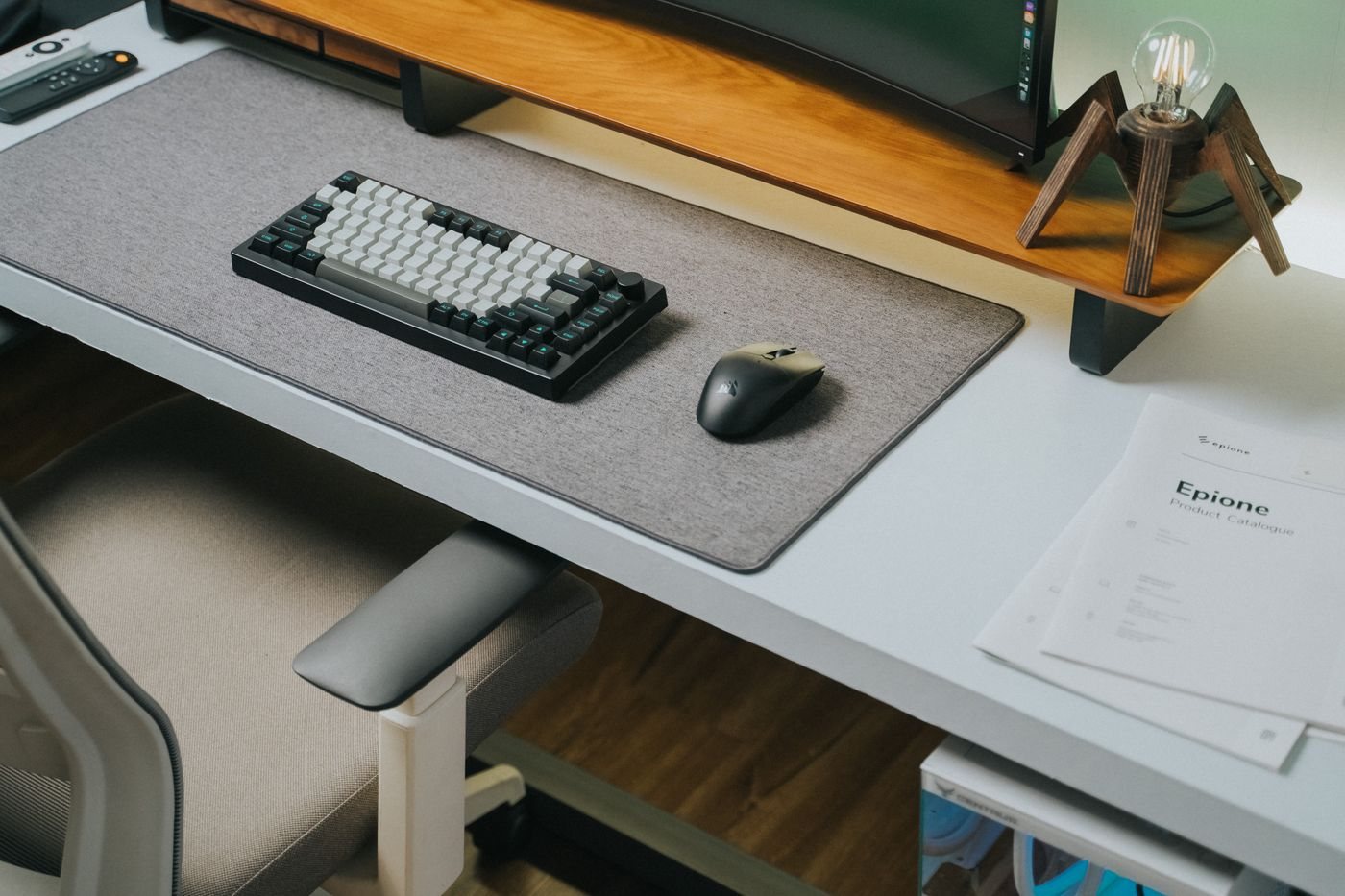
Planning for a wireless keyboard
Check receiver compatibility, Bluetooth behavior, charging, and device switching before removing the keyboard cable.
 Input & meetings
Finding a mouse that fits your grip
Judge mouse shape through pointing, scrolling, and dragging at your desk rather than hand-size labels alone.
 Input & meetings
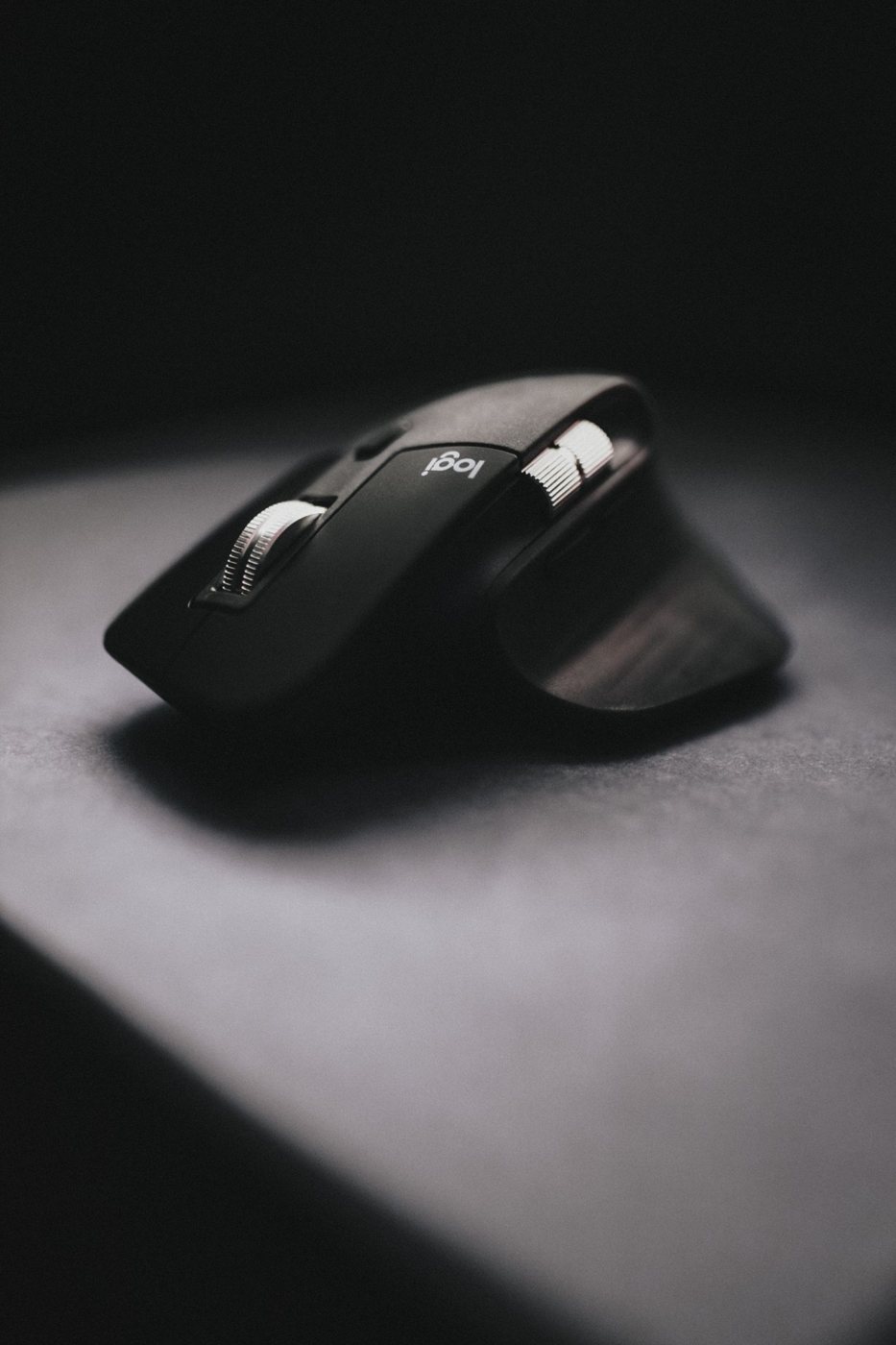
Deciding which extra mouse buttons you need
Assign extra controls to frequent actions and check software, profiles, and accidental activation before choosing a mouse.
 Input & meetings
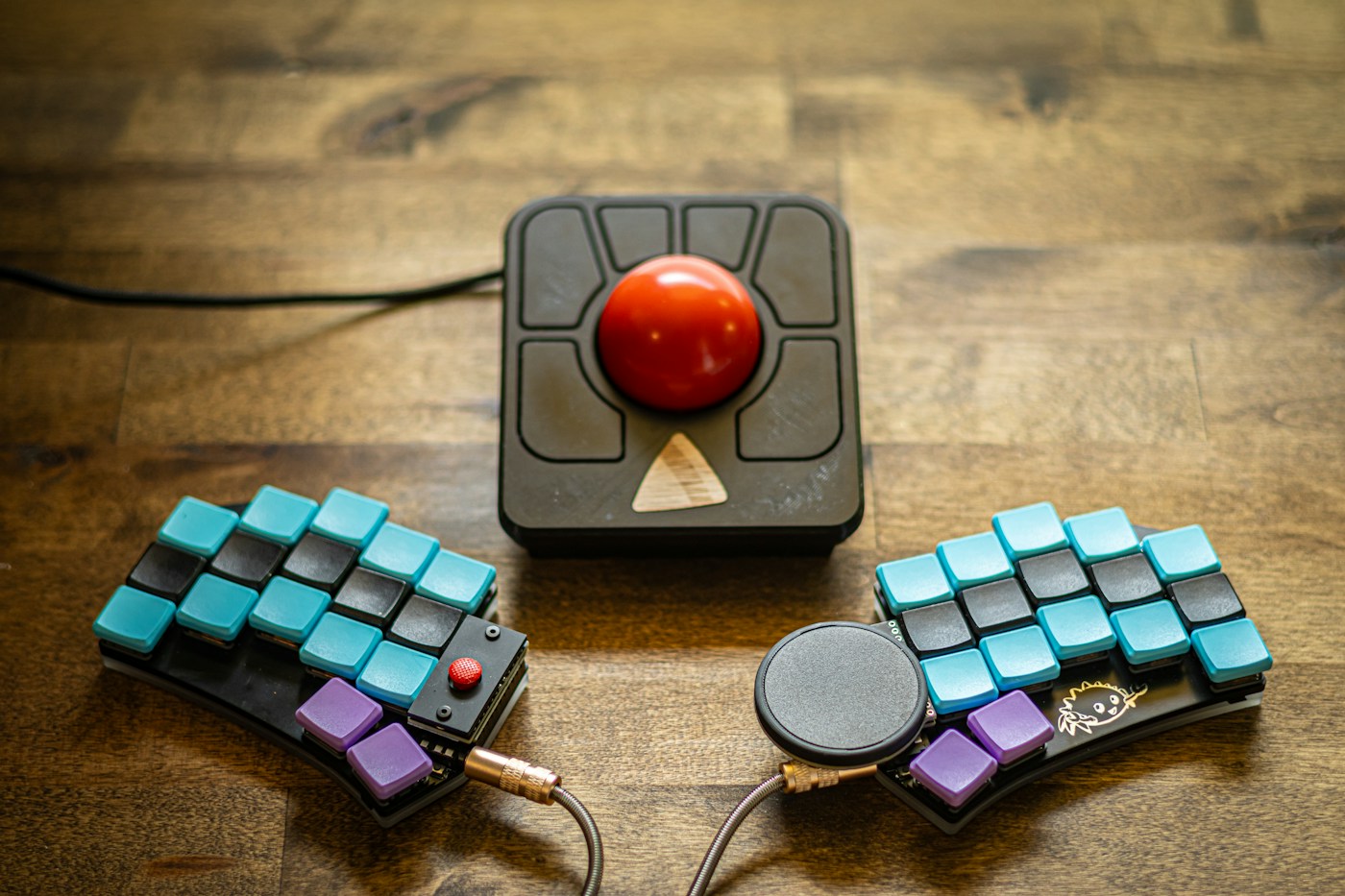
Trying a trackball before changing your setup
Evaluate thumb and finger trackballs with real pointing tasks, placement, and a realistic adjustment period.