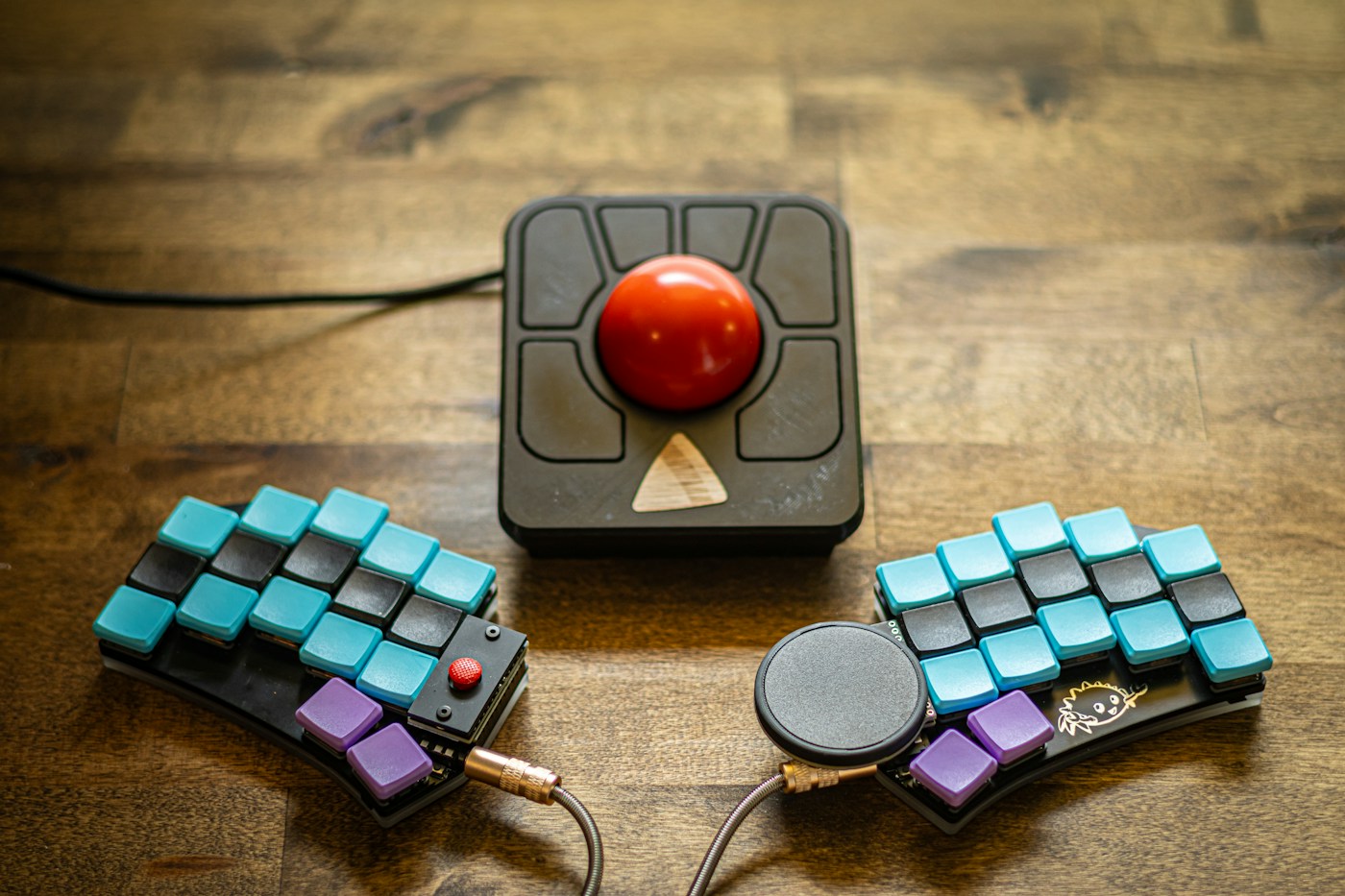
A trackball stays in place while you move a ball to control the pointer. This can be useful where there is little room to slide a mouse, but it changes how you point, click, and drag. Try the movement before assuming the stationary base will suit every task.
Compare the control styles
Thumb-operated and finger-operated designs place the work on different parts of the hand. Their button arrangements can also differ substantially. Rest your hand naturally and check whether you can move the ball while reaching the primary buttons without stretching.
Try a selection of tasks: click a small icon, select text, drag an object, and scroll a long page. Drawing a precise curve may expose different demands from navigating a browser. Judge the device on the work that matters to you rather than a brief impression of smooth movement.
Adjust pointer speed gradually. A setting copied from a conventional mouse may feel unsuitable. Too much sensitivity can make small targets difficult, while too little can require repeated ball movement to cross a large display. Keep notes if you change several settings during the trial.
Plan a reversible transition
Keep the existing mouse available during the learning period. Switching an unfamiliar input device immediately before a deadline makes it hard to tell whether the device is unsuitable or simply new. Use the trackball for routine work first and expand the trial as control improves.
Check software support for any special buttons or scrolling modes. A device may provide basic pointing without its configuration utility, while customization requires a supported application. This matters on work computers where installations are restricted.
The base needs a stable position close enough to reach comfortably. Being stationary does not mean it can be placed anywhere on the desk. Check that the keyboard does not force it far to the side and that its shape does not interfere with nearby equipment.
Read the manufacturer's cleaning instructions for the ball and support points. Avoid applying lubricant or removing parts in an undocumented way. Changes in smoothness can come from dirt rather than a need to alter pointer settings.
A trackball is an alternative input method, not a guaranteed remedy for pain. Stop if use causes worsening discomfort and seek appropriate advice when needed. Keep it if the real tasks become easier and the arrangement fits your space; the reduced movement across the desk is useful only when control remains comfortable and predictable.