Keyboard size changes the relationship between typing and pointing. A wide board places more keys within reach but can push the mouse farther to the side. A compact board frees space while moving some functions into layers or combining them with other keys.
Start with a week of your own tasks. Note whether you use the number pad, function row, navigation cluster, and dedicated arrow keys. The right answer for regular data entry may differ from the answer for writing and browser work.
Look past the size label
Terms such as compact and percentage descriptions do not fully specify a layout. Two similarly described keyboards can place arrows or Delete differently. Compare the actual key diagram, width, and spacing rather than assuming the label guarantees a familiar arrangement.
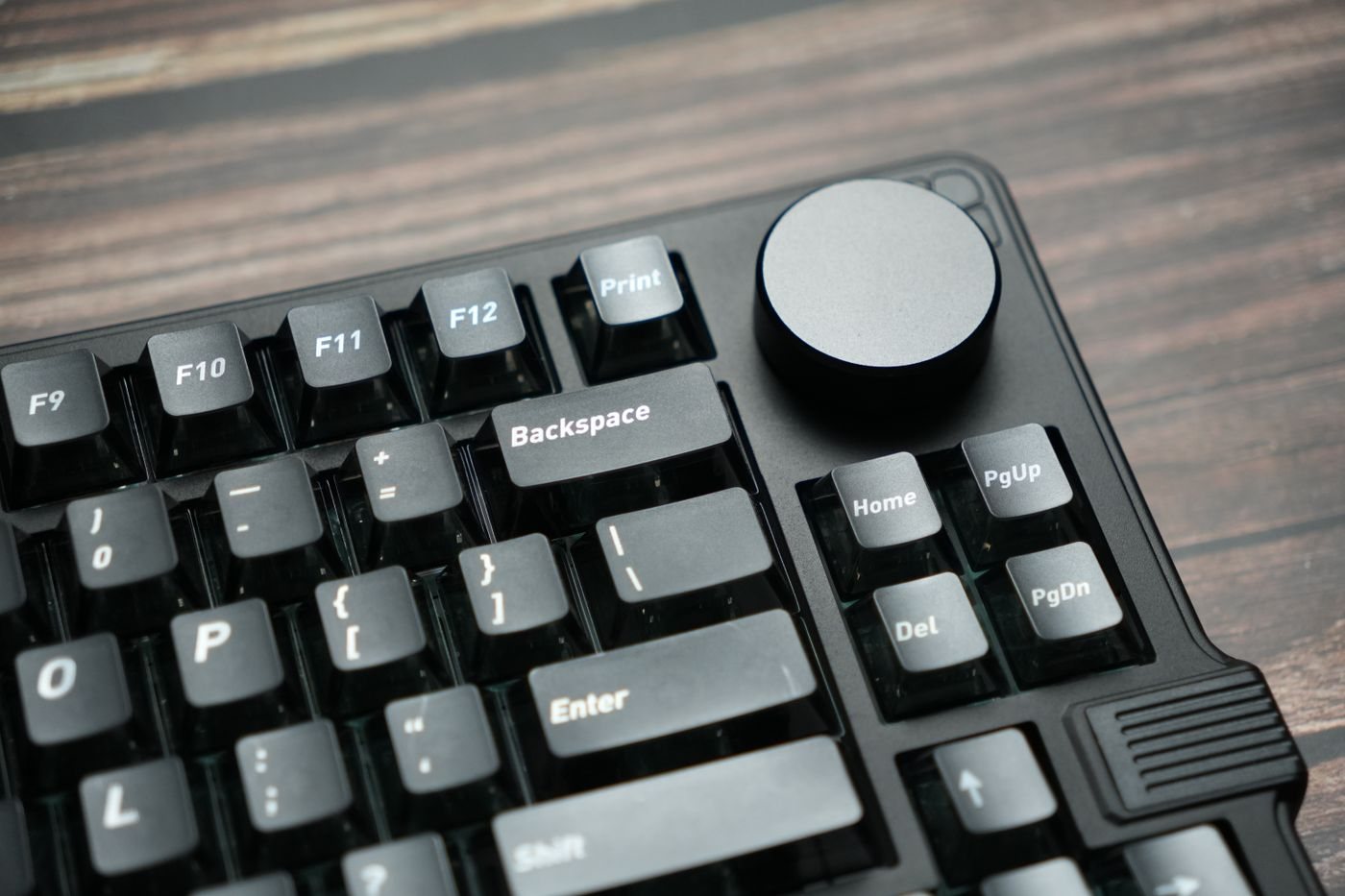
A tenkeyless board removes the number pad while often retaining other groups. Smaller designs may also reduce navigation keys or move function keys into a secondary layer. Check the exact combinations used for actions you perform repeatedly, including keyboard shortcuts that already require several modifiers.
If numeric entry is occasional, a separate number pad can be stored until needed. Include its size and connection in the plan, however. A compact keyboard plus a permanently attached pad may occupy as much space as the board it replaces.
Measure the working position
Mark the proposed keyboard's width on your desk and place the mouse beside it. Align the typing area with your working position, not necessarily the outer edges of the keyboard case. This can reveal why a full-size board feels offset even when its enclosure is centered beneath the screen.
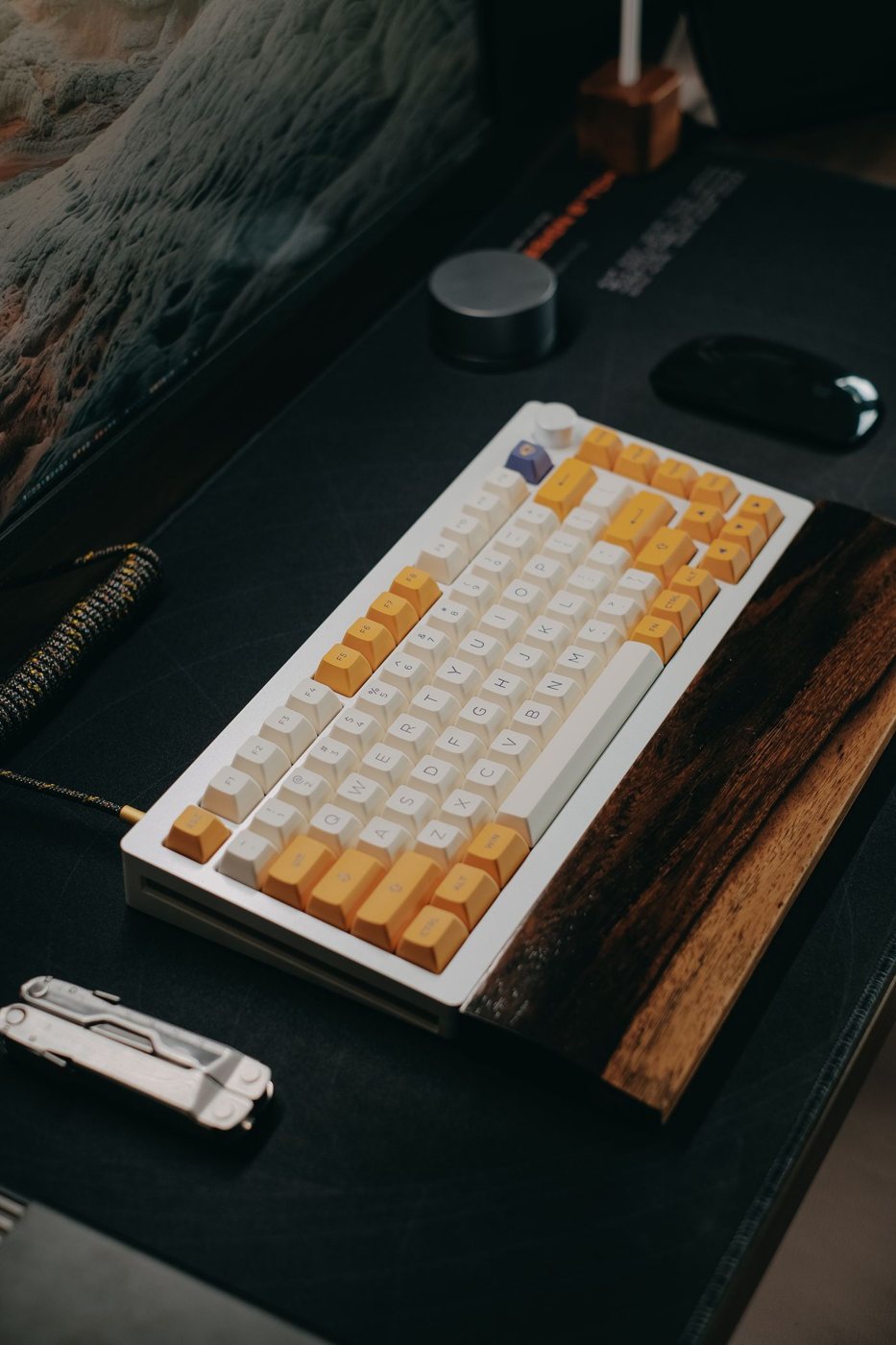
Check desk depth as well as width. A tall or deep keyboard may leave less space for papers, and a wrist support adds another dimension. Do not assume a smaller key count means a smaller overall footprint; case borders and accessory rests vary.
For travel, test whether the keyboard fits the bag without pressure on keys or connectors. A detachable cable can simplify packing, but make sure it is a supported connection and that the socket is protected.
Try the chosen size with a real document and spreadsheet before changing your entire setup around it. Count repeated inconveniences rather than celebrating the amount of empty desk. A slightly wider board that preserves essential keys can be a better fit than a minimal one that forces you to relearn a shortcut every time you use it.