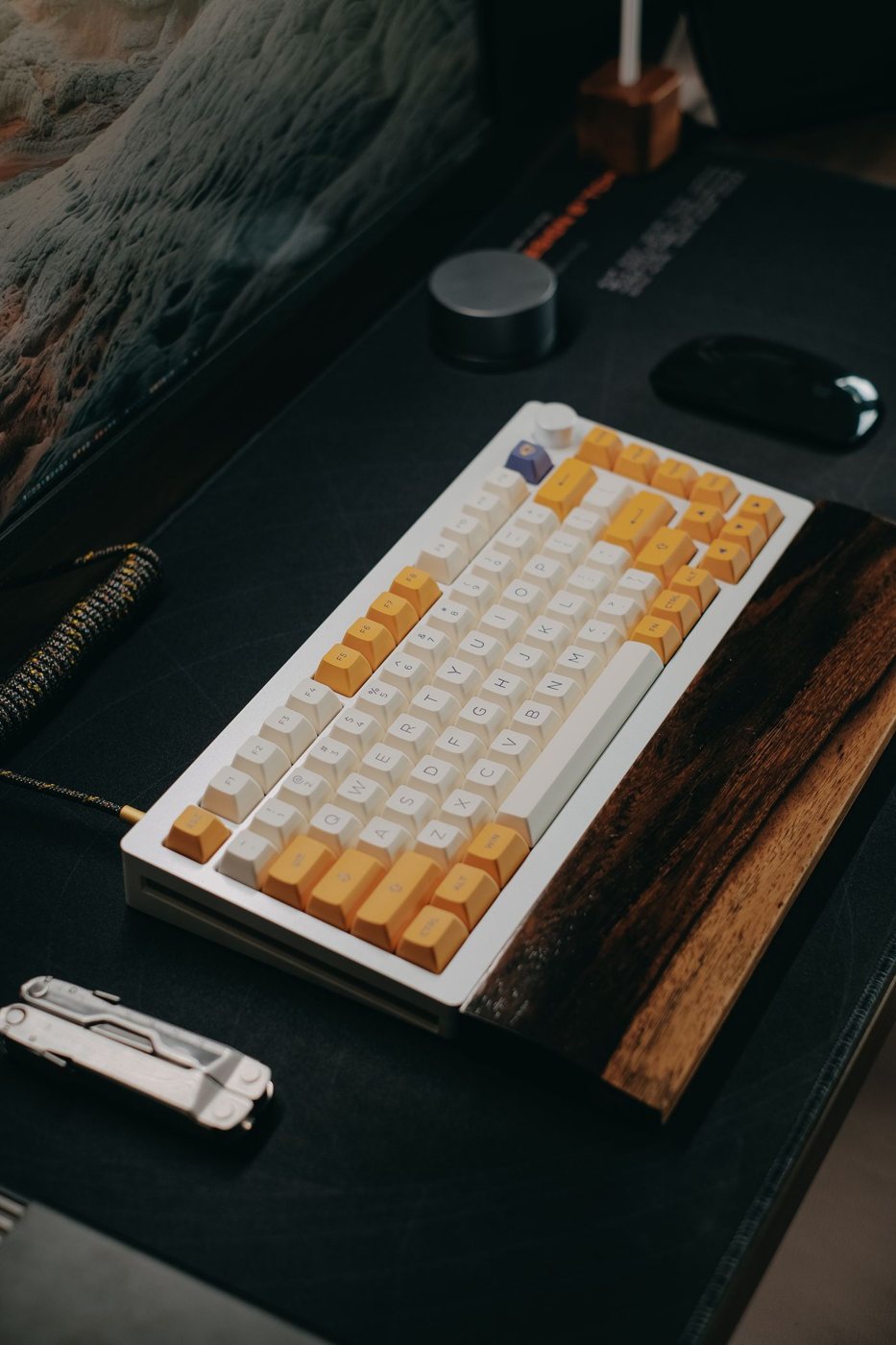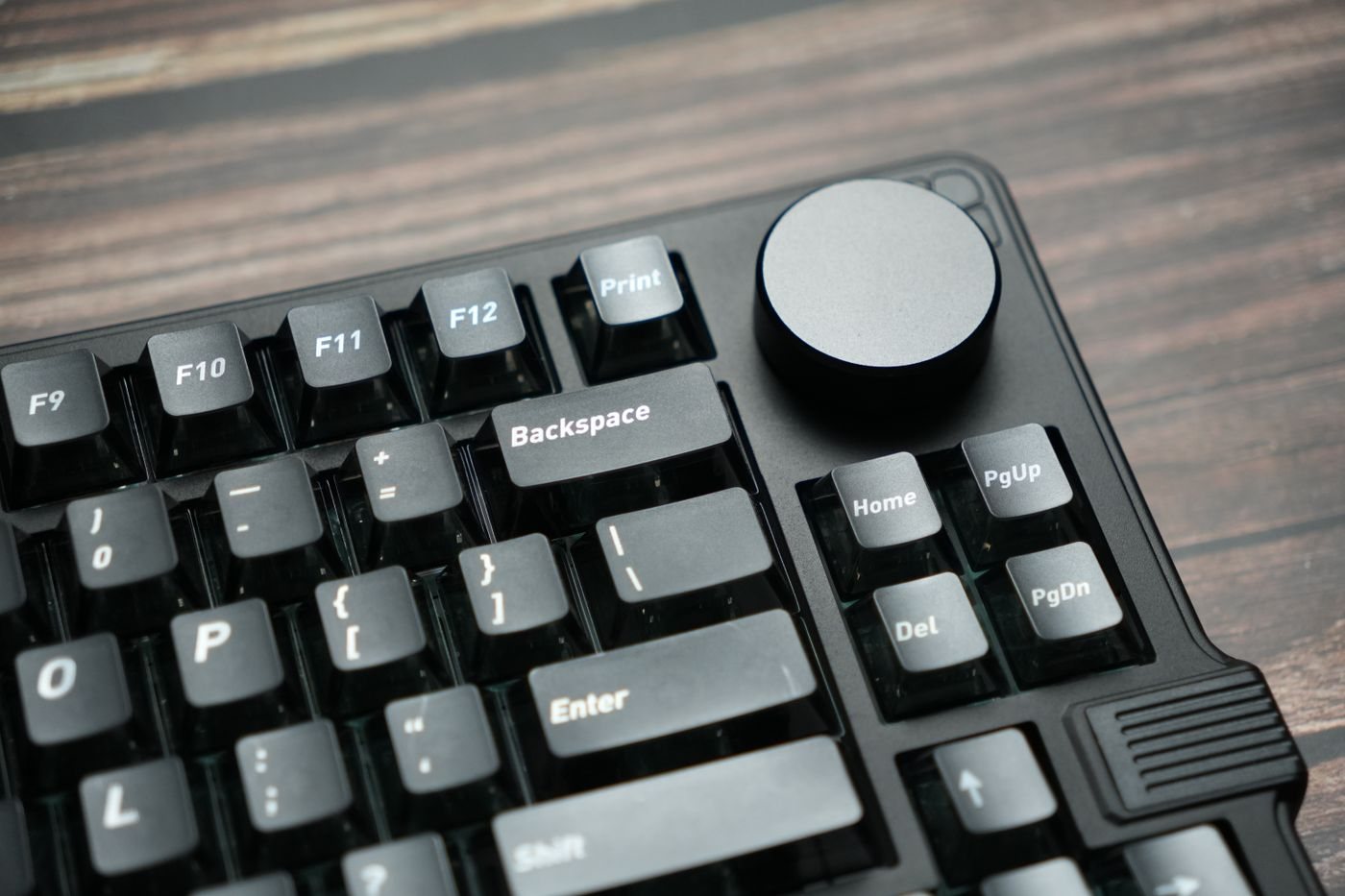
Before buying a keyboard, notice which keys you use without looking. Enter, Backspace, the arrow cluster, and the modifiers around the spacebar can be more important to daily comfort than a product's appearance. A layout change is easiest to evaluate against those familiar movements.
Separate physical shape from language mapping
The arrangement printed on the keys and the layout selected in the operating system are related but distinct. A keyboard can physically connect while producing unexpected punctuation because the system uses another mapping. Check both the purchased layout and the input-language setting.
Compare photographs of the exact regional version. Enter-key shape, the position of backslash, and the size of the left Shift key can vary. A retailer's generic picture may not represent the unit shipped. If you write code, enter financial figures, or use many symbols, inspect the keys involved in that work.
For switching between Windows and macOS, look at modifier labels and any supported mode selector. Some boards provide alternate keycaps or automatic mapping, while others require software or manual configuration. Confirm whether your shortcuts behave as expected without an application you cannot install on a managed computer.
Try actions, not just typing
Write a paragraph, correct mistakes, navigate a spreadsheet, and use your frequent shortcuts. Pay attention to any key that has moved into a function layer or become unusually small. A compact design may be acceptable if the relocated action is rare, but irritating if it interrupts every few minutes.
Check function-key behavior too. Media controls and application shortcuts can share the same row, and the default may differ from your existing board. Look for a documented way to change that default if it matters.
If several people share the computer, avoid a layout that only one person understands unless switching is straightforward. A familiar physical arrangement may be more useful than extensive customization. Keep any remapping documented and avoid assigning a surprising action to a common key.
Use the return period for ordinary work rather than judging from a short typing test. Some changes become natural quickly; others keep causing errors in a specific task. The right layout is the one whose compromises fit your work, including punctuation and navigation, not simply the one that looks most compact or modern on a desk.