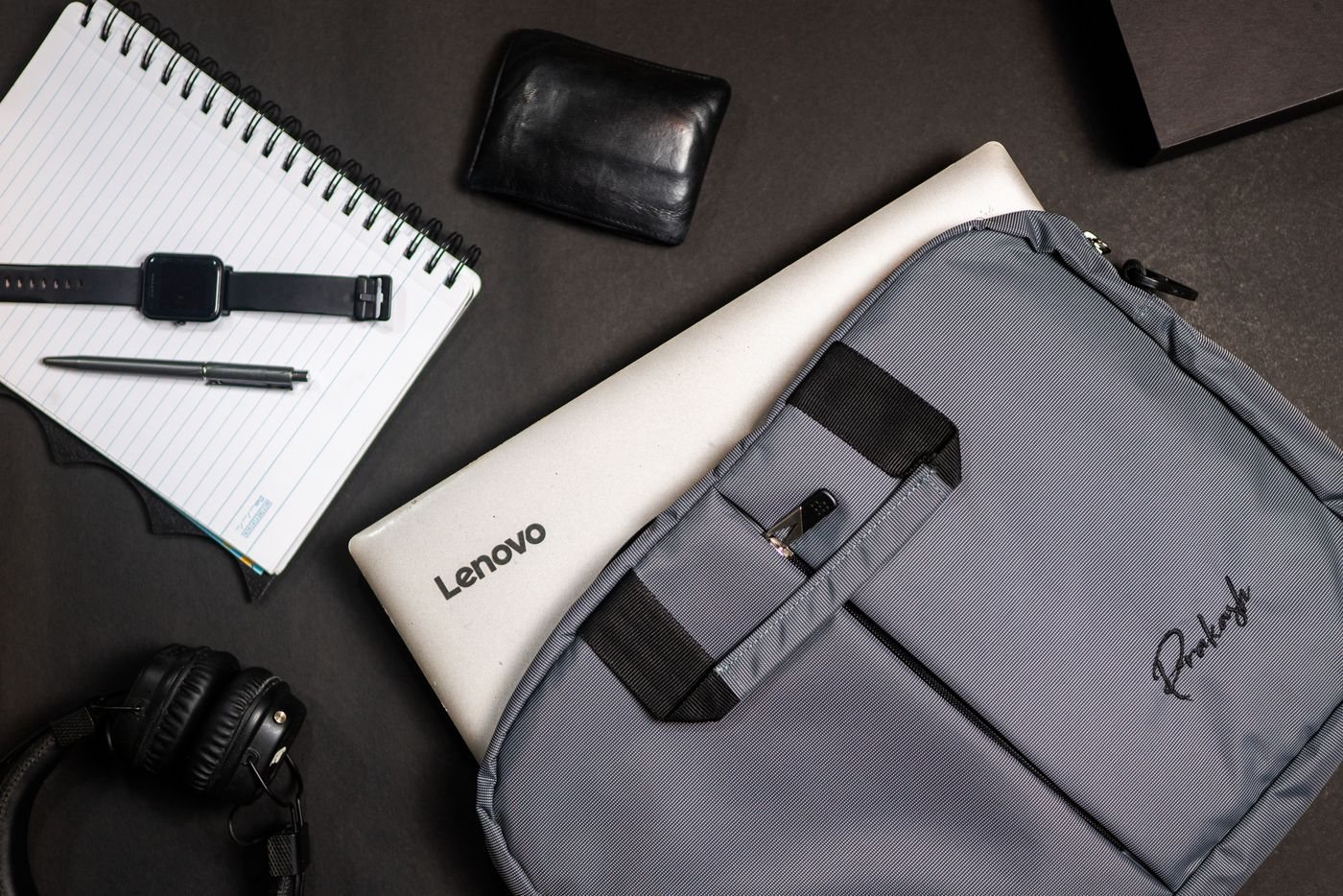
Lay out everything from the laptop bag and give each item a job. A charger keeps the computer running, a headset handles calls, and a specific adapter connects to a destination display. If you cannot name when an item will be used, it belongs on a separate optional list rather than automatically returning to the bag.
Pack for the destination
Check the connections available at the places you regularly work. A confirmed HDMI input calls for a different preparation than a room whose equipment is unknown. For an important presentation, ask about the setup in advance and keep a copy of the material that can be opened without relying on an unfamiliar network.
Choose a charger that is approved or documented as suitable for your laptop, and check its behavior when powering several devices. A multiport charger's total rating does not necessarily describe what one port provides while the others are occupied. Include cables with the required charging and data capabilities.
Do not carry several adapters that perform the same task unless redundancy is justified by the trip. On a routine commute, leaving an appropriate charger or mouse at a regular desk may reduce bulk. On a one-off assignment, a small tested spare for a critical connection may be worth carrying.
Keep the kit easy to inspect
Use a pouch that lets you see whether the required cables are present. Label visually similar cables by function if their capabilities differ. Coiling them loosely and avoiding pressure on connectors helps keep the kit organized without creating tight bends.
Think about setup order. The items needed first should be reachable without emptying the bag. A headset buried beneath a power brick can make a quick call awkward, while a loose tiny receiver is easy to lose. Use the accessory's storage slot or a dedicated pocket where available.
Prepare the computer as carefully as the bag. Download files you need offline, verify application access, and make a backup before departure. An adapter collection cannot compensate for a document that exists only behind an unavailable connection.
After the trip, review what you used and what was missing. Remove items that repeatedly travel without a purpose, but distinguish unused contingency equipment from unnecessary clutter. A smaller kit comes from knowing the work and testing the connections, not from leaving behind a charger or cable whose absence would prevent the task entirely.


