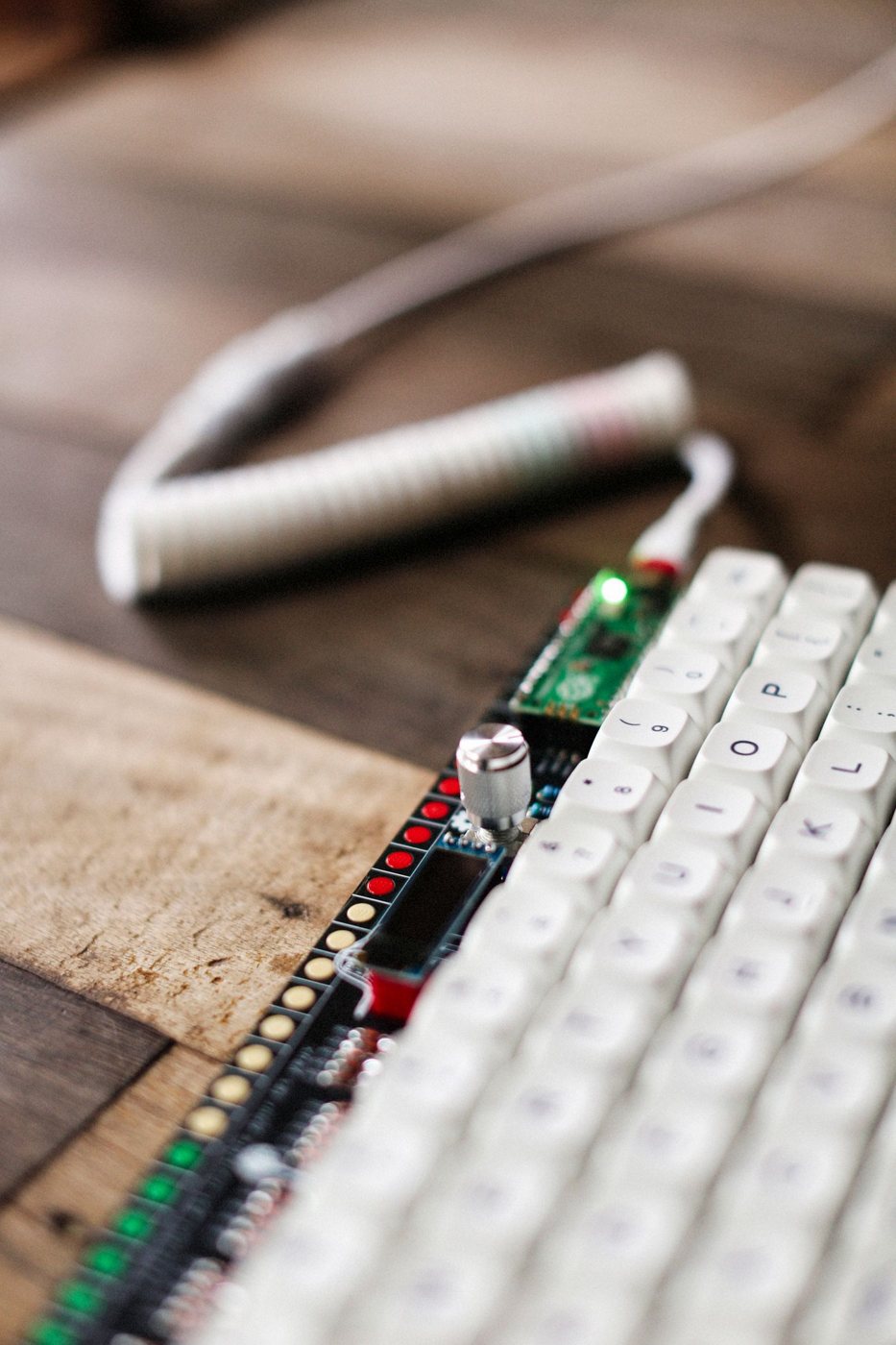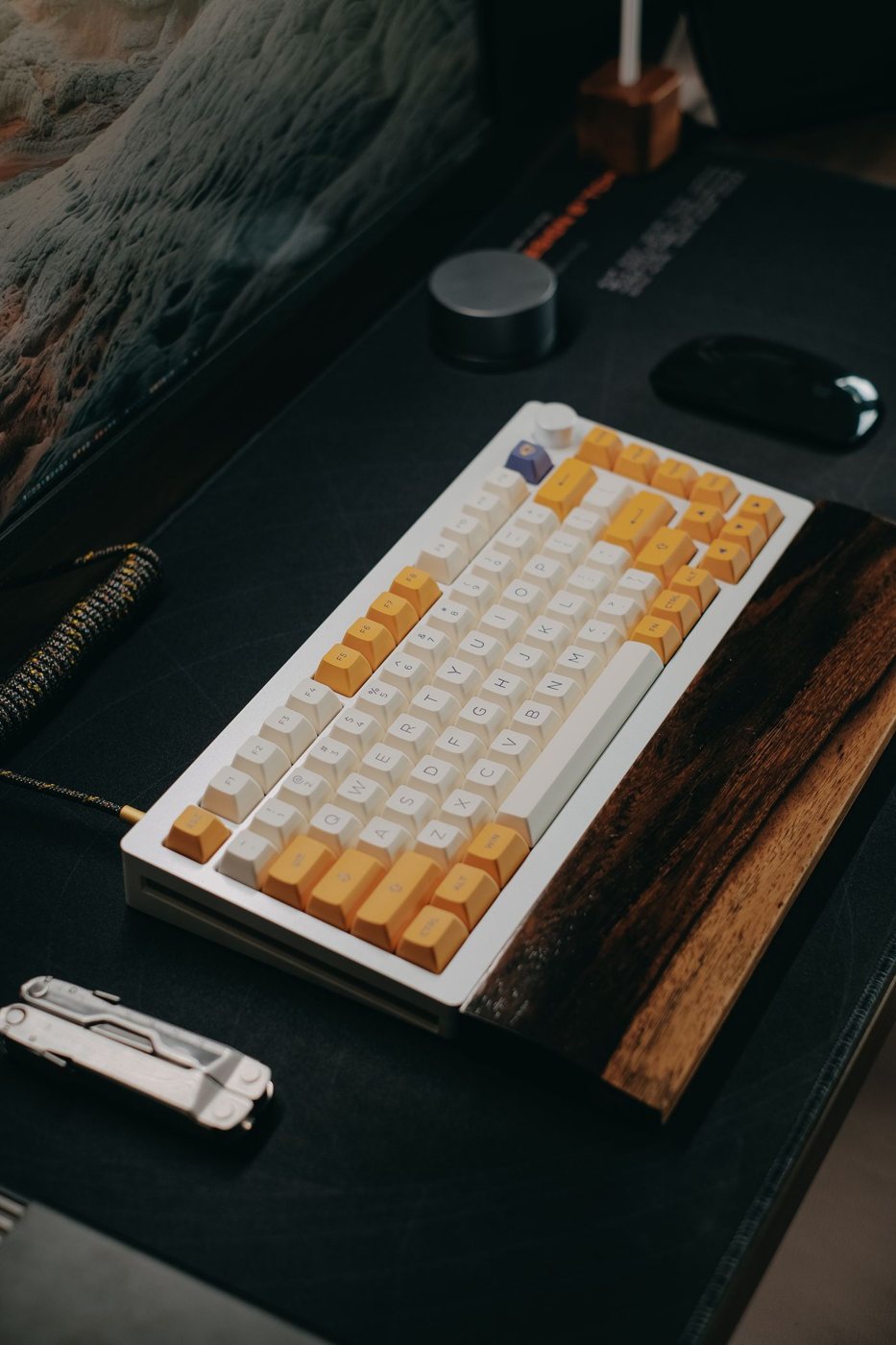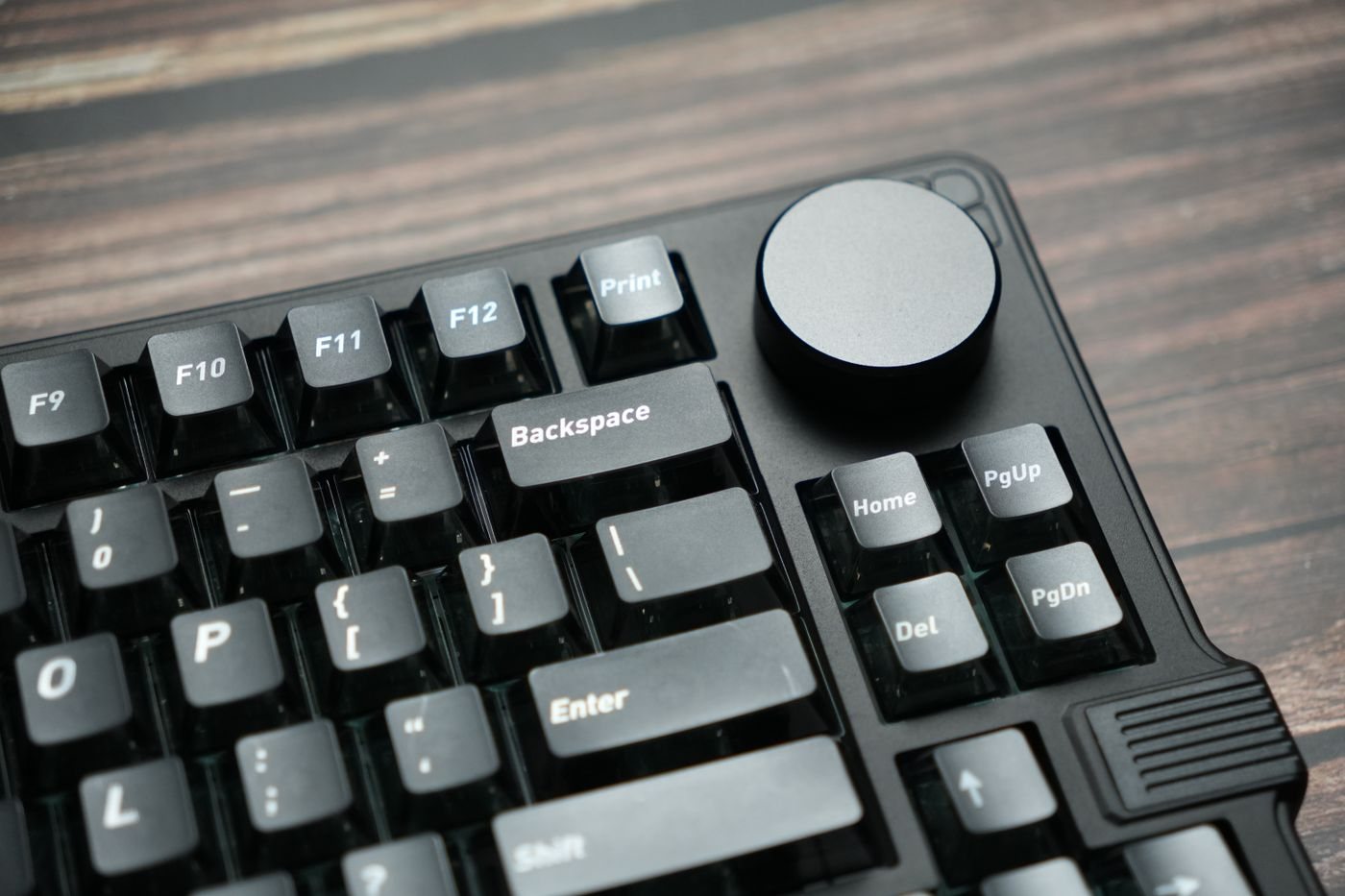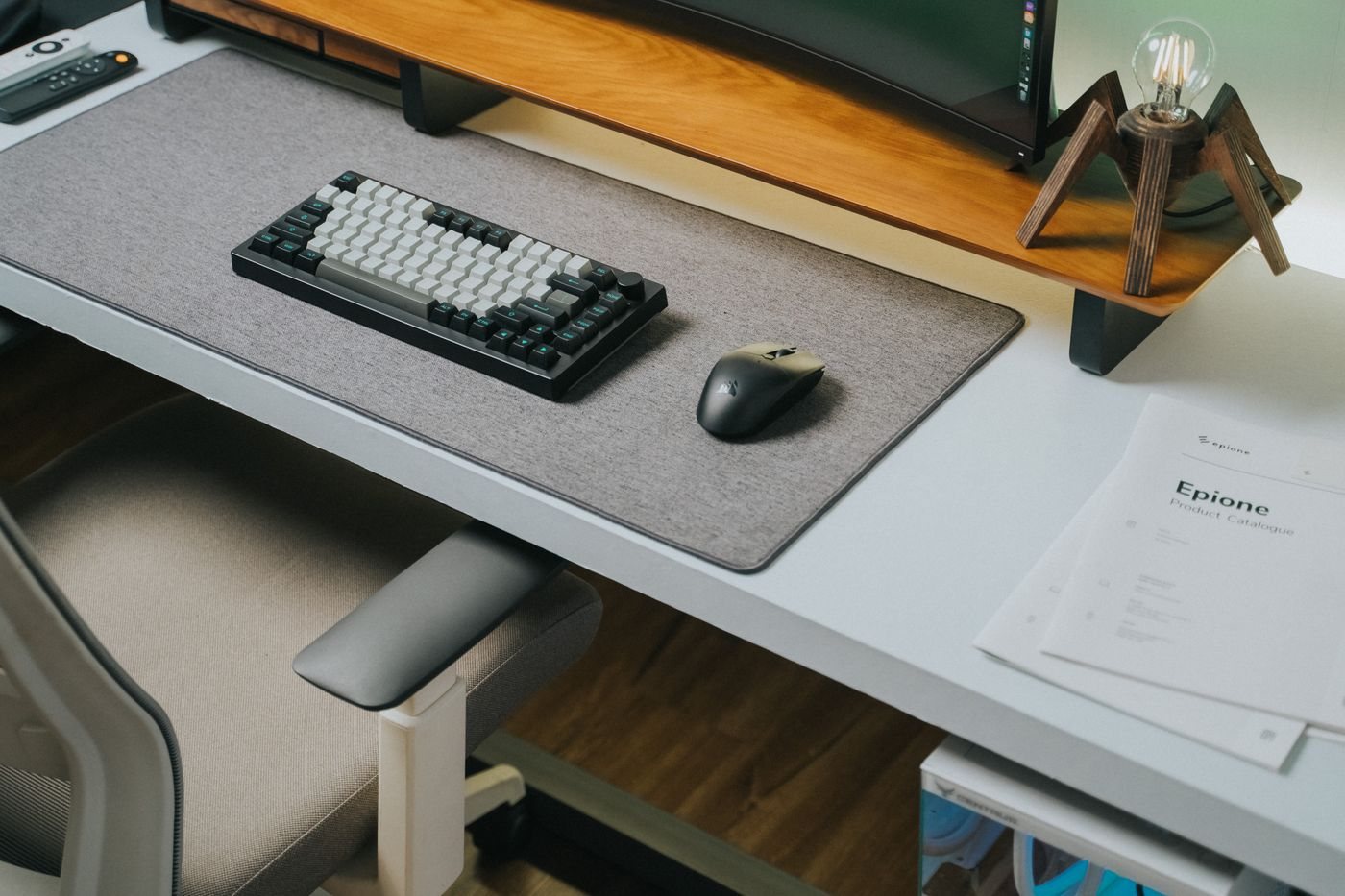
A wireless keyboard removes one cable from the desk but introduces a connection and power routine. Decide where it will be used, which computers it must control, and how you will recover if the connection or battery fails during an important task.
Know which wireless connection you are buying
Some keyboards use Bluetooth, some use a dedicated USB receiver, and some support both. Verify the exact model rather than assuming a brand name describes the connection. A receiver occupies a port but may simplify moving the keyboard between compatible computers.
Receiver families are not automatically interchangeable. Logitech explicitly states that Logi Bolt and Unifying products cannot pair with each other's receivers. Check the symbol or model information when replacing a lost receiver or combining a keyboard and mouse.
Bluetooth support also needs to suit the computer and its operating environment. If you need the keyboard before normal sign-in, during recovery, or inside a managed setup, confirm that scenario with the manufacturer or your support team. Keep a suitable wired option available if those situations are important.
Make device switching deliberate
A keyboard that remembers several computers can be convenient, but the switching control should be easy to recognize. Test the indicator and delay before typing sensitive information. A remembered connection is not useful if you repeatedly send text to the wrong computer.
Check whether function keys and modifiers change with the operating system. If configuration software is required, verify that it is supported and permitted on every computer involved. Basic typing may work even when advanced shortcuts or battery information do not.
For power, distinguish replaceable batteries from an internal rechargeable pack. Read the charging instructions and determine whether the keyboard can type while charging. A USB socket may be only for power, so do not assume connecting a cable creates a wired data connection.
Choose a routine that fits use: keep approved spare batteries in a known place or charge during a predictable interval. Battery-life claims depend on settings and use, especially features such as backlighting, so observe your own pattern.
During setup, test reconnecting after sleep, switching devices, and typing in the applications you rely on. A wireless keyboard succeeds when it makes the desk easier to use without adding uncertainty about which computer is listening or whether the next session will begin with a battery search.