The guide library
Find the guide for the job.
Browse by topic or search the complete guide collection for an item, connection, or everyday task.
 Files & workflow
Naming document versions without confusion
Use version labels to distinguish working drafts, approved releases, and later revisions without relying on repeated final labels.
 Files & workflow
Taking meeting notes that lead to action
Capture decisions, owners, and unresolved questions in meeting notes that remain useful after the conversation ends.
 Files & workflow
Choosing one place to capture new tasks
Choose a dependable place for new commitments, then turn captured fragments into actions during a regular review.
 Files & workflow
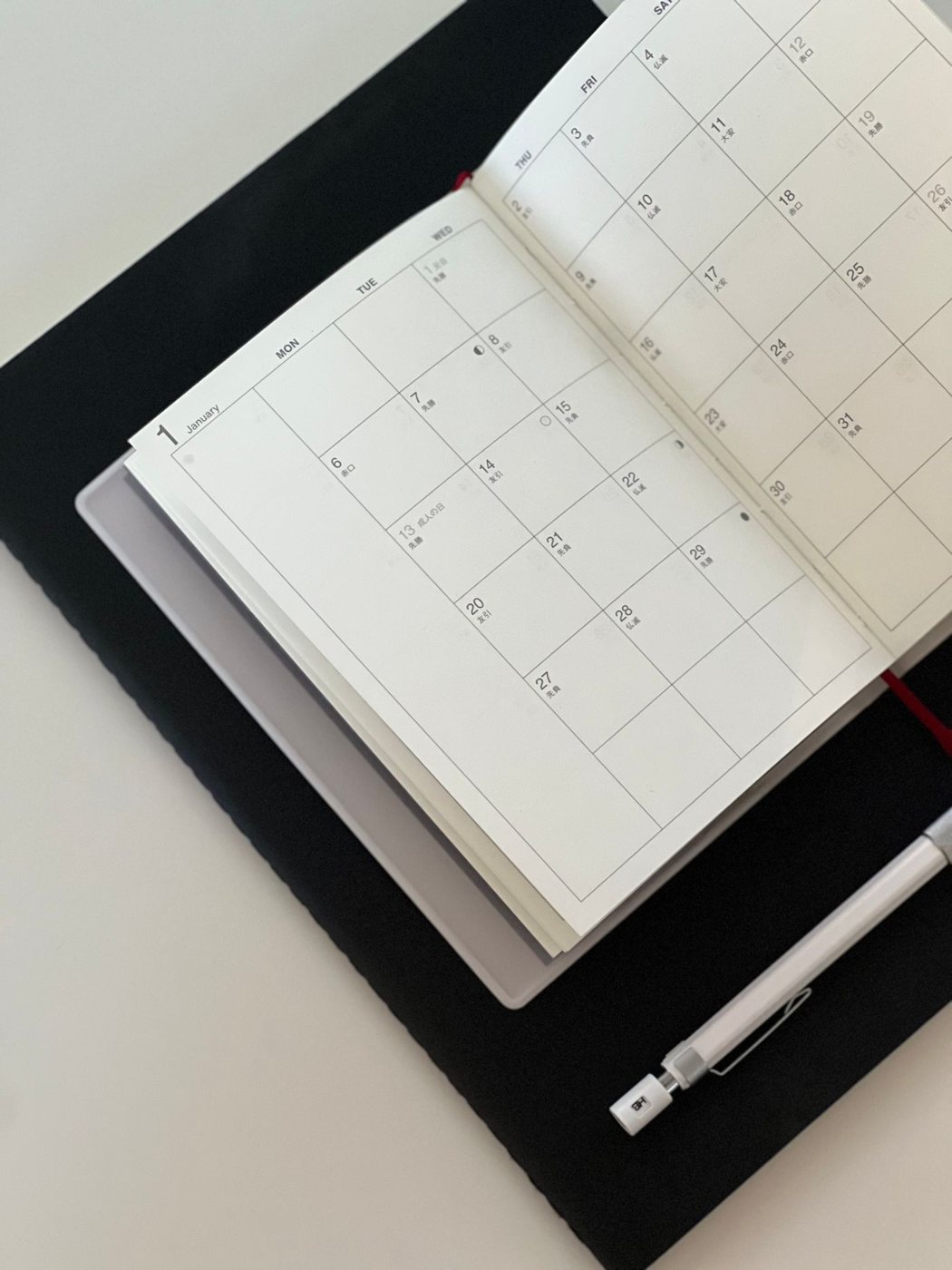
Using calendar blocks without overplanning
Reserve time for specific work while leaving space for uncertainty, interruptions, and tasks that finish differently than expected.
 Files & workflow
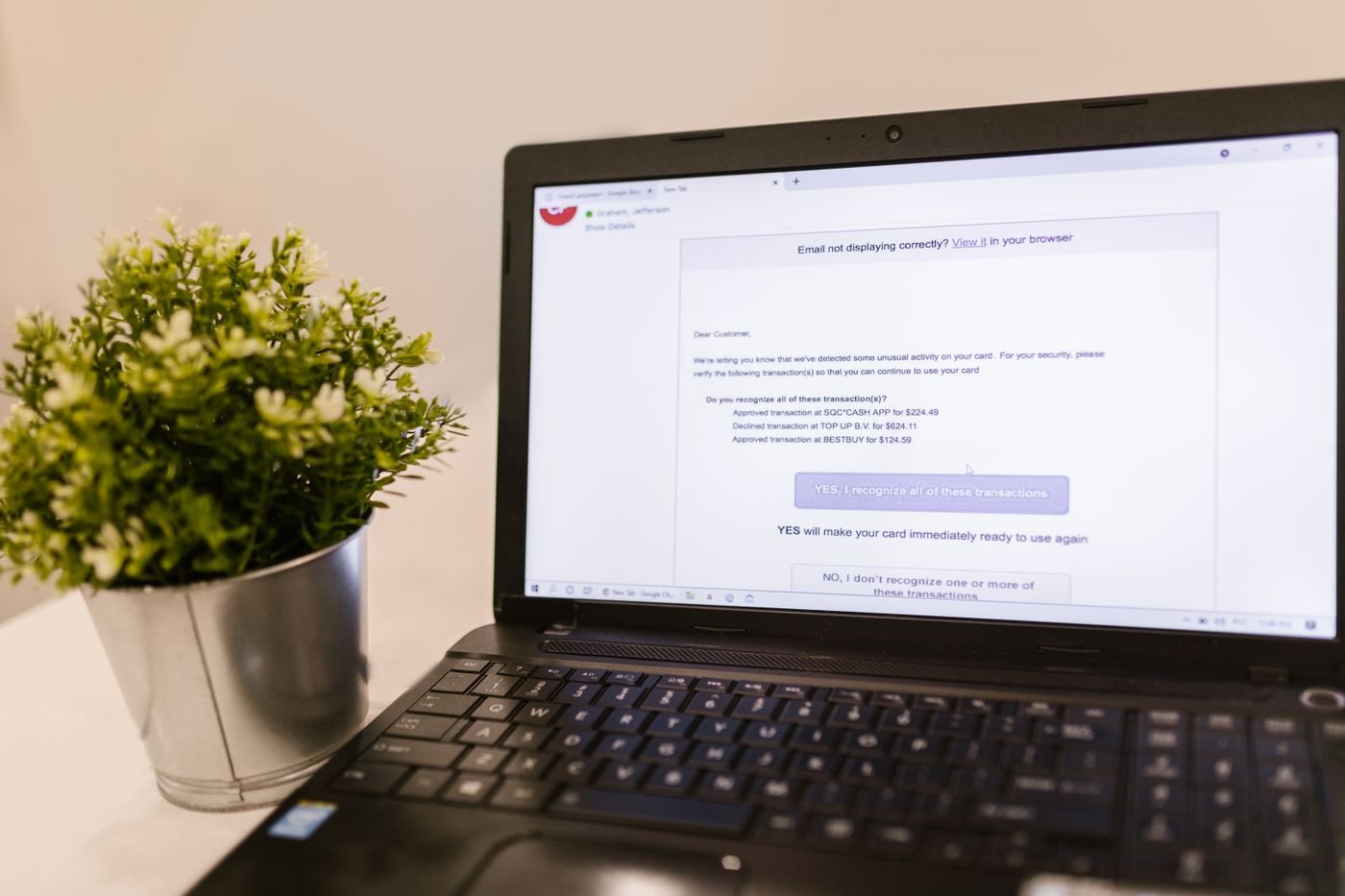
Keeping email attachments linked to their context
Keep important attachments together with enough message context to understand who sent them, why they matter, and which copy to use.
 Files & workflow
Organizing a growing collection of PDFs
Organize PDFs by subject and purpose, with filenames and search checks that make both scanned and digitally created documents findable.
 Files & workflow
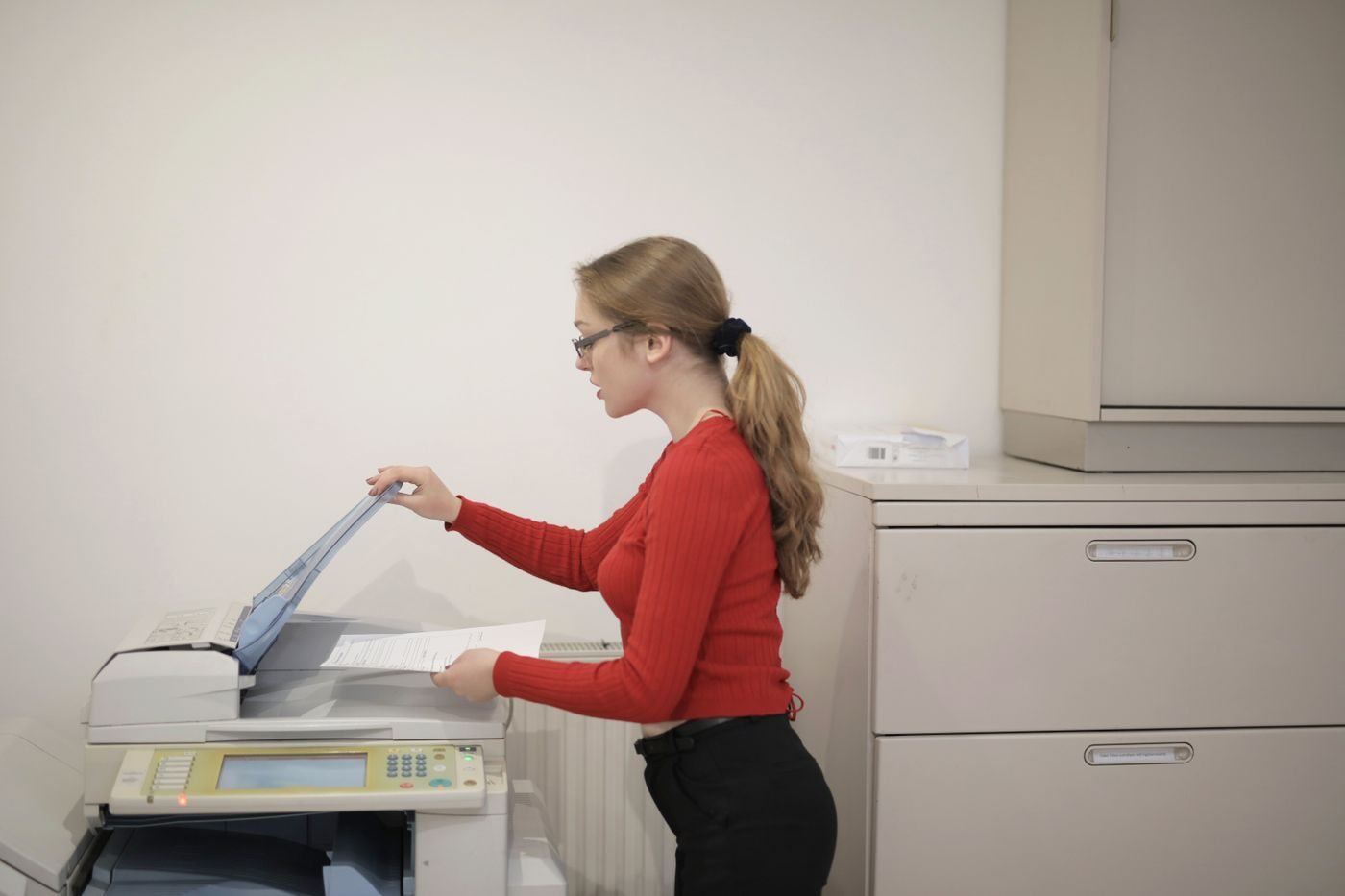
Naming documents as you scan them
Name scanned records while their purpose is clear, and verify the complete document before filing or discarding anything.
 Files & workflow
Checking OCR before relying on scanned text
Check recognized text against the page image before using it for search, quotation, data entry, or decisions.
 Files & workflow
Organizing bookmarks by how you return to them
Build a bookmark collection around the tasks that bring you back to a page, and remove links that no longer serve a purpose.
 Files & workflow
Reducing browser tab overload
Reduce open tabs by recording the task behind them, preserving useful context, and closing work that no longer needs attention.
 Files & workflow
Reviewing notifications by purpose
Review alerts by the action they enable, then keep urgent signals distinct from information that can wait for a planned check.
 Files & workflow
Preparing a focused work session
Prepare a focused work session by defining one useful result, gathering its materials, and leaving a clear restart point.