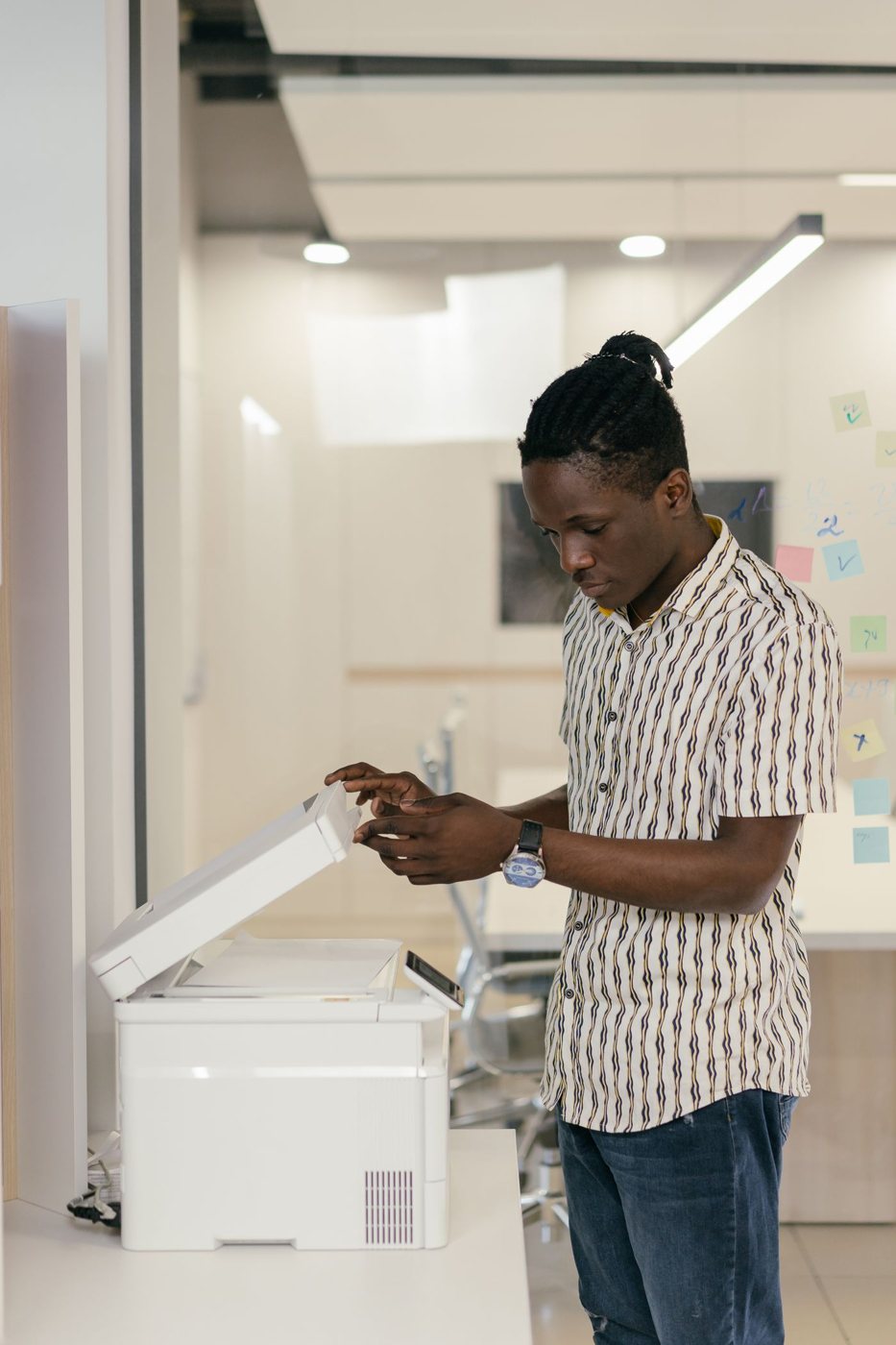
A scanner can turn a pile of paper into a pile of anonymous files very quickly. The difficult part is knowing which pages belong together and what each saved document represents. Naming during the scanning process preserves context that becomes harder to reconstruct later.
Prepare a small batch before starting. Group the pages of each document, identify any double-sided sheets, and note attachments that belong with the main record. Avoid mixing unrelated papers into one large PDF simply because they were on the same physical pile. You should be able to retrieve one record without extracting it from dozens of unrelated pages.
Decide what the name should communicate
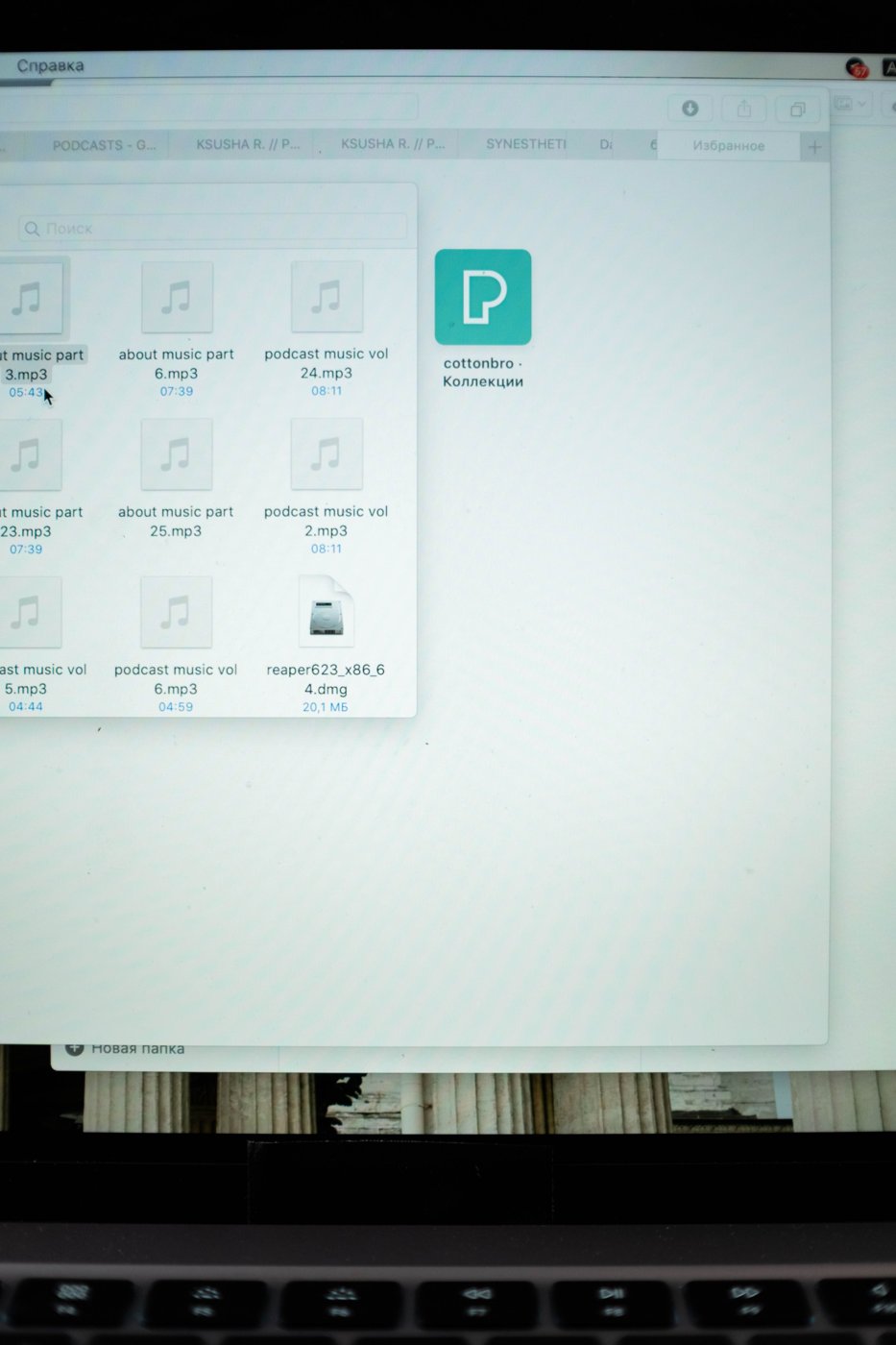
Use the document's subject and a useful identifier. A filename such as 2026-04-18-desk-receipt-order-4821.pdf says more than scan0047.pdf. The date might be the document date rather than the scanning date; choose the meaning that helps retrieval and apply it consistently. If no original date is known, do not guess one.
Include only the identifiers needed to distinguish the file. Avoid exposing sensitive account numbers or other personal details in filenames that may appear in search results, shared lists, or recent-document menus. A short internal reference can provide enough distinction when the full information is inside the record.
For recurring documents, write down one example of the naming pattern before a large batch. This prevents small inconsistencies from accumulating across sessions. It also helps someone else continue the work without inventing a separate convention.
Inspect each saved record
Open the file and check the first page, last page, page count, orientation, and any unusually small or faint text. Confirm that double-sided sheets have not lost their reverse side. Watch for pages that the feeder pulled together, blank pages removed incorrectly, or edges cut off by automatic cropping.
If the scanner performs text recognition, check a distinctive term and the important numbers against the image. A file can look correct while its searchable text contains mistakes. Preserve a readable page image even when you also create an editable text version.
Move the verified document to its destination and confirm that it opens there. Keep the paper until you have decided whether the original is still required and verified the digital record and its backup. Scanning alone does not establish permission to dispose of an original.
End each session with a clear boundary between scanned, checked, and waiting material. A small labeled tray or batch note can prevent the same papers from being scanned twice and keep unfinished records from being mistaken for completed work.