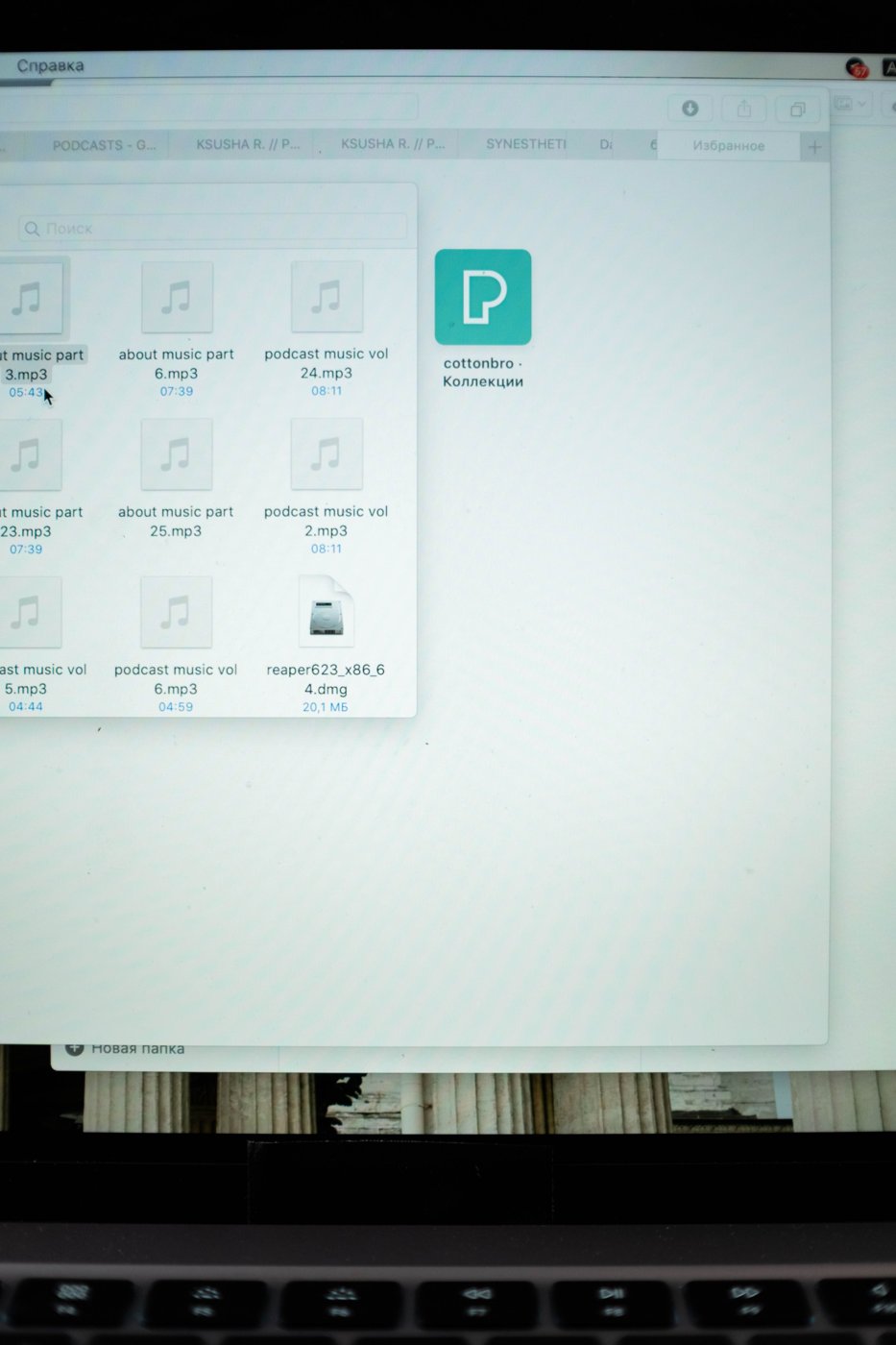
A file called notes-final-new can be obvious on the day you create it and meaningless a month later. File names need enough context to remain useful after a download, an email attachment, or a move into an archive. The aim is not to encode every detail. It is to preserve the few details someone needs to recognize the right file without opening several alternatives.
Try the convention on a real group of ten files before renaming a whole collection. Choose material from the same project so you can see what distinguishes one document from another. If each name needs a different exception, the proposed rule may be too complicated for everyday use.
Decide what should sort together
Start with the element you normally use to find the work. For recurring meeting records, a date can be useful at the beginning: 2026-10-22-budget-meeting. For several documents belonging to one project, a short project identifier may work better: orchard-budget-2026-10-22. These are examples, not required formats. Pick one ordering for each clearly defined collection rather than changing the order whenever you save.
Use an unambiguous year-month-day format when chronological sorting is important. Keep the same amount of detail across the collection. A mixture of month names, abbreviated years, and informal labels such as next-Friday makes sorting and interpretation harder. If a date describes an event rather than the day the file was saved, make that meaning consistent.
Keep status separate from wishful thinking
Words such as final become unreliable when revisions continue. A simple version identifier can be easier to follow: proposal-v03-review or proposal-v04-approved. Decide who can apply an approval status in a shared workflow. Do not label a draft approved merely because you have finished editing your own section.
Keep the actual file extension intact. Changing a document's name does not convert its format. Before a large renaming operation, make sure you can identify which part of the displayed name is the extension and which part you intend to change. Use a small copied sample to test the process if you are unfamiliar with the tool.
Leave room for the file to travel
Avoid names that depend entirely on a parent folder for meaning. A file named invoice.pdf may become ambiguous when attached to an email, while a short client or project identifier provides context. At the same time, avoid unnecessary sensitive information in filenames, which can be visible in notifications, shared links, or file lists.
Choose simple, readable characters and check the rules of the systems receiving the files. Do not assume every punctuation mark accepted locally will work in another service. A short convention using ordinary words, digits, and consistent separators is easier to maintain across a mixed workflow.
Record the rule in one sentence where collaborators will see it. Apply it to new files first, then rename older material only where the change helps retrieval. Renaming can affect links or automated processes, so test those dependencies before reorganizing shared work. A modest convention used consistently is more useful than a perfect-looking archive that nobody knows how to maintain.