The guide library
Find the guide for the job.
Browse by topic or search the complete guide collection for an item, connection, or everyday task.
 Computers & screens
Choosing between matte and glossy screens
Compare screen finishes in the room where you work, paying attention to reflections, text, and image detail.
 Computers & screens
When refresh rate matters for office work
Decide whether smoother motion is useful for your tasks, and check the complete connection before paying for a faster display.
 Computers & screens
Choosing a display for color-sensitive work
Connect gamut, calibration, application settings, and room lighting to the kind of color decisions your work requires.
 Computers & screens
Deciding whether a portable monitor helps
Assess a second travel screen by its actual task, power needs, stand footprint, and packed weight.
 Computers & screens
Choosing a laptop screen for travel and desk use
Evaluate readable space, reflections, aspect ratio, and external-display use as parts of one laptop decision.
 Computers & screens
Reading laptop battery claims with context
Compare test conditions, workload, screen settings, and battery condition before relying on an advertised runtime.
 Computers & screens
Balancing laptop weight and everyday carrying
Compare the full bag, screen usability, charger size, and carrying routine rather than the laptop's weight alone.
 Computers & screens
Considering fan noise in a quiet workspace
Evaluate cooling sound under your real workload and separate ordinary airflow from behavior that needs investigation.
 Computers & screens
Questions to ask about a refurbished computer
Clarify condition, software support, battery expectations, and return terms before buying a refurbished machine.
 Computers & screens
Inspecting a used monitor before purchase
Check the actual panel, ports, controls, stand, and included power equipment during a used-monitor inspection.
 Computers & screens
Planning around an all-in-one computer
Consider the combined screen and computer as a long-term arrangement, including ports, repair access, and replacement choices.
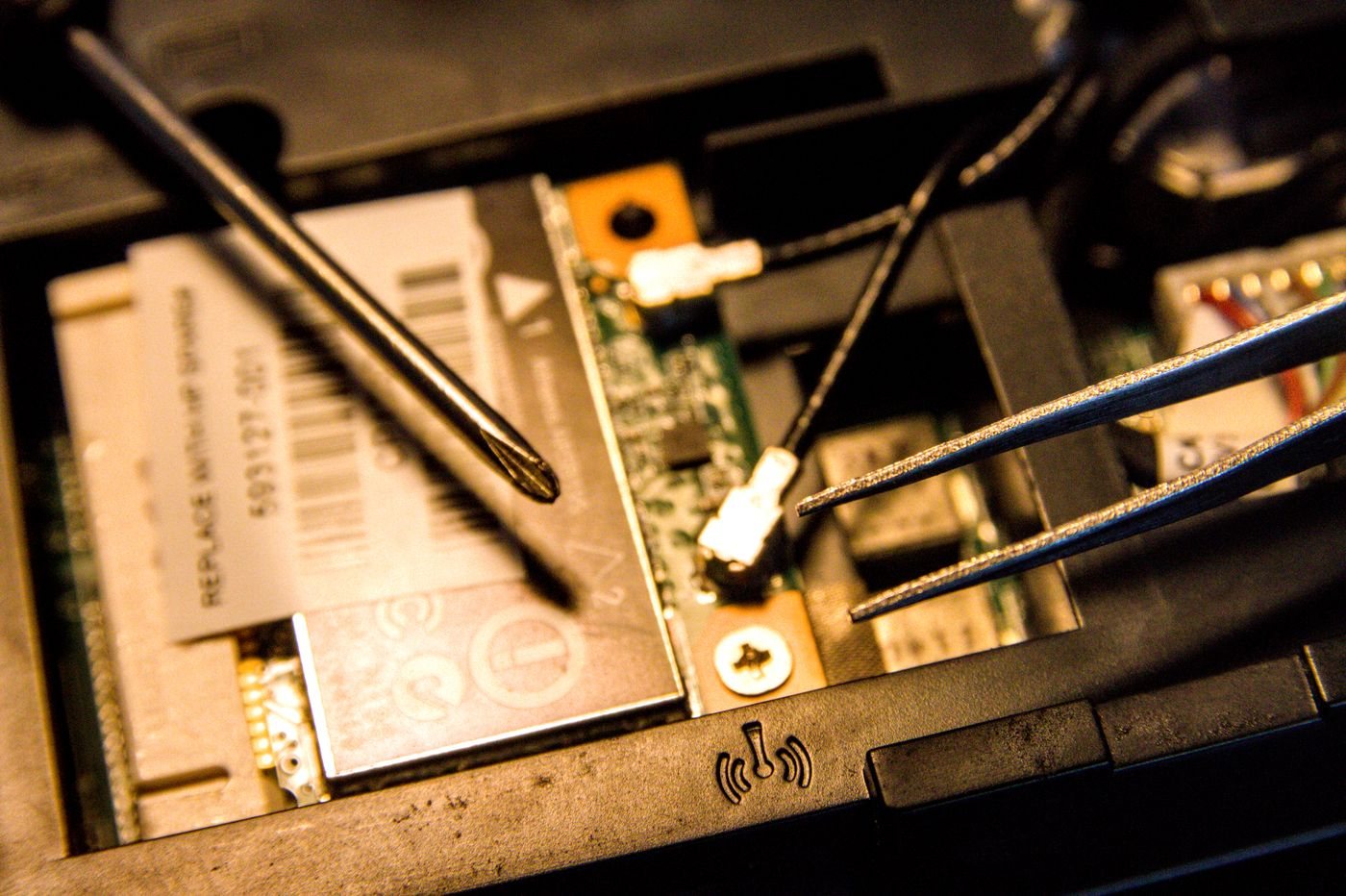 Computers & screens
Deciding whether to upgrade or replace a computer
Identify the actual limitation, check supported repairs or upgrades, and compare their full cost with replacement.