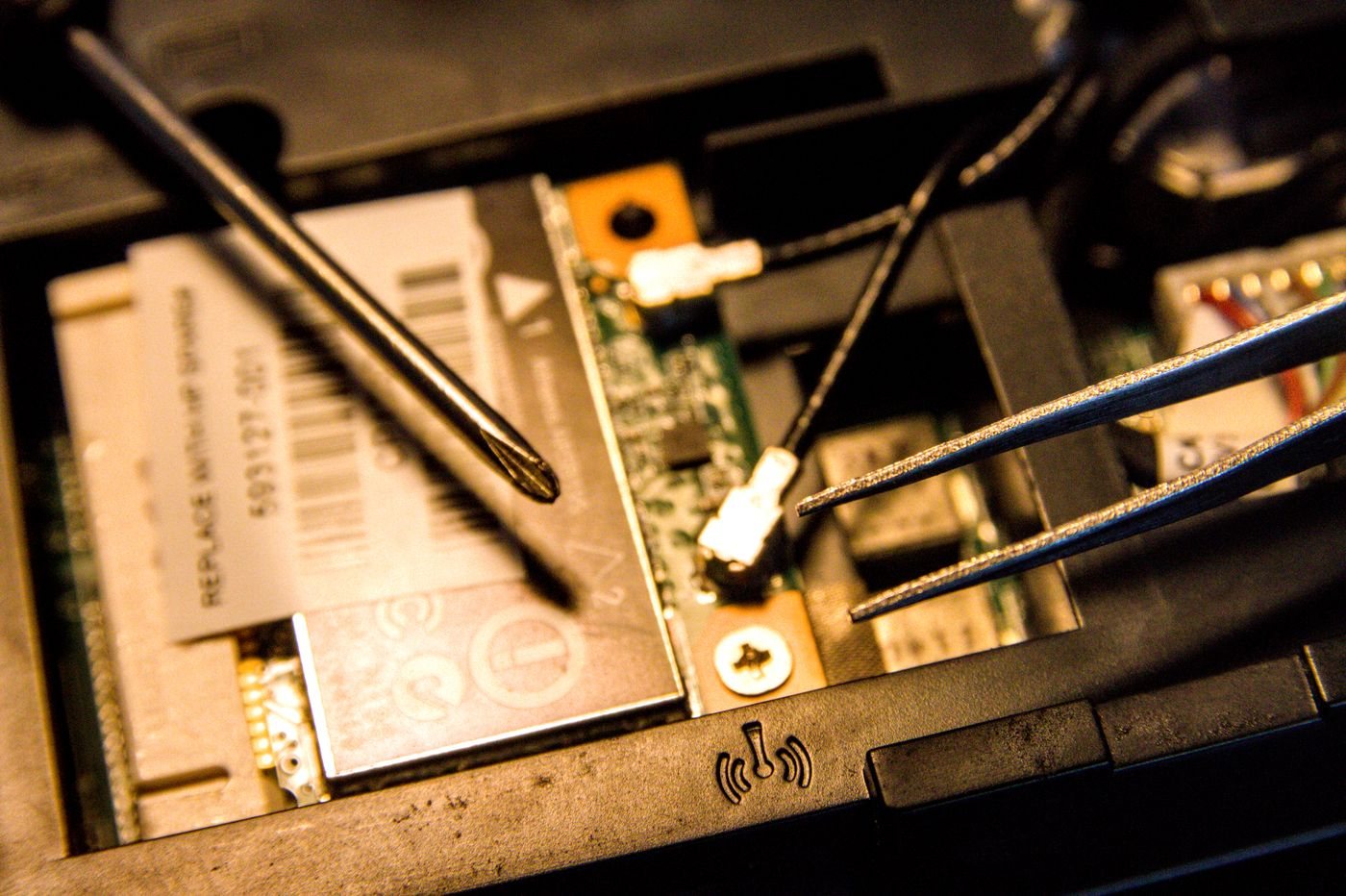
Write down the moment the computer stops being adequate. Does it pause when switching applications, run out of storage, fail to support required software, or simply have a damaged keyboard? These problems point toward different decisions. Buying more memory because a website loads slowly can leave the original problem untouched.
Separate a fault from a capacity limit
Check whether the behavior occurs with one application, one network, or every task. Note error messages and recent changes. A failing connection, a background process, or a software configuration issue may need diagnosis rather than new hardware.
For a capacity problem, inspect the resources involved during the task. Persistent memory pressure, insufficient free storage, and a demanding graphics workload require different solutions. Do not use a single percentage from an idle system as the basis for a purchase.
Next, find the exact model's service and compatibility information. Confirm which parts can be replaced, the supported specifications, and whether the procedure is appropriate for you. Kingston's storage documentation illustrates why a matching M.2 appearance alone does not establish SSD compatibility; the system's supported interface matters.
Compare complete costs and remaining limitations
Include the part, installation labor if needed, data migration, and the time the machine will be unavailable. Then ask what the upgrade will not change. A larger drive does not fix an unsuitable screen, limited display outputs, or an operating system that no longer meets your support needs.
Consider the condition of the rest of the computer. If a laptop also needs a battery and hinge repair, a modest performance upgrade may be only one part of a larger bill. If the machine is otherwise reliable and the limitation is a supported, replaceable component, an upgrade may be a focused way to extend its use.
Before any storage replacement or major repair, make a backup and verify that important files can be restored. Keep application licenses and account recovery information available. A migration plan is part of the work, not something to improvise after the old drive is removed.
Set an acceptance test for the outcome: the large document should open and remain responsive, the required application should run, or the storage plan should fit with room for growth. If no documented upgrade can meet that test, replacement becomes easier to justify. If a narrow change can meet it, there is no need to replace working components merely because the computer is no longer new.


