The guide library
Find the guide for the job.
Browse by topic or search the complete guide collection for an item, connection, or everyday task.
 Input & meetings
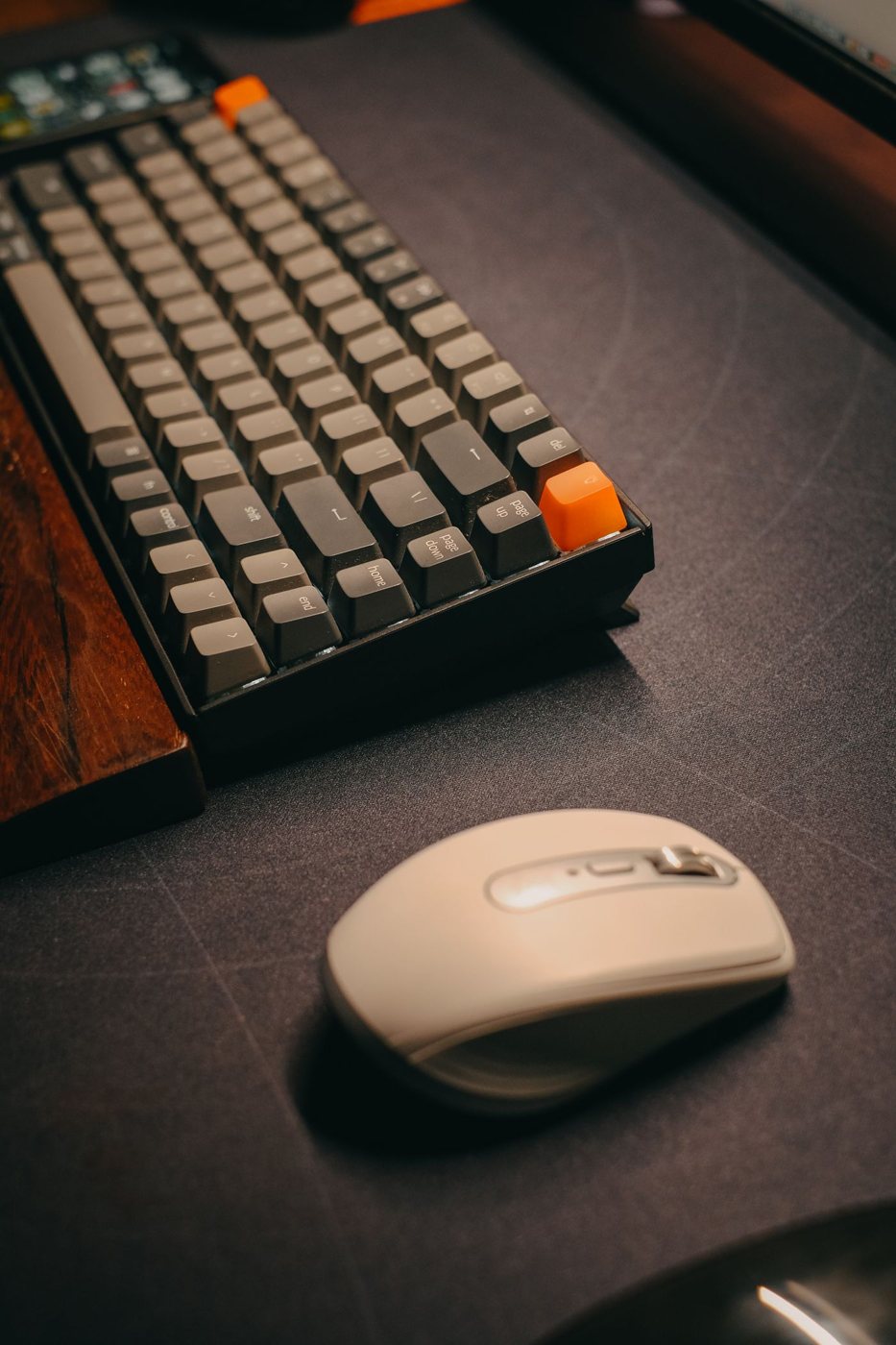
Choosing a surface for consistent mouse movement
Evaluate tracking, friction, pad size, and stability with the mouse and desk you actually use.
 Input & meetings
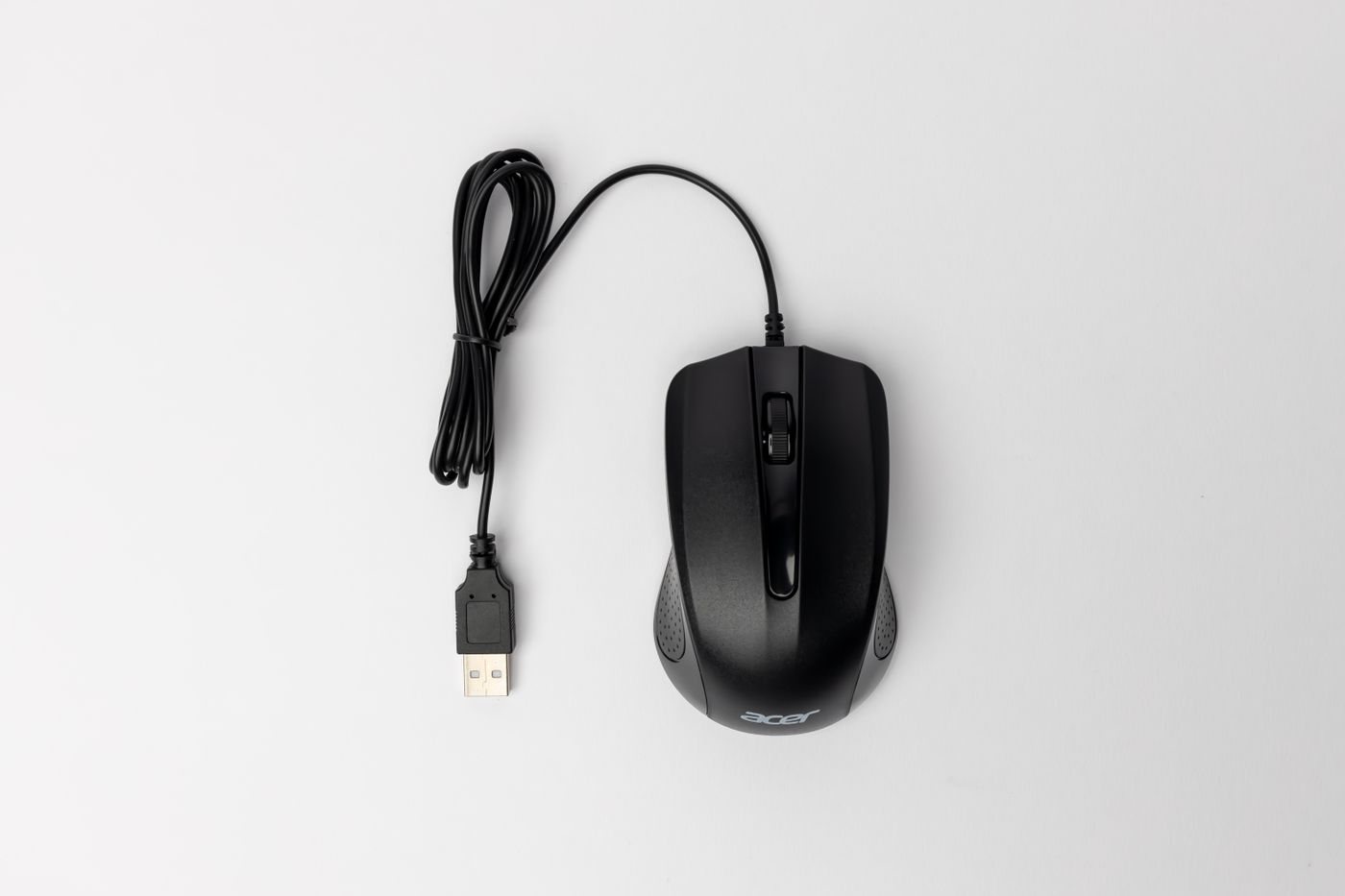
Planning a left-handed input setup
Check mouse shape, button mapping, keyboard placement, and shared-computer behavior for left-handed use.
 Input & meetings
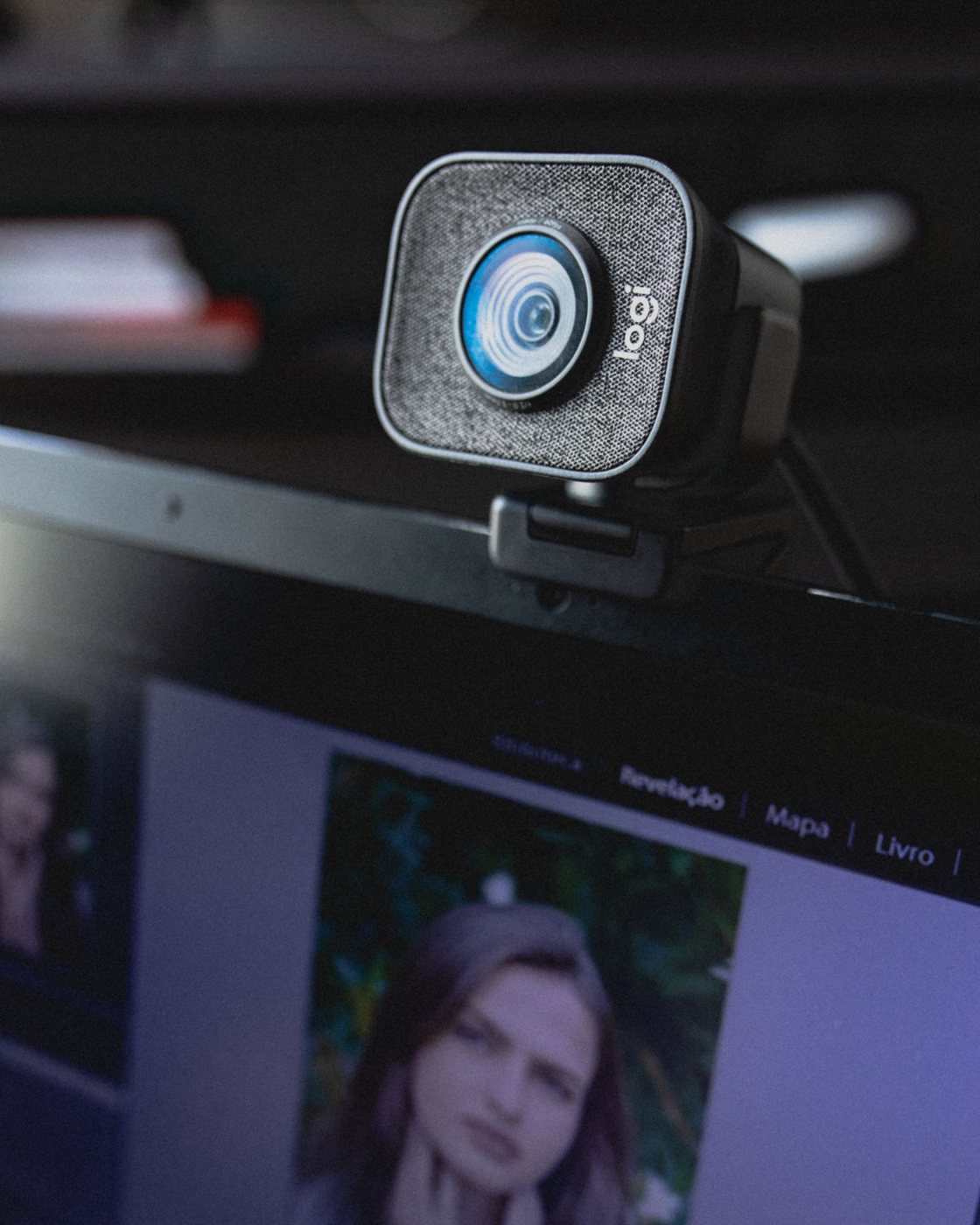
Positioning a webcam for a clear conversation
Set camera height, framing, lighting, and mounting without compromising the screen position you need for work.
 Input & meetings
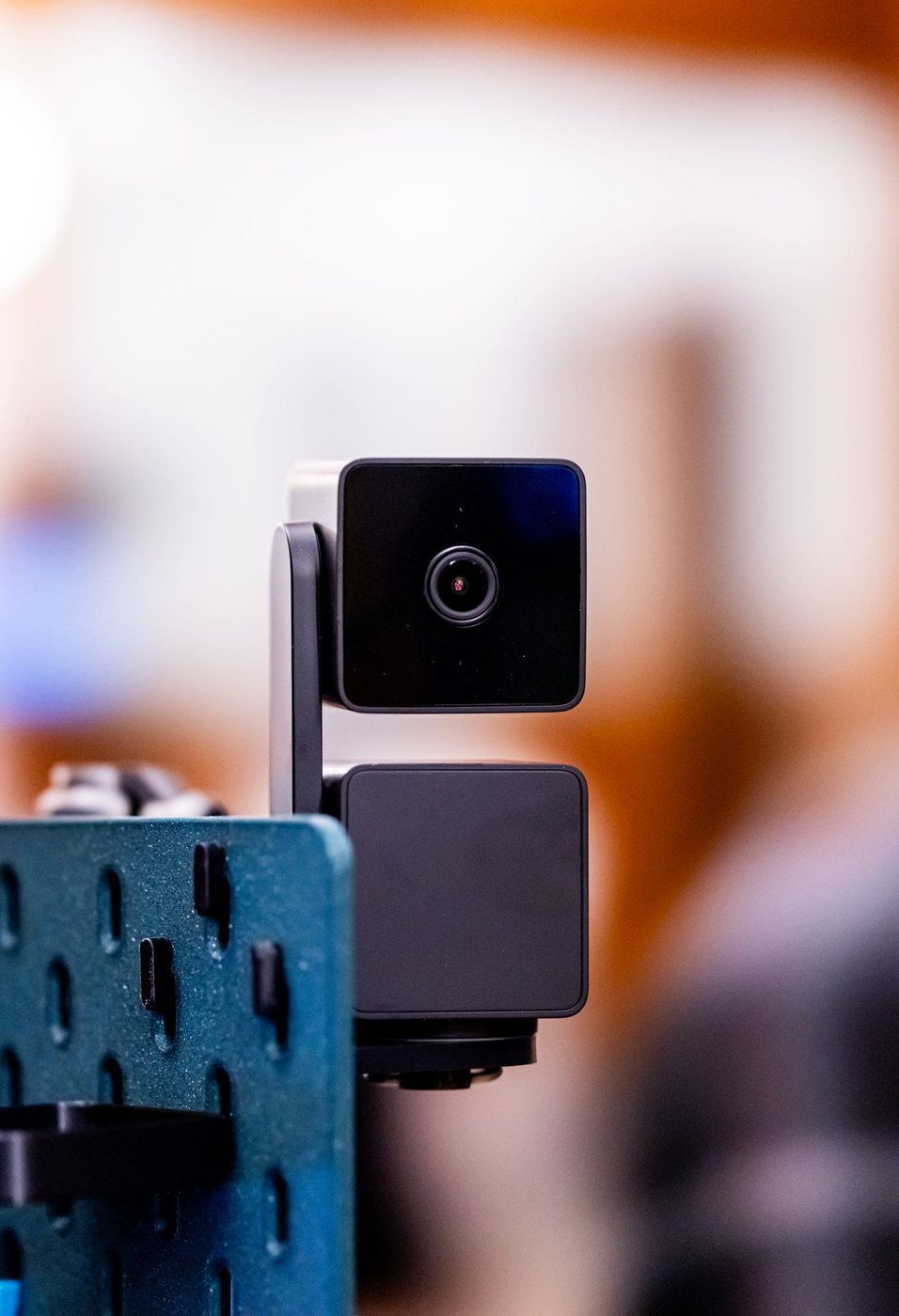
Reading webcam specifications for real meetings
Compare field of view, focus, video modes, mounting, and software support instead of choosing by resolution alone.
 Input & meetings
Lighting your face for video calls
Use window position, gentle front lighting, and a camera preview to create a readable meeting image.
 Input & meetings
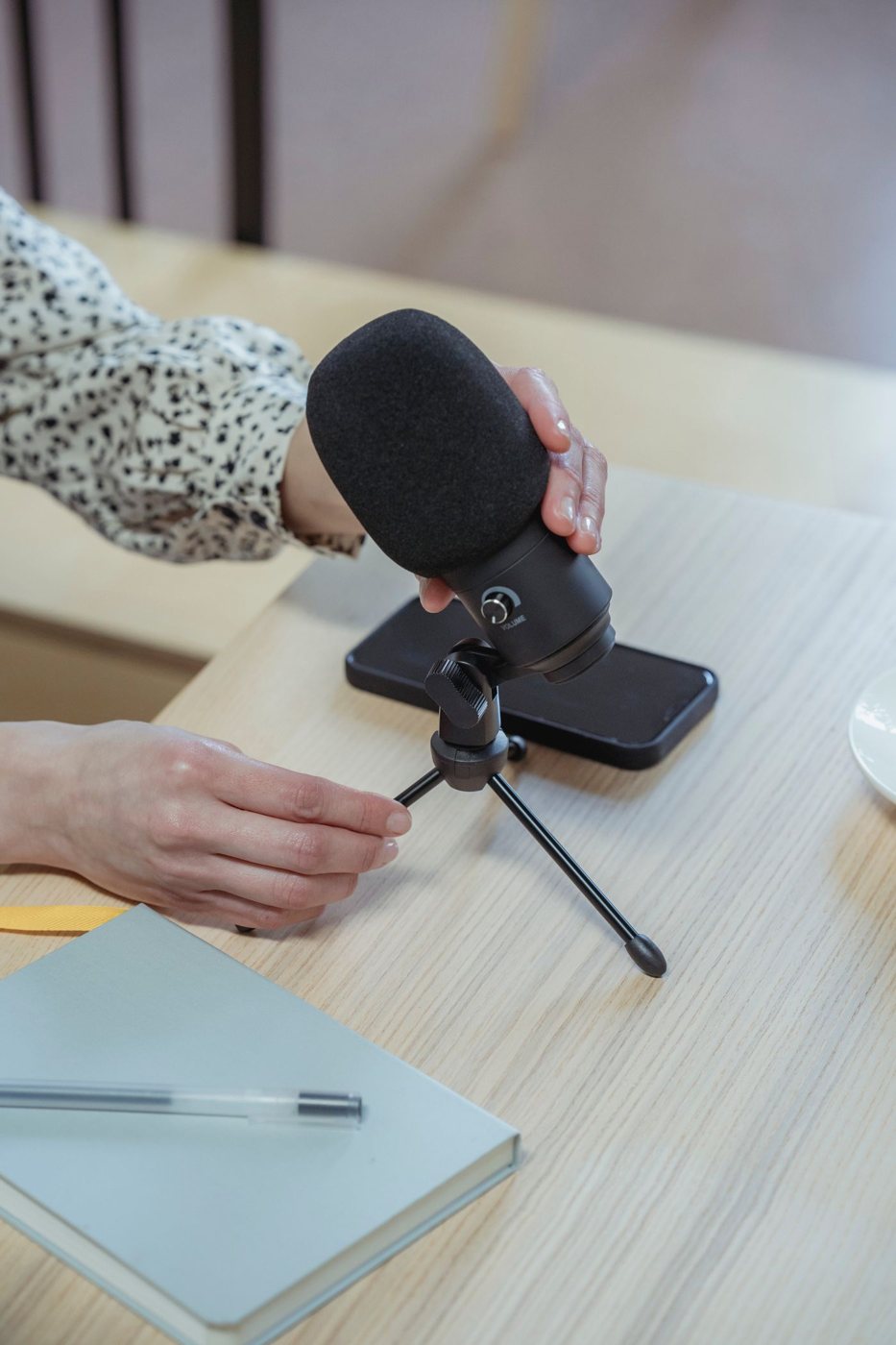
Placing a microphone before replacing it
Improve speech capture by testing microphone direction, distance, room sound, and the input selected in your application.
 Input & meetings
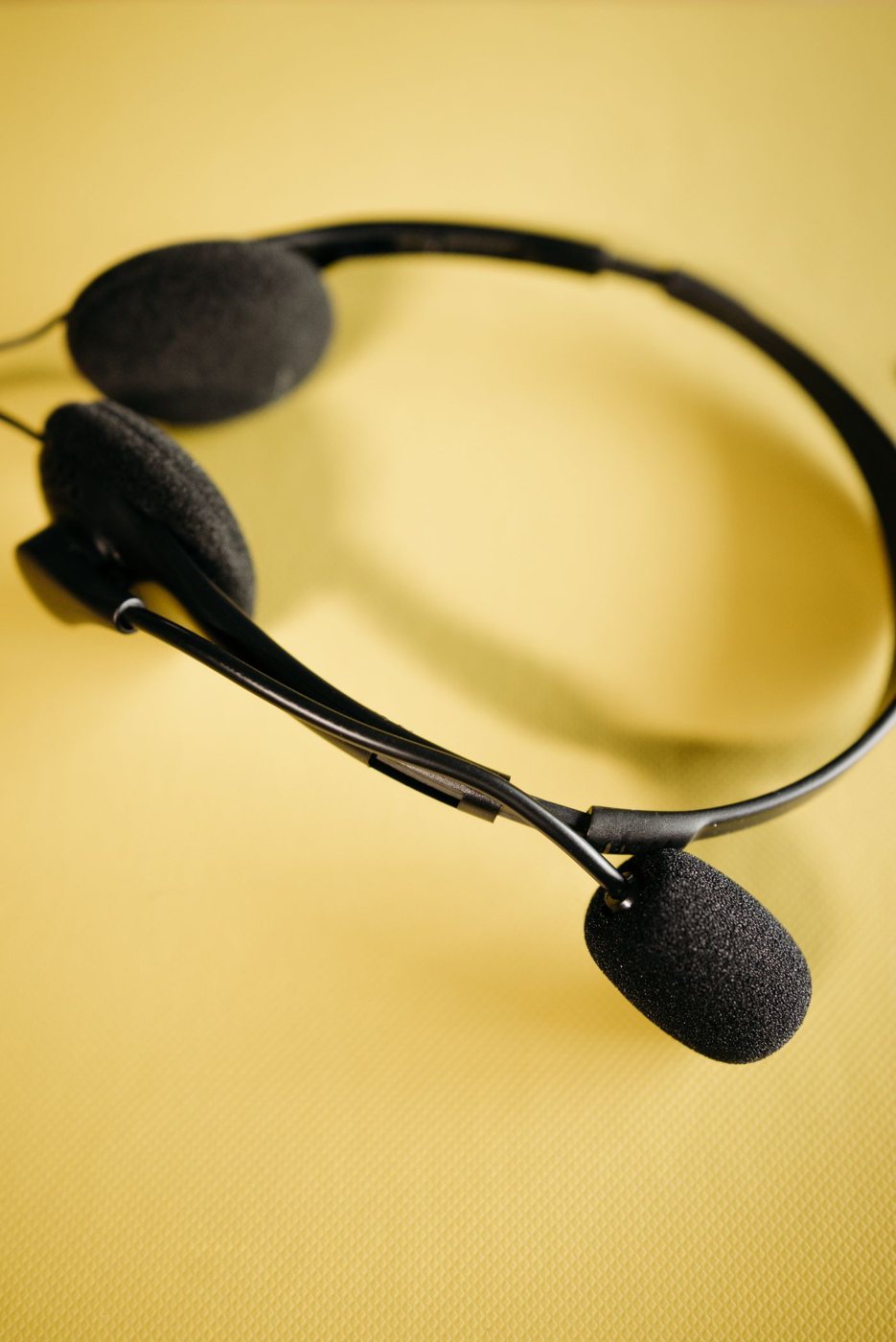
Choosing a headset for longer calls
Evaluate pressure, microphone placement, controls, and connection reliability during a realistic call-length trial.
 Input & meetings
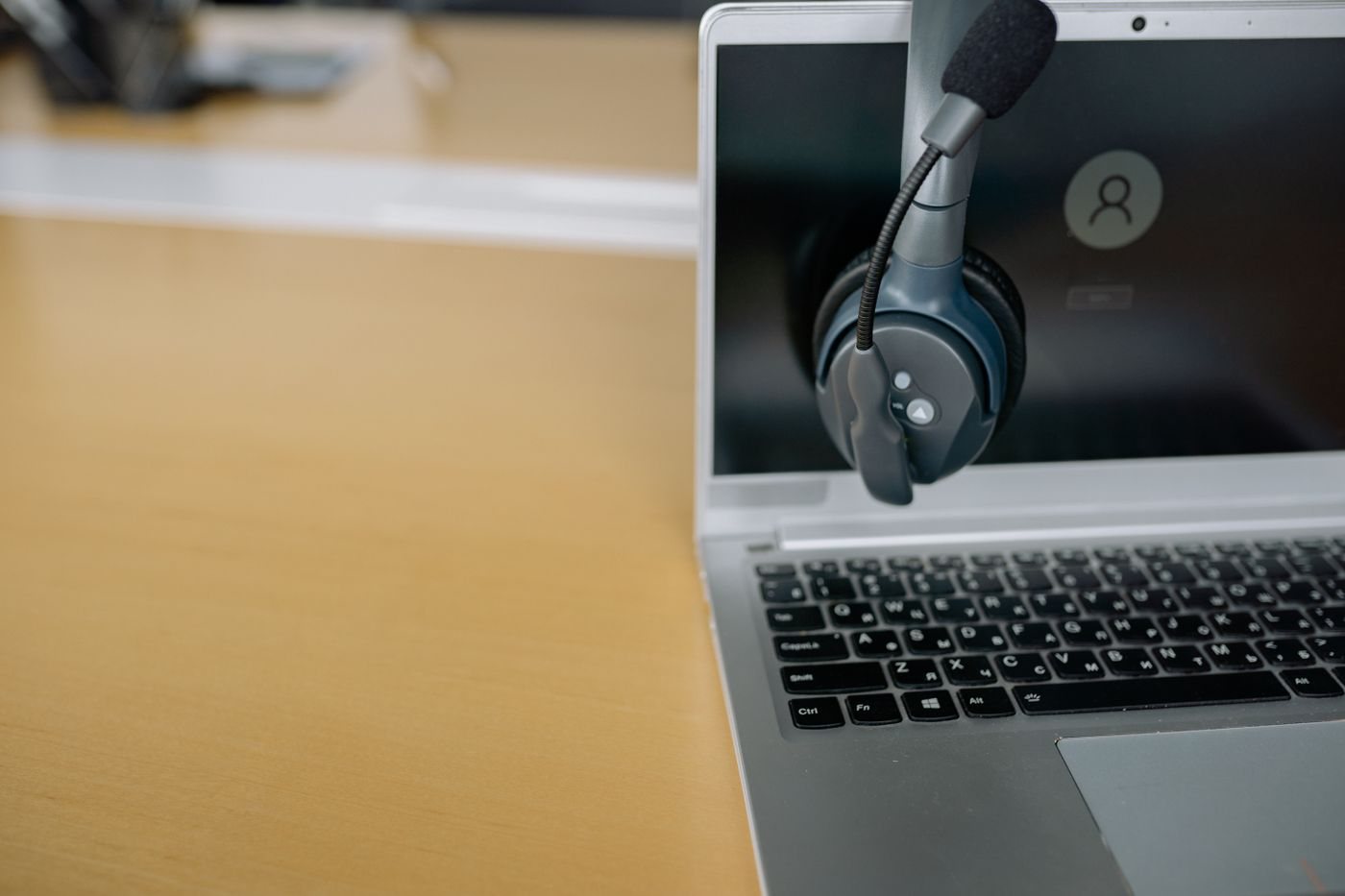
Checking headset connections across devices
Distinguish analog plugs, USB audio, Bluetooth, and receiver functions when using one headset with several devices.
 Input & meetings
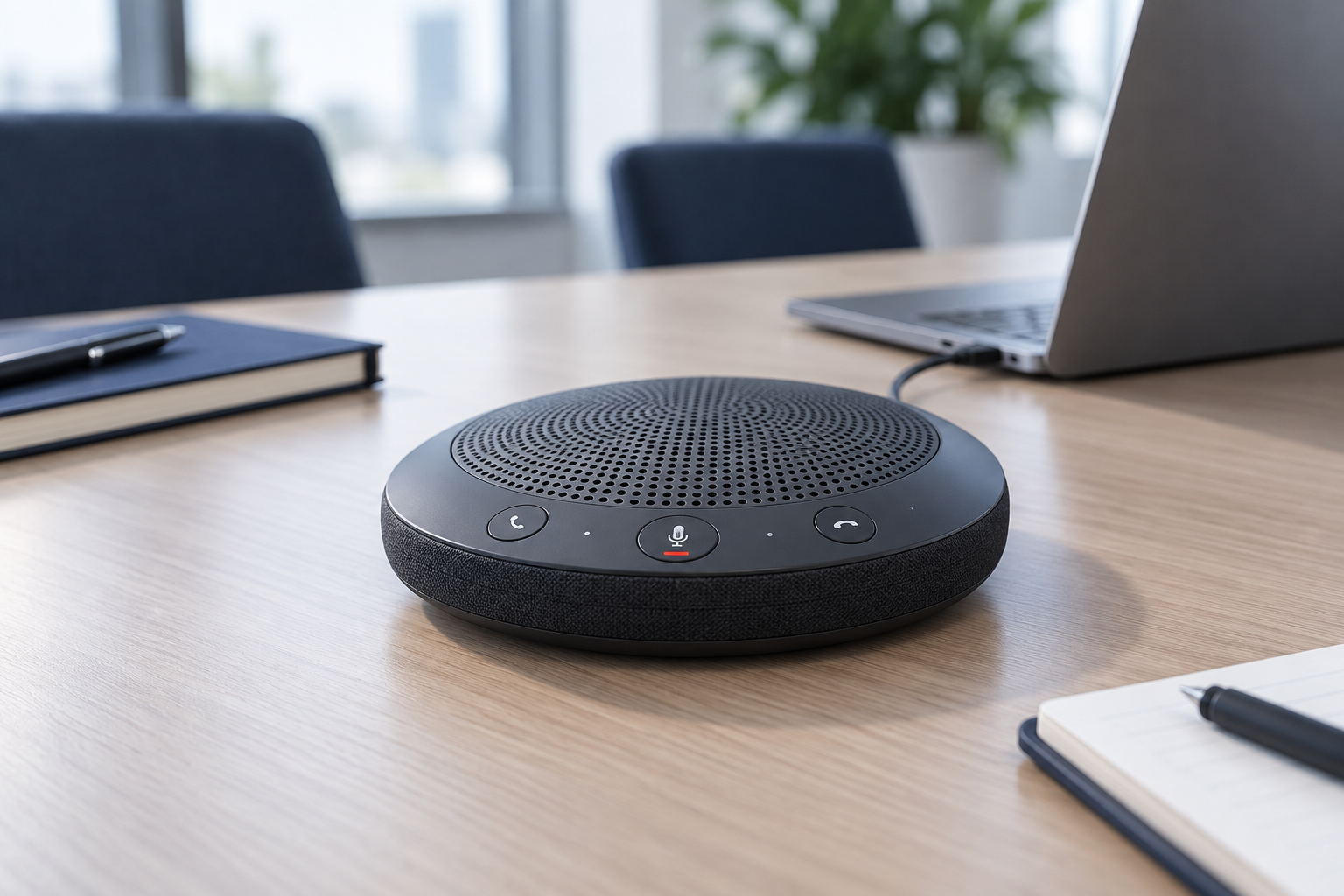
When a desktop speakerphone makes sense
Consider room privacy, participant distance, echo control, and device support before replacing a headset with a speakerphone.
 Input & meetings
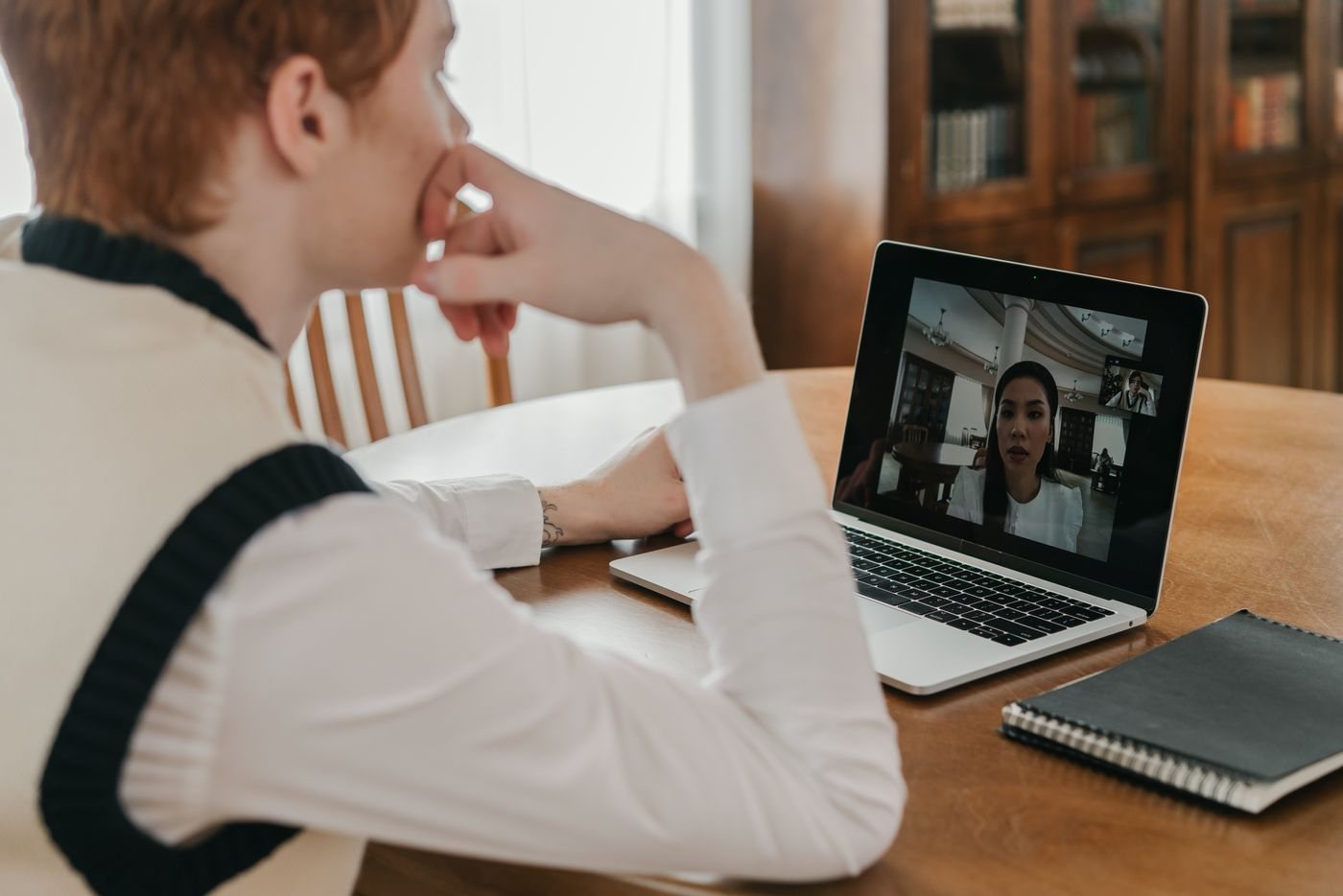
Tracing echo in a video meeting
Isolate duplicate audio connections and speaker pickup before changing microphones or meeting settings at random.
 Input & meetings
Building a reliable mute routine
Understand hardware and application mute states, then test a simple routine for joining, speaking, and leaving calls.
 Input & meetings
Choosing a simple video-call background
Use framing, room placement, and a preview to keep a meeting background readable and free of unintended information.