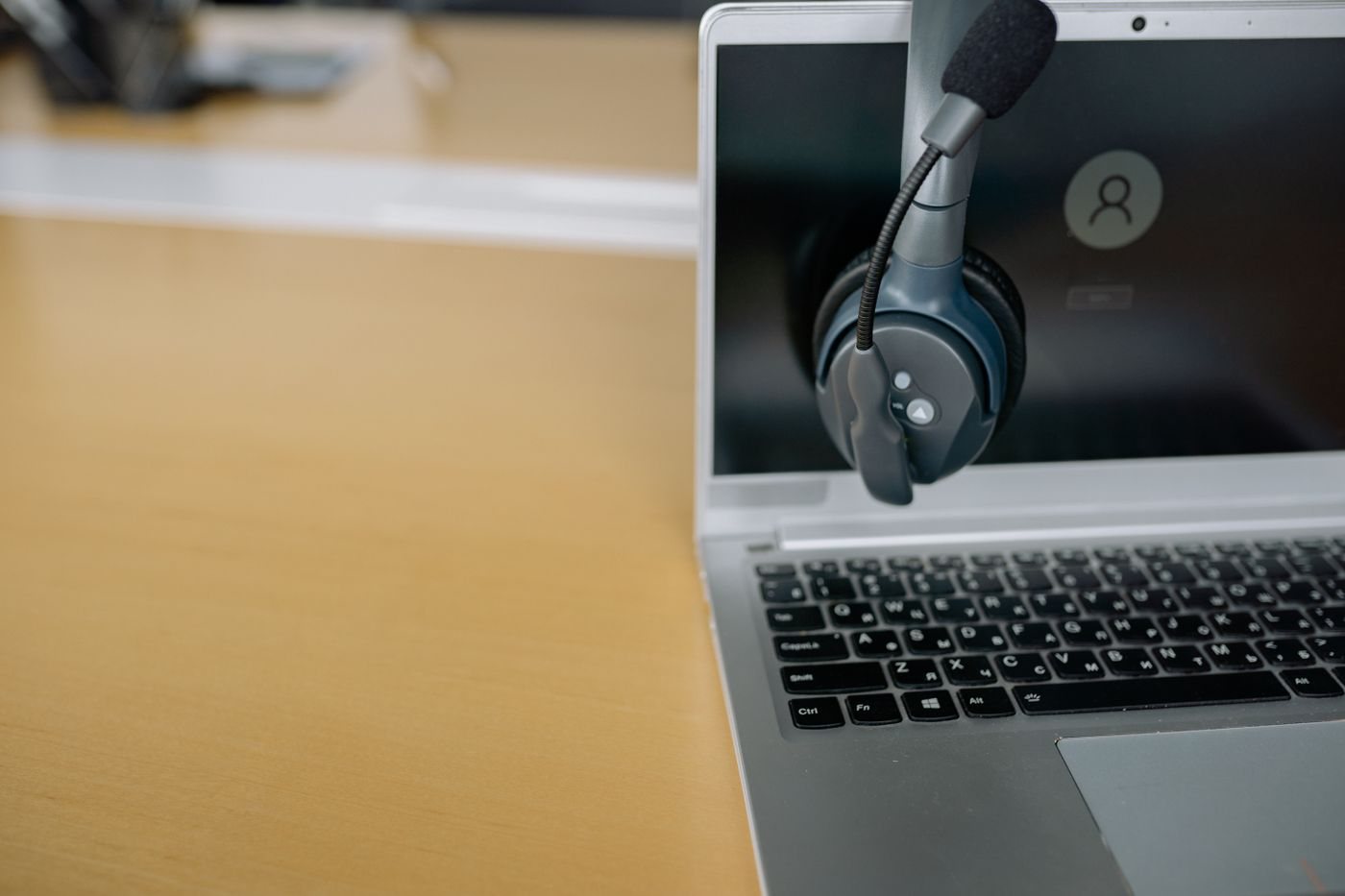
A headset can physically connect and still lose its microphone or call controls. Before buying, list the devices it must serve and the functions required on each: listening, speaking, mute, volume, and call answering. Then verify the connection for each combination.
Inspect analog connections carefully
A single headset plug that carries headphones and microphone is different from a headphone-only plug. Some computers instead provide separate microphone and headphone sockets. If an adapter is needed, confirm that it combines or separates the correct signals for the equipment rather than merely changing the connector's size.
Check the device documentation for supported wiring and accessories. A passive adapter cannot supply every function missing from the original port. If the device has only a digital USB connection, an appropriate audio adapter may need its own conversion electronics.
USB and wireless need their own checks
A USB headset appears as an audio device, but advanced controls may depend on software or a supported meeting application. Verify operating-system and driver support, especially on managed computers or less common processor architectures. Test both input and output after connecting.
With Bluetooth, confirm the headset's supported calling behavior on the actual computer or phone. Listening quality and microphone-active behavior can differ by device, software, and supported audio modes. Avoid assuming that a music demonstration predicts the complete call experience.
A supplied USB receiver may offer features that are unavailable through a computer's built-in Bluetooth connection. It may also be specific to a product family. Read whether the receiver is included, replaceable, and supported on every intended host.
If the headset supports more than one remembered or simultaneous connection, test what happens when a phone rings during a computer meeting. Decide whether that switching behavior is helpful or disruptive. Know how to select the intended device before the important call.
Keep a short connection note with the headset: which cable or receiver belongs to which device and where the microphone is selected in software. This is especially useful when a shared household headset moves between computers.
Complete the trial by recording speech, playing audio, changing volume, and using mute on each required device. A successful pairing notification is only the beginning. The purchase works when the whole conversation path behaves predictably, including the controls you rely on when you cannot stop to inspect a settings menu.