If the pointer skips or feels inconsistent, check the surface before replacing the mouse. Dust, a shiny patch, an uneven seam, or a pad that moves under your hand can all complicate the experience. Start with a clean, stable test area and the manufacturer's supported surface guidance.
Separate tracking from friction
Tracking concerns how reliably the sensor reads movement. Friction concerns how the mouse slides. A surface can track correctly yet feel too resistant, or glide easily while producing unreliable pointer motion with a particular sensor. Evaluate both instead of treating smoothness as the only measure.
Some mice are designed to work on glass or other difficult surfaces, but that capability is model-specific. Do not assume another mouse from the same brand shares it. If you work on varied tables, a small suitable pad can provide a more predictable surface.
Test slow movements toward a small target, longer sweeps, and ordinary scrolling and clicking. If the pointer problem persists on several suitable surfaces, investigate the connection, sensor cleanliness, or software settings rather than purchasing an increasingly elaborate pad.
Choose the area you need
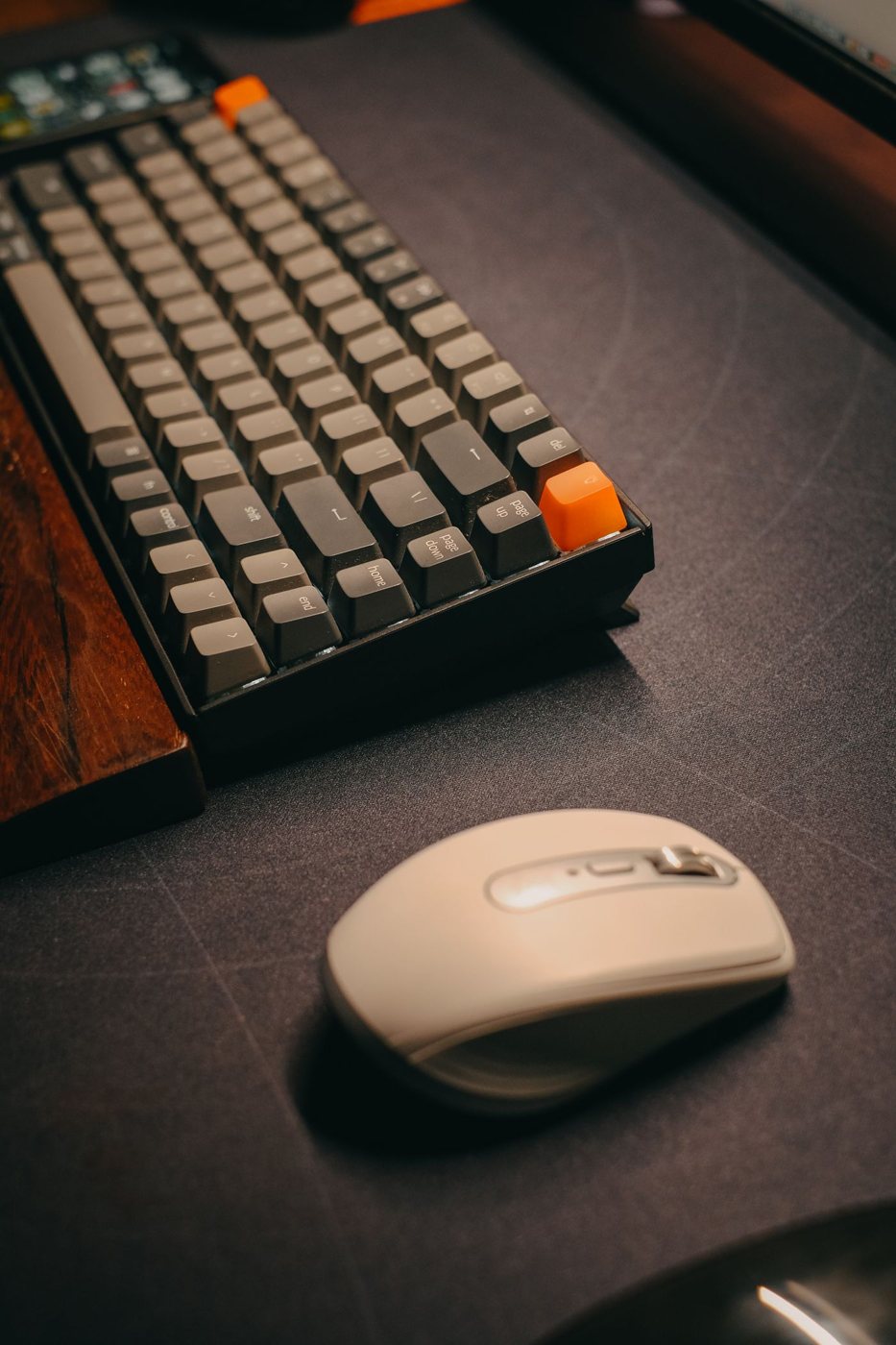
Measure the space your hand uses at your preferred pointer speed. A pad should accommodate ordinary movement without repeated collisions with its edge, but it need not cover the entire desk. Include nearby keyboard feet, a notebook, and the cable path in the layout.
Check the edge thickness and finish where your arm passes. A raised seam or hard edge may become noticeable during longer sessions. The backing should keep the pad stable without leaving an unsuitable residue on the desk finish.
Soft and hard surfaces can feel different and have different cleaning requirements. A fabric pad may absorb a spill; a rigid pad can transmit more sliding sound. Choose according to the room and maintenance routine, not an assumption that one material is inherently more precise for every mouse.
Inspect the mouse feet too. Debris or damage can create drag that a new surface will not solve. Follow the manufacturer's cleaning instructions, and avoid scraping the sensor window or applying an improvised coating.
After a change, keep pointer settings constant for a while so you can judge the surface itself. A useful pad provides consistent movement and a stable working area. If the bare desk already does that without discomfort or finish damage, adding a pad may be optional rather than necessary.