The guide library
Find the guide for the job.
Browse by topic or search the complete guide collection for an item, connection, or everyday task.
 Files & workflow
Preparing files for a project handoff
Prepare a project handoff with clear working files, delivered outputs, permissions, and a short explanation of what remains to be done.
 Files & workflow
Agreeing on rules for shared documents
Agree on ownership, editing, review, and release rules before several people begin changing the same document.
 Files & workflow
Keeping a small library of reusable documents
Keep reusable documents that remove repeated setup without carrying old project details into new work.
 Files & workflow
Making screenshots easier to find
Save screenshots with purpose, date, and source context so they remain understandable after the screen changes.
 Files & workflow
Separating cloud sync from a backup plan
Understand synchronization of changes and deletions before relying on it as the only protection for important files.
 Files & workflow
Preparing files for working without a connection
Prepare and test documents, applications, and supporting material before working without a dependable connection.
 Files & workflow
Evaluating a software trial with a real task
Evaluate a software trial with representative work, a defined exit plan, and notes about daily use.
 Files & workflow
Reviewing software subscriptions before renewal
Review renewals using actual use, ownership, export needs, and the cost of changing tools rather than price alone.
 Files & workflow
Choosing a few useful keyboard shortcuts
Learn shortcuts tied to repeated actions, then verify their behavior in the applications you use.
 Files & workflow
A weekly review of unfinished digital work
Find unfinished commitments, clarify blocked work, and leave the next week with realistic starting points.
 Care & troubleshooting
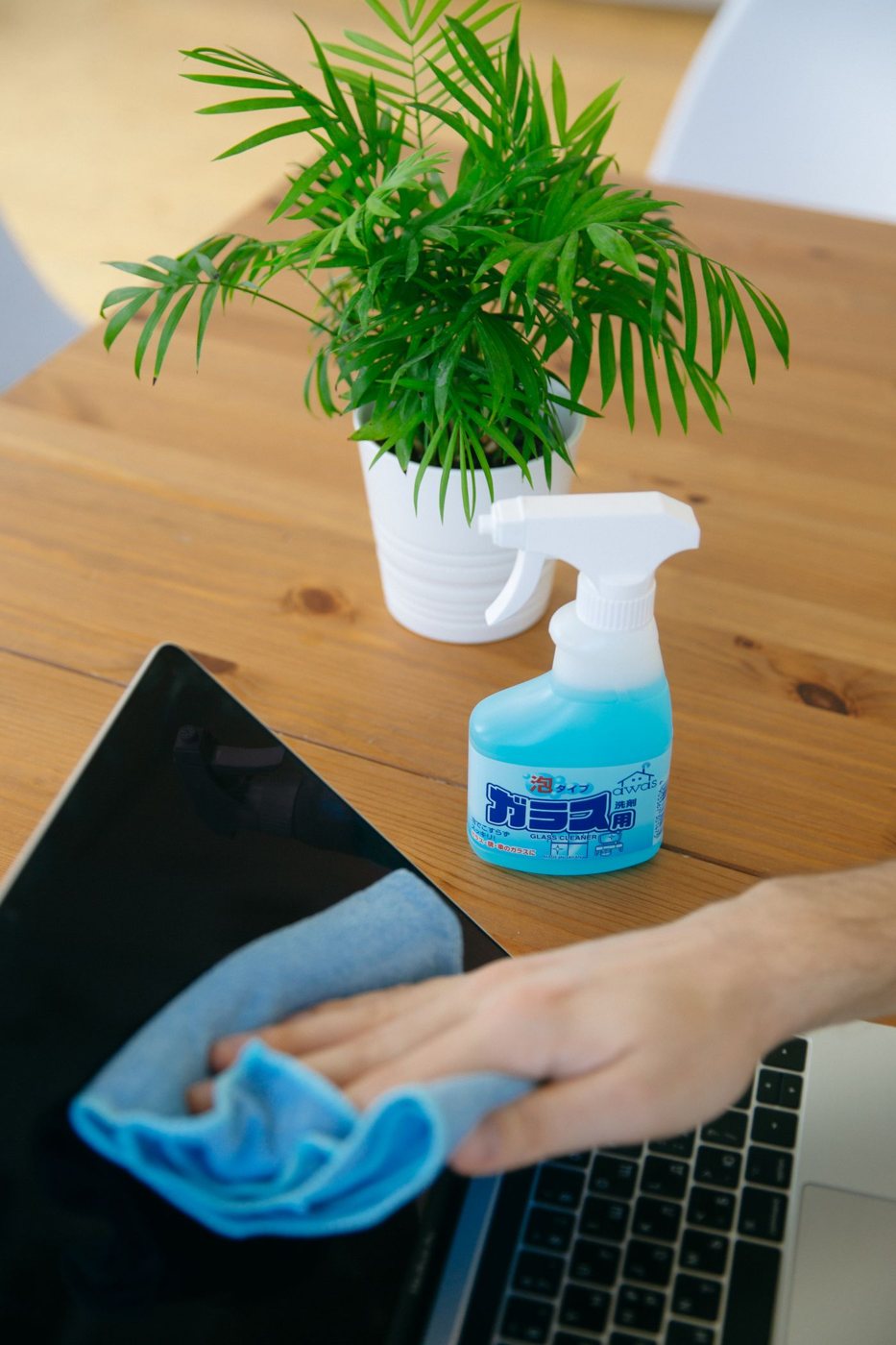
Cleaning a screen without guessing at the finish
Identify the screen finish and follow its cleaning instructions before applying any liquid or product.
 Care & troubleshooting
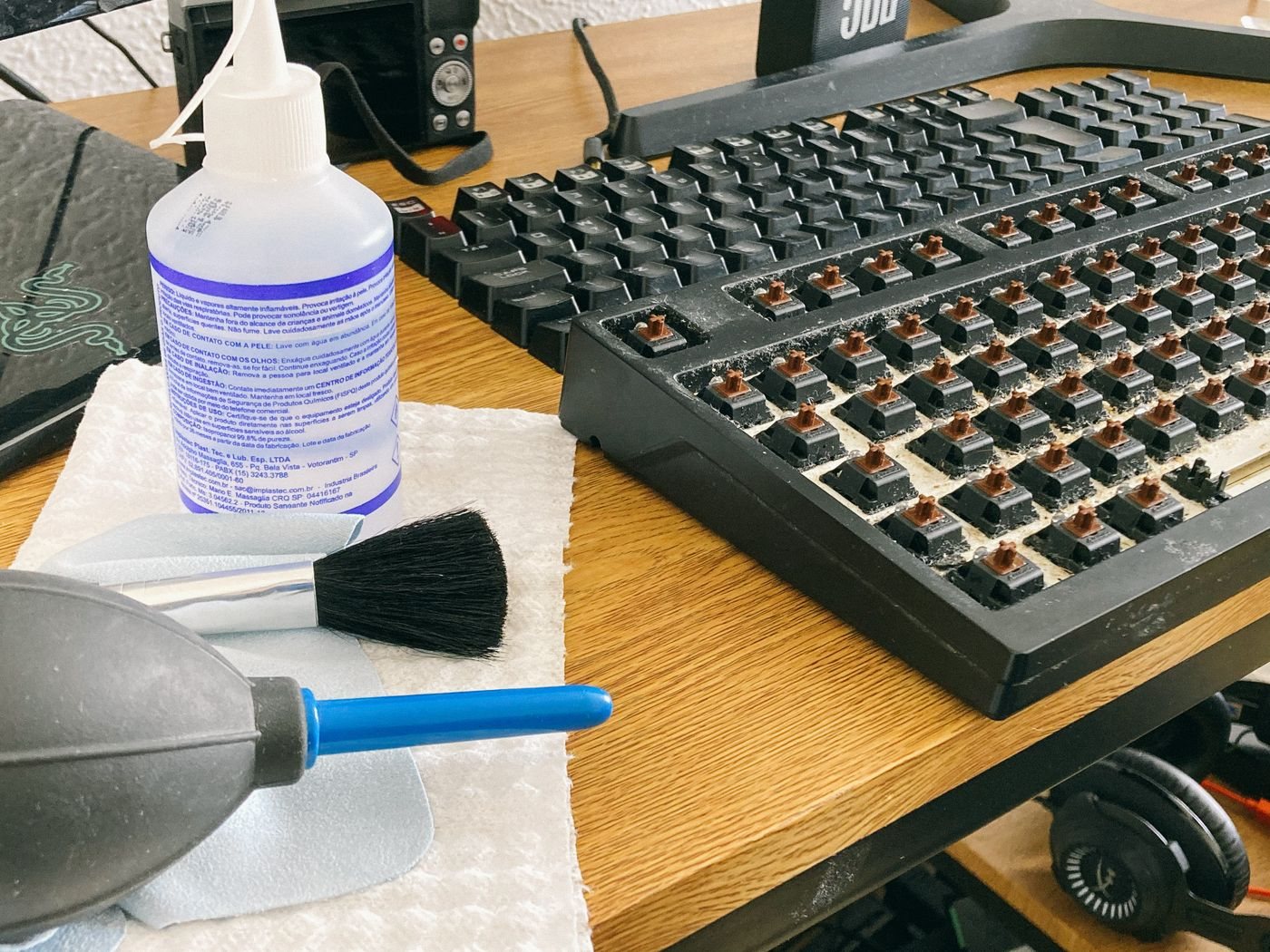
Cleaning a keyboard around its construction
Choose a keyboard cleaning method that respects its switches, keycaps, coatings, and battery design.