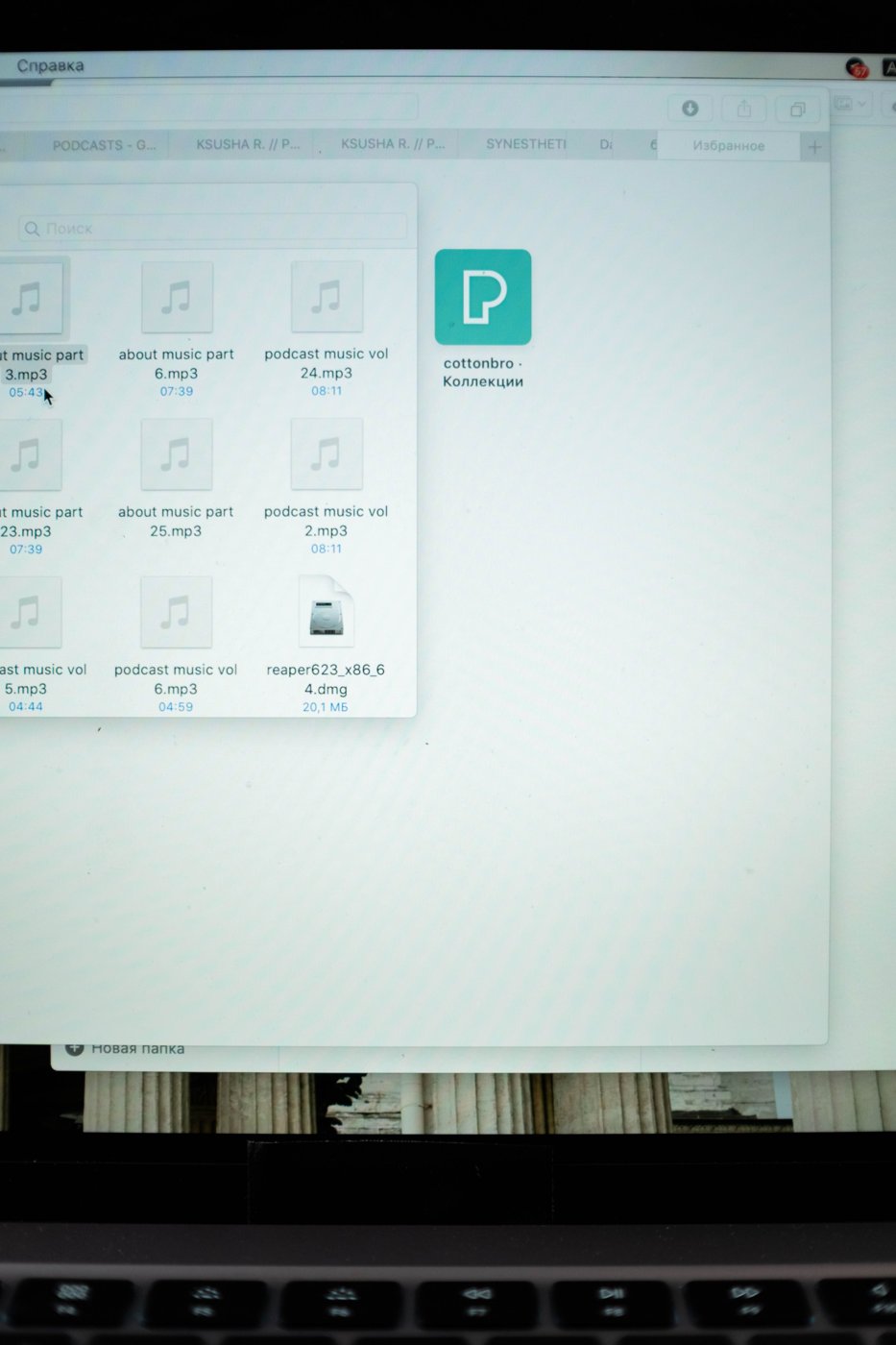
A screenshot records what was visible at one moment. It does not automatically preserve the page address, account, selected settings, or sequence that produced the view. Those missing details are often what another person needs when you use a screenshot to explain a problem or document a decision.
Decide why you are taking the image before saving it. A temporary reference may need little organization. Evidence for a support request or project handoff needs a clearer name and context. Save useful screenshots with the related work instead of relying on the operating system's default screenshot folder indefinitely.
Include the part of the screen that shows the issue without adding unrelated personal information. Check for names, messages, account identifiers, or confidential documents before sharing. If you obscure something, retain an appropriate original separately when the record needs to remain verifiable.
Add a short note containing the application or page, the action being attempted, and the date. For a technical problem, record the exact error text as text as well as in the image. This makes searching and quoting easier and avoids requiring someone to read a small picture to understand the issue.
Use a filename that describes the subject, such as export-error-after-saving, with a date when timing matters. For a sequence, add ordered numbers and explain the steps. Several images named screenshot with different timestamps can be difficult to arrange once they are copied between systems.
Arrows and highlights can make an explanation clearer, but they should not hide the relevant detail. Preserve an unannotated copy when the original appearance matters. Label a marked-up version so another person understands what was added after capture.
Do not treat a screenshot as a substitute for an editable document or the underlying data. A picture of a table may omit rows, formulas, units, or values outside the visible area. Include the source file or a suitable export when the recipient needs to work with the information rather than merely see the interface.
Review saved screenshots when a project ends. Keep the ones that explain decisions, illustrate a resolved problem, or support an ongoing record. Remove redundant temporary captures once you are confident they are no longer needed and retention requirements permit it.
Try reopening a screenshot after several days without relying on memory. If you cannot tell what it demonstrates or where it came from, improve the note or filename. A little context at capture time is usually easier than reconstructing the original screen later.