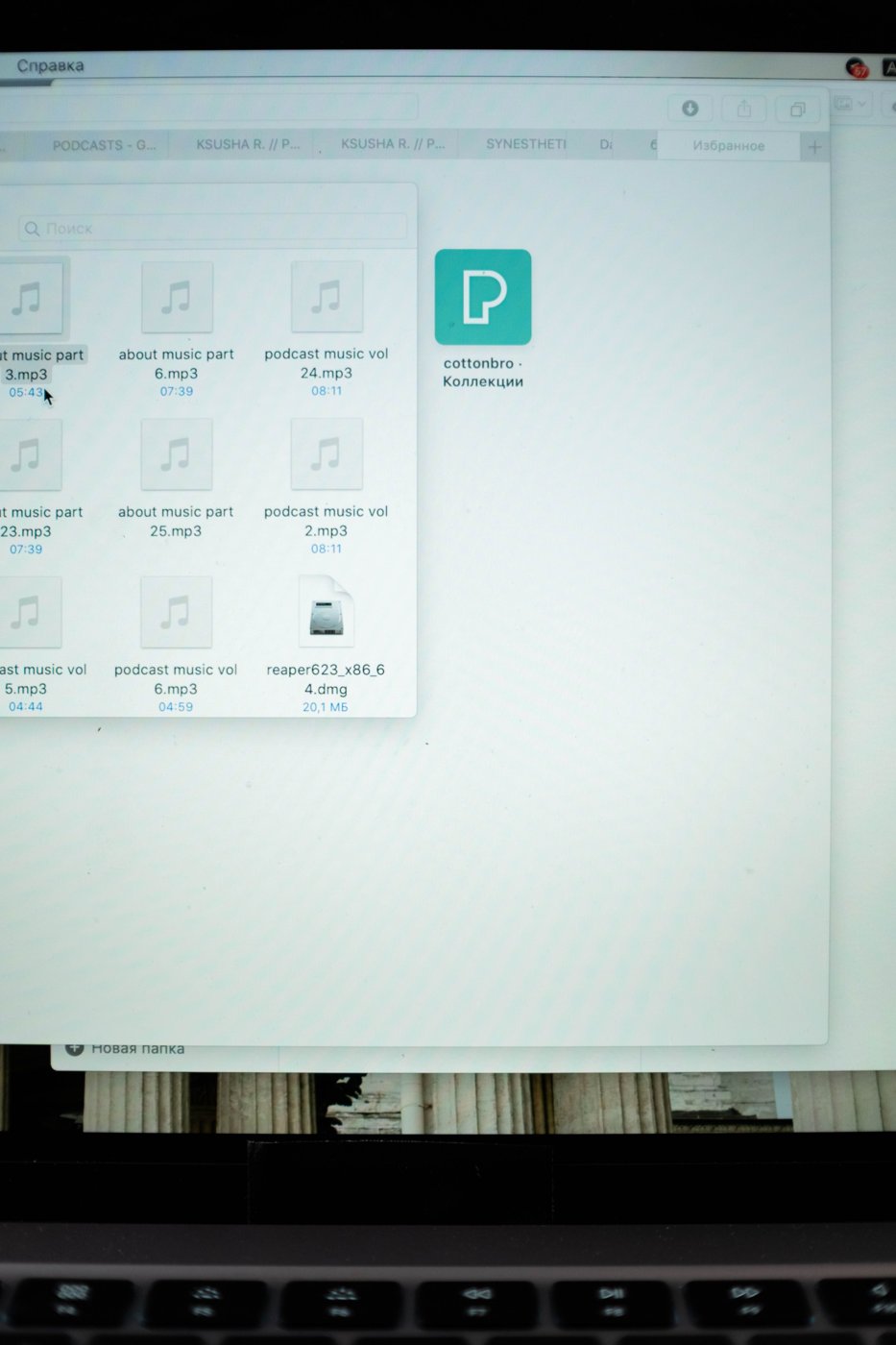
Being able to see a filename while online is not proof that you can open it offline. Some systems show cloud files that are downloaded only when needed. Preparing for a flight, a remote location, or an unreliable connection means checking the actual files and tools you will use before connectivity disappears.
List the tasks you expect to complete and the material each requires. Include source documents, linked spreadsheets, reference PDFs, fonts or assets where relevant, and any instructions stored in a shared workspace. A single main document may depend on several items that are easy to overlook.
Download deliberately
Use the service's supported offline feature and wait for it to finish. Google Drive distinguishes streamed content from mirrored content, and its help documentation explains how to make selected files available offline. Google-native documents have their own browser offline setup. Check the current instructions for your device and account instead of assuming that all file types behave alike.
Confirm there is enough local storage for the selected material. Large folders can consume considerably more space than expected, especially when they include media. Choose the scope around the actual trip or session rather than marking an entire archive available simply for reassurance.
Check application access as well as file access. A document may be local while the tool needed to edit it requires sign-in, online processing, or a license check. Test the intended workflow, including saving and exporting, before leaving. Keep an alternative readable format for essential reference material when appropriate.
Test with the connection disabled
Disconnect temporarily and open representative files from their planned locations. Try a meaningful edit on a test copy and save it. Check links, embedded images, and any supporting data. Reconnect afterward and confirm that the test change reaches the intended destination without confusion.
Coordinate shared editing before a longer offline period. Tell collaborators which files you will work on and agree how changes will be reconciled. Avoid creating multiple independently edited copies without a plan to compare them later. Automatic synchronization cannot make every conflicting decision for the group.
Protect the local copies according to the sensitivity of the material. A device carrying downloaded files has a different exposure than one displaying online placeholders. Follow organizational rules for travel and device access where they apply.
On return, allow synchronization to complete and inspect any conflicts or failed uploads. Verify the current working version before removing offline copies. The preparation is complete only when the work has made a clear round trip from the shared location to your device and back.
Prepare for the work outside the main file
A report-writing session may need a spreadsheet, a reference manual, and a set of images in addition to the report itself. Downloading only the report can leave its citations or linked charts unusable. An offline check should therefore follow the actual sequence: open the report, inspect the supporting figures, make a small change, and export a readable copy. If the task requires live information, identify that limitation before departure and plan a different part of the work for the offline period. Do not quietly substitute an old cached value for a current value that the task requires.