A fingerprint is easier to remove than a damaged screen coating. Before using a cleaner, find the instructions for the exact monitor or laptop display. Glass, coated panels, textured finishes, and specialty surfaces can require different treatment. A bottle labeled “screen cleaner” does not establish compatibility with all of them.
Turn off the device and disconnect power as its instructions direct. A dark screen makes marks easier to see, and a stable position reduces the temptation to grip the panel while wiping. Let a warm device cool before starting.
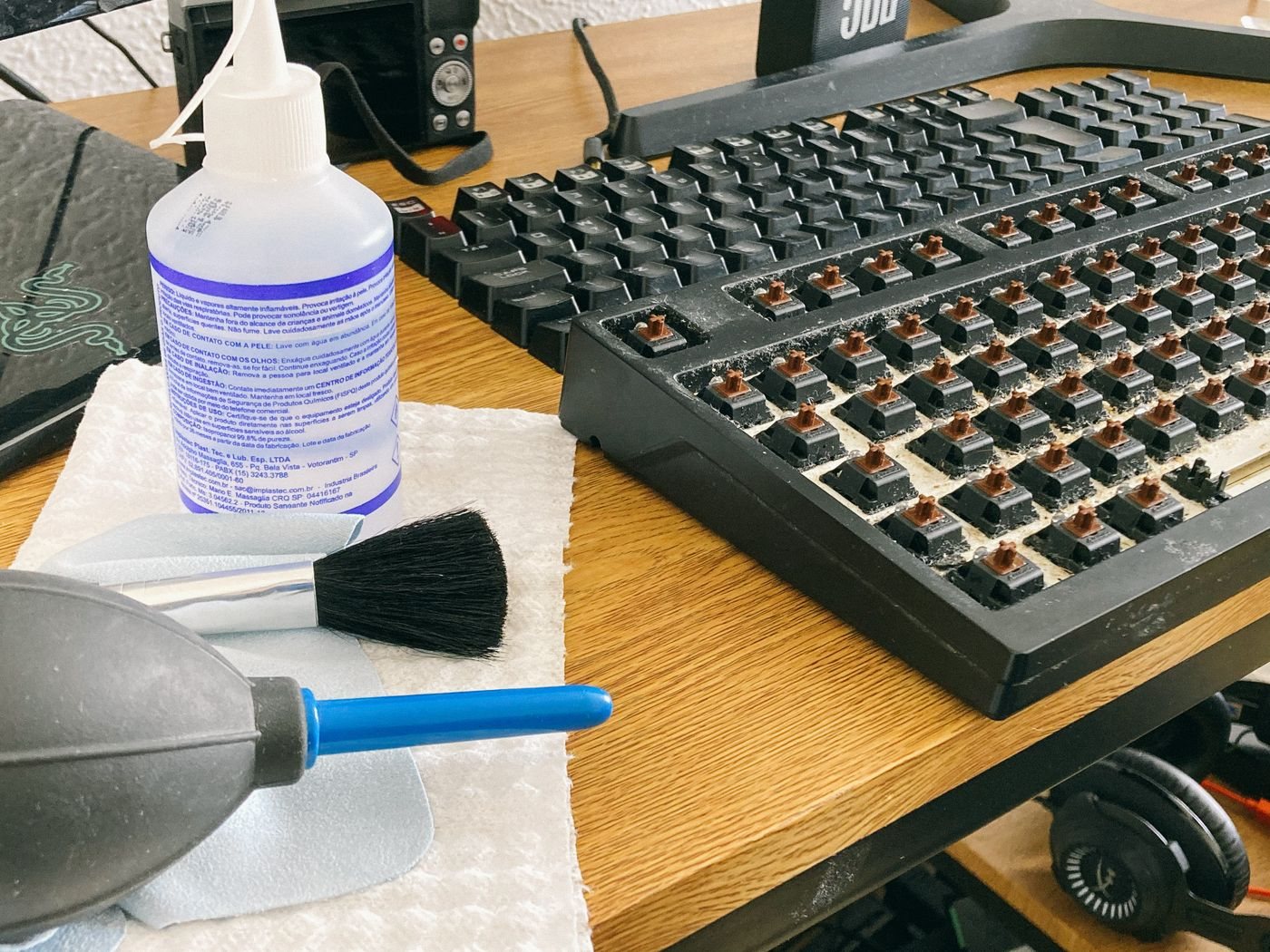
Use a clean, soft, lint-free cloth suitable for the display. Check the cloth for grit and set it apart from cloths used on desks or keyboards. Lightly remove loose dust without pressing it into the surface. Excess pressure is not a substitute for the correct method, particularly on a thin panel.
If a mark remains, consult the manufacturer's approved liquid and application procedure. Apple's general cleaning guidance cautions against spraying directly onto a product and getting moisture into openings, while some of its display finishes have specific instructions. Treat those model-specific exceptions as a reason to look up your own screen, not as a universal recipe.
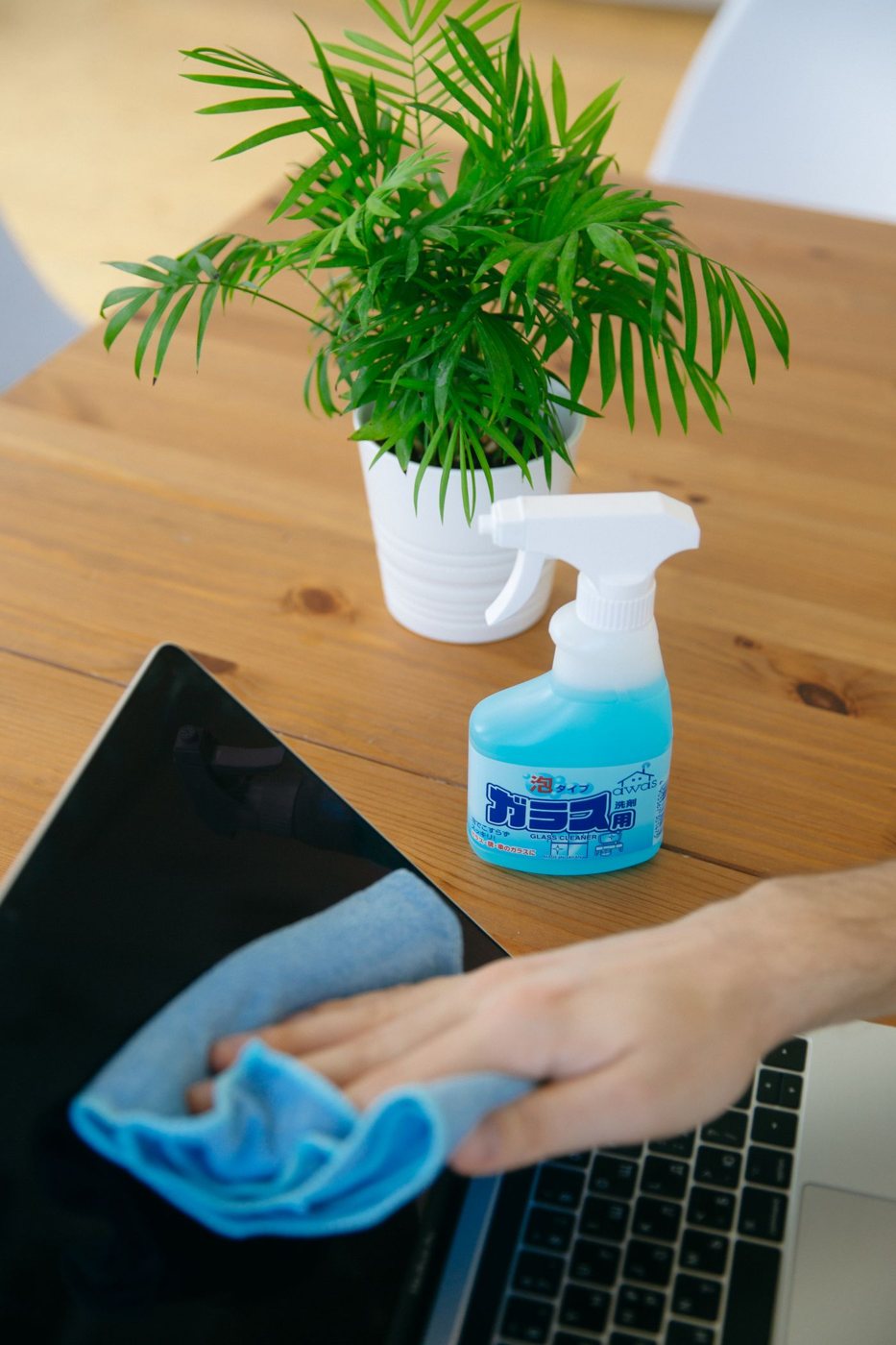
Apply only the permitted amount to the cloth when instructed. Keep liquid from collecting at the lower bezel, camera opening, seams, and buttons. Do not use household glass cleaner, abrasives, or a solvent simply because the surface looks like ordinary glass.
Know when to stop wiping
A persistent patch may be a scratch, coating wear, or residue that needs manufacturer advice. Repeatedly rubbing the same area can make the problem worse. Change to a clean part of the cloth and inspect under gentle light; if the mark does not respond to the approved method, stop.
Clean the stand and exterior separately with an appropriate cloth so dirt from those surfaces does not return to the display. Allow any permitted moisture to dry fully before reconnecting power, following the product instructions.
Store the screen cloth in a clean pouch. Keeping it free from crumbs and other debris is part of protecting the finish next time. If the screen has an unknown aftermarket protector, check that product's instructions too. The surface you touch may be the protector, and its care requirements can differ from the panel beneath it.