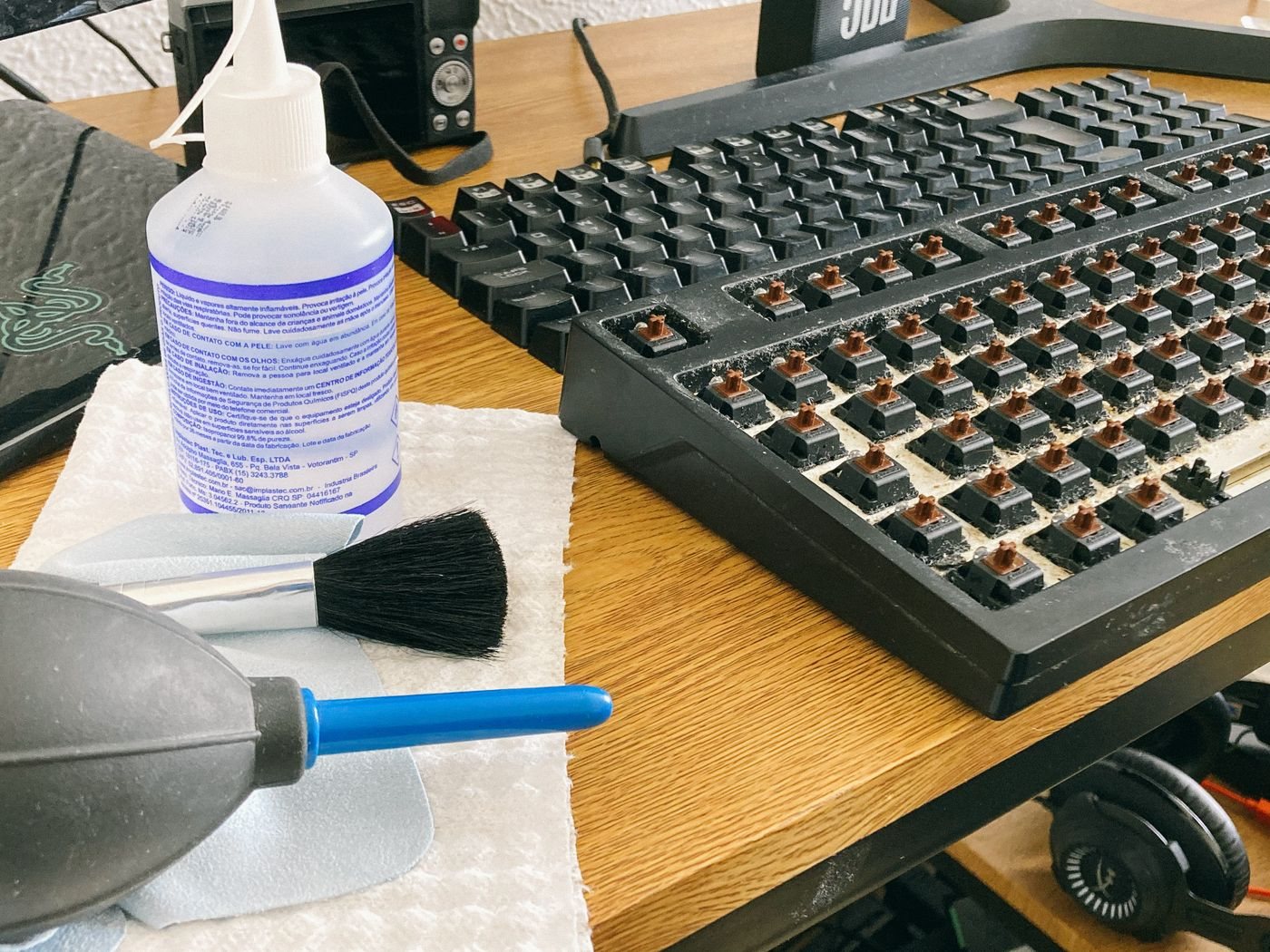
Crumbs between keys and a sticky key are not necessarily the same cleaning problem. Start by identifying the keyboard model and reading its care instructions. A removable keycap on one mechanical keyboard does not mean a laptop's key mechanism can safely be pulled apart in the same way.
Disconnect a wired keyboard. Turn off a wireless model and remove only batteries designed for routine user removal, following the manual. Do not open a sealed keyboard just to isolate its battery for ordinary exterior cleaning. For a laptop keyboard, follow the laptop manufacturer's shutdown and cleaning procedure.
Remove loose material gently
Use the manufacturer's approved method for dust and debris. If compressed air is permitted, follow both the keyboard instructions and the can's directions. Avoid improvising with a high-pressure compressor or directing material deeper into the device. Keep liquids away from gaps and openings.
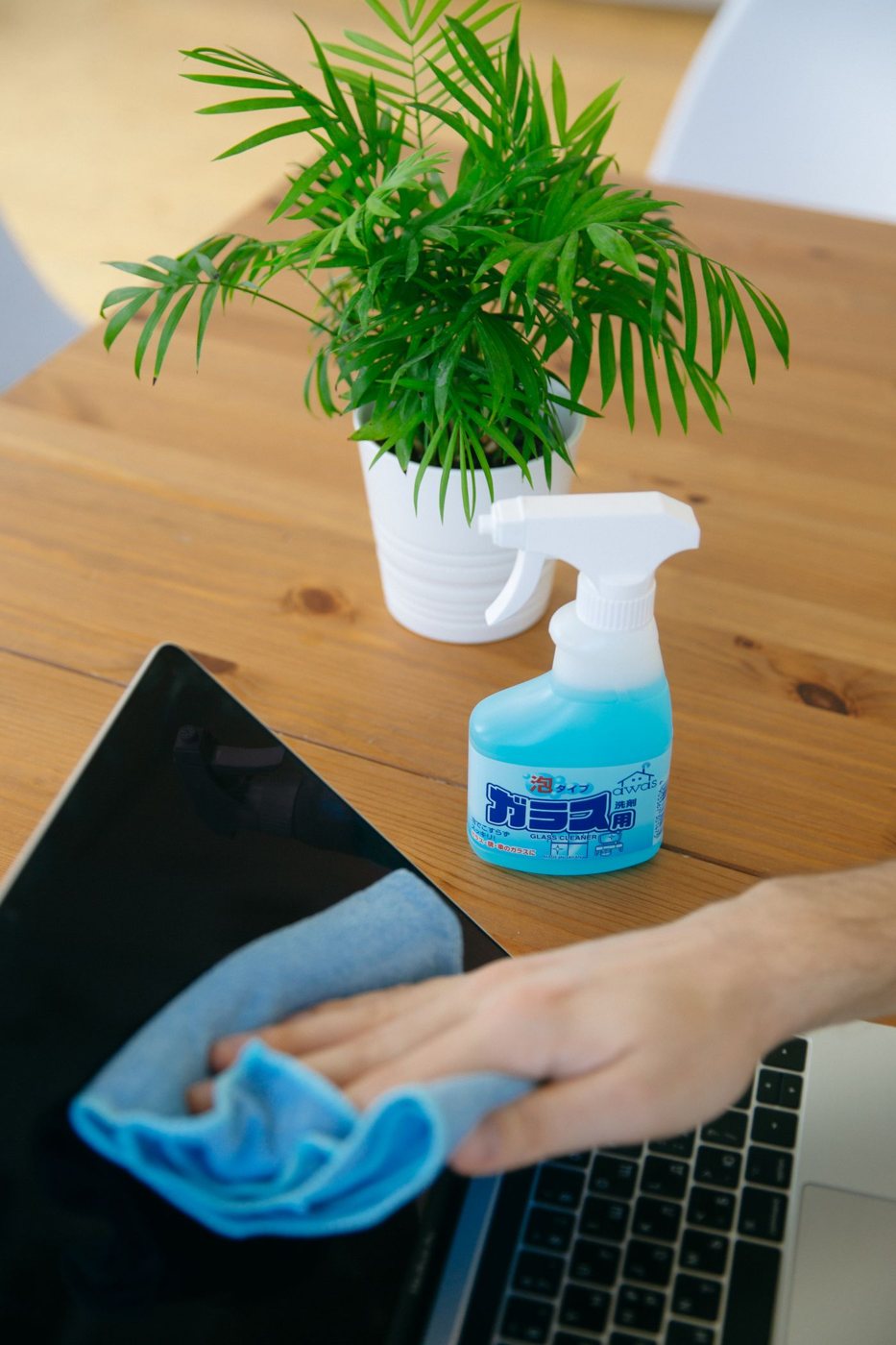
For the key surfaces, use the recommended soft cloth and cleaning agent. Logitech's guidance emphasizes minimal moisture and applying cleaning liquid to the cloth rather than directly to the device. The exact product and surface still matter, especially for coated keycaps, fabric wrist rests, or soft-touch materials.
Do not assume a keyboard advertised as spill-resistant is washable. Resistance claims apply under defined conditions and do not turn routine cleaning into immersion. Likewise, a removable wrist rest can have different instructions from the keys and housing.
Separate dirt from a fault
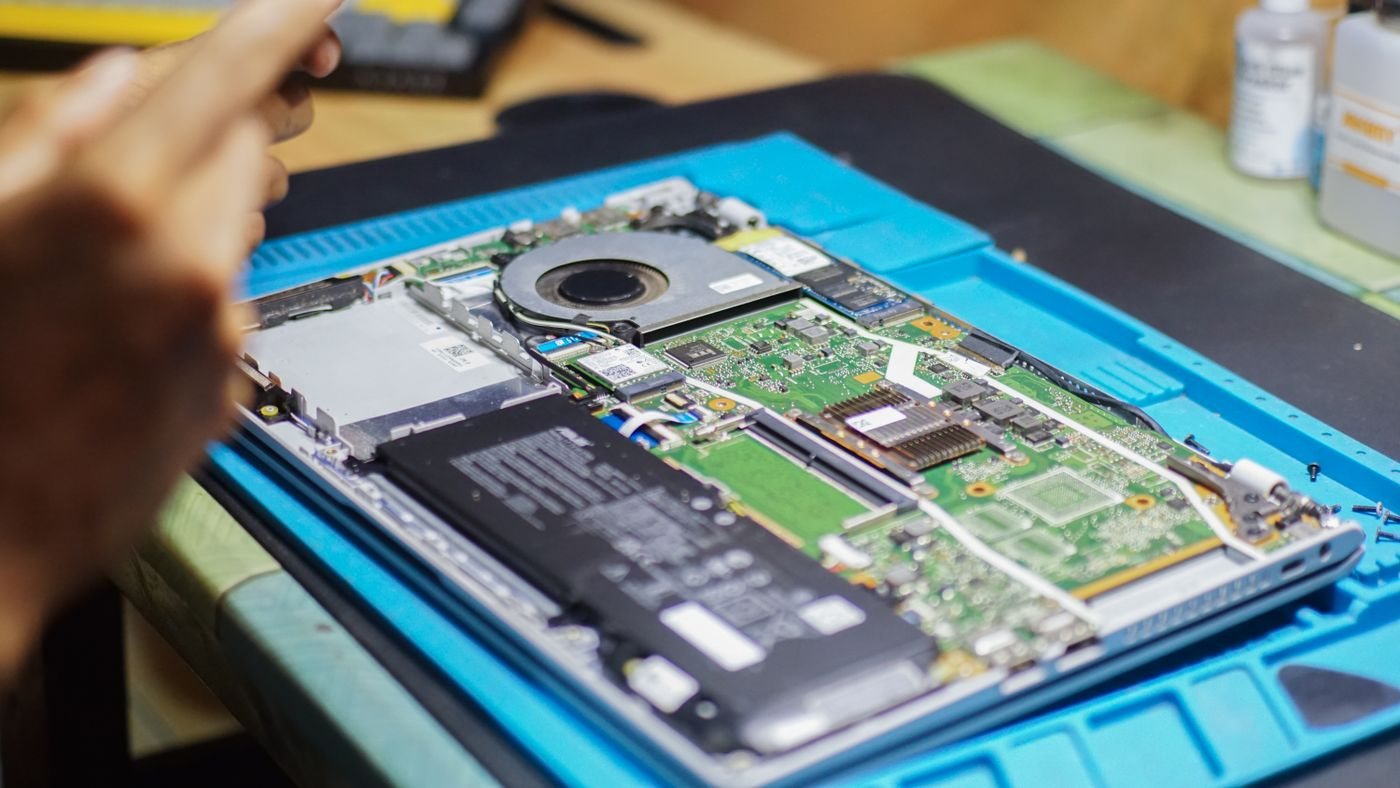
If a key continues to stick after approved exterior cleaning, stop forcing it. Check whether the manufacturer permits keycap removal and whether special tools or replacement parts are required. Laptop scissor mechanisms and larger stabilized keys can be easy to damage. A service request may be more appropriate than an unsupported deep clean.
A recent liquid spill calls for the device's spill guidance, not another wipe while it remains powered. Record what spilled and where it entered, and avoid repeated power-on tests. Sweet or oily residue may need professional assessment even after the outside appears dry.
Allow the keyboard to dry as directed before reconnecting it. Test ordinary typing in a blank document so unexpected repeated keys do not affect important work. Clean the desk area and the storage place for the cloth as well. Reducing loose debris around the keyboard can make the next cleaning less involved without requiring a collection of specialized tools.