A mouse that feels rough on the desk may have debris on its feet, a dirty pad, or worn glide surfaces. A pointer that jumps can have other causes. Begin with an exterior inspection so cleaning remains a focused task instead of a reason to dismantle the mouse.
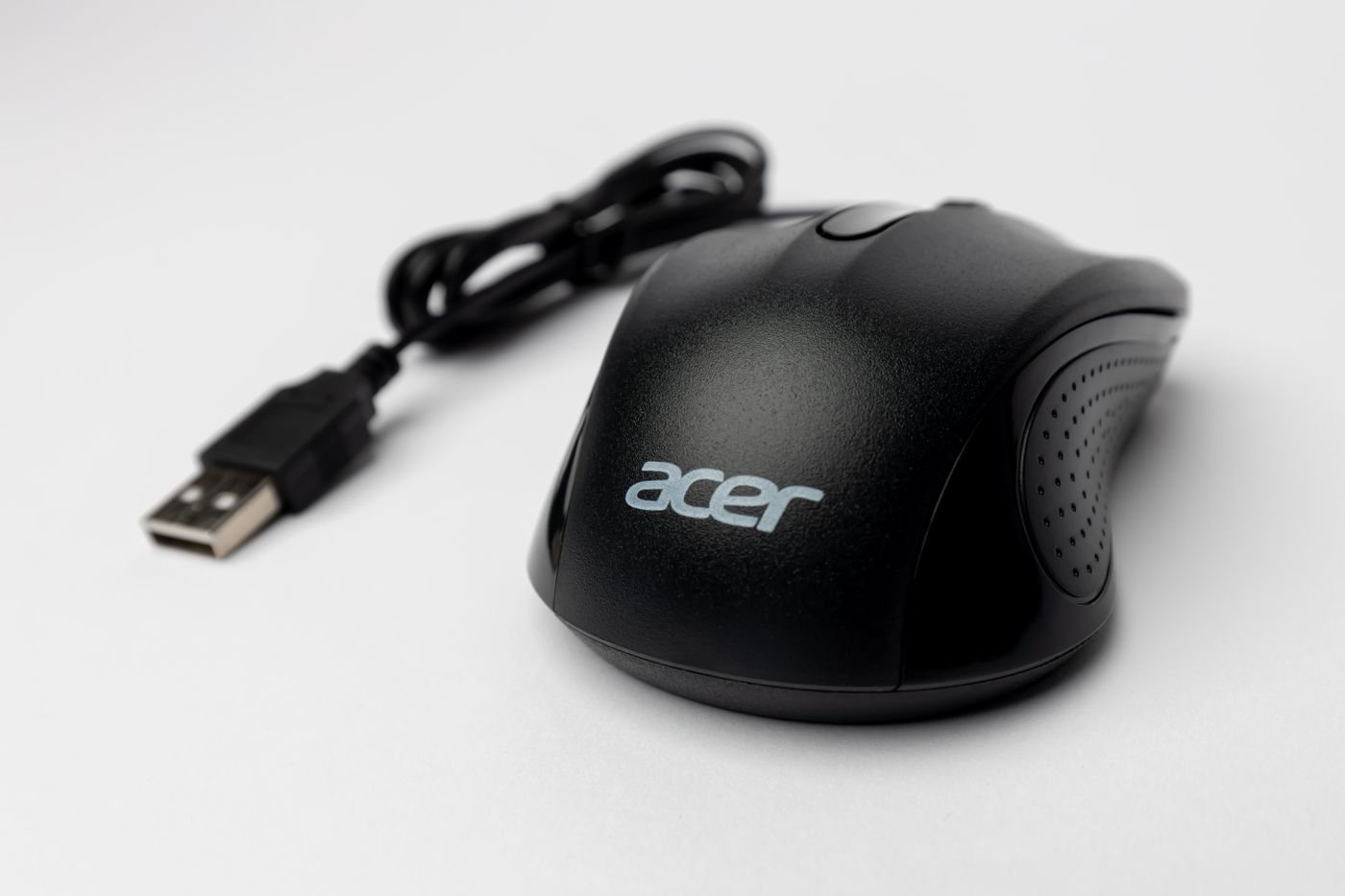
Unplug the mouse or switch it off. Remove batteries only if the design makes them user-replaceable and the instructions call for it. Check the manufacturer guidance for the shell, grip materials, wheel, and sensor area. A cleaner suitable for a hard plastic top may be unsuitable for a coated side grip.
Turn the mouse over on a clean surface. Look for loose debris around the feet and sensor opening. Remove material gently using the approved method; do not scrape the sensor lens or insert a sharp object into the opening. Avoid soaking the underside or allowing liquid to enter seams.
Inspect the feet for lifting edges, missing pieces, or uneven wear. Do not peel them off merely to see what is underneath. On some designs they cover fasteners, and removal can damage the adhesive or change how the mouse sits. If replacement is needed, use parts and instructions intended for the model.
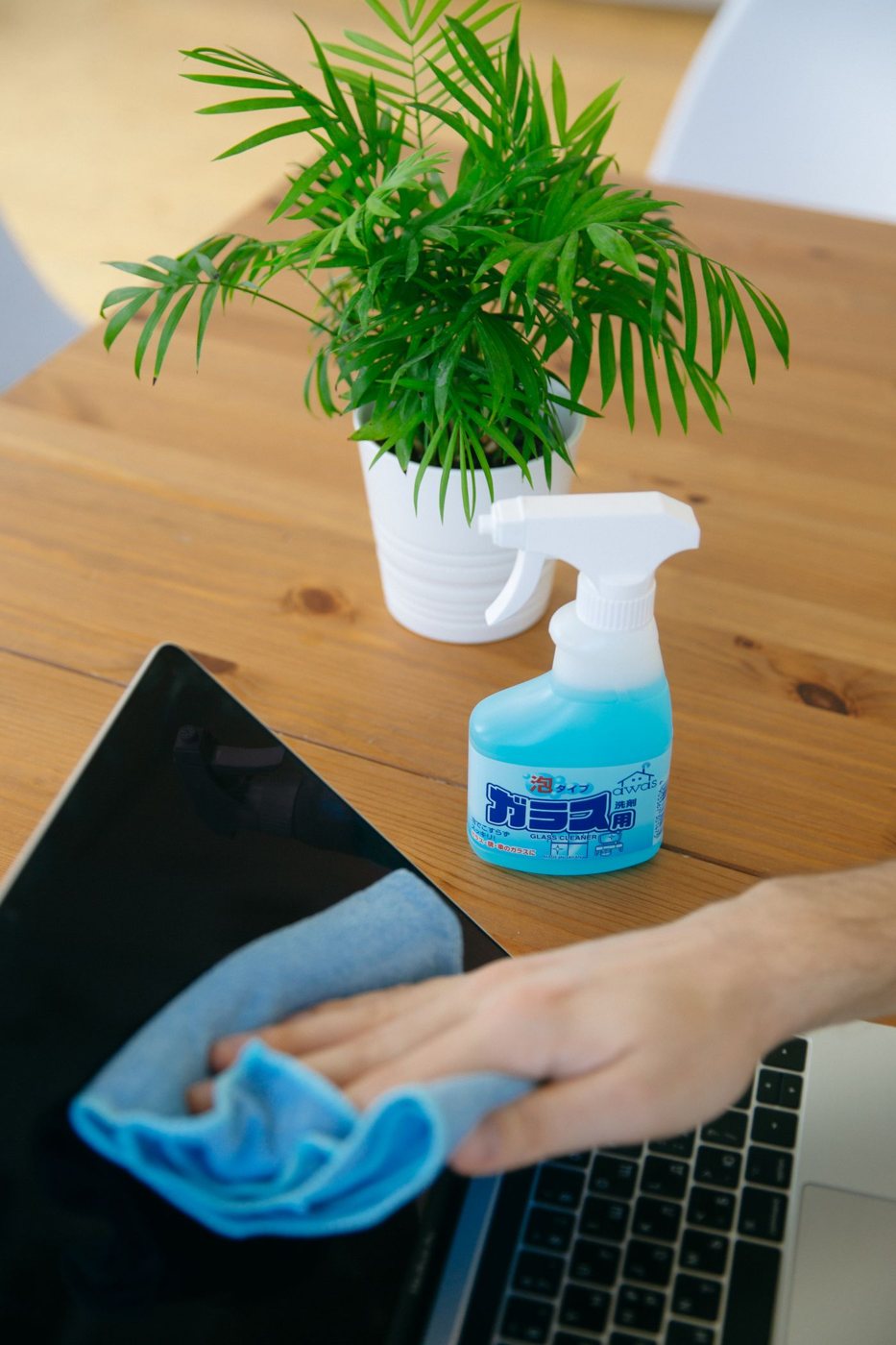
Clean the exterior with a suitable cloth and minimal permitted moisture. Microsoft's mouse and keyboard care guidance is a useful example of manufacturer-specific instructions; consult the instructions for your own device rather than generalizing a solvent recommendation across all materials.
Wipe or clean the mouse pad according to its material and let it dry fully. A clean mouse can immediately collect debris from a dirty pad. Fabric, coated, and hard pads may have different washing or wiping requirements, so avoid treating them as interchangeable.
After the mouse is dry and reconnected, test it on a familiar surface. If tracking remains erratic, check the battery, receiver placement, connection, and settings before repeating the cleaning more aggressively. A damaged foot can explain uneven movement; it does not explain every electronic symptom.
Keep notes if a particular button or wheel action still fails. Describe whether the problem occurs in several applications and whether it changed after cleaning. That information helps support distinguish wear or a hardware fault from a surface issue, and prevents a cycle of increasingly forceful cleaning that risks the finish.