The guide library
Find the guide for the job.
Browse by topic or search the complete guide collection for an item, connection, or everyday task.
 Input & meetings
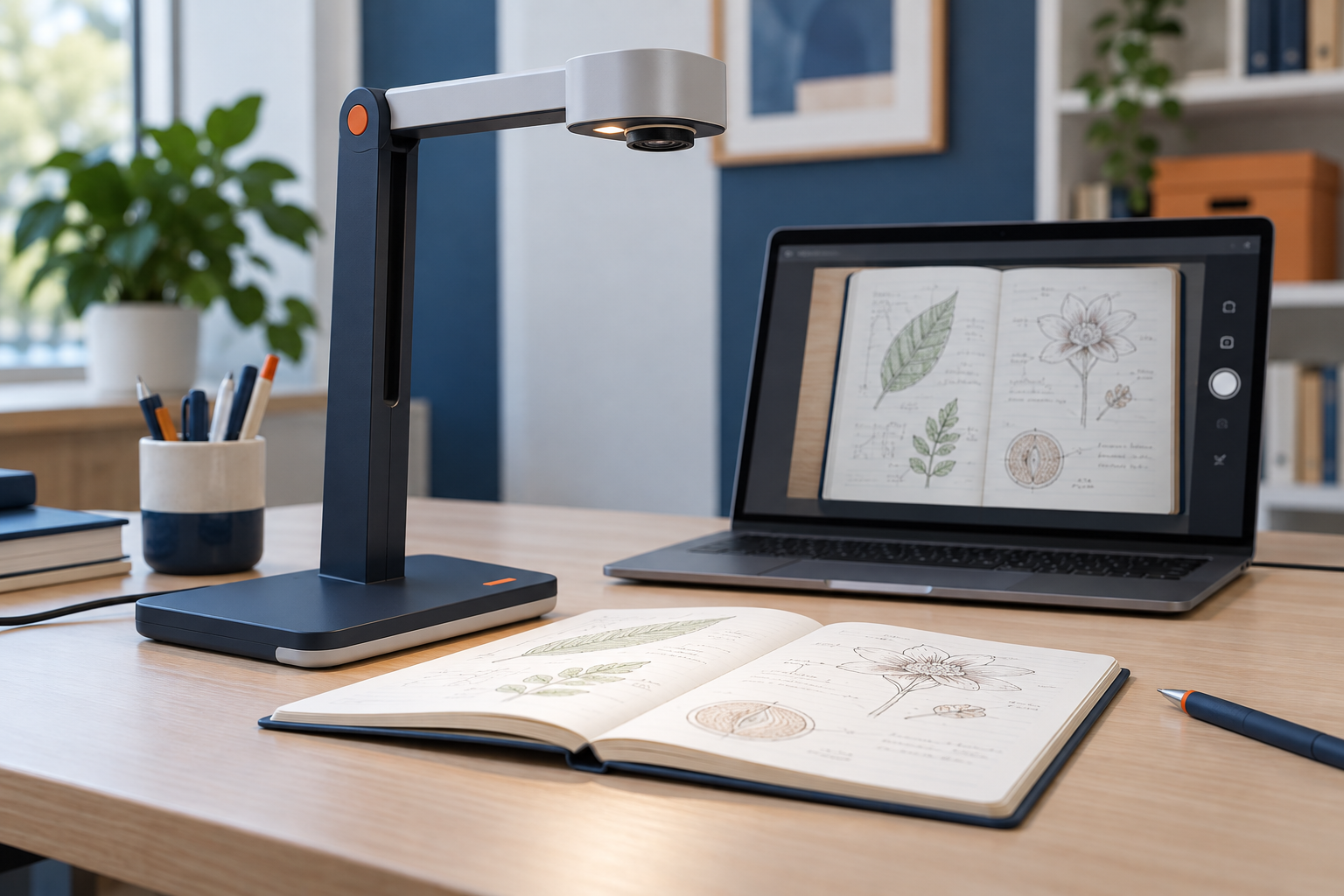
Using a document camera for demonstrations
Choose framing, focus, lighting, and sharing settings around the physical object or page your audience needs to see.
 Input & meetings
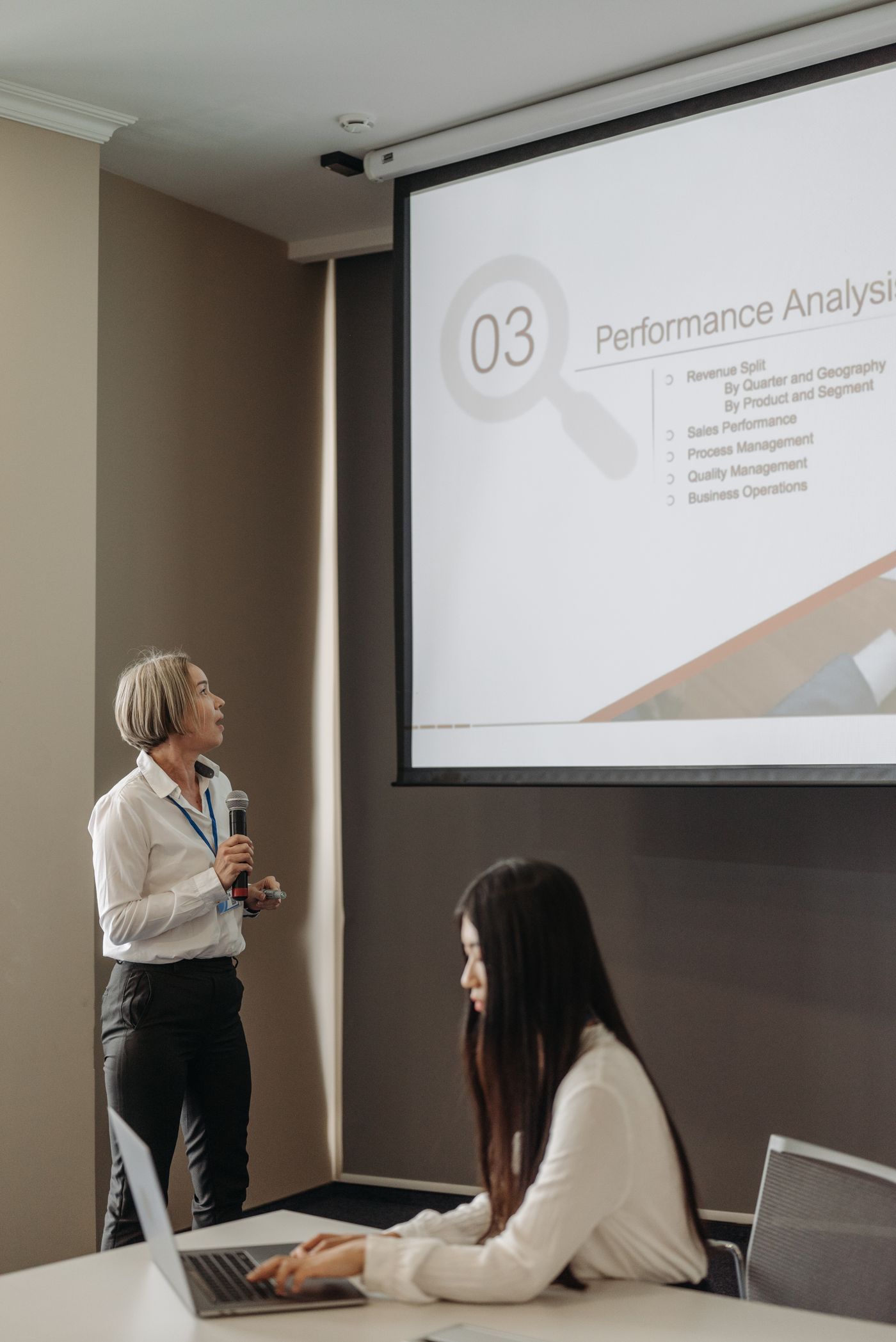
Choosing a presentation remote
Match a presenter to the display, slide software, computer permissions, and controls you can operate without looking.
 Input & meetings
Deciding whether you need a home printer
Compare actual printing frequency, urgency, privacy, and ongoing supplies before making space for a printer.
 Input & meetings
Matching a printer type to your printing habits
Compare ink and toner systems using document type, volume, supplies, maintenance, and device features.
 Input & meetings
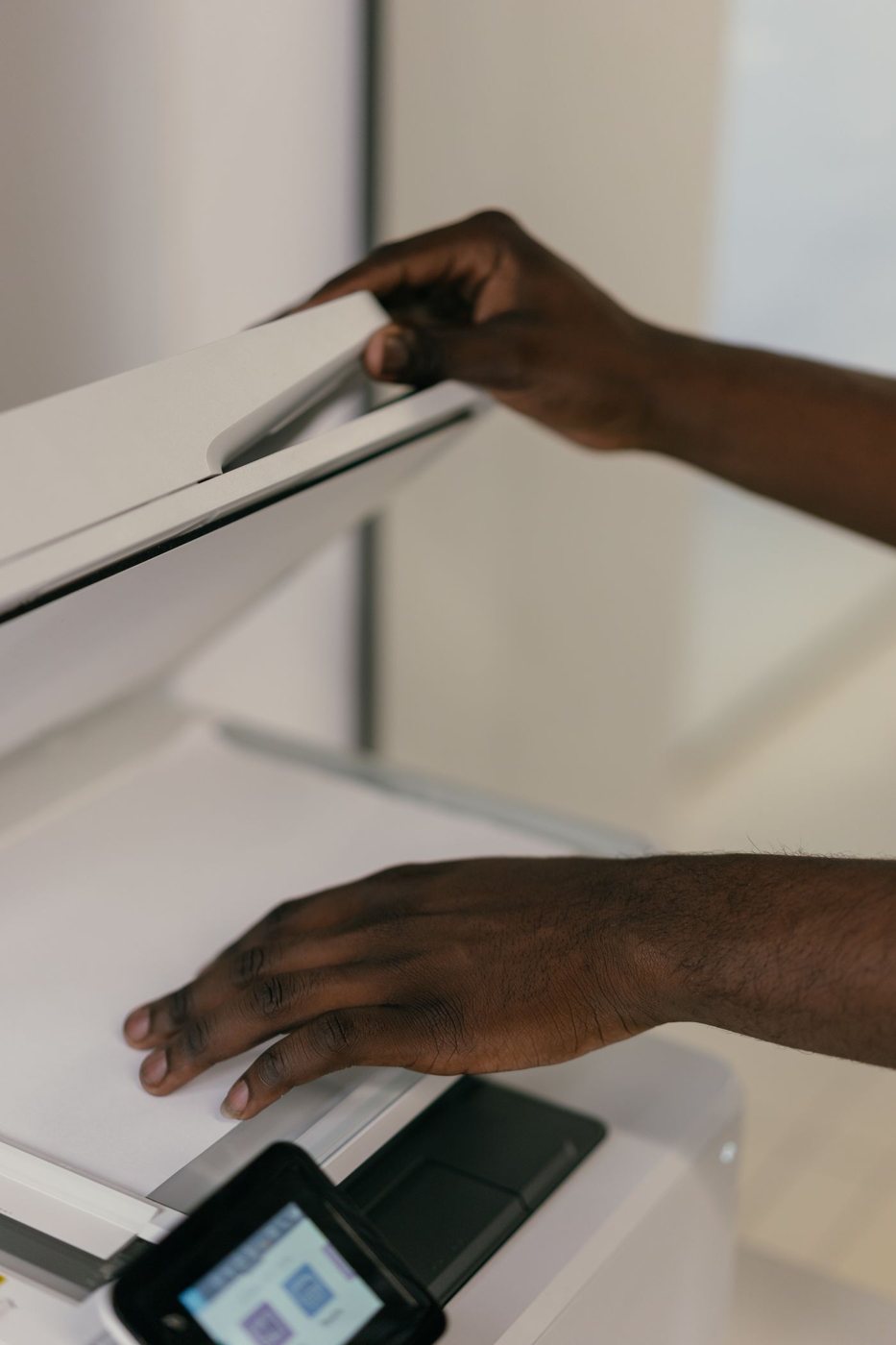
Choosing a scanner for a document backlog
Sort the originals before choosing a scanner, then compare feeding, duplex capture, software, and checking time.
 Input & meetings
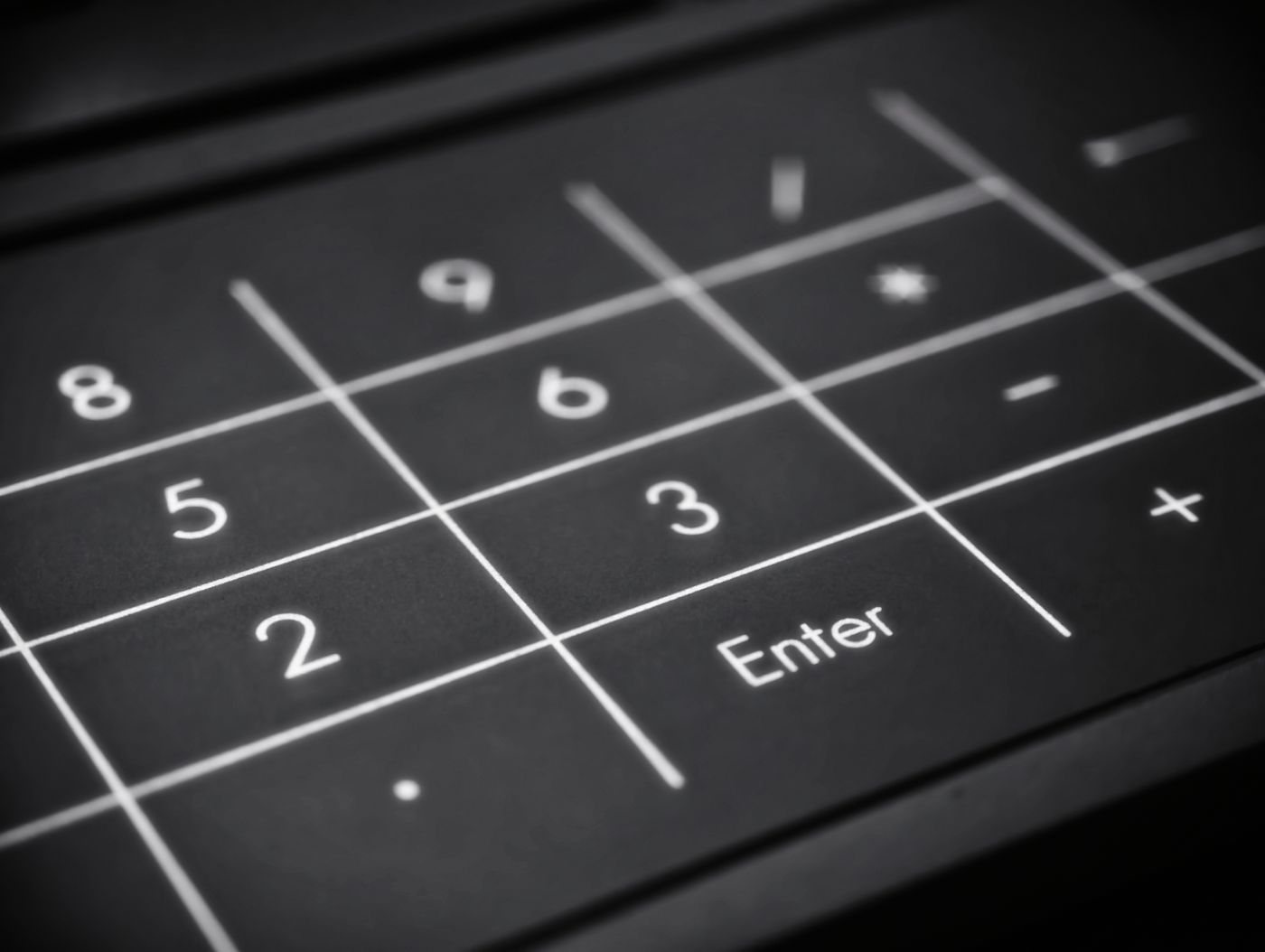
Adding a separate number pad thoughtfully
Evaluate a standalone keypad's placement, key behavior, connection, and value for the numeric work you actually do.
 Input & meetings
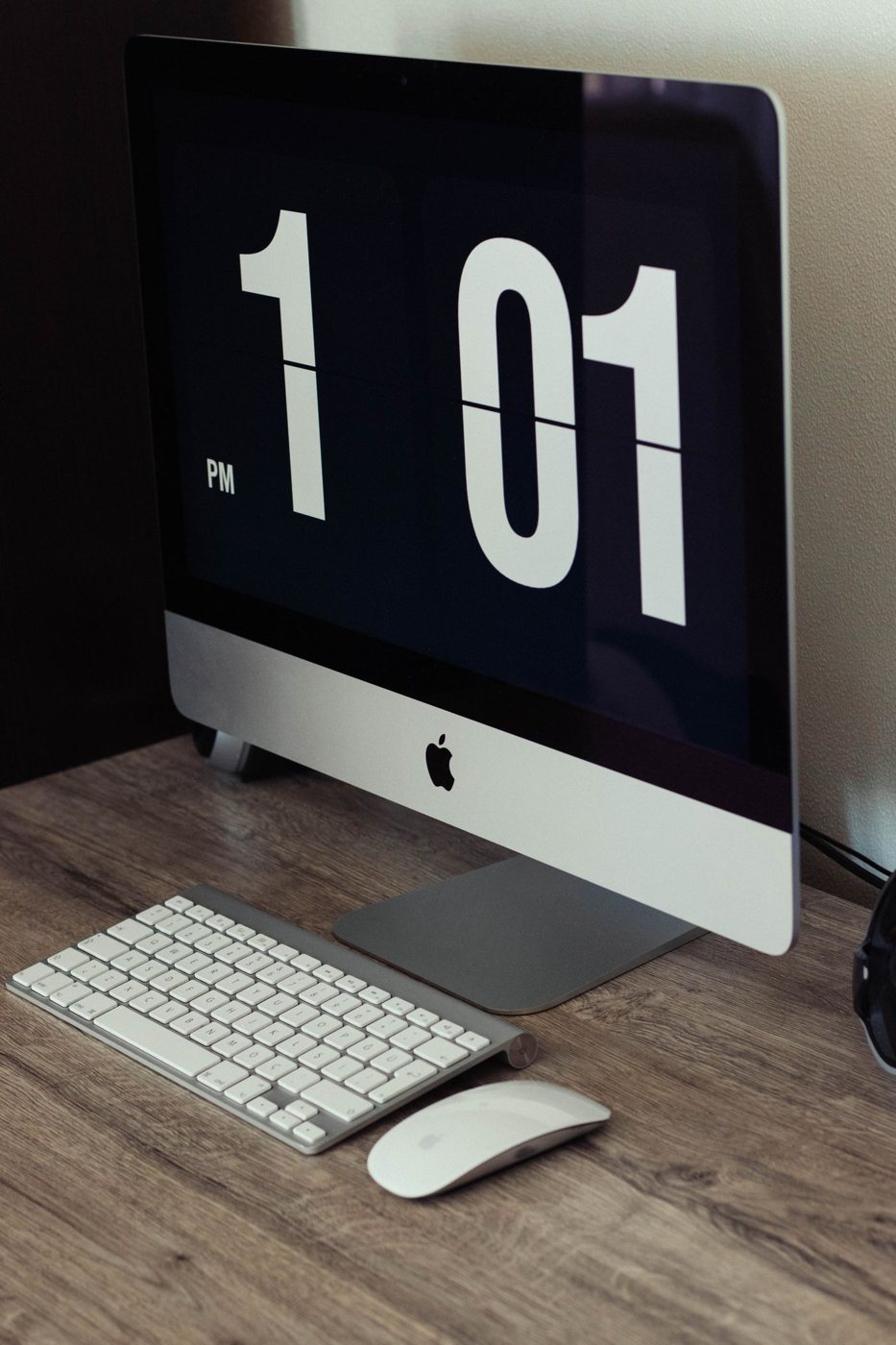
Sharing a keyboard and mouse between computers
Compare device switching, USB sharing, and software control while keeping the active computer obvious.
 Desk & workspace
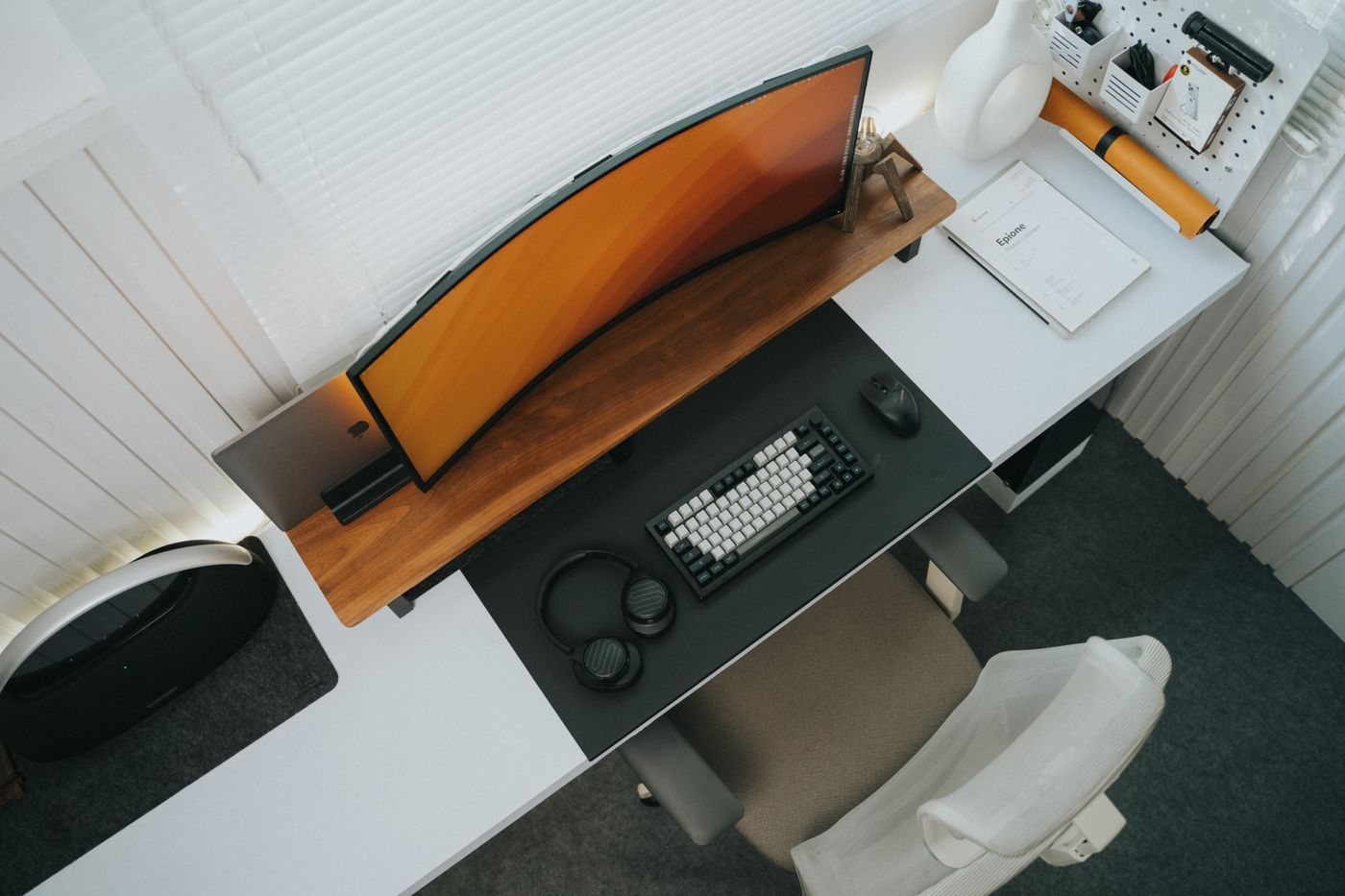
Choosing desk depth around your equipment
Measure the space needed for the screen, input devices, and papers rather than choosing a desk by width alone.
 Desk & workspace
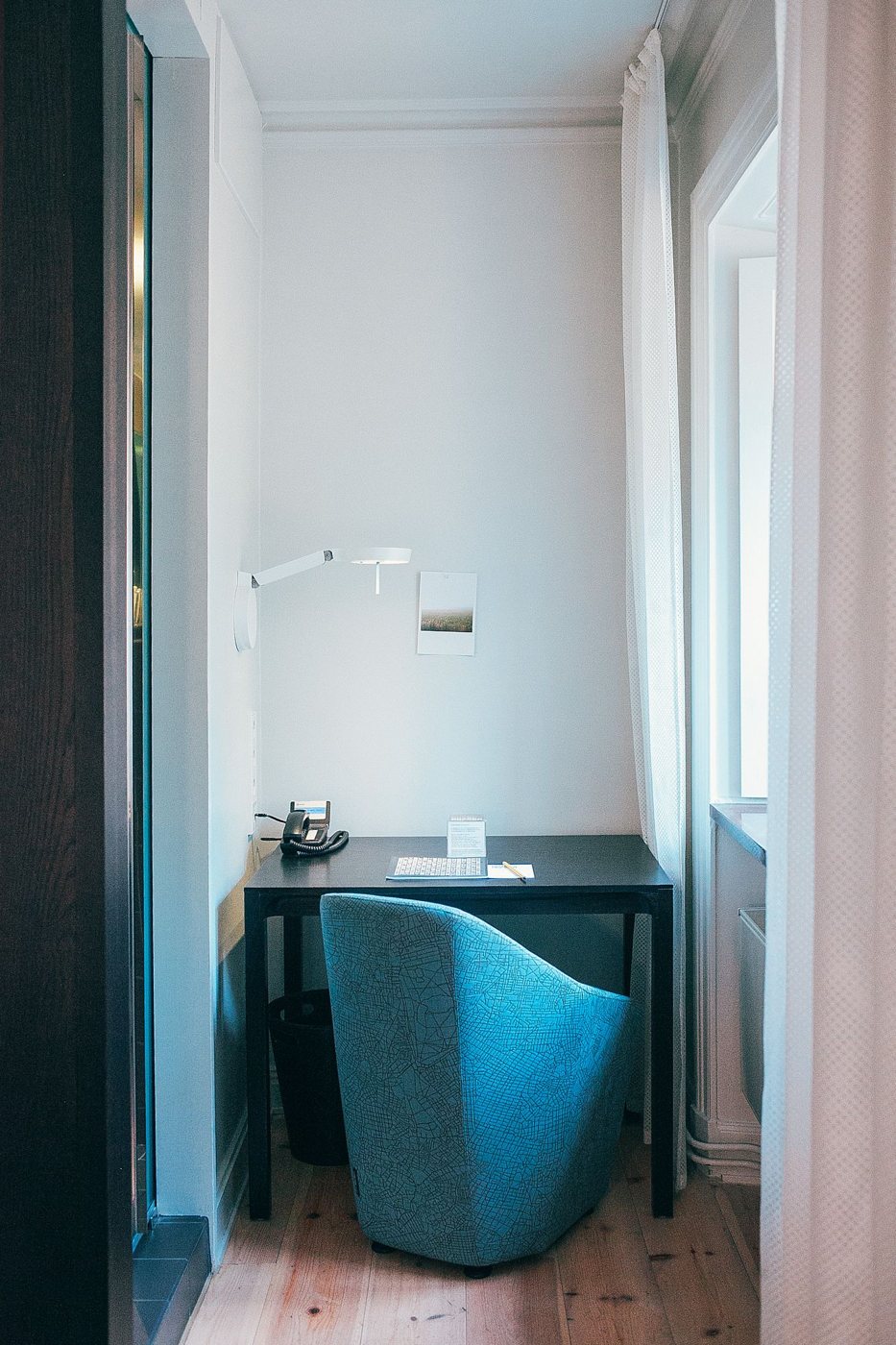
Making a small desk work without crowding it
Prioritize the tools used during a real work session and move occasional equipment to a suitable nearby location.
 Desk & workspace
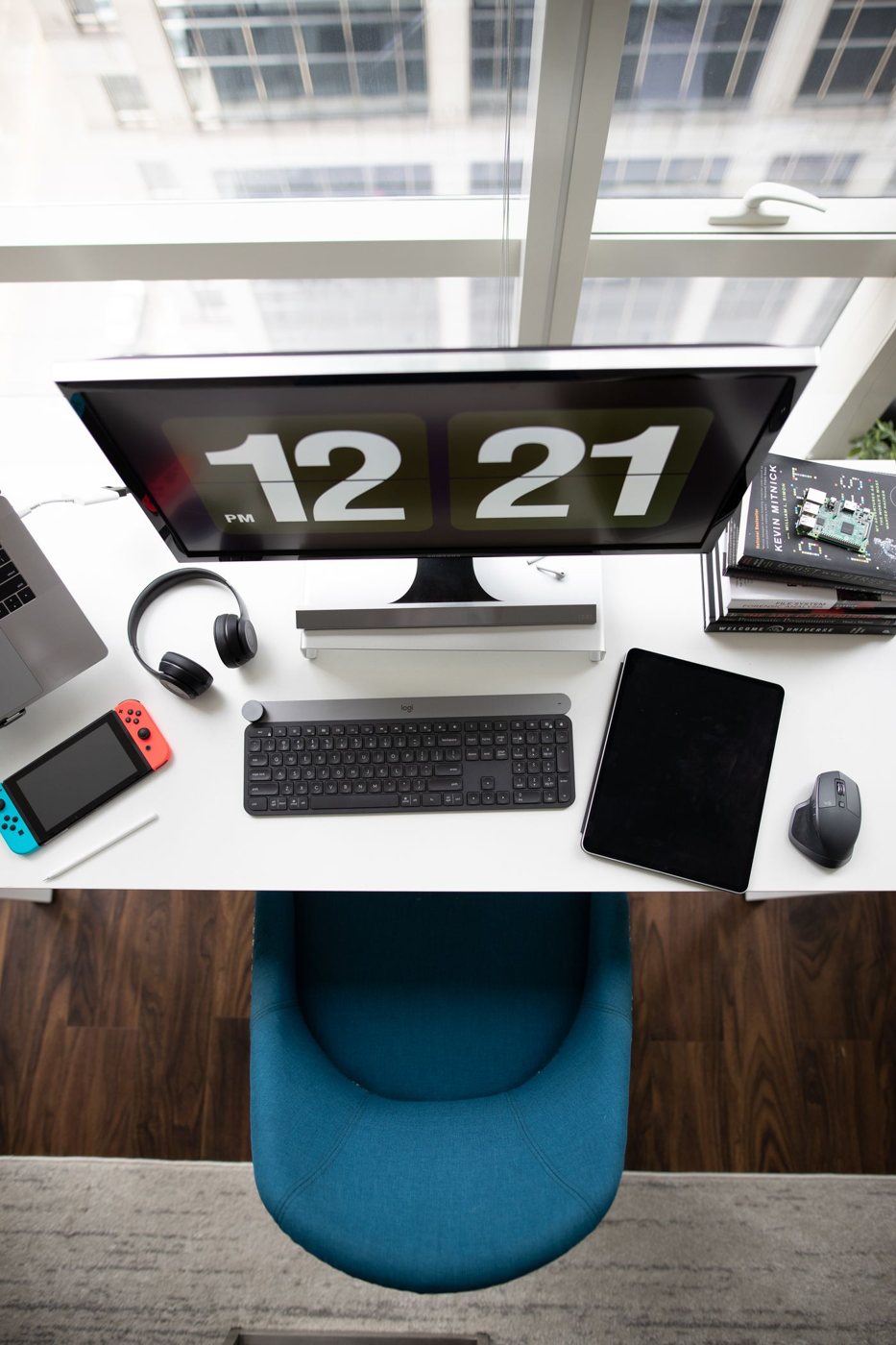
Dividing a desk into working zones
Arrange the work surface around active work, supporting materials, and temporary items without creating rigid decorative sections.
 Desk & workspace
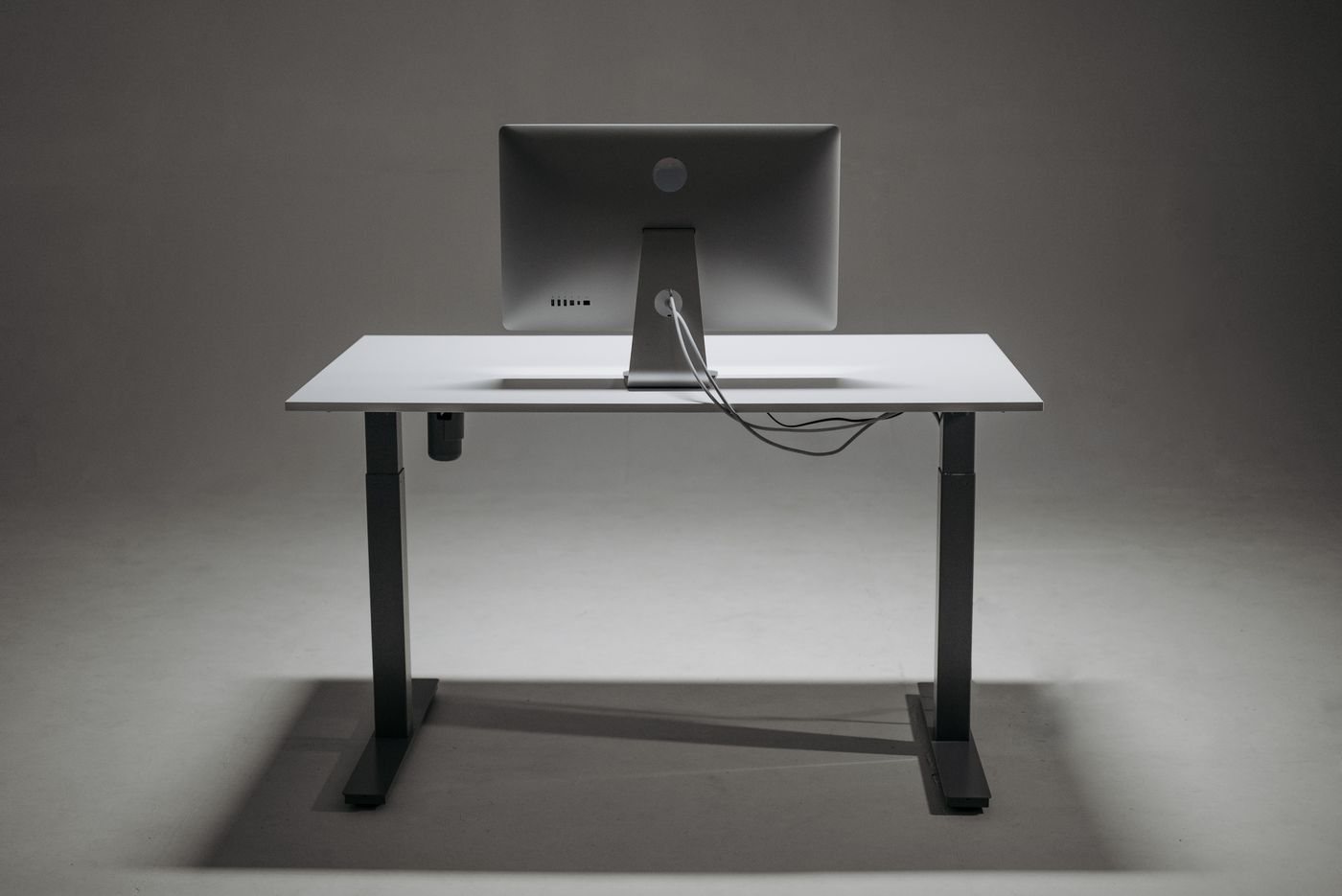
Planning cable routes before adding clips
Map cable destinations and required movement before choosing clips, sleeves, or under-desk organizers.
 Desk & workspace
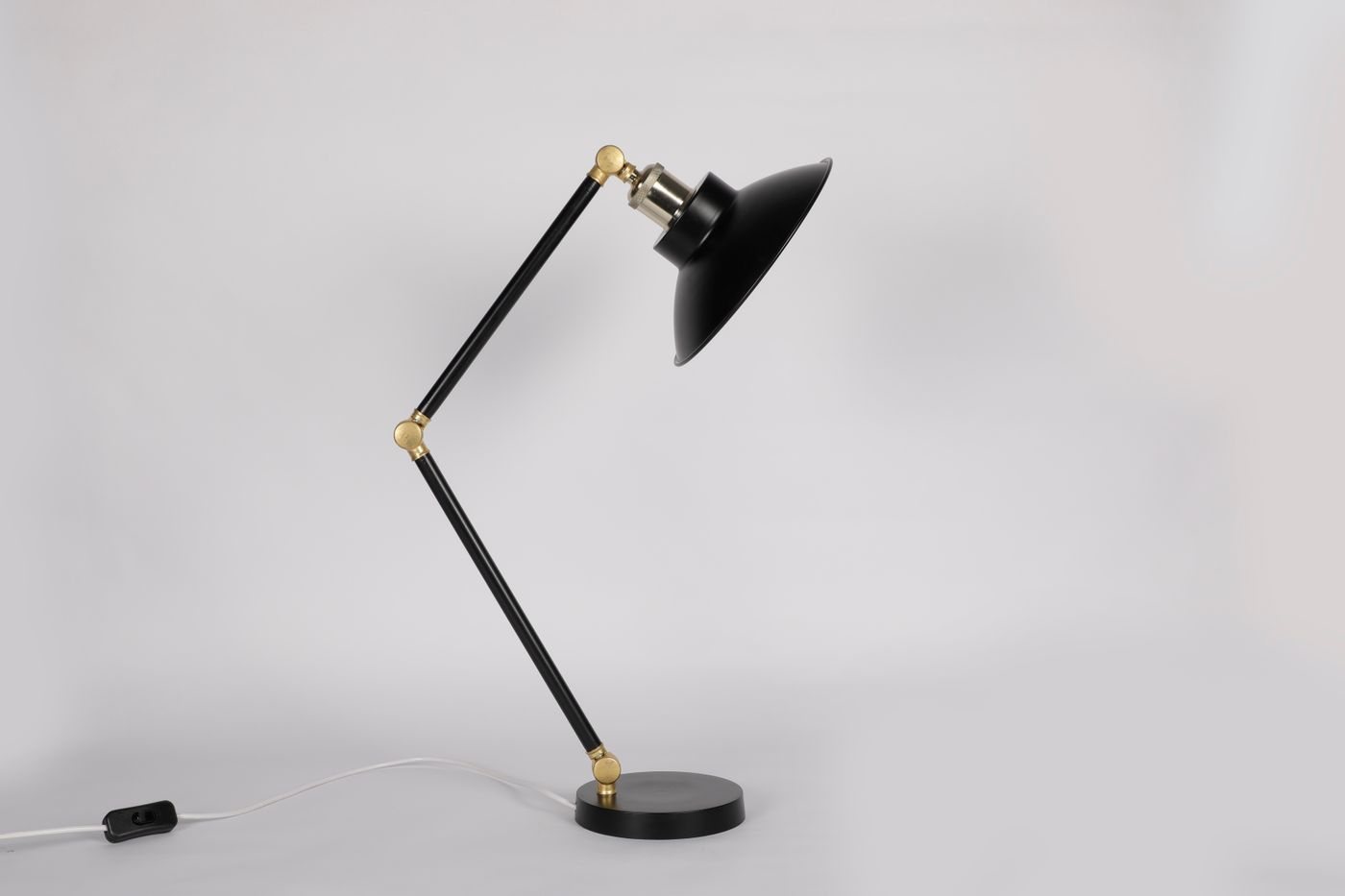
Choosing a desk lamp for the task
Choose a task lamp by its placement, adjustment range, and the work it needs to illuminate rather than its appearance alone.