A separate number pad can give a compact keyboard occasional numeric capability without permanently widening the typing area. It is most useful when you can move it into place for a defined task and put it away afterward. If numeric entry occupies most of the day, a full-size keyboard may still be simpler.
Try the workflow on both sides
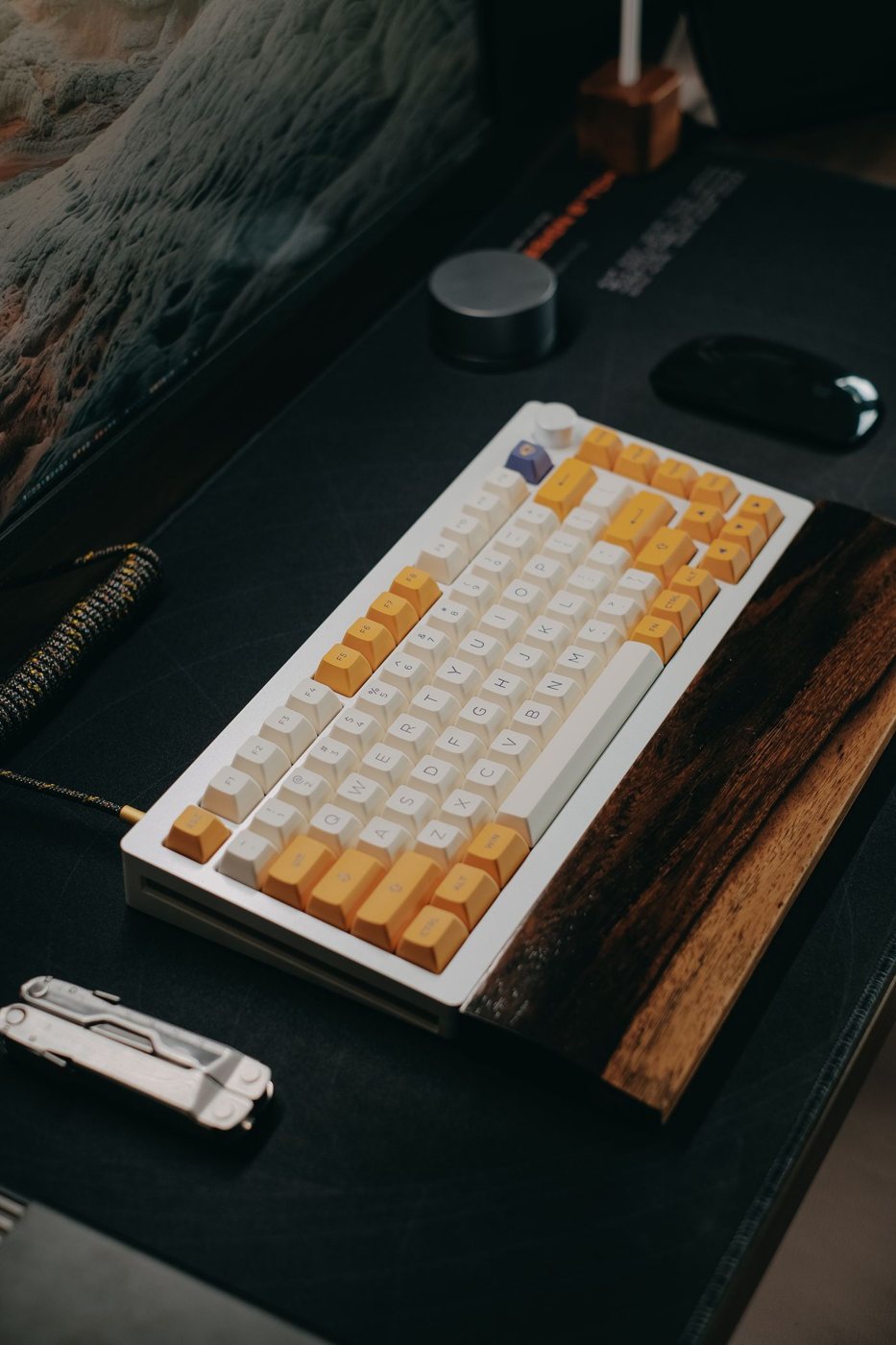
Place a temporary object the size of the proposed pad beside the keyboard and consider where your hands move. Some people prefer the pad on the left so the right hand can remain on the mouse; others rely on familiar right-handed entry. Test the actual spreadsheet or accounting task rather than choosing from a desk photograph.
Leave enough space between devices to avoid accidental contact without forcing a long reach. A separate pad gives flexibility, but it can also drift into an awkward position. Check its feet and stability on the intended surface.
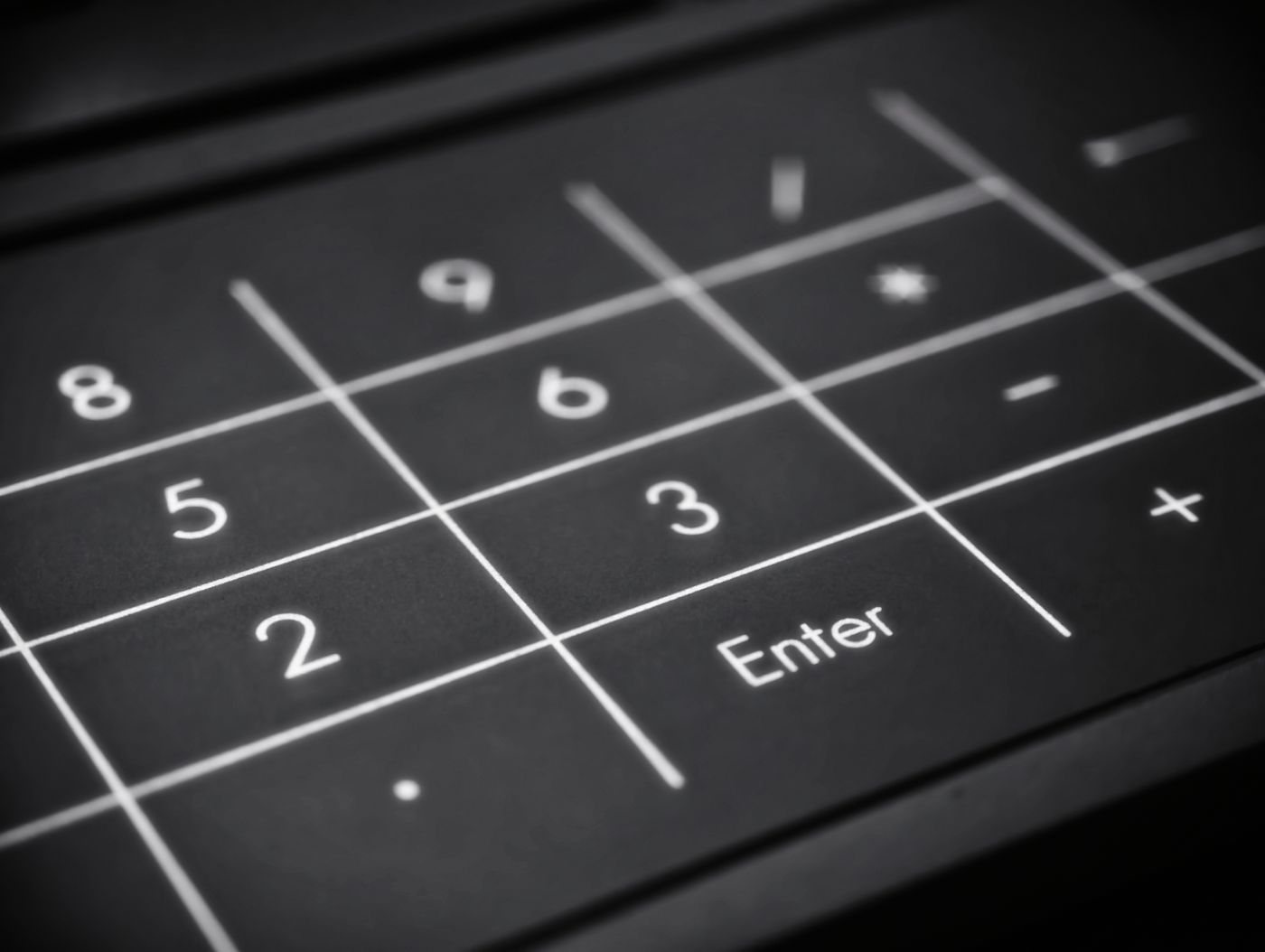
Look closely at the keys included. Enter, decimal, operators, Backspace, and extra function keys vary by model. A calculator-like appearance does not establish how the pad sends keystrokes to the computer.
Check the software behavior
Test Num Lock behavior with the main keyboard and operating system. Some devices handle it differently, and the result can affect navigation or numeric entry. Verify that the decimal key produces the expected character under your regional settings and in the application you use.
If programmable keys are part of the appeal, confirm the configuration utility and whether it is allowed on a work computer. Do not assume assignments will carry between machines unless the device documents that capability.
A wired pad needs a free port and a cable route that does not cross the mouse area. A wireless pad needs a compatible connection and a battery or charging routine. Include those requirements in the comparison with simply using a full-size keyboard.
For occasional work, choose a storage location where the pad is easy to retrieve and protected from pressure on its keys. If it is awkward to find or reconnect, the promised flexibility can become a nuisance.
During a trial, enter a representative set of figures and check for errors as well as speed. The aim is more dependable numeric work with a useful desk arrangement. Extra keys are worthwhile only when their placement and behavior fit the task; a small accessory should not add a new layer of uncertainty to data entry.