Start with a pile of representative pages, or a list of the pages you expect to print. Text-heavy forms, color diagrams, photographs, and labels place different demands on a printer. The choice between inkjet and laser becomes clearer when it is attached to those outputs.
Understand the consumables
Inkjet printers use liquid ink, while laser printers use toner. Brother's comparison explains that these systems apply their materials differently and that actual supply yields vary with content, settings, and use. A rated page yield is a comparison tool, not a guarantee for your exact documents.
For regular text output, compare suitable monochrome models as well as color machines. If color is needed only occasionally, decide whether owning that capability is worth its supplies and maintenance. For photographs, inspect output on the intended paper rather than judging from a general office chart.
Inkjet models can use cartridges or refillable tanks, and their costs differ. Laser models may have drums or other maintenance parts in addition to toner. Read the replacement schedule and supply list for the exact model, since the purchase price alone does not show the full arrangement.
Use a realistic cost comparison
Estimate the volume you will actually print over a useful period. Add the purchase price and the supplies likely to be needed, recognizing that coverage and idle time can affect use. A large supply yield has little value if the machine does not suit the output or occupies more space than you can provide.
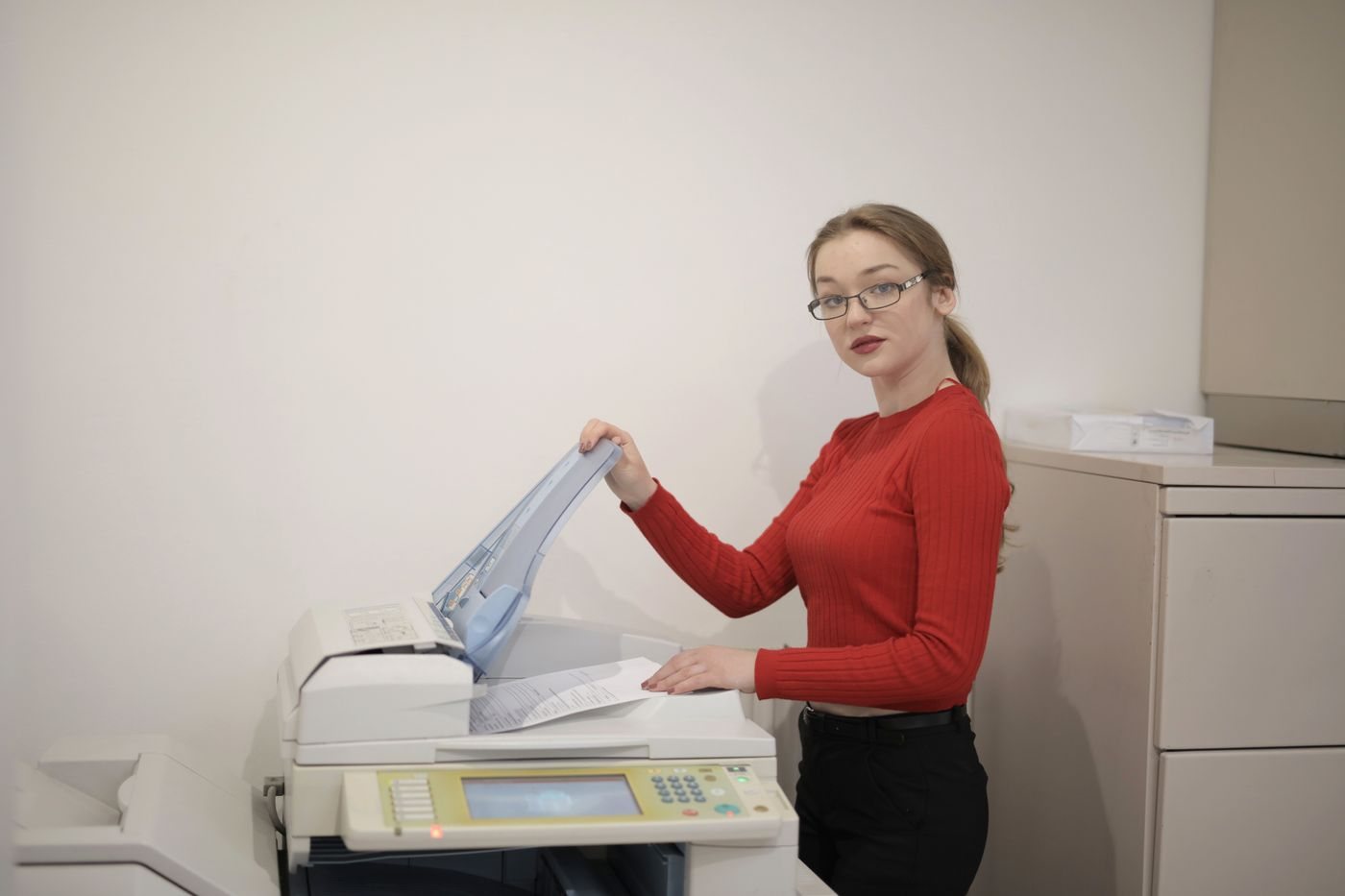
Check whether automatic two-sided printing is included and which paper sizes it supports. A multifunction printer's scanner may have separate limitations: duplex printing does not establish duplex scanning. Likewise, a document feeder may scan only one side at a time.
Look at first-page behavior as well as a pages-per-minute figure if your jobs are usually short. Confirm the connectivity, current driver support, and any account requirements. A fast engine is not helpful if the computer cannot use the needed features.
Follow the manufacturer's instructions for idle periods, power, and maintenance. Do not apply assumptions from one printing technology to another, or use unsupported media in an attempt to make a model serve every task.
The better choice is the machine whose output, supplies, and workflow match your habits. Compare specific models within that requirement; neither technology label by itself determines total cost, reliability, or the quality of every kind of page.
Calculate with the pages you produce
Imagine a household that prints mostly short monochrome forms and only a few color photographs. Compare a suitable monochrome printer plus occasional outside photo printing with a color machine that handles both. The second option may be more convenient, but convenience should be a visible part of the decision rather than hidden inside a supposed cost-per-page saving.
Now consider frequent color worksheets. A refillable ink system may deserve comparison with cartridge and color-laser options, using current supply prices and the same estimated volume. Include maintenance parts and any subscription conditions. Avoid extending a yield figure for standardized test pages directly to full-page photographs.
Keep the calculation simple enough to revise. Purchase cost, expected supplies, paper, and any outside printing are sufficient for an initial comparison. If the totals are close, supported media, scanning features, space, and ease of obtaining supplies may decide the purchase more sensibly than a tiny theoretical saving.