The guide library
Find the guide for the job.
Browse by topic or search the complete guide collection for an item, connection, or everyday task.
 Connections & storage
Sizing a drive for your backup plan
Estimate backup capacity from protected data, retained versions, and realistic growth.
 Connections & storage
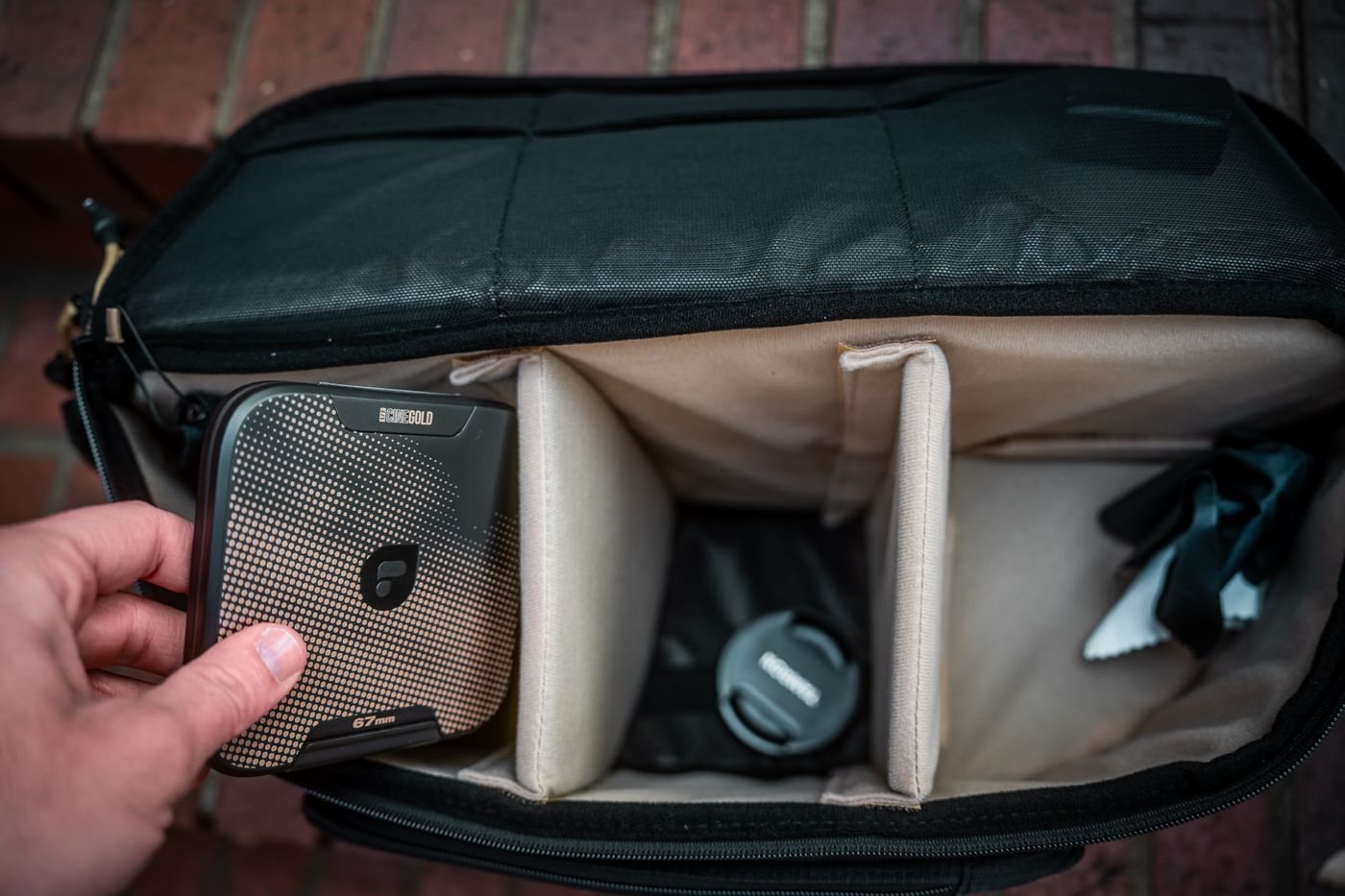
Protecting a portable drive during travel
Choose a portable-drive case that protects the connector, controls movement, and keeps backup copies separate.
 Connections & storage
Adding wired networking to a laptop
Check host support and the rest of the network before adding a USB Ethernet connection.
 Connections & storage
Planning a KVM setup before buying a switch
Map every computer, monitor, and USB peripheral before selecting a KVM switch.
 Connections & storage
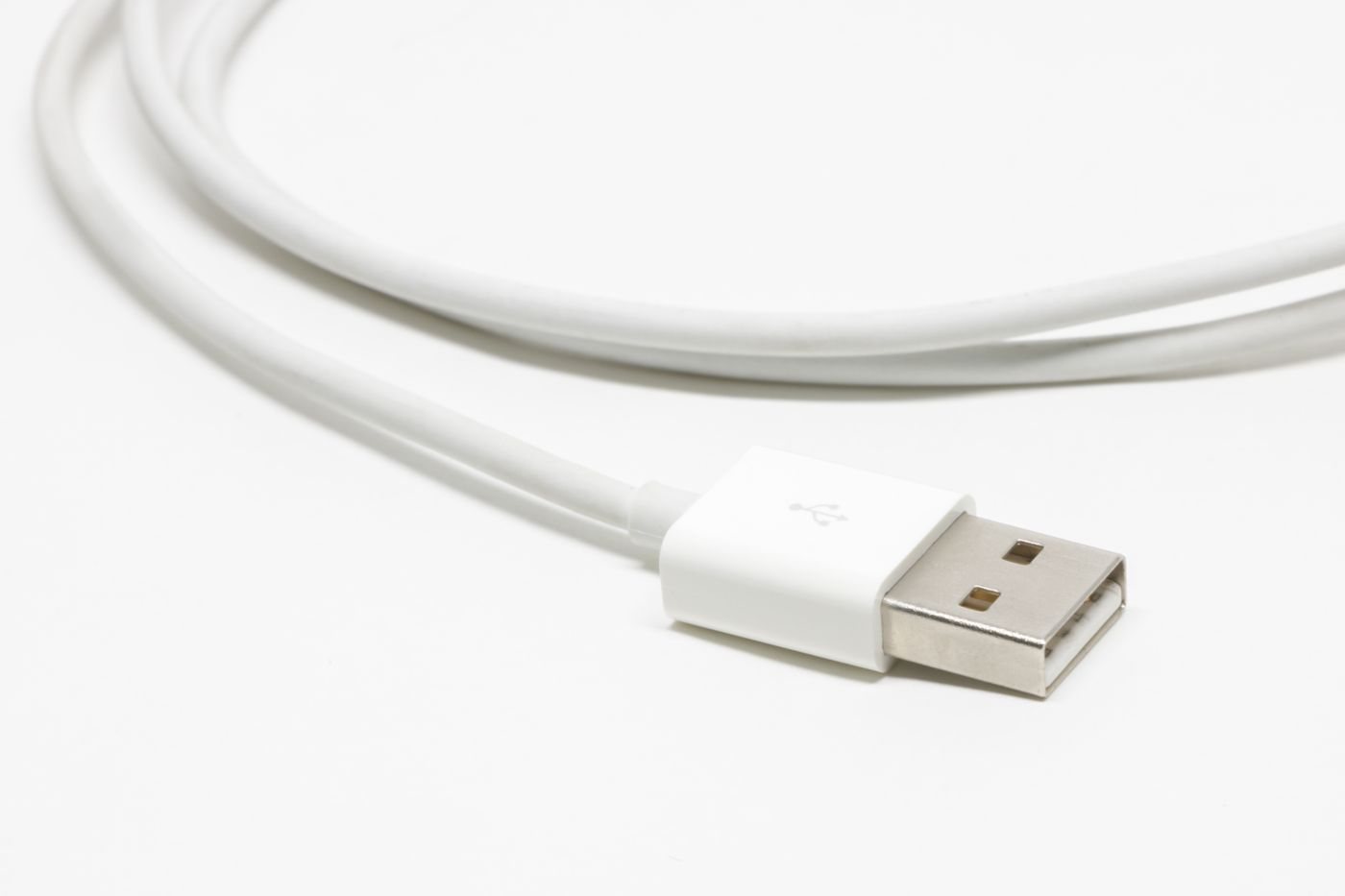
Checking a USB extension for its intended use
Check data rate, power, device support, and direction before extending a USB connection.
 Connections & storage
When a powered USB hub may help
Use a powered hub to address accessory power needs while checking bandwidth and host compatibility separately.
 Connections & storage
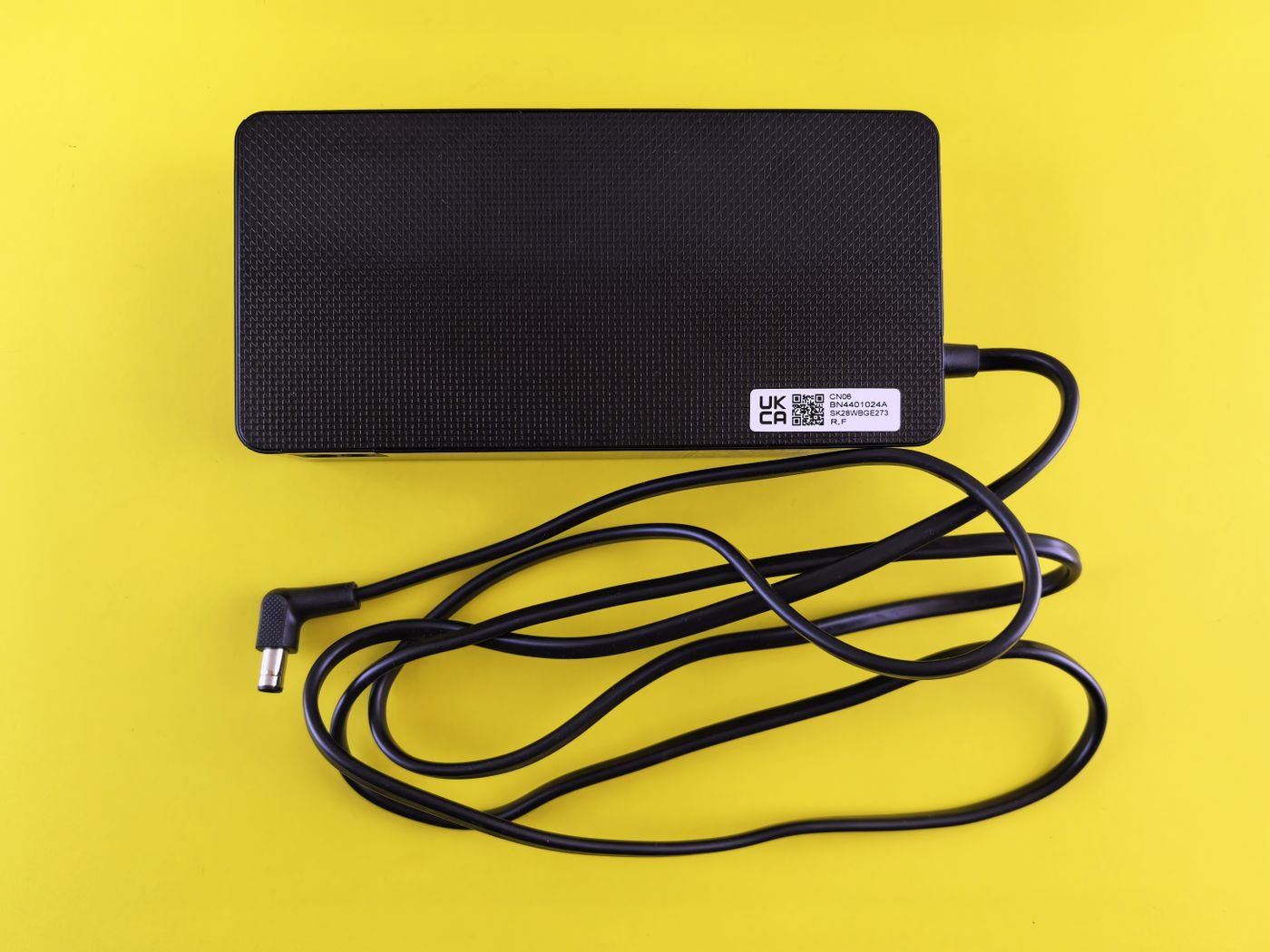
Responding to unusual charger heat
Distinguish normal adapter warmth from signs that call for stopping use and getting help.
 Connections & storage
Keeping a useful reserve of adapters
Build a small reserve of verified adapters for the failures or missing connections that would interrupt your work.
 Connections & storage
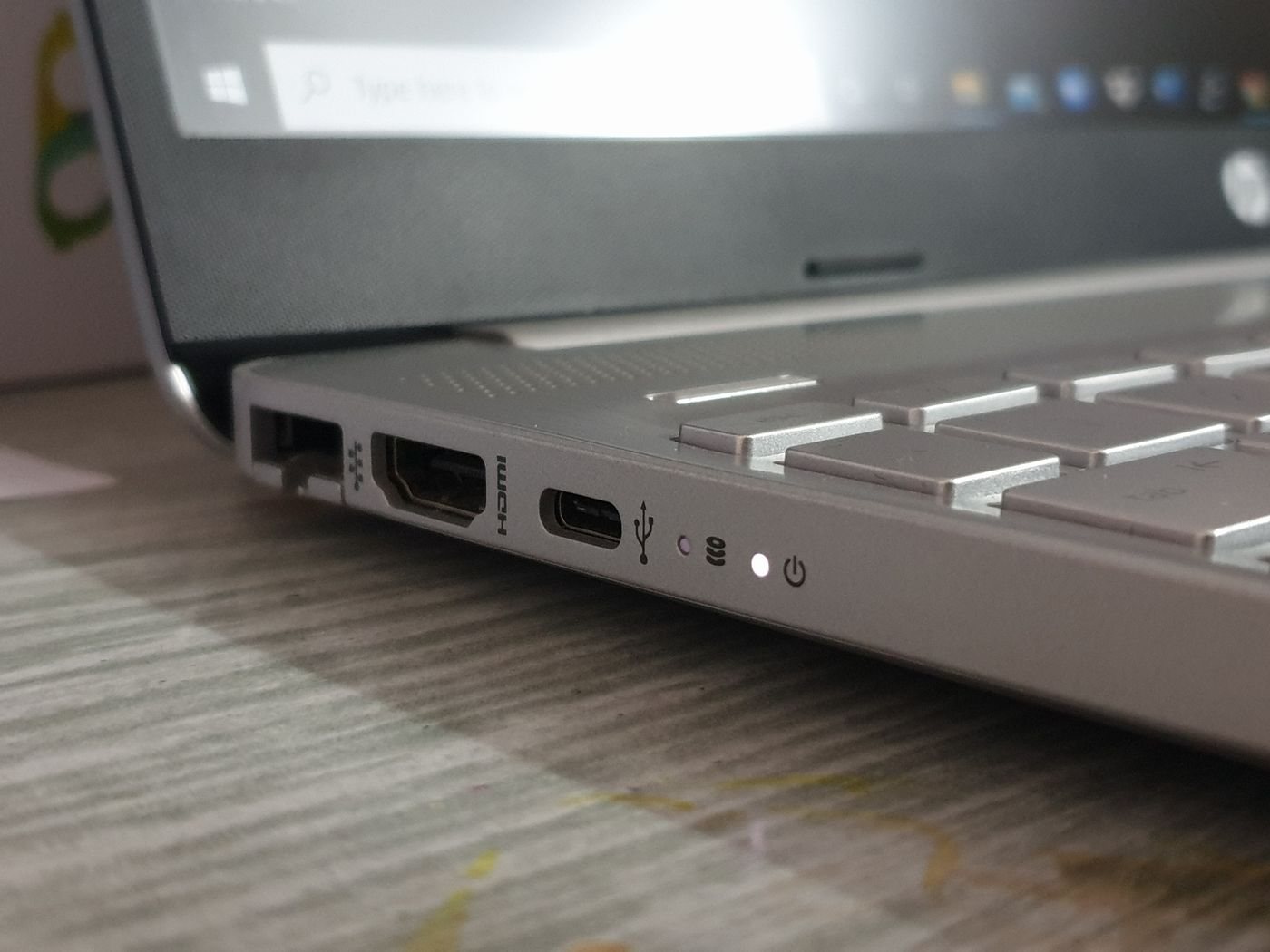
Making a port inventory before upgrading
Record what each computer port supports so upgrades address real connection gaps.
 Files & workflow
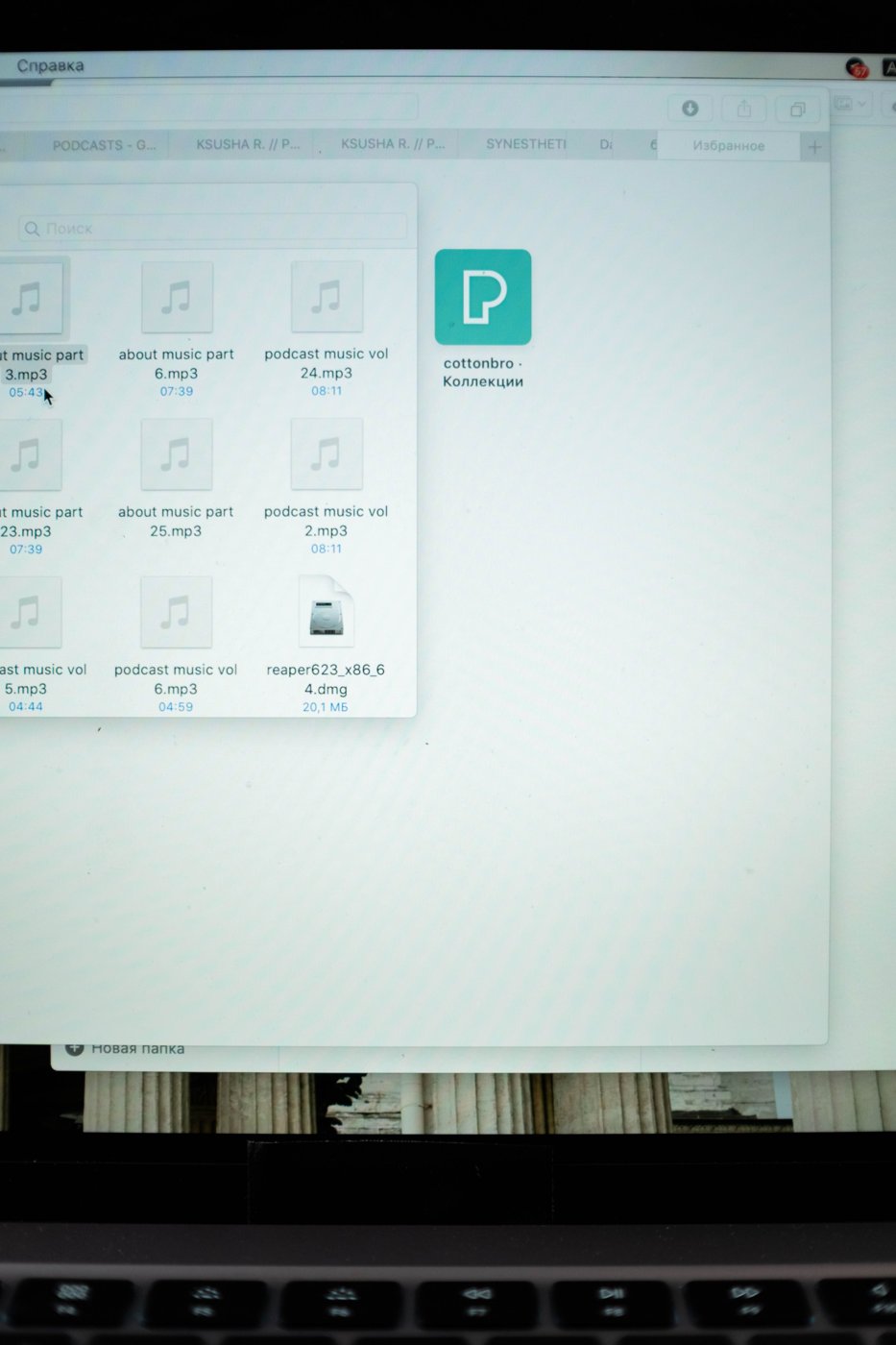
Creating file names you can recognize later
Build a small naming convention around subject, date, and version so files remain understandable outside their original folder.
 Files & workflow
Building a folder structure around your work
Choose a small folder system that reflects how you retrieve work, with clear places for active projects and finished records.
 Files & workflow
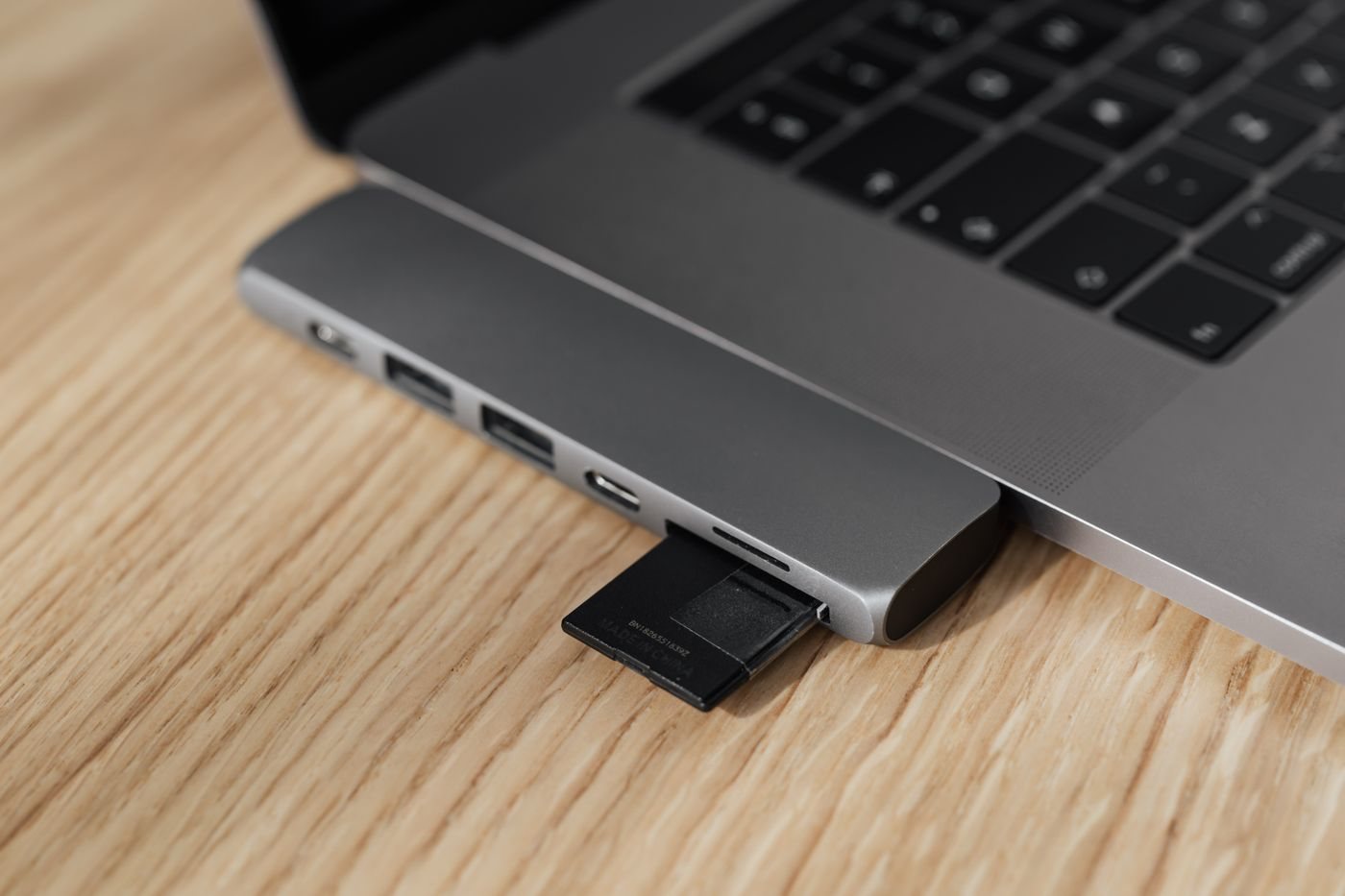
Keeping the Downloads folder manageable
Treat Downloads as an intake area and move useful files into their working context before clearing the rest.