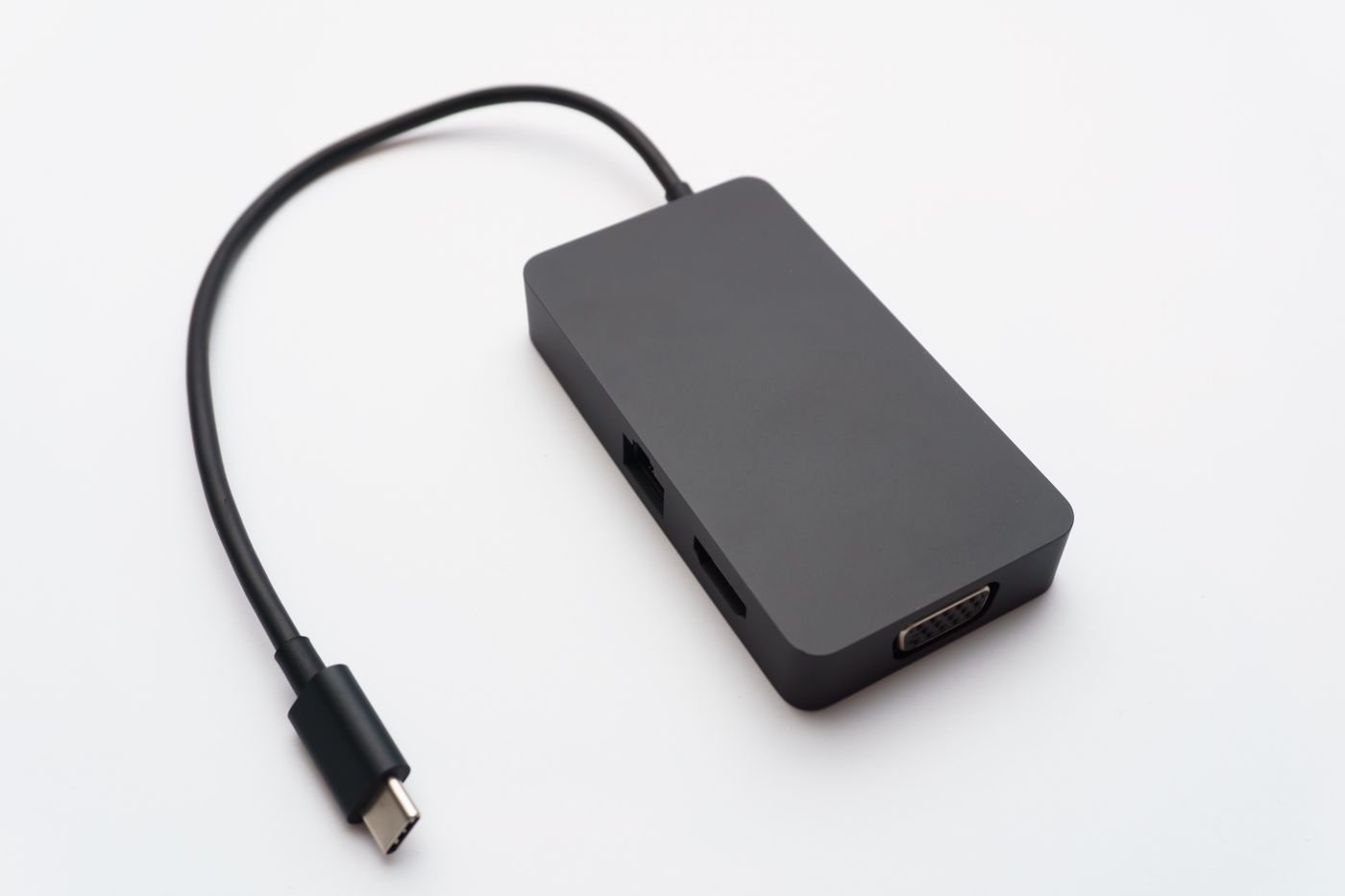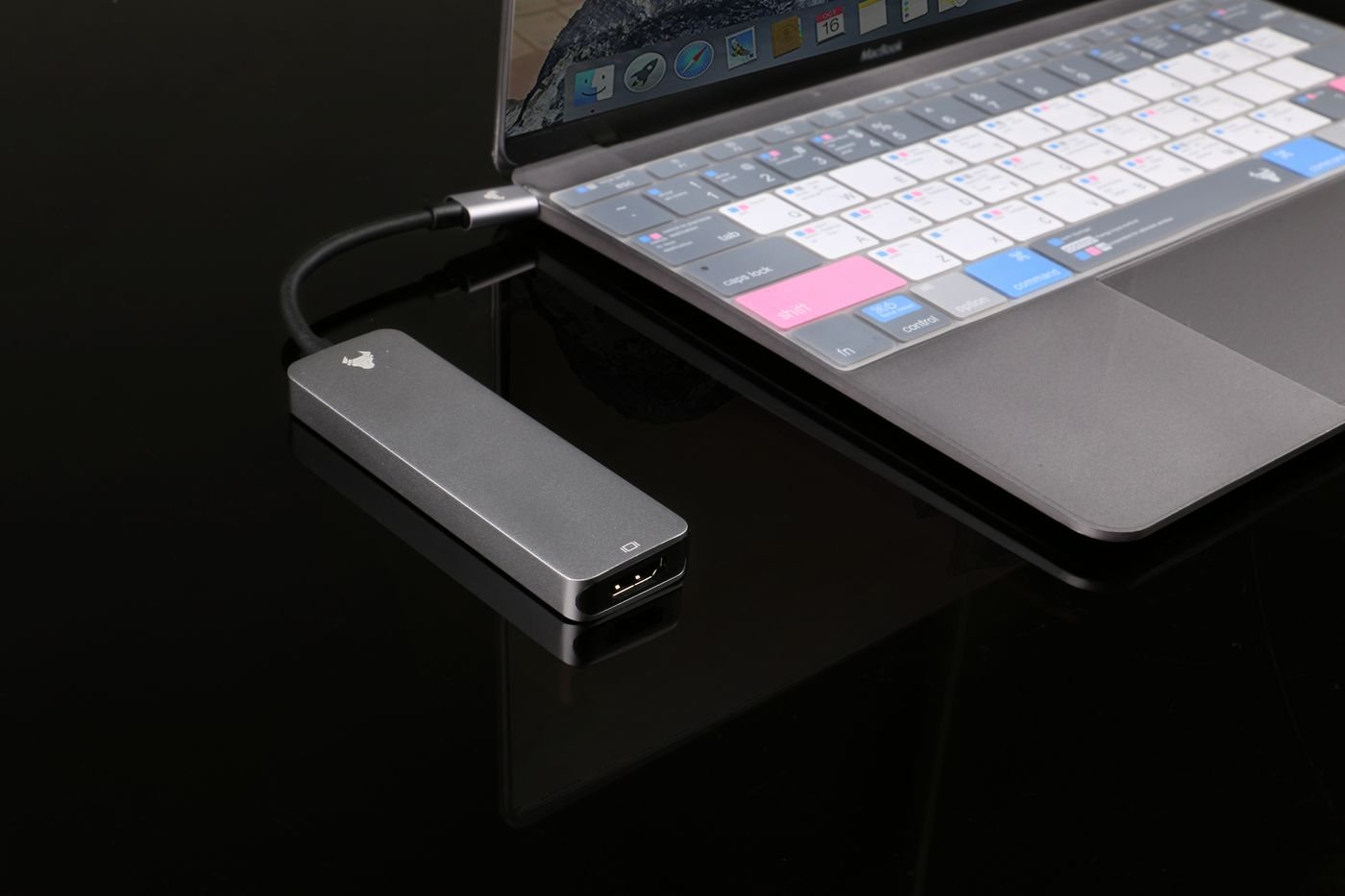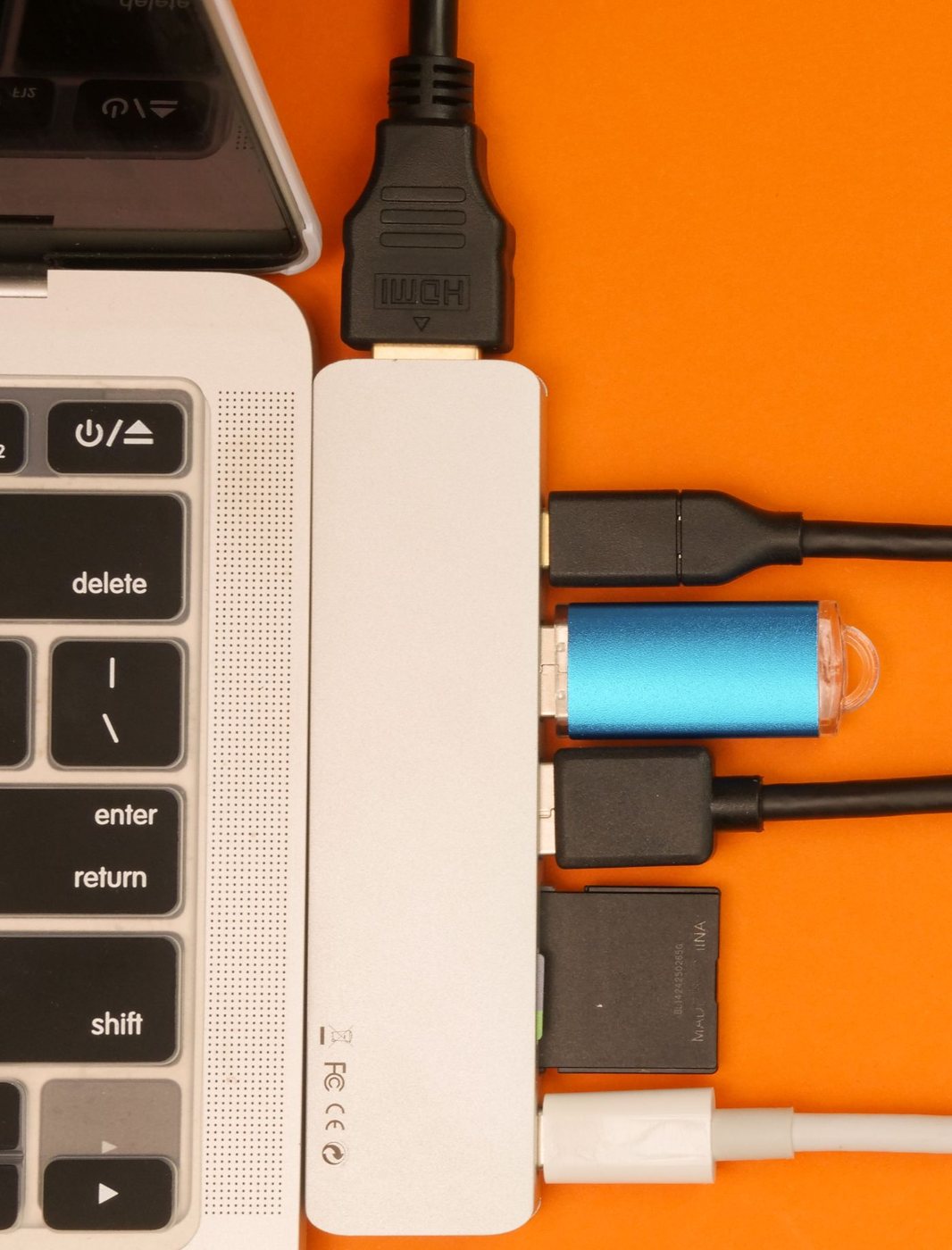
Several USB accessories can compete for the power available from a computer connection. A hub with its own suitable power supply may help when the connected devices require more than a bus-powered arrangement can provide. It is not a universal remedy for every disconnection, so first note the actual symptom and any message about power.
Try a simple baseline with the accessory connected directly, provided the equipment is intact and the connection is appropriate. Apple recommends this kind of simplification when a Mac reports that USB devices need more power or have been disabled. If a self-powered hub is used, its AC adapter must actually be connected.
Separate power from data
A powered hub does not necessarily increase the host connection's data bandwidth. Multiple devices still share the path back to the computer. A camera and storage drive running together can have a different demand from a keyboard and mouse, even if all receive adequate power.
Read the hub's total and per-port power information, supported data standard, and operating-system requirements. Check whether any ports are intended only for charging. A charging socket may not carry data, and a powered accessory hub may not charge the laptop through its host connection.
Use the supplied or explicitly approved power adapter. Matching a barrel connector by appearance is insufficient; electrical specifications and polarity matter. Keep the adapter identified with the hub so it does not migrate into a drawer of unrelated power supplies.
Build the arrangement gradually
Connect the hub as directed, then add one accessory at a time. Note which combination introduces the problem. If a particular cable or device causes repeated failures in an otherwise stable arrangement, do not assume buying an even larger power supply is the answer.
Check physical spacing too. Wide flash drives or receivers can obstruct neighboring sockets. A hub with a detachable host cable is easier to replace or reposition, but the replacement cable must preserve the required capabilities. Avoid leaving the hub hanging from a short lead.
Once the setup works, test the activities that will occur together and check reconnecting after sleep. Keep the hub uncovered and accessible for inspection. If you see damage, smell an unusual odor, or notice abnormal heat, stop using the suspect hardware. Power availability, data compatibility, and hardware condition are separate questions, and treating them separately makes troubleshooting far more productive.