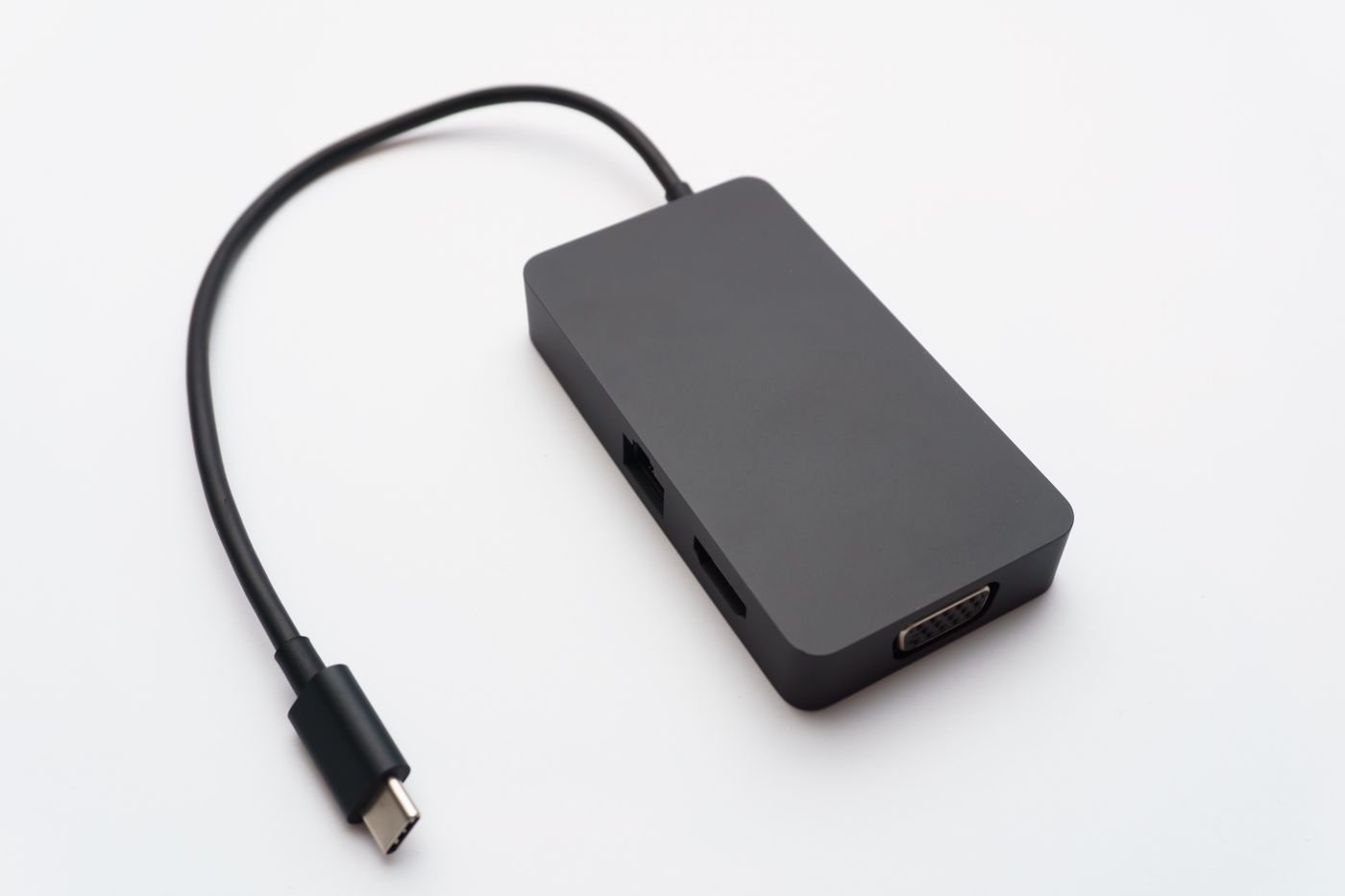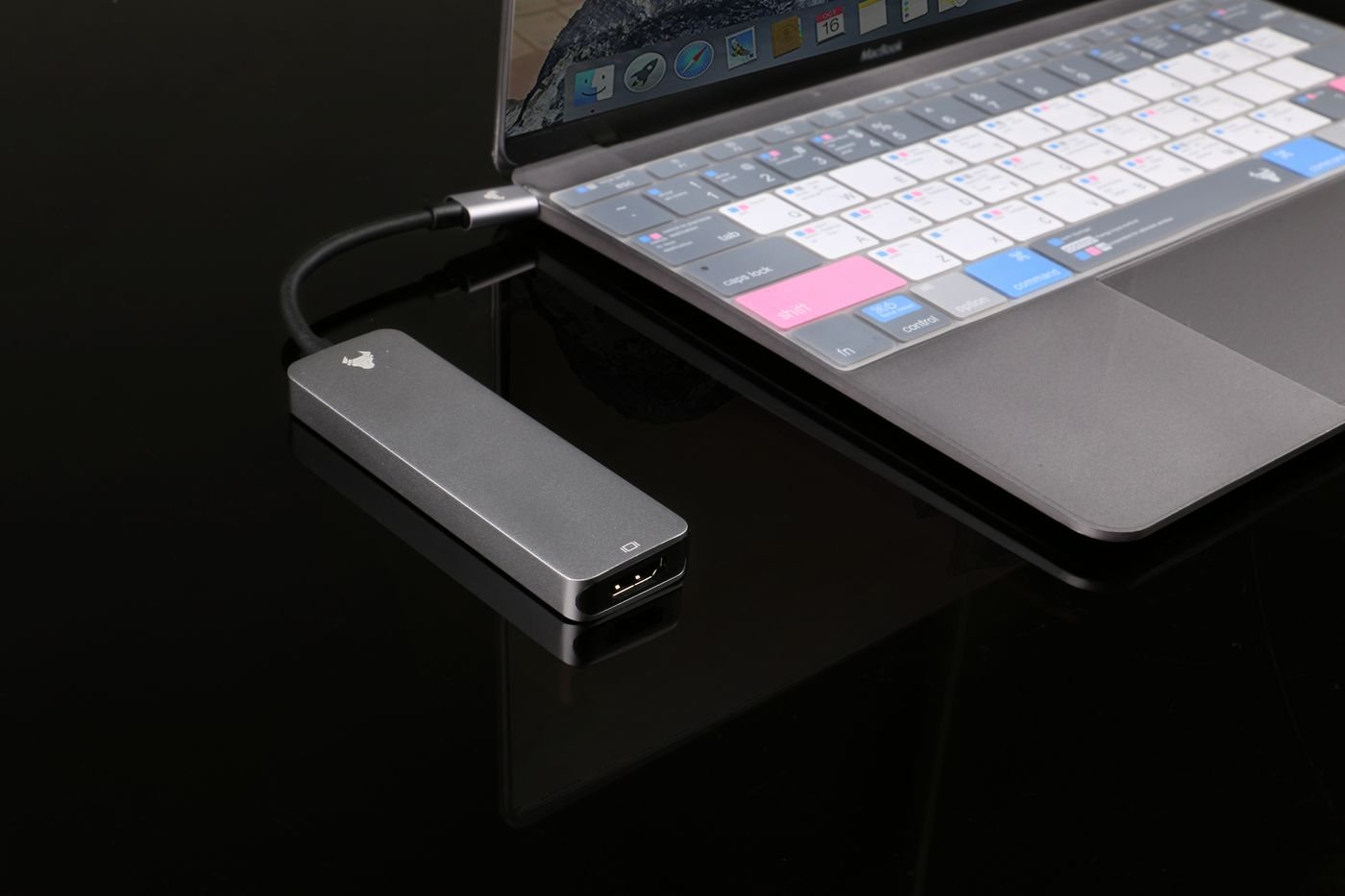
A laptop with one spare port does not automatically need a large docking station. If the immediate problem is connecting a mouse receiver and a flash drive, a compact USB hub may be enough. If you want displays, wired networking, accessories, and laptop charging through one host connection, evaluate products as complete docking solutions.
Retail names are inconsistent. An item called a hub may include display outputs and charging pass-through, while a product called a dock may still omit a feature you need. Treat the name as a starting point and the specification as the decision. Sketch the connections before comparing products.
Separate portability from desk convenience
For a traveling setup, consider cable length, overall weight, and whether the accessory requires a separate power supply. An attached short lead is easy to pack but can limit placement. A detachable lead is replaceable, although the replacement must meet the original requirements. A small device with ports on several sides can also consume more usable desk area than its dimensions suggest.
At a permanent desk, the convenience may come from leaving every cable connected. A powered dock can keep the laptop connection simple, provided its charging and display capabilities match the computer. Count the mains outlets and the power brick in that arrangement; the visible box is only part of the equipment.
A powered USB hub can support accessories without being a laptop charger. Likewise, a charging input on a compact multiport adapter does not make every USB-C socket interchangeable. Read which port connects to the computer, which accepts a power supply, and which transfers data.
Buy for the missing job
Write three short scenarios: an ordinary workday, your busiest simultaneous workload, and travel. If the same modest hub handles all three, there may be little value in unused display sockets. If the main frustration is reconnecting five cables every morning, a suitable dock could solve a more substantial problem.
Verify operating-system support and monitor behavior before payment. VESA's documentation distinguishes ordinary USB hub behavior from accessories that support DisplayPort through USB-C; the connector alone does not add video. Finally, test with your actual peripherals. An accessory that looks comprehensive on paper is useful only if the connections you need remain reliable together.