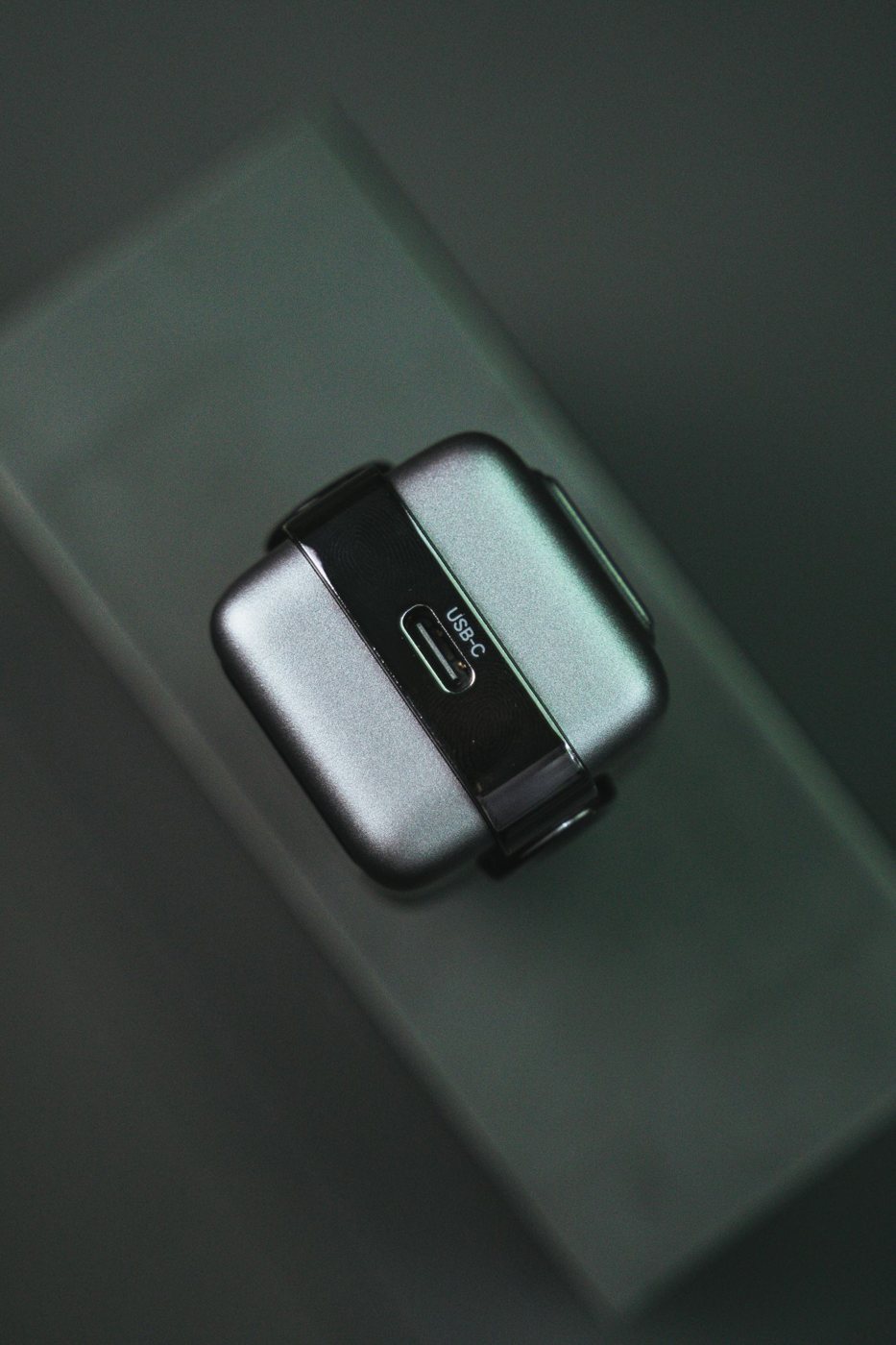
The wattage printed on a charger is a capacity, not a promise that every connected device will charge at that rate. With a compatible USB Power Delivery arrangement, the charger and device establish an appropriate power level. The device's supported charging modes, the cable, and the selected charger port all matter.
Find the device manufacturer's recommended power adapter specification first. For a laptop, distinguish basic charging from the power recommended for operating under load. For a phone or tablet, check whether a particular fast-charging mode requires a named protocol. A high total wattage does not prove that every required mode is available.
Match three pieces of information
Compare the device requirement, the charger's output information, and the cable's rating. USB-C describes the connector; it is not a substitute for those details. Keep the existing manufacturer's adapter as a reference when possible. Its model number and output label give support staff something concrete to compare.
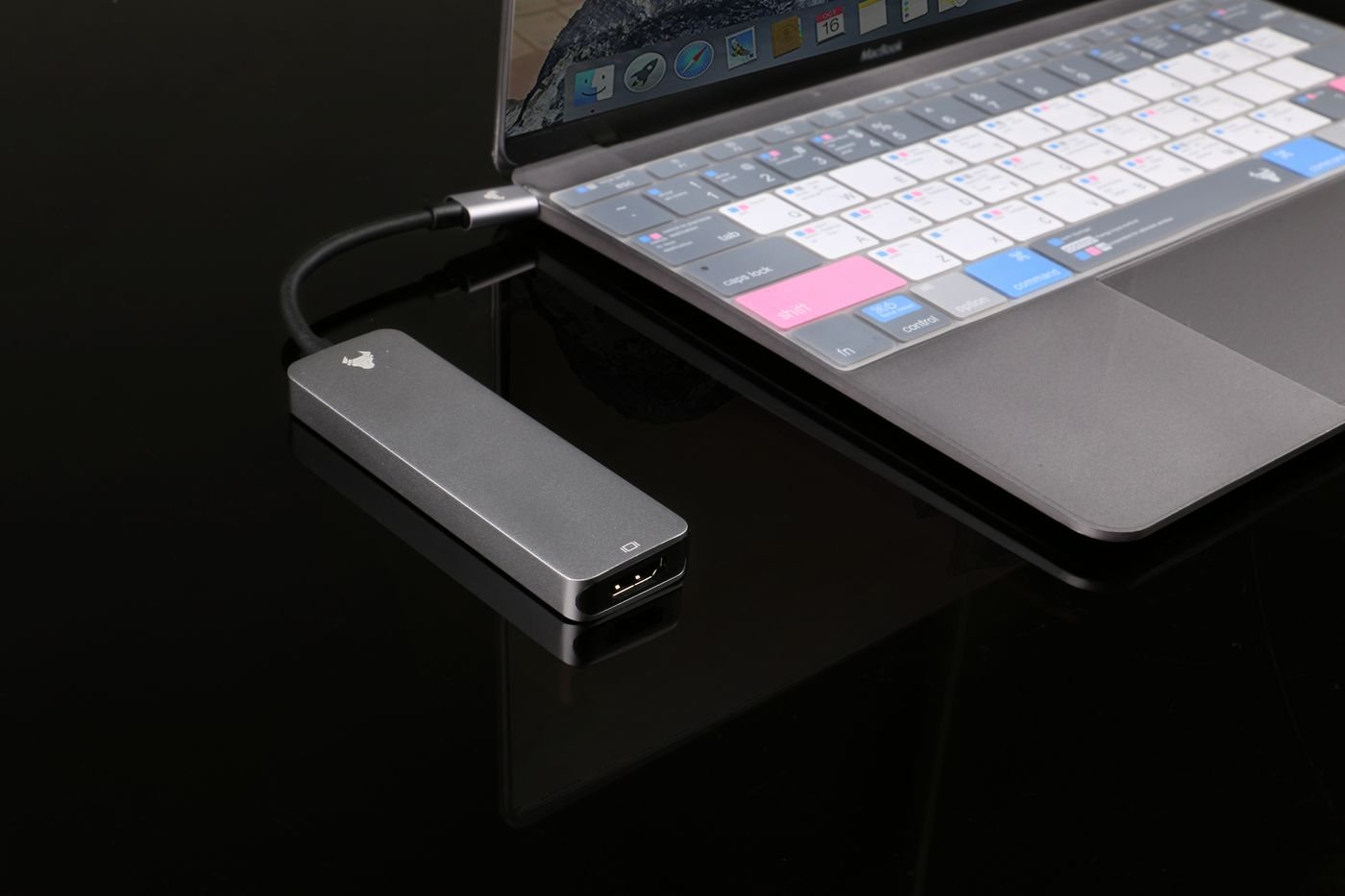
If the charger has several sockets, find its allocation table. The power available at one port can change when another device is connected. The same issue arises with a dock: its power supply may run peripherals as well as deliver power to the host. Look for the stated host output instead of subtracting guessed amounts from the brick's rating.
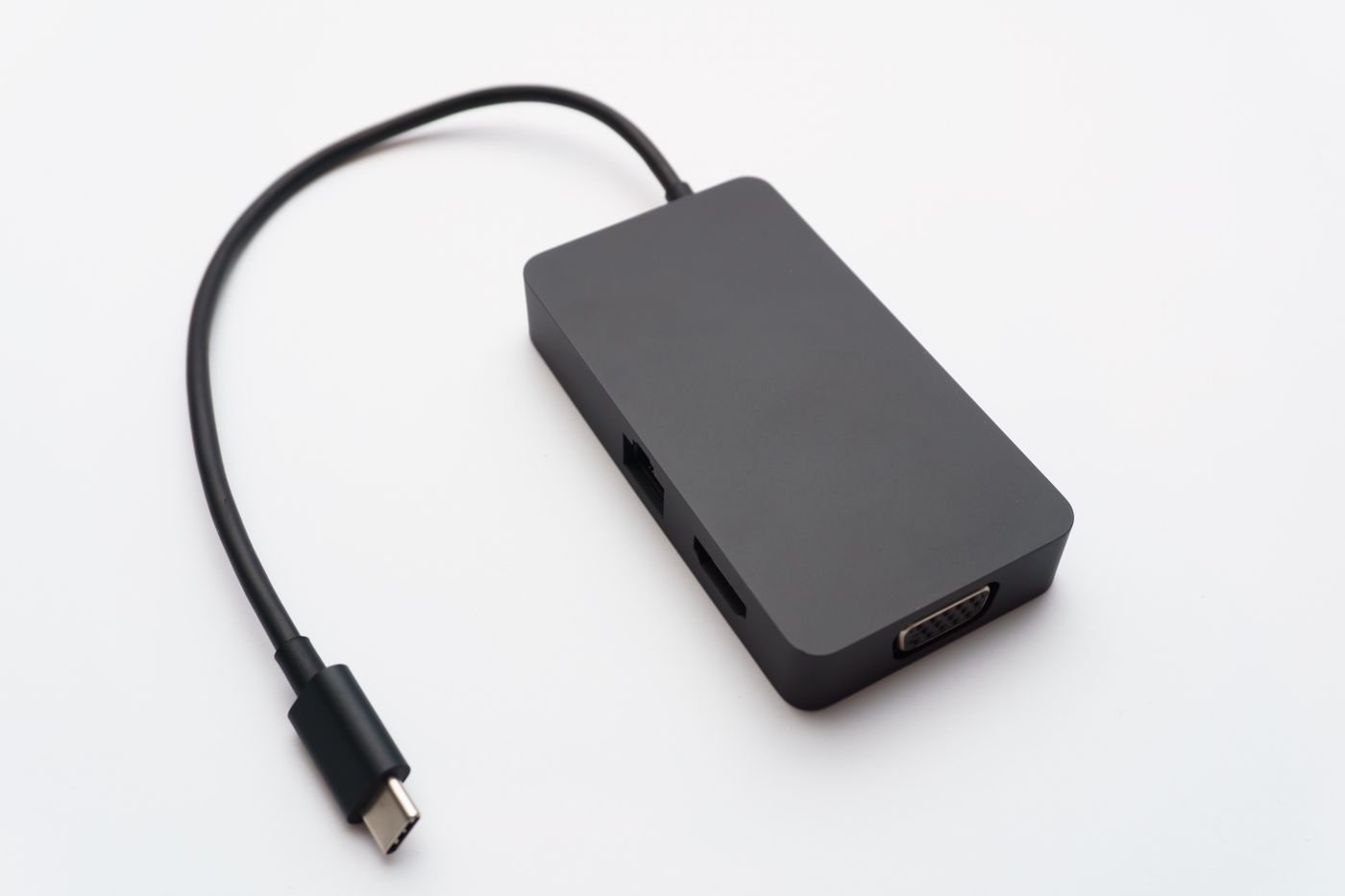
A replacement cable should be explicitly rated for the intended charging level. If it will also carry data or video, check those capabilities independently. Do not infer the cable's suitability from thickness, braid, or connector color. A damaged cable is not a useful test instrument, even if it still charges intermittently.
Observe a normal work session
After setting up a compatible combination, check the operating system's charging indication and any warning messages. A charge limit or battery-care feature can intentionally stop charging below full capacity; read the device documentation before diagnosing that behavior as a failure. Compare behavior during ordinary use and while the device is idle.
If the battery steadily falls during the workload you bought the charger for, revisit the specifications and port allocation. Avoid trying unrelated adapters at random. When normal warmth becomes unusual heat, discoloration, odor, or repeated shutdown, stop using the suspect equipment and contact the manufacturer. Compatibility checks should never turn into an experiment with damaged charging hardware.