The guide library
Connections & storage
Understand a connection from one end to the other. Check ports, cables, power, and storage before adding another adapter.
 Connections & storage
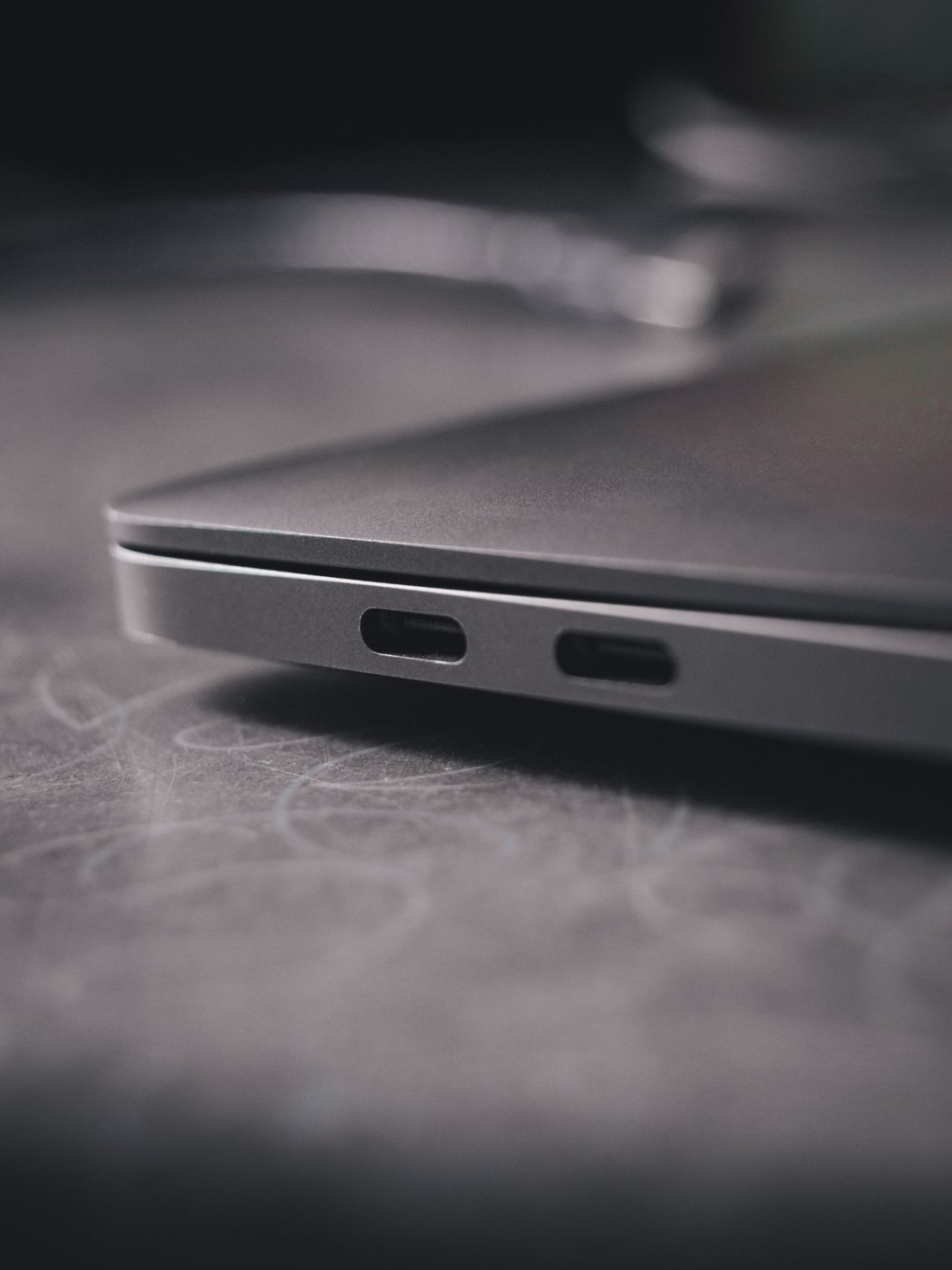
Checking what a USB-C connection can do
Separate connector shape, data speed, video output, and charging before choosing a USB-C accessory.
 Connections & storage
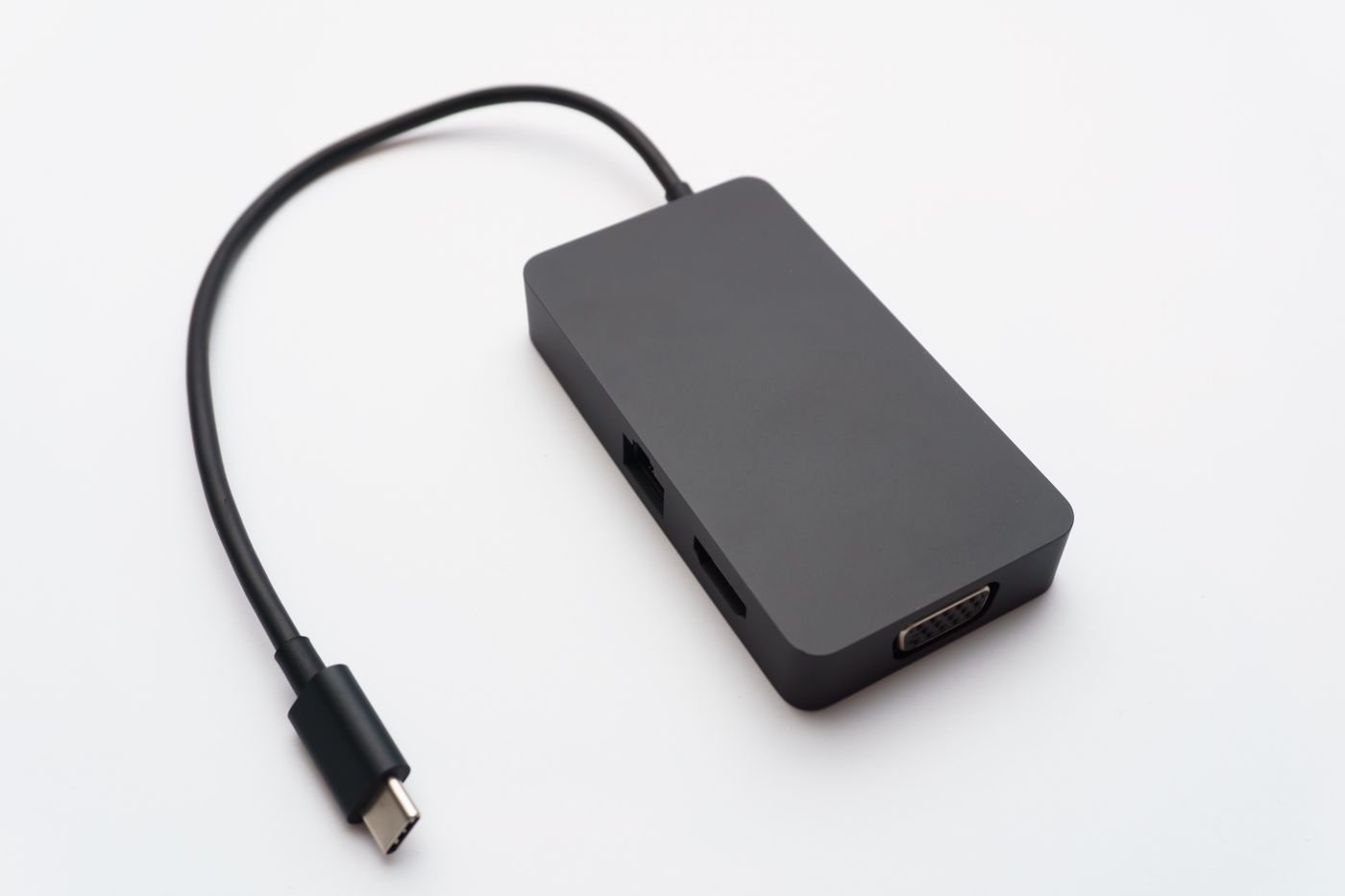
Choosing a dock from a port checklist
Build a dock shortlist from the displays, charging requirements, and accessories you actually use.
 Connections & storage
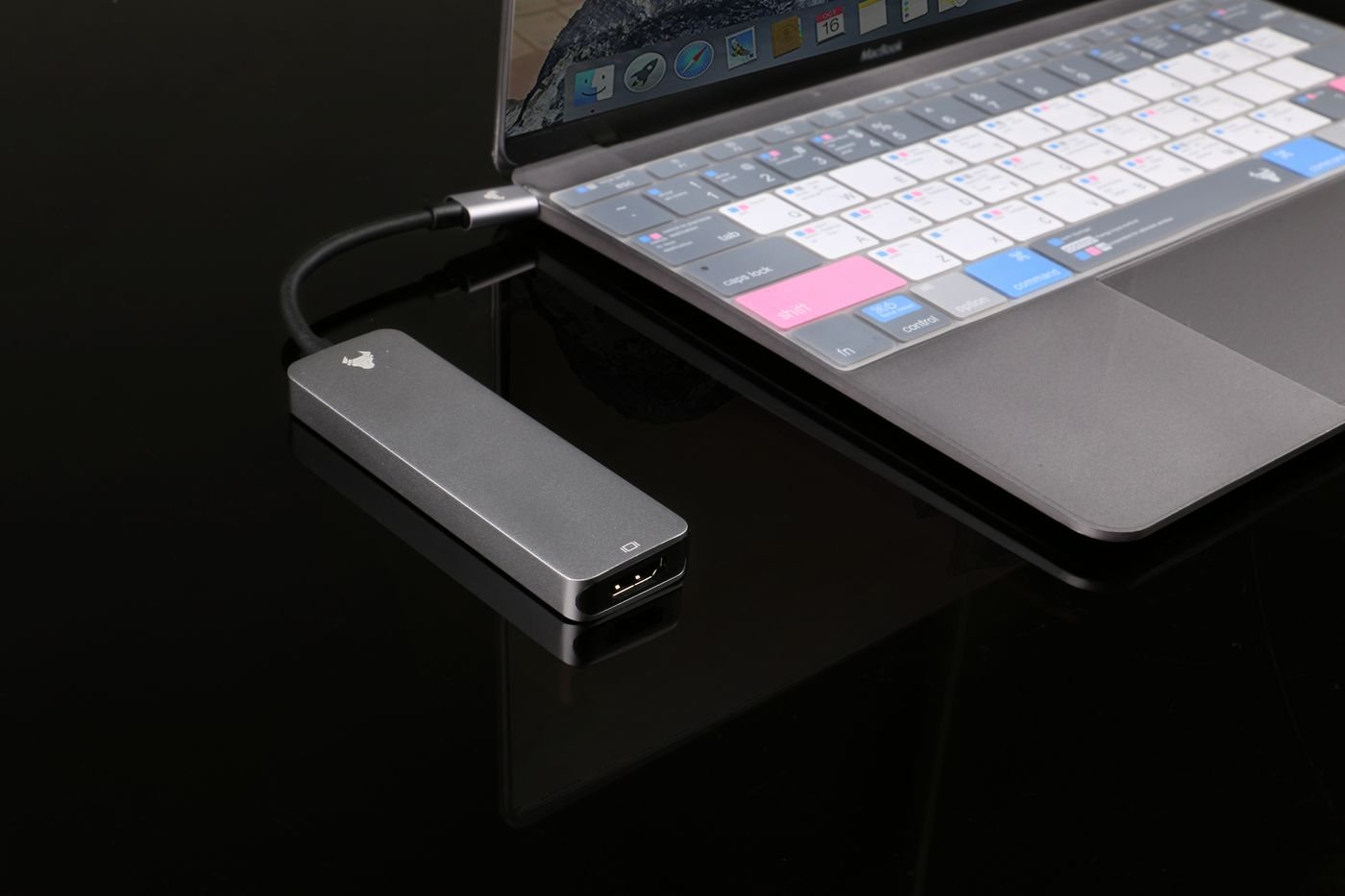
Choosing between a hub and a docking station
Decide whether extra USB sockets or a complete desk connection will solve your port shortage.
 Connections & storage
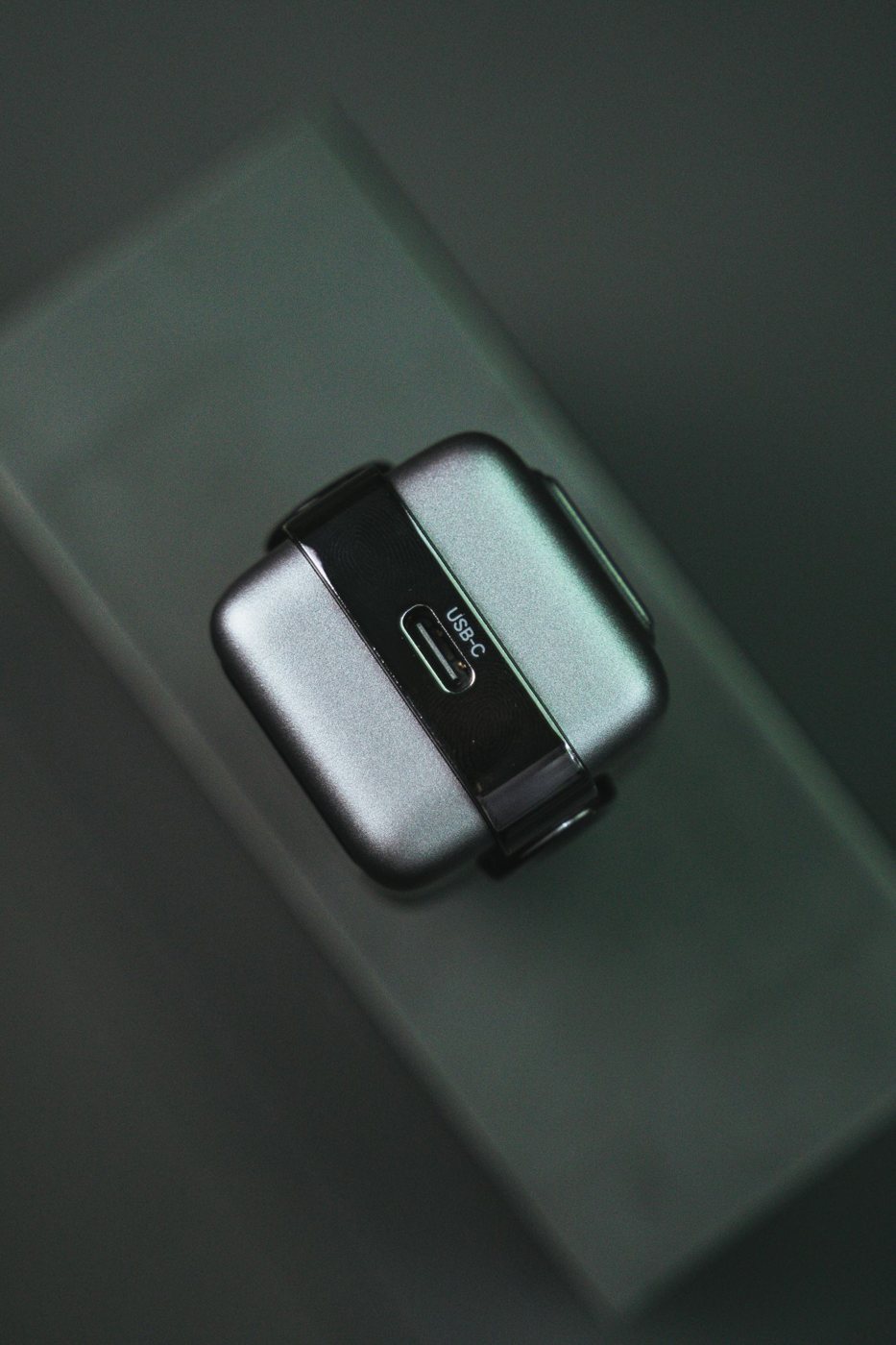
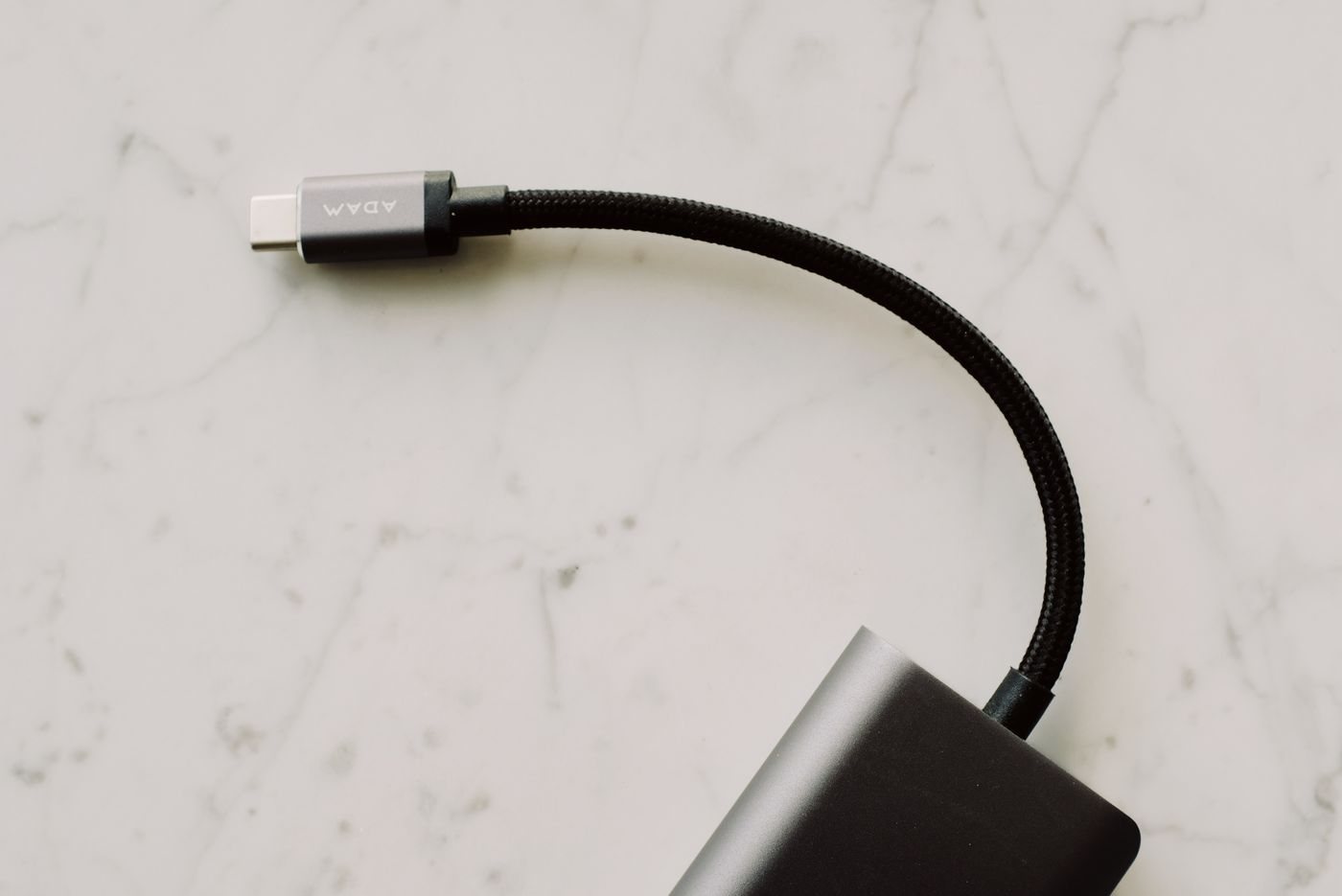
Matching USB-C charging power to your device
Match a USB-C power supply, cable, and device without treating wattage as the only specification.
 Connections & storage
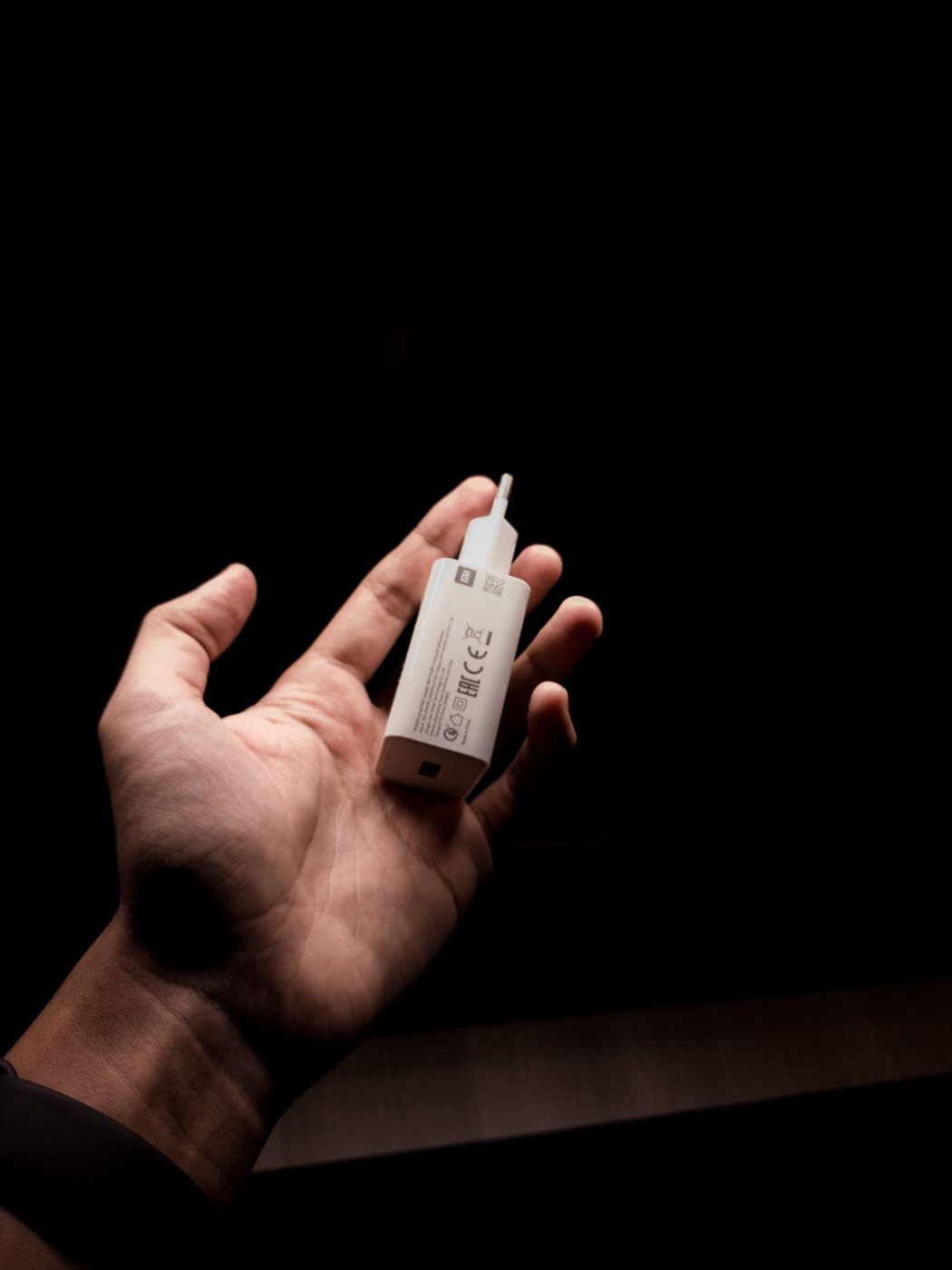
Choosing a charging cable by its job
Choose a cable for charging, file transfers, or a display connection, and keep those jobs distinct.
 Connections & storage
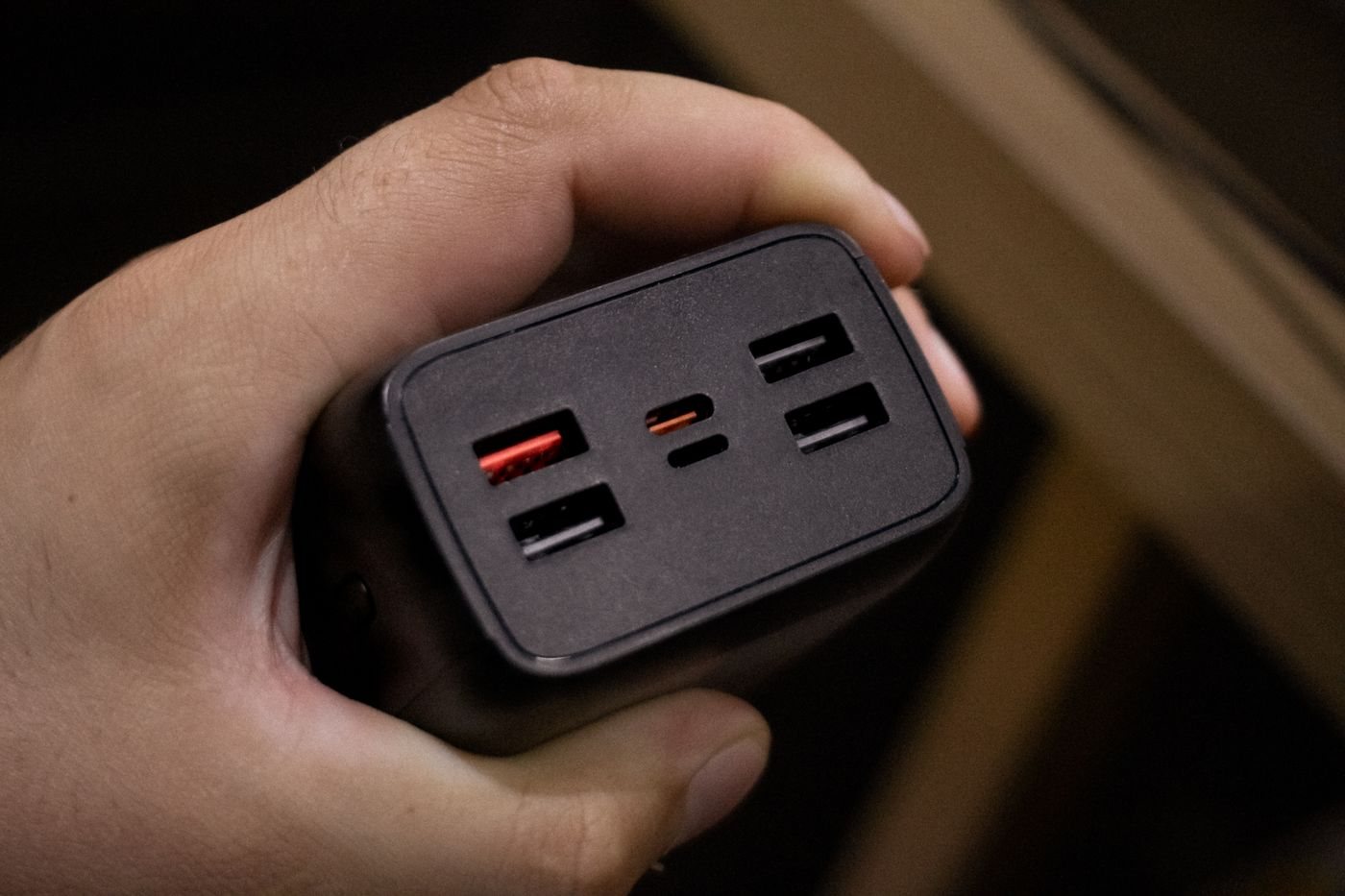
Planning a charger for several travel devices
Plan a travel charging kit around simultaneous use, outlet compatibility, and the cables each device needs.
 Connections & storage
Understanding a multiport charger power budget
Read per-port and combined outputs before sharing a charger among a laptop, tablet, and phone.
 Connections & storage
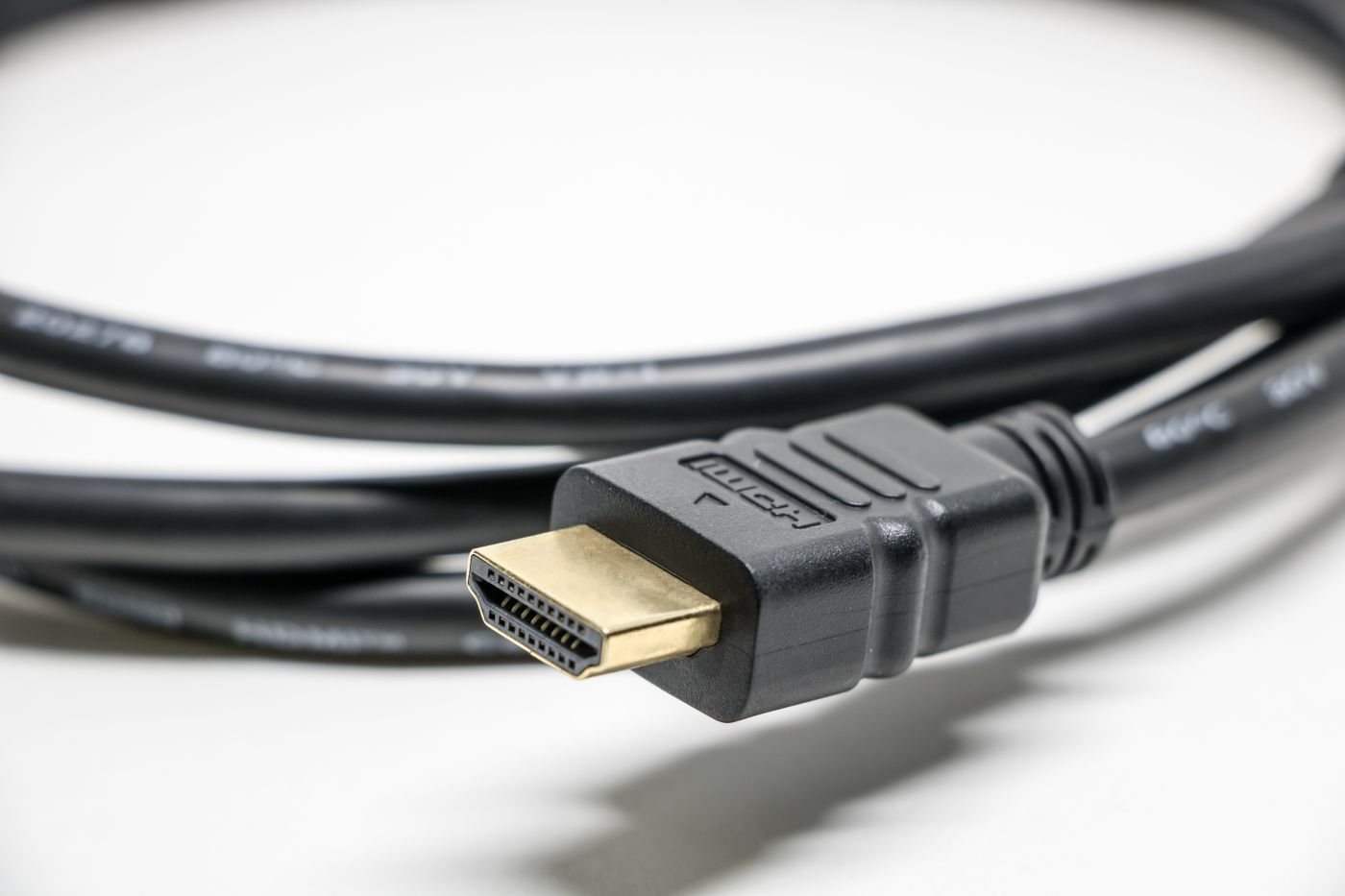
Choosing an HDMI cable for your display setup
Match HDMI cable capability to the resolution, refresh rate, and installation route you need.
 Connections & storage
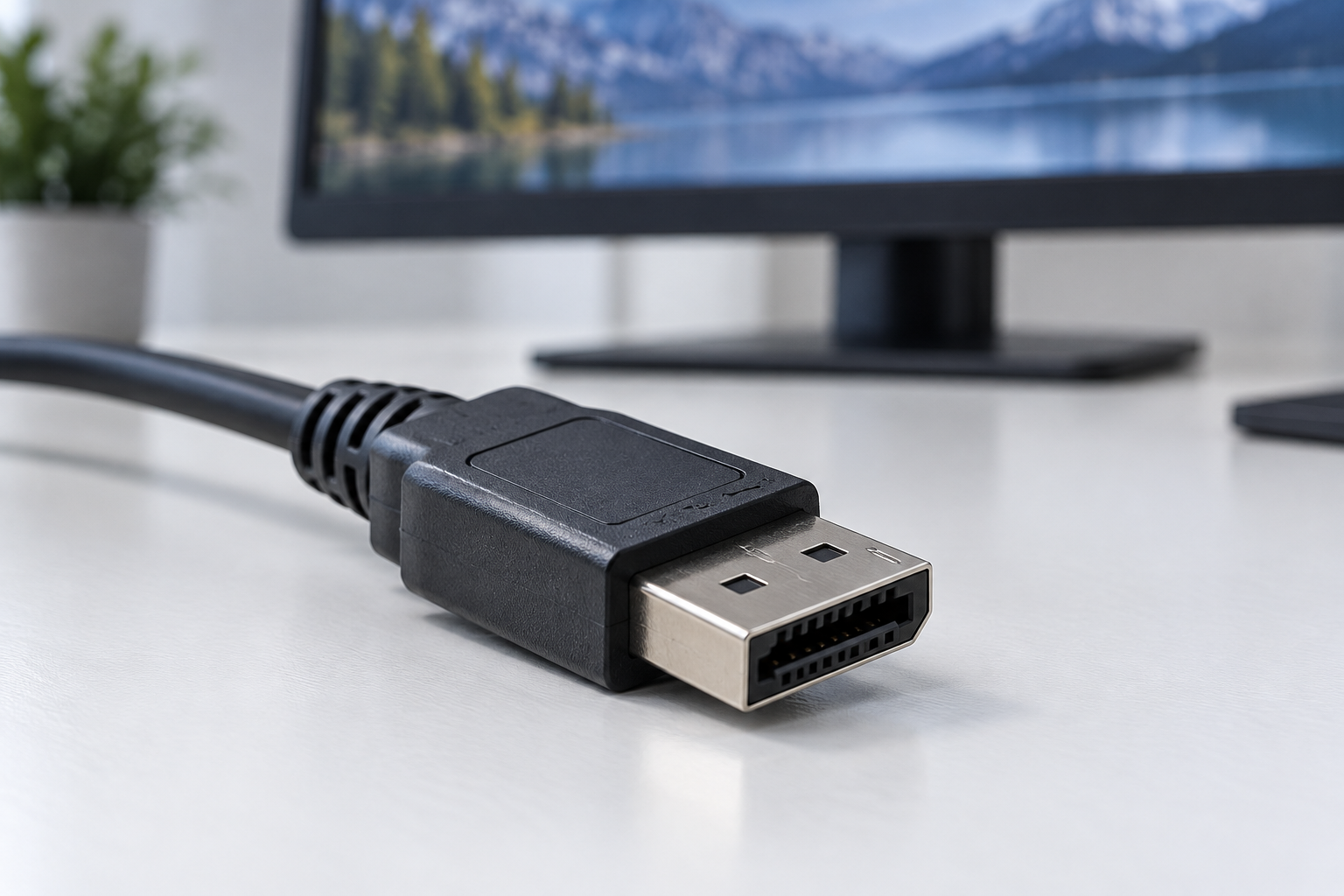
Checking DisplayPort connections and adapters
Check source capability, display input, and adapter direction before connecting a DisplayPort monitor.
 Connections & storage
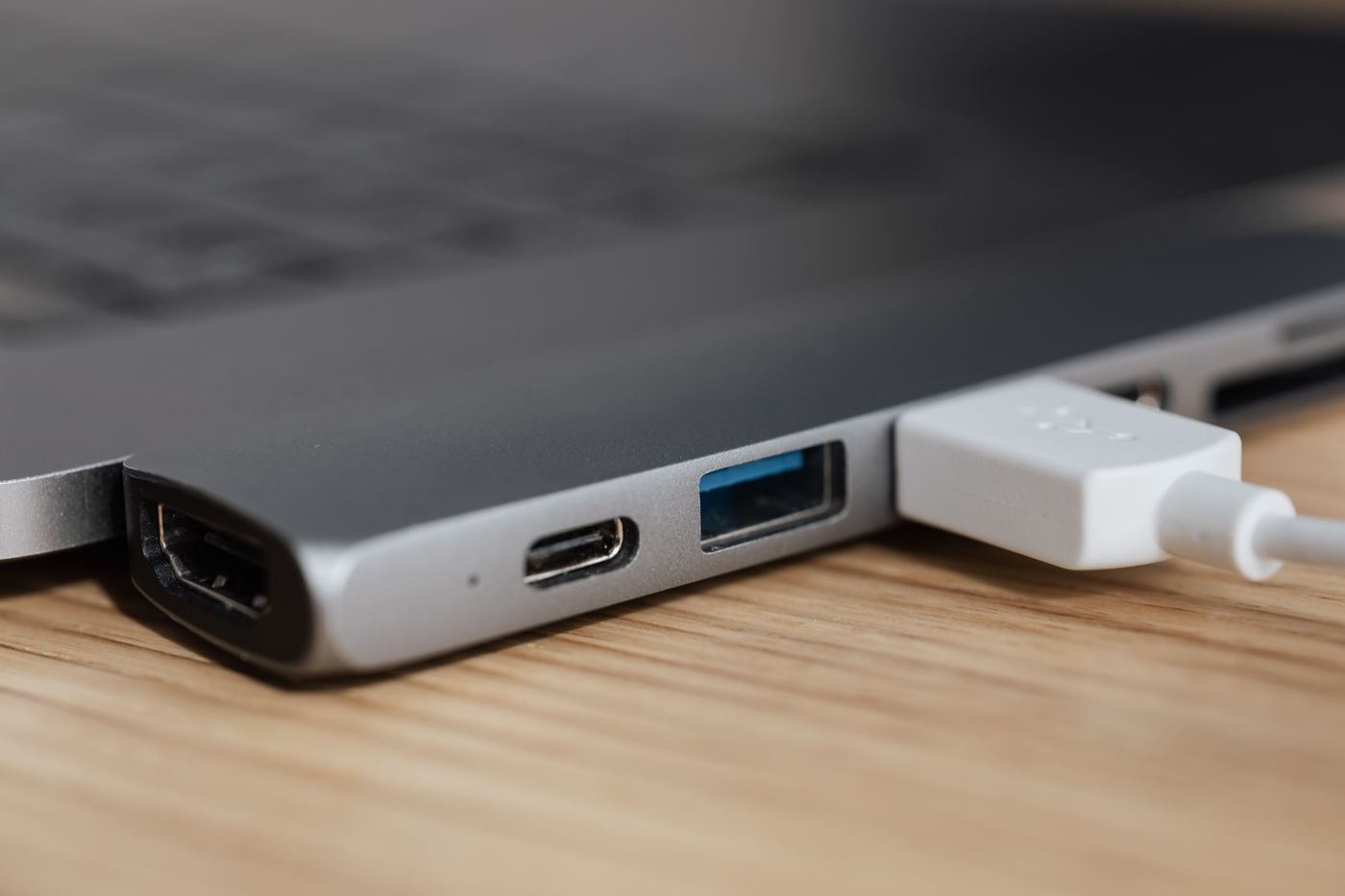
Planning a video adapter connection
Plan a video connection from its source to its display, including signal direction and supported modes.
 Connections & storage
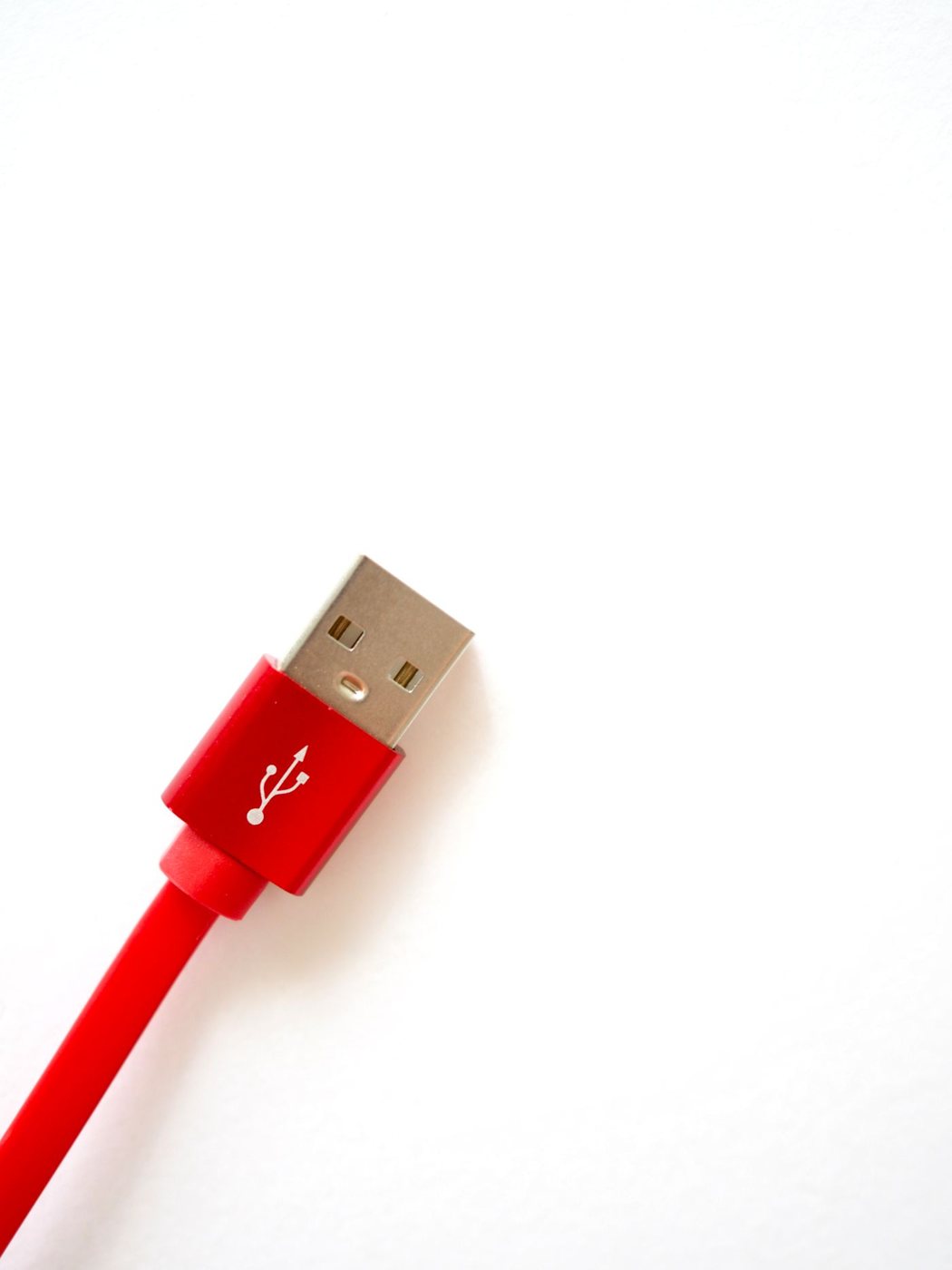
Choosing cable length without creating clutter
Measure a cable route with equipment movement in mind, then check that the selected length supports the job.
 Connections & storage
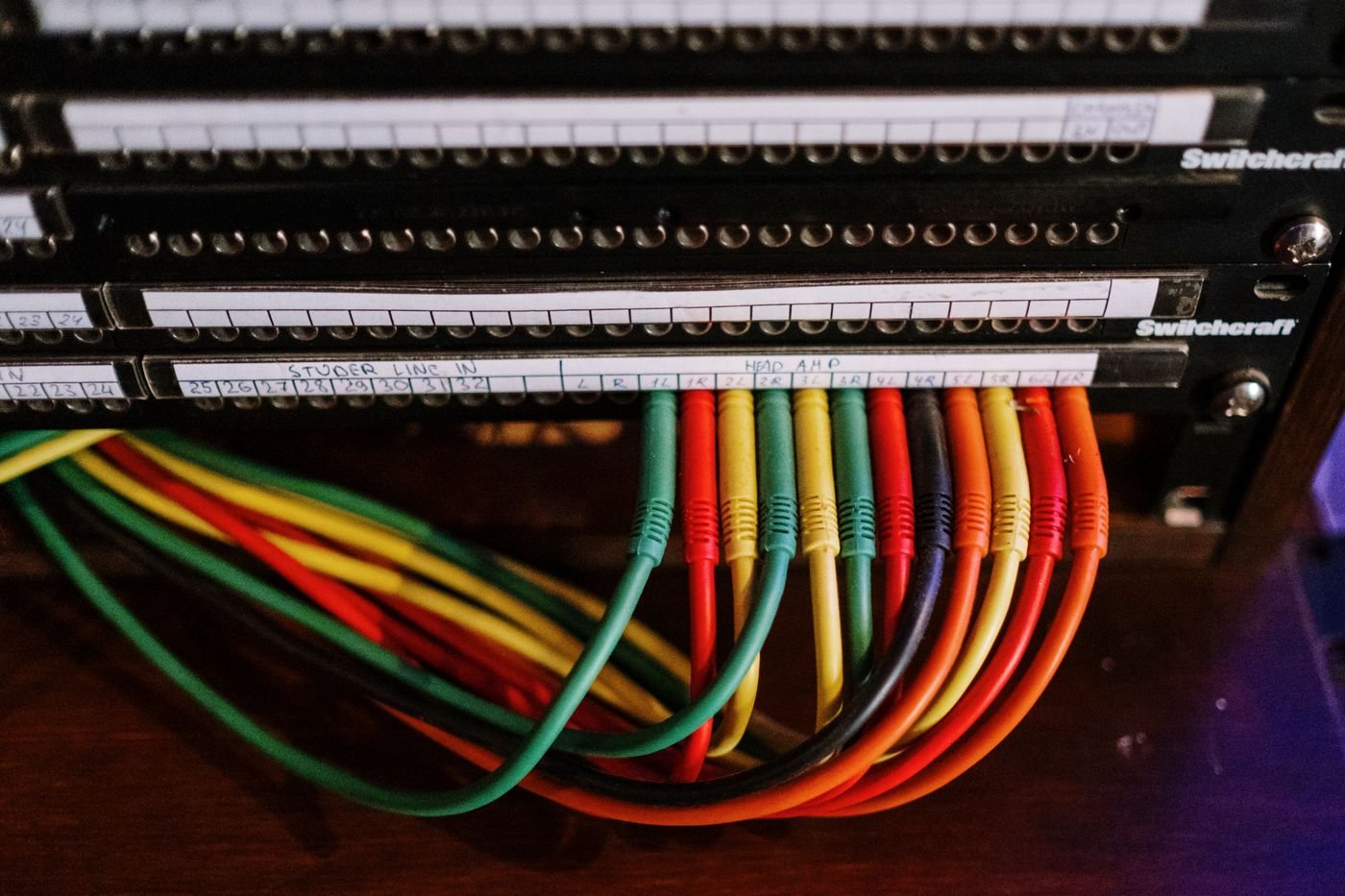
Labeling cables so they can be traced
Use short, consistent labels at both ends of a cable so future changes do not become a guessing exercise.