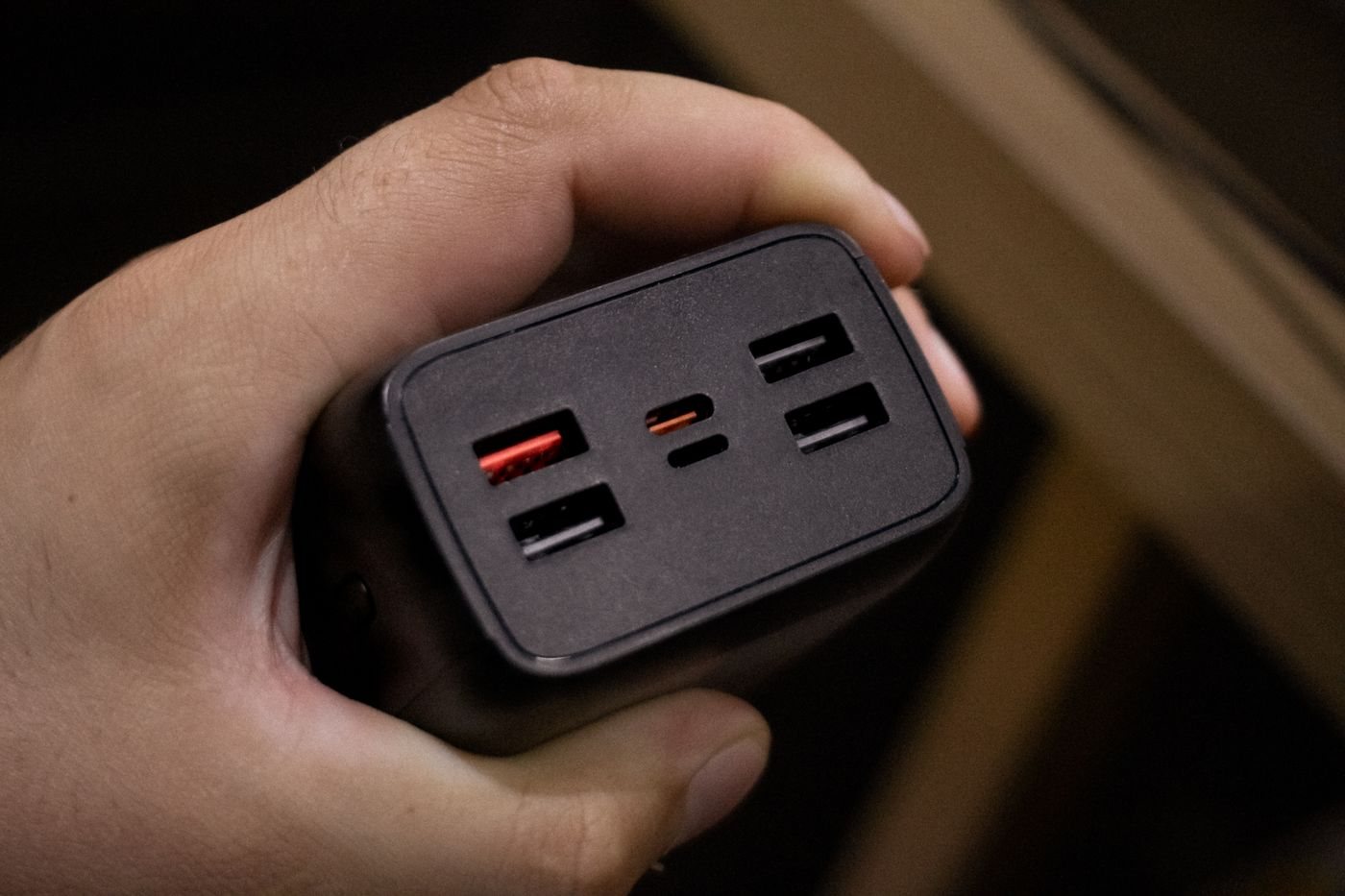
Imagine a charger advertised with a large total wattage and three USB-C sockets. That description still leaves the main question unanswered: how much power can your laptop receive while the other two sockets are in use? The answer belongs in the manufacturer's output table.
Read the single-port ratings first, then the combinations. Some products favor particular sockets. Others change allocations according to the devices attached. The total output printed on the product cannot simply be divided equally, and adding the maximum ratings of individual ports can overstate the power available simultaneously.
Translate the table into your routine
Draw a row for each device and assign it a labeled port. Beside the laptop, record the manufacturer's recommended charging specification. Then add the phone, tablet, or other accessories you expect to connect at the same time. Compare this exact arrangement with the charger documentation.
For example, if a hypothetical two-port mode allocates 45 watts and 20 watts, a device requiring more than 45 watts for your intended workload cannot receive that larger amount from the first port in that mode. This is an illustration of how to read the table, not a specification for every charger. Use the figures for the exact model you are considering.
Leave room for different routines. Overnight charging might tolerate a slower rate; an afternoon laptop session may not. If swapping ports is necessary to obtain the required output, make the arrangement easy to remember. Small labels on cables can help without covering ventilation or product markings.
Check changes when devices reconnect
Read whether the manufacturer describes interruptions or redistribution when another device is plugged in. A brief renegotiation can matter if the charger is powering an accessory that expects continuous power. Do not assume a multiport charging block is an uninterrupted power supply.
Test the complete set with its intended cables, and observe each device after connecting and disconnecting another. Compare any charging warning with the documented allocation. If the setup falls short, changing the schedule may solve the problem more cleanly than repeatedly rearranging unknown combinations.
Keep the charger in a ventilated position and use intact cables. If there is unusual odor, damage, or excessive heat, stop the test. A power-budget calculation is useful only after the hardware itself is suitable and in good condition.