Before replacing an HDMI cable, write down the display mode you want. “4K” alone is incomplete: refresh rate and other enabled features can change the connection requirement. Check what the computer or player can output and what the chosen monitor input can accept. A cable cannot add a feature absent from either device.
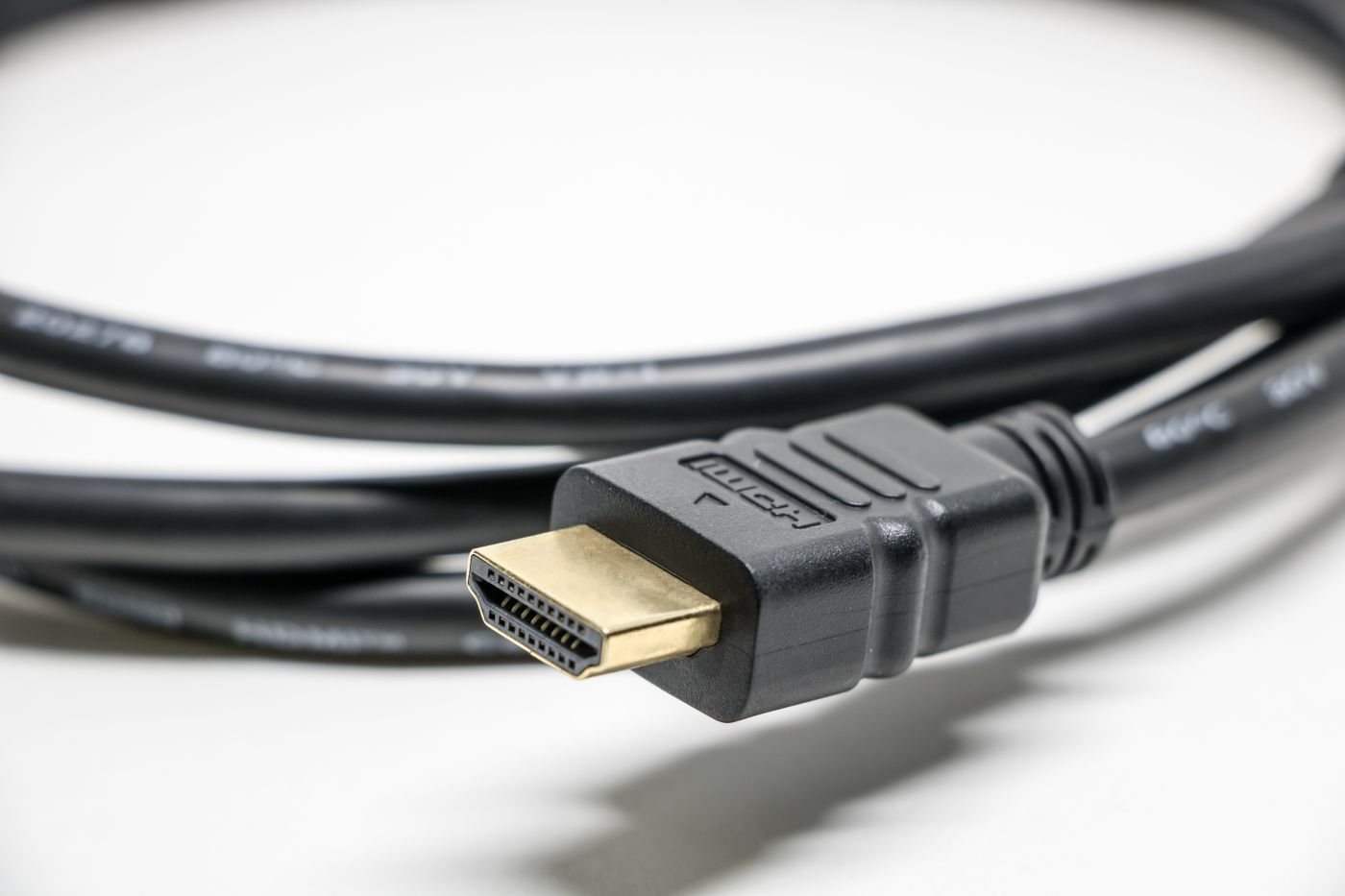
For a straightforward desk setup, the supplied cable is often a sensible starting point when the equipment documentation supports the desired mode. If it is too short or unsuitable, compare replacement cables using recognized capability and certification information rather than an unqualified claim such as “latest HDMI.”
Read the cable category
HDMI Licensing Administrator operates cable certification programs, including Premium High Speed and Ultra High Speed categories. Check the category appropriate to your equipment and use the program's verification method where offered. Certification information should apply to the actual product and length, not merely to a similar cable in the same family.
Avoid treating a version number in a marketplace title as a complete specification. Look for supported bandwidth or clearly documented signal modes, and distinguish the cable from the capabilities of the source and display. Features such as audio return also require suitable ports and settings on the connected equipment.
Measure the installed route
Route a string from the source port to the display input, following the path the cable will actually take. Allow for the monitor arm's movement and access to the connectors. Leave a gentle service loop rather than pulling the cable tight. Do not crush it behind furniture or bend it sharply at the plug.
Longer or specialized active cables can have direction markings and installation requirements. Read those before threading a cable through a difficult route. Test the full connection on the desk before fastening it in place. A cable that works at a lower mode has not yet demonstrated that it supports the intended higher mode.
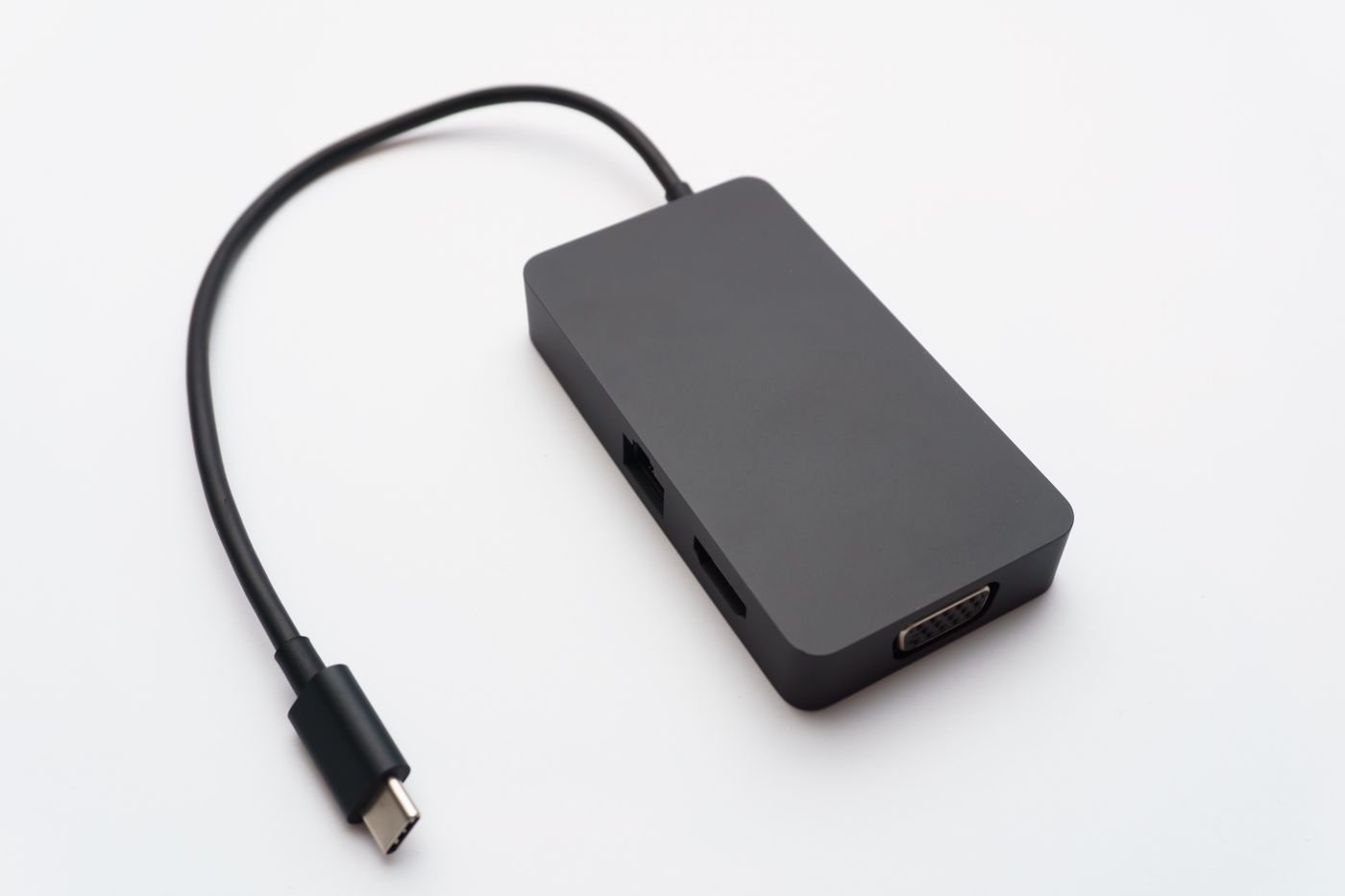
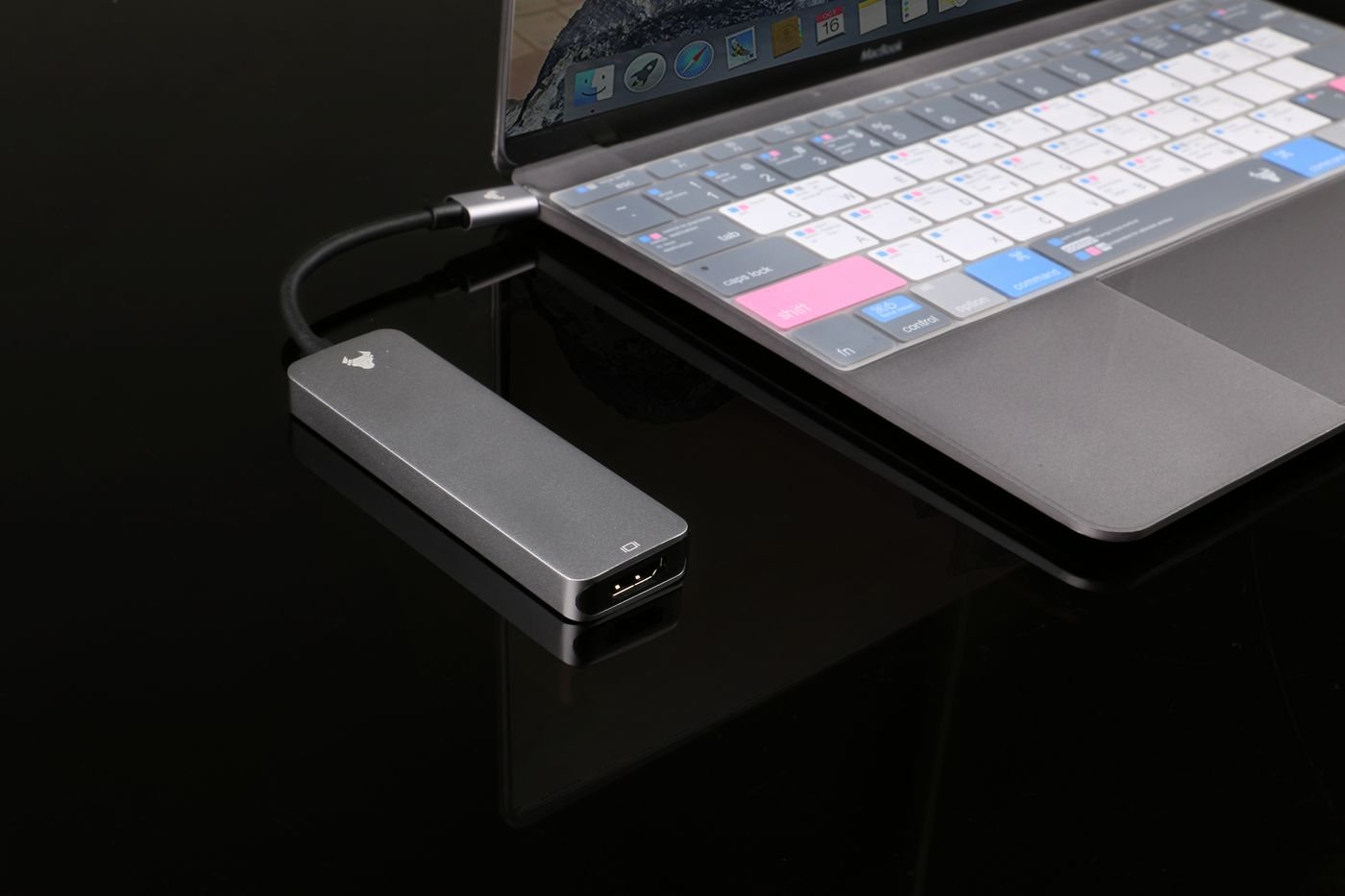
If the picture drops out, simplify the path by removing optional switches or adapters. Select the correct display input and confirm the requested mode in the source settings. Change one element at a time, noting the result. That process helps distinguish a cable problem from an unsupported mode or intermediary device, without replacing a working cable simply because its packaging is older.