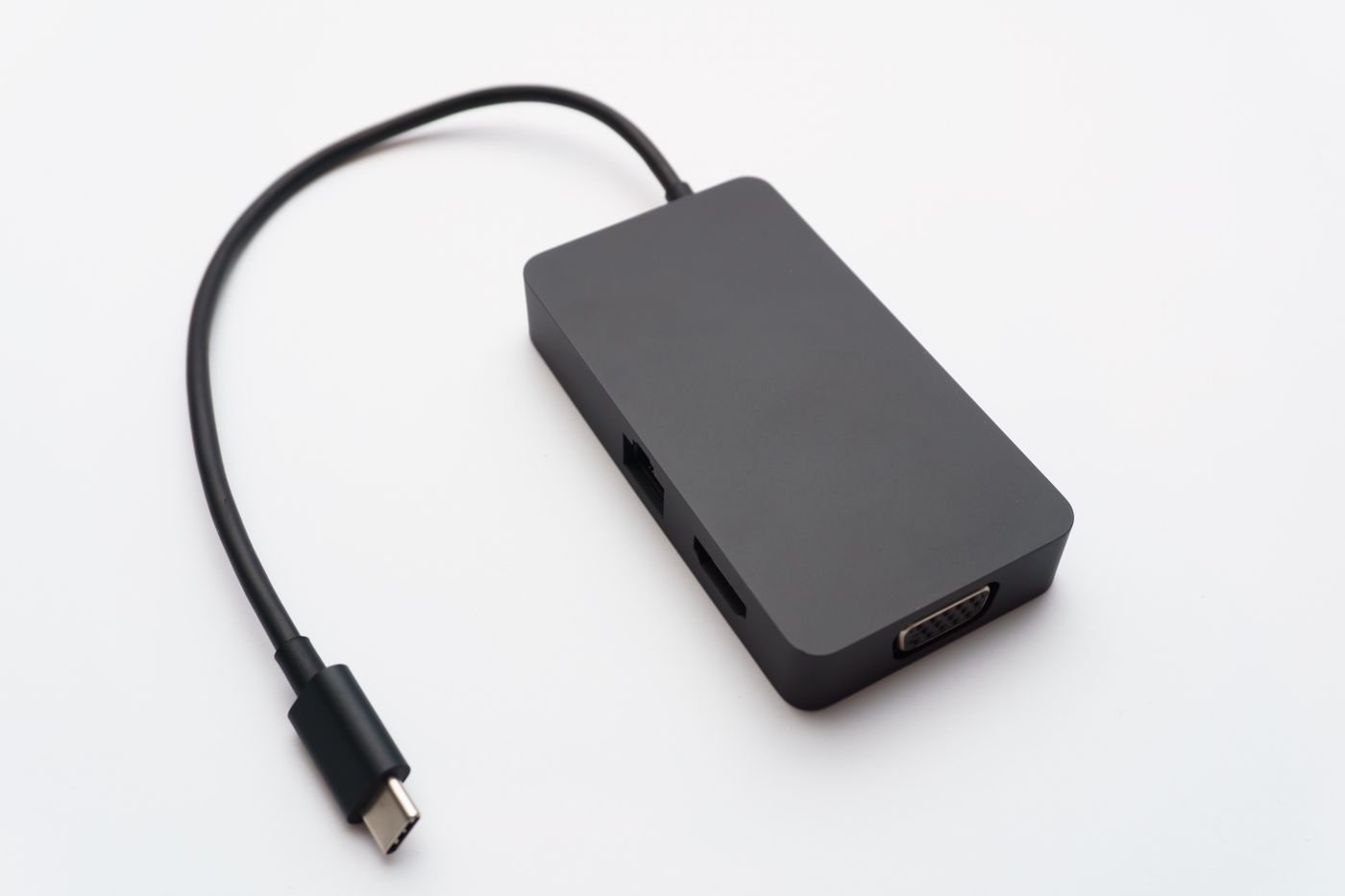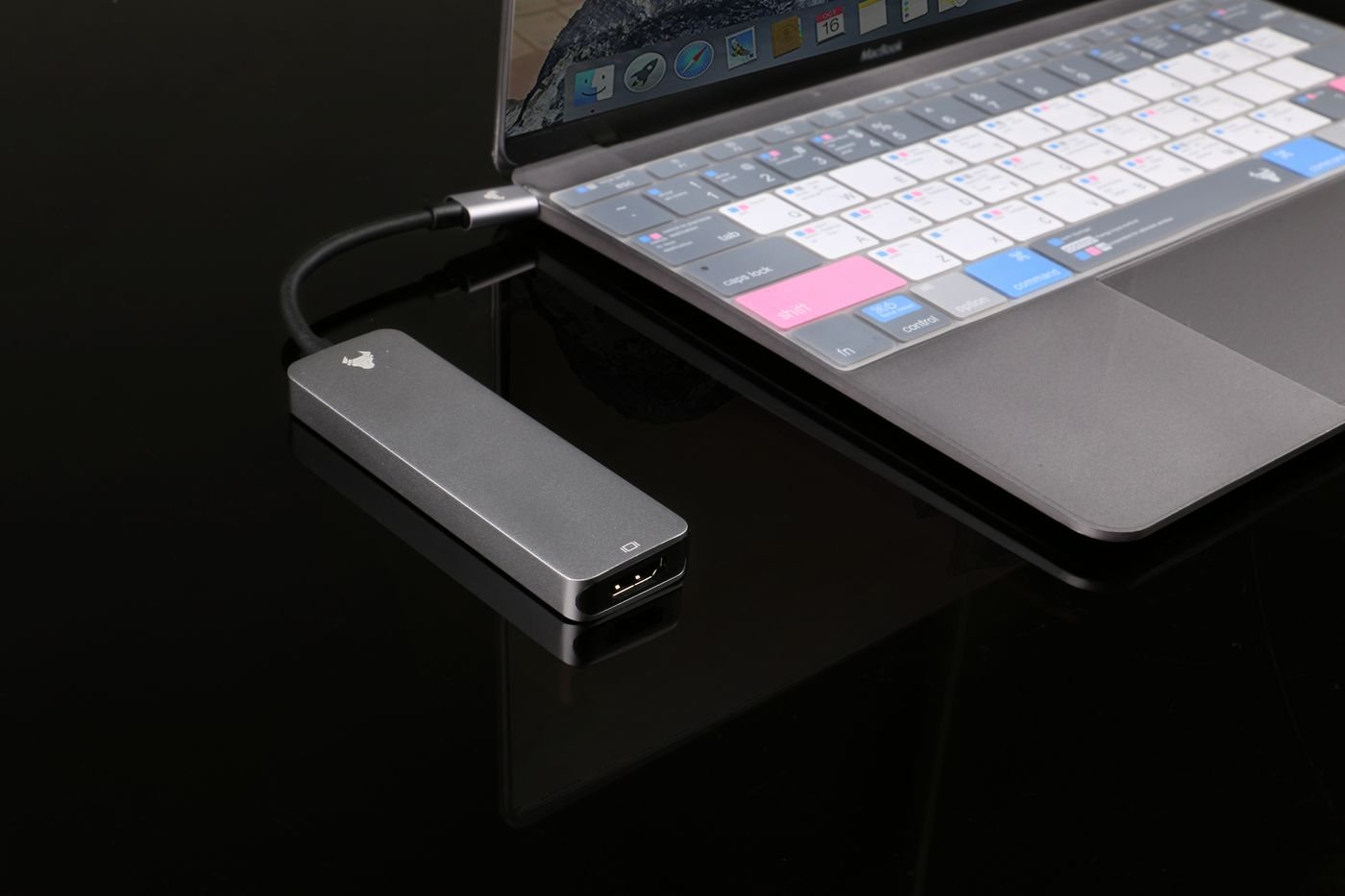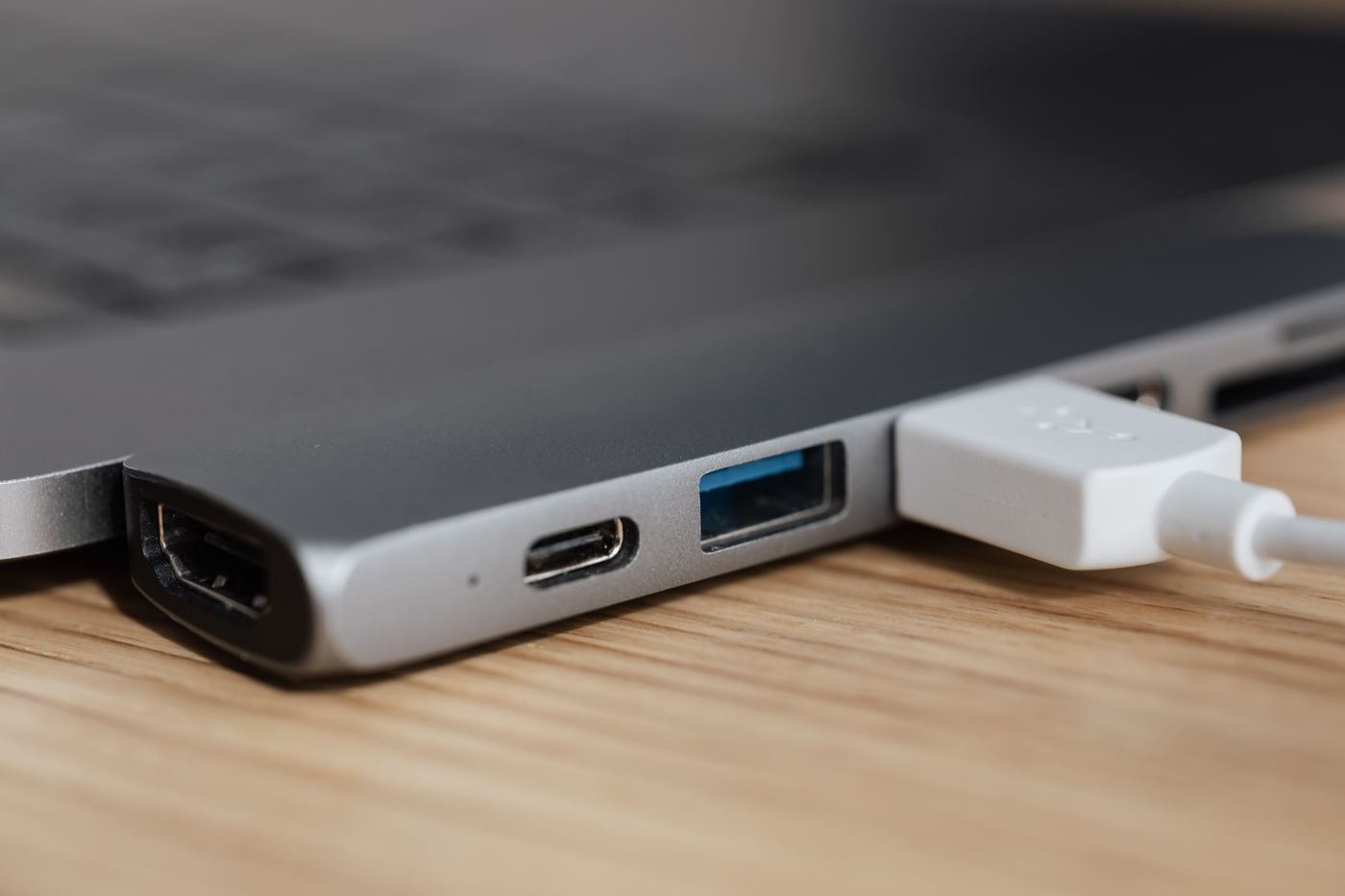
Write a video connection as an arrow: computer output → adapter → display input. Label each end with the exact connector and the required picture mode. This makes a small but expensive mistake easier to spot: an adapter intended for an HDMI source and a DisplayPort monitor is not interchangeable with one intended for the reverse arrangement.
The shape of the plug is only the physical part of the problem. The signal behind it matters too. An adapter may convert a signal, expose a capability already present in the source, or rely on software to produce a display through USB. Read the product's explanation of how it works and the requirements it places on the host.
Ask what the host supplies
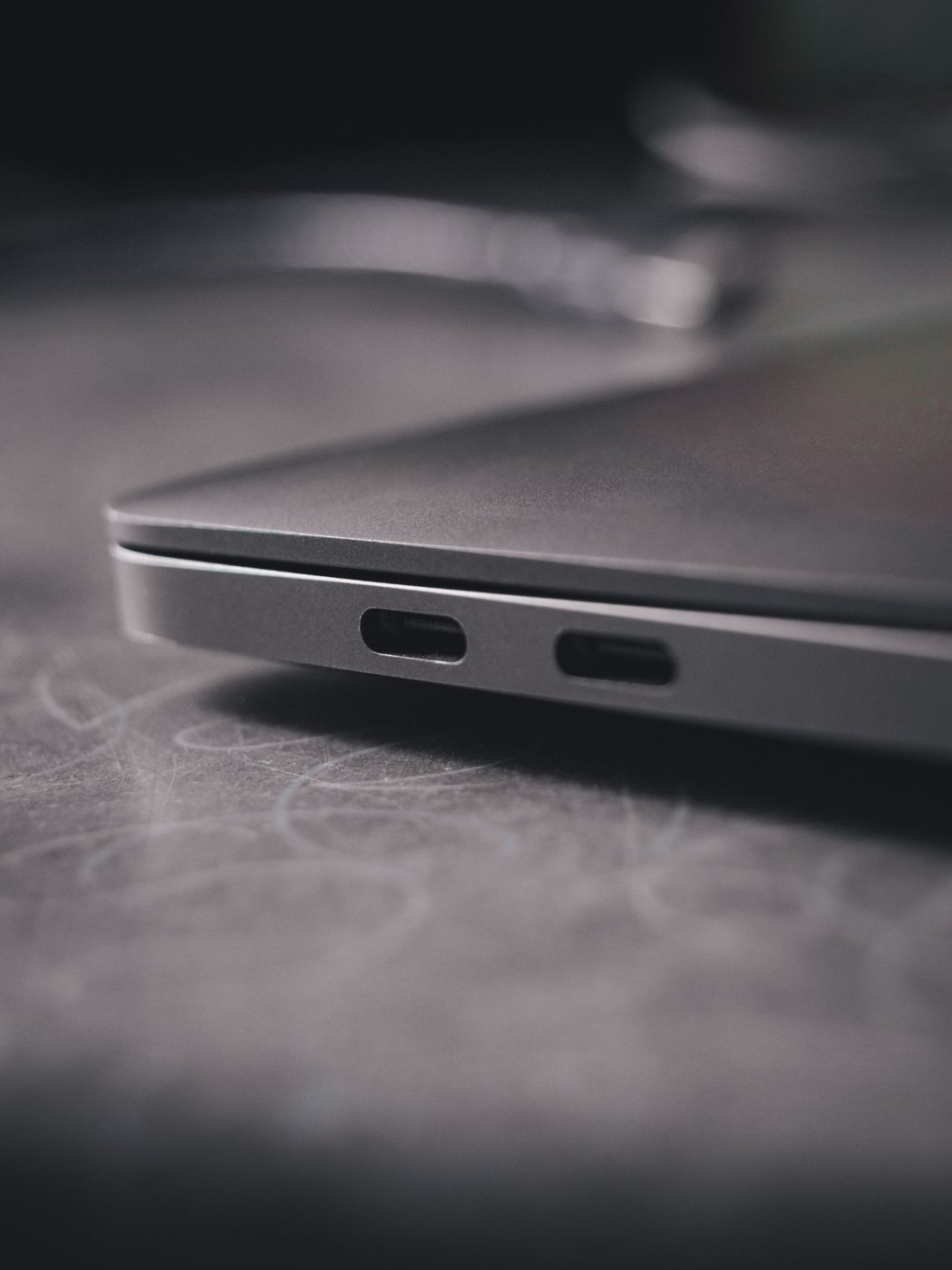
For a USB-C adapter, check the computer's port documentation. Some display adapters require DisplayPort Alt Mode; others use a different supported technology. A cable cannot create an absent hardware feature. If the documentation is unclear, ask the computer manufacturer about the exact model and port before ordering.
On an employer-managed computer, confirm whether any required driver can be installed. The fact that an adapter works on a personal laptop does not establish that it can be used under another computer's software policies. Also consider whether the intended application has restrictions when used with the adapter's display technology.
Choose the shortest workable chain
Every extra coupler, converter, or switch adds another specification to check and another joint to disturb. Where feasible, choose one product designed for the entire source-to-display route. Avoid assembling several unfamiliar adapters simply because their connectors fit together.
Match the required resolution and refresh rate, plus any audio or other feature you intend to use. Check whether a separate USB lead supplies power and whether it is included. Measure cable reach with the equipment in position, including room to adjust the screen without loading the connector sideways.
Before a meeting or trip, test the adapter with a representative display and the computer you will use. Confirm the picture mode and audio destination, then disconnect and reconnect once. Keep a note of the working input and settings. If the result is uncertain, carry a verified alternative connection rather than relying on an untested chain of converters at the venue.