A bedside phone cable and the cable joining a dock to a laptop may have the same plugs while serving very different jobs. Naming the job first prevents a common mistake: buying a cable with adequate charging power but insufficient data or display capability.
For charging alone, start with the device's requirements and the intended power supply. Choose the correct connectors and an explicit power rating suitable for that combination. If the product documentation is vague about its supported power, treat that as missing information rather than filling the gap from appearance.
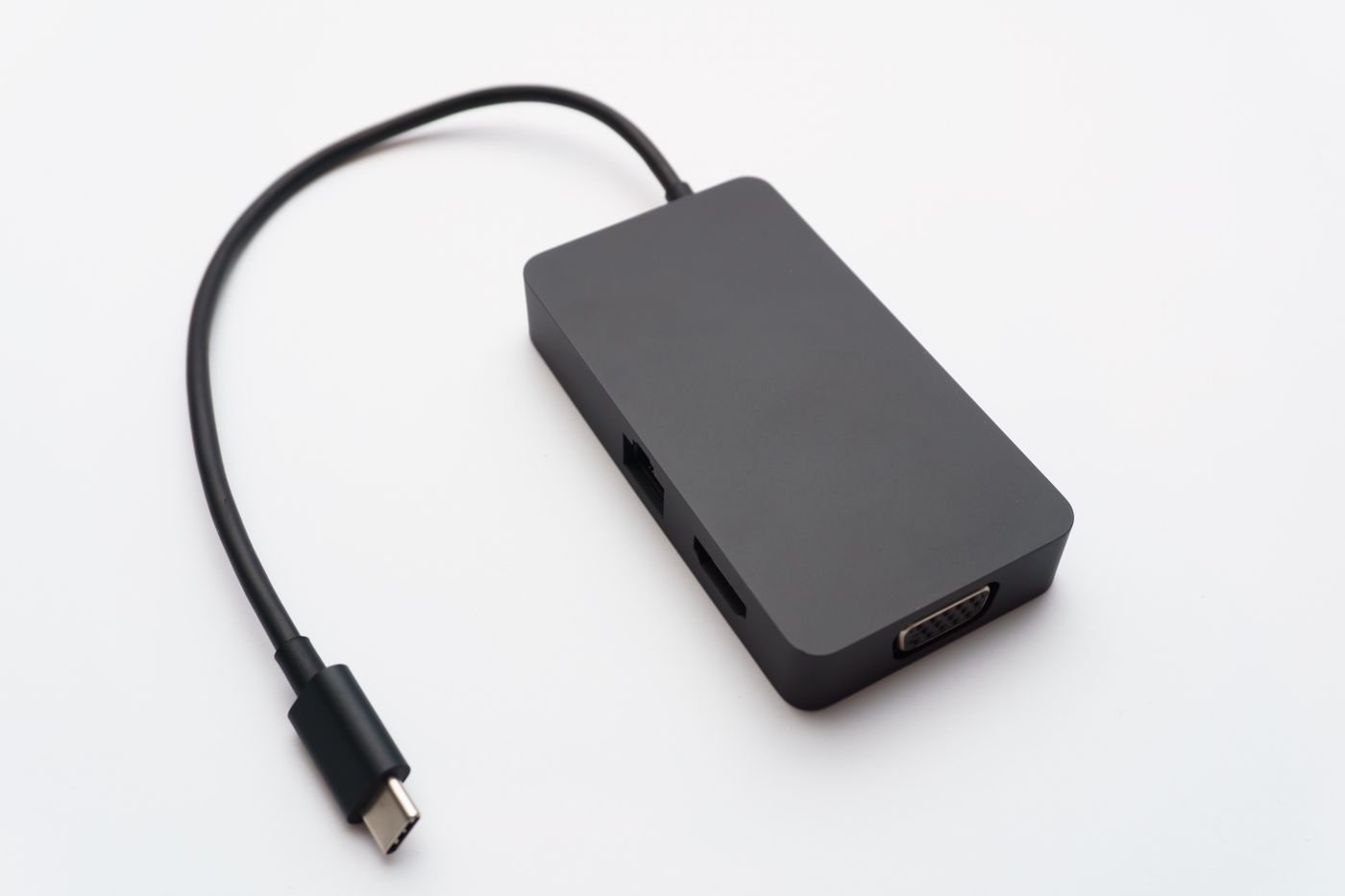
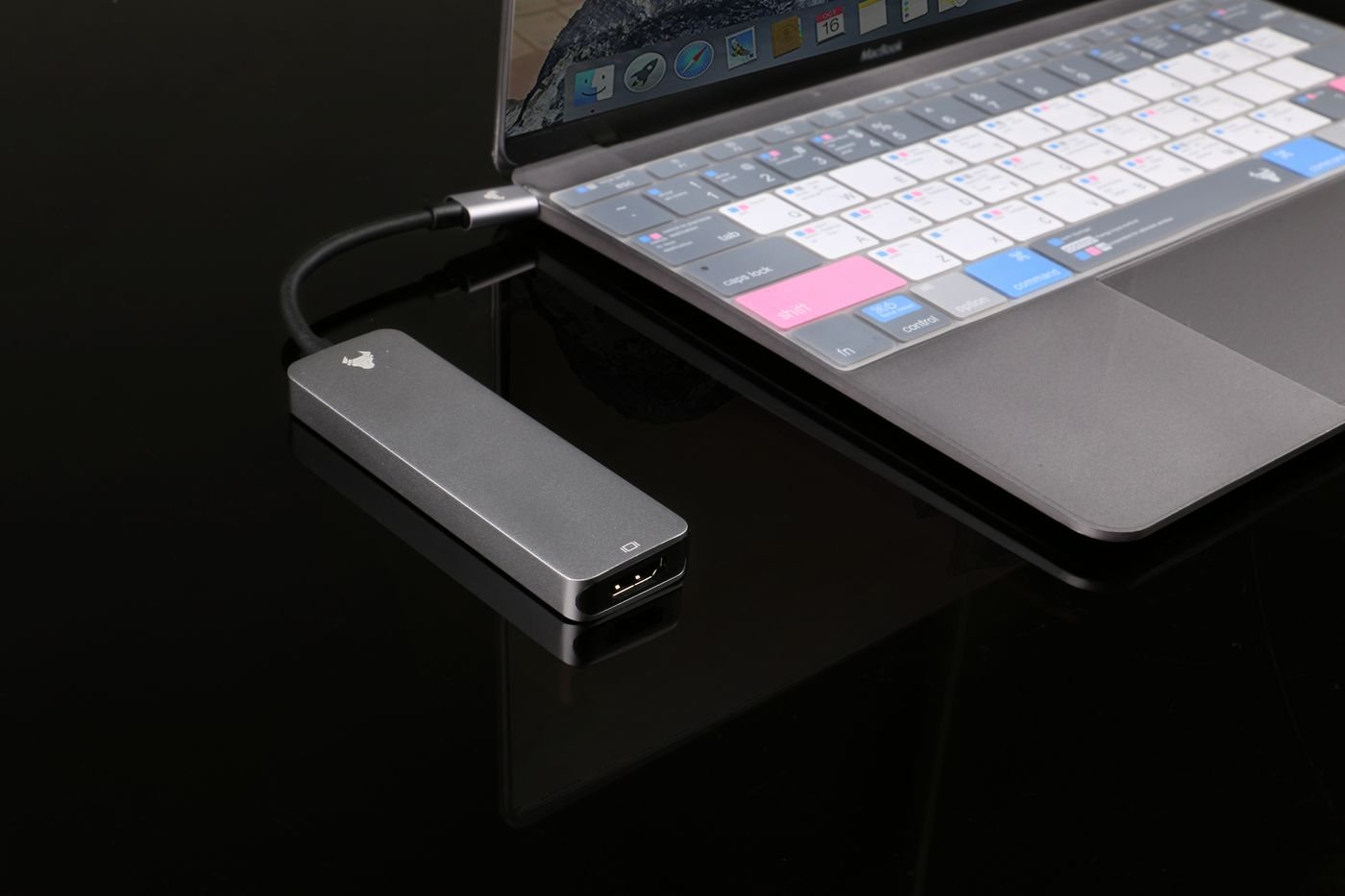
A drive connection needs a supported data rate as well as the right plugs. For a display or dock, use a cable that meets the accessory manufacturer's stated requirements. The cable supplied with a device can be a useful baseline. Keep it associated with that device until a replacement has been verified.
USB-IF's cable labeling program separates power and performance information. This is a useful way to read listings even when comparing different brands: look for both capabilities instead of one large number. A high charging rating does not automatically mean high-speed transfers, and a description of USB-C alone settles neither question.
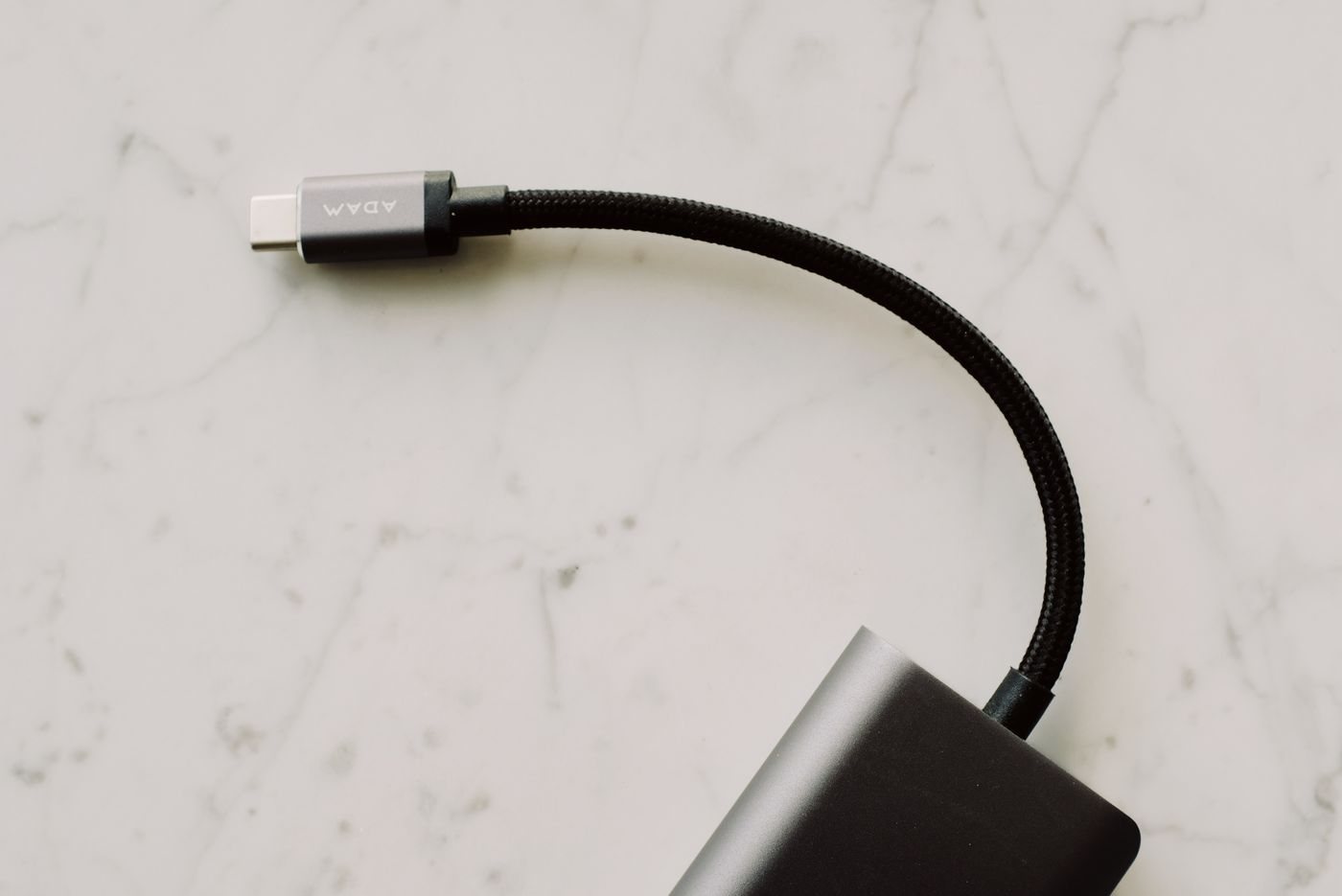
Length affects how the cable fits your routine. Measure the route with the device in its usual position and allow enough movement that the plug is not pulled sideways. Excess cable can snag on a chair or be trapped under a bag. Too little length can leave a phone hanging from an outlet or a dock suspended from a port.
Details that matter after purchase
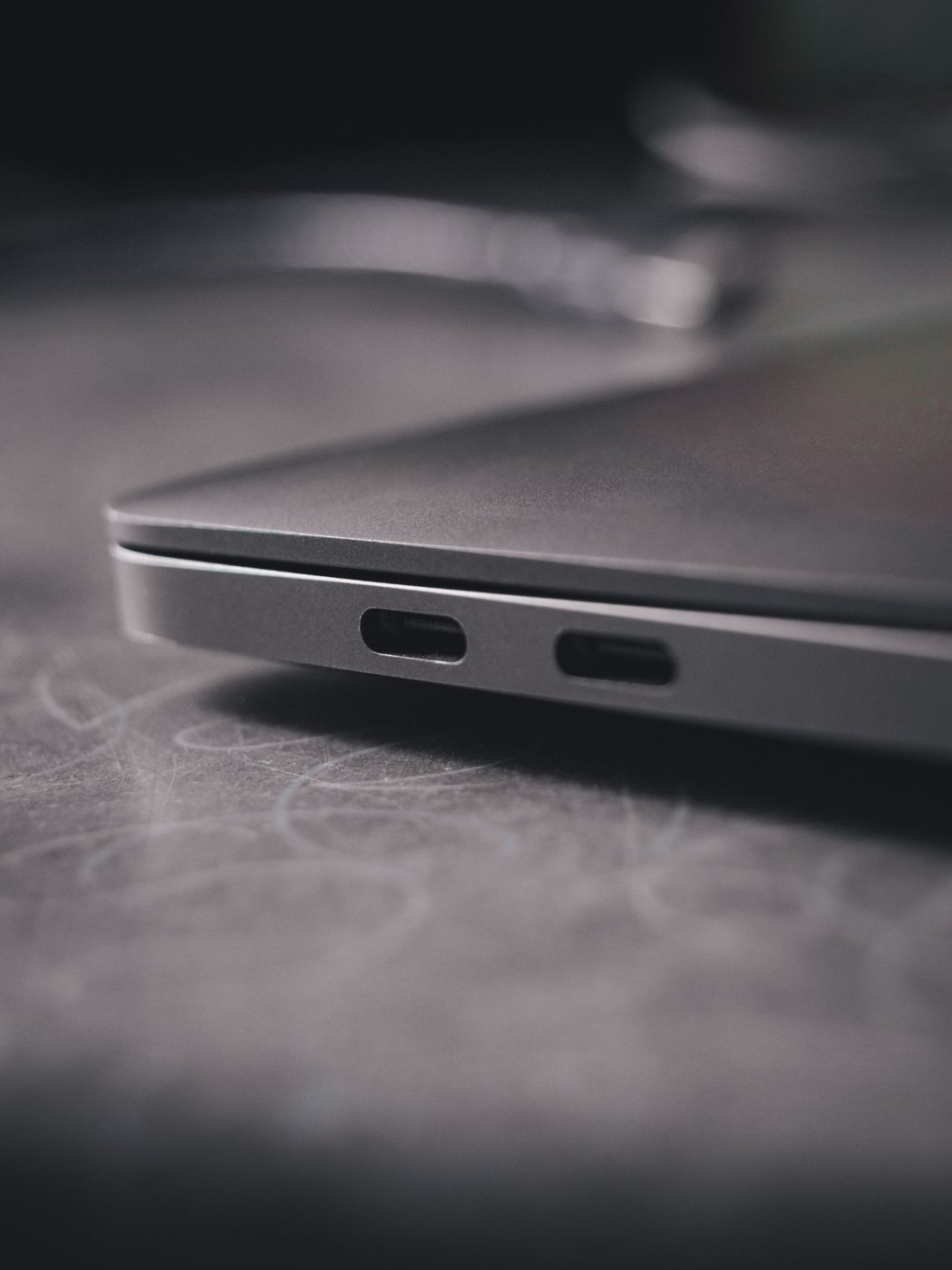
Consider connector clearance with your case fitted, especially around recessed ports. Avoid forcing a plug past a case opening. Right-angle connectors can help in some layouts but can point the cable in the wrong direction in others, so inspect the actual orientation rather than relying on a product photograph.
Label a verified cable by its role, such as “desk dock” or “travel charging,” and retain the model information. Test data with a noncritical copy rather than moving your only copy of a file. For charging, observe normal operation without bending or wiggling a questionable connector to make it work.
Retire cables with split insulation, exposed conductors, a loose connector shell, or heat damage. Tape does not restore their original condition. A small collection of identified, intact cables is easier to manage than a drawer of physically similar leads with unknown capabilities.