The guide library
Connections & storage
Understand a connection from one end to the other. Check ports, cables, power, and storage before adding another adapter.
 Connections & storage
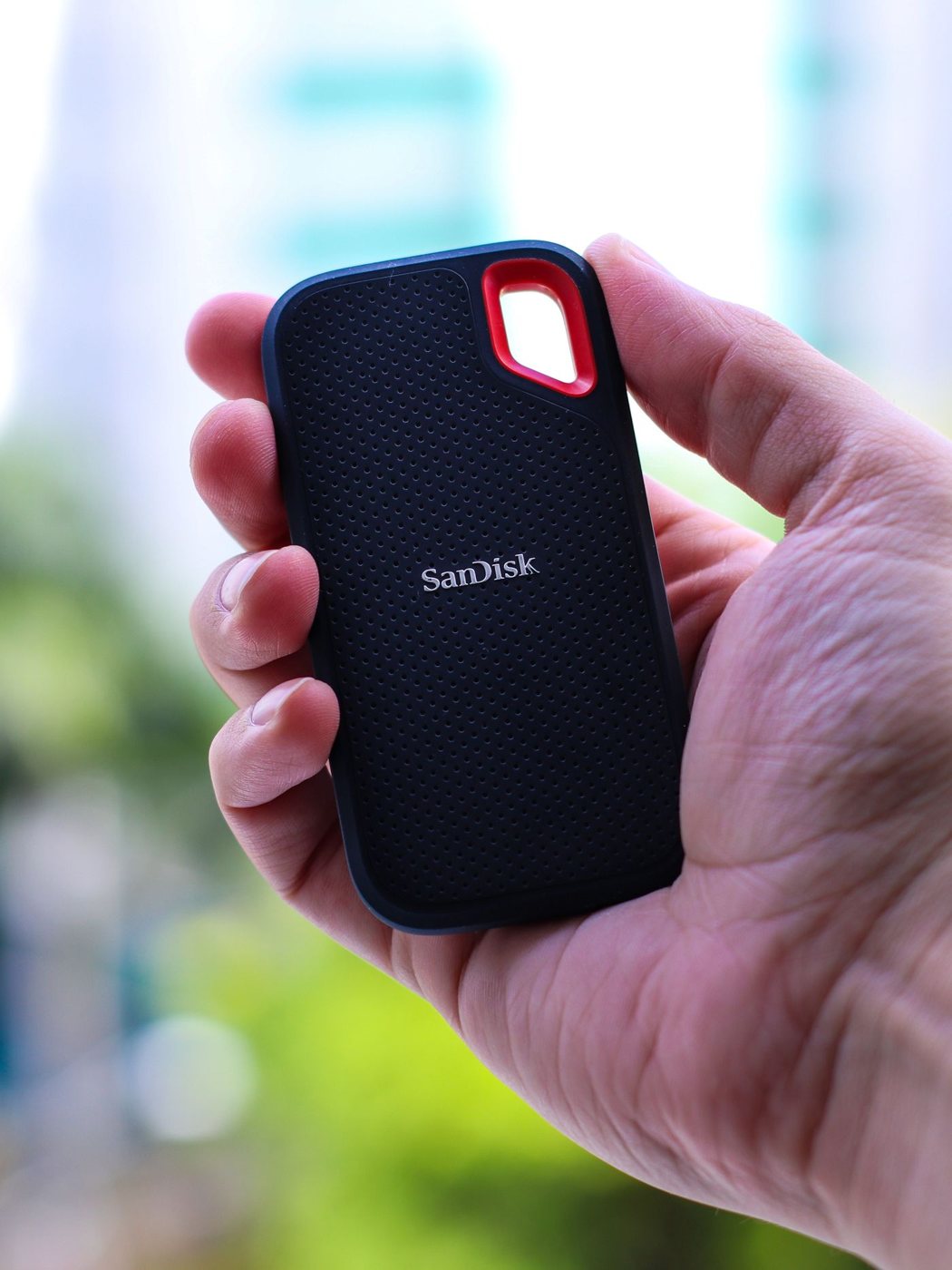
Choosing an external SSD for working files
Choose working-file storage by workload, host compatibility, and a separate backup plan.
 Connections & storage
When an external hard drive is useful
Consider a hard drive for larger collections and backups while accounting for movement, power, and recovery.
 Connections & storage
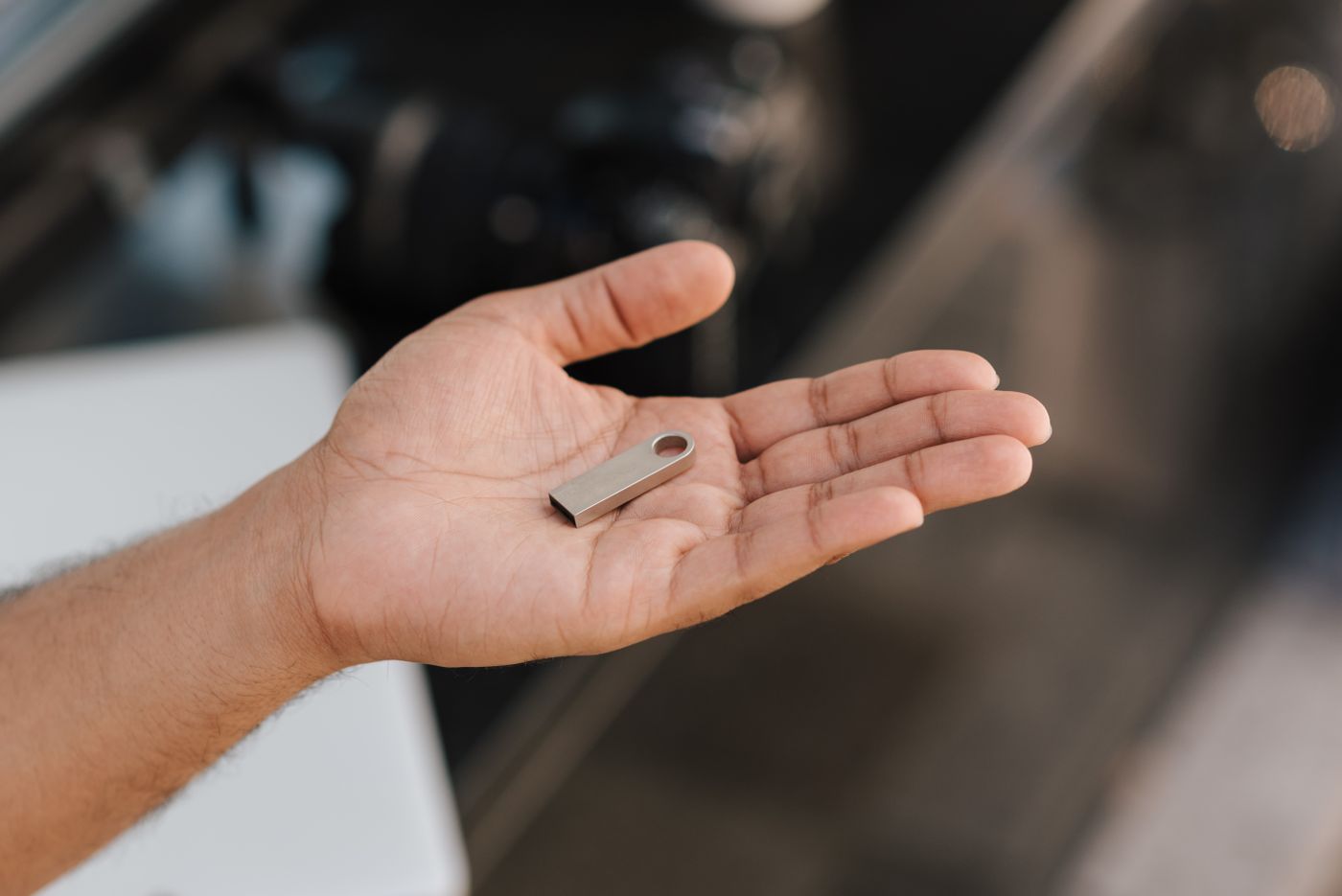
Choosing a flash drive for occasional transfers
Select a flash drive for occasional handoffs, and verify the files before removing another copy.
 Connections & storage
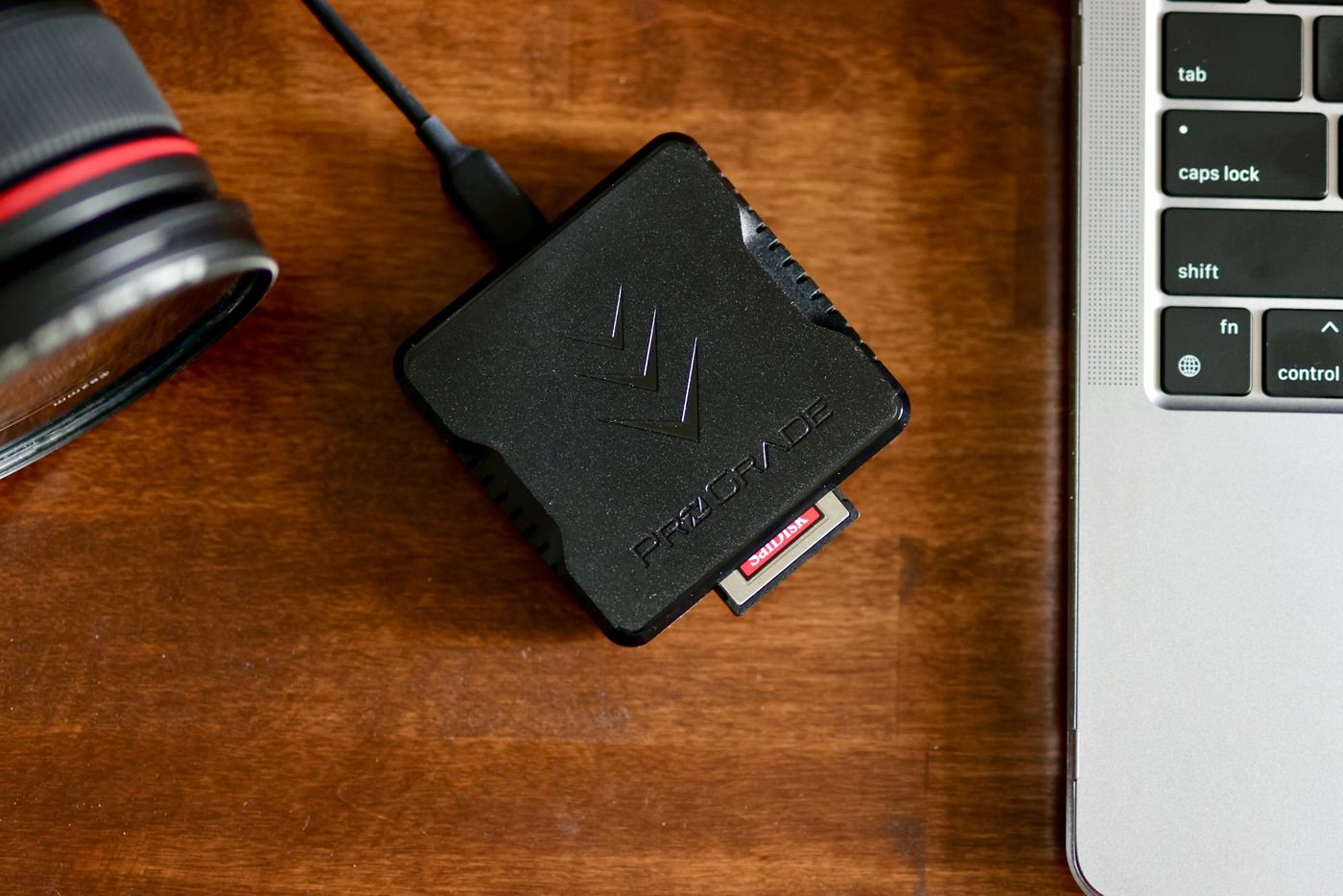
Matching a memory card reader to your cards
Match a reader to card format, supported standards, and the computer connection before importing files.
 Connections & storage
Checking compatibility before buying a drive enclosure
Identify a spare drive by interface, dimensions, and power needs before selecting an enclosure.
 Connections & storage
Sizing a drive for your backup plan
Estimate backup capacity from protected data, retained versions, and realistic growth.
 Connections & storage
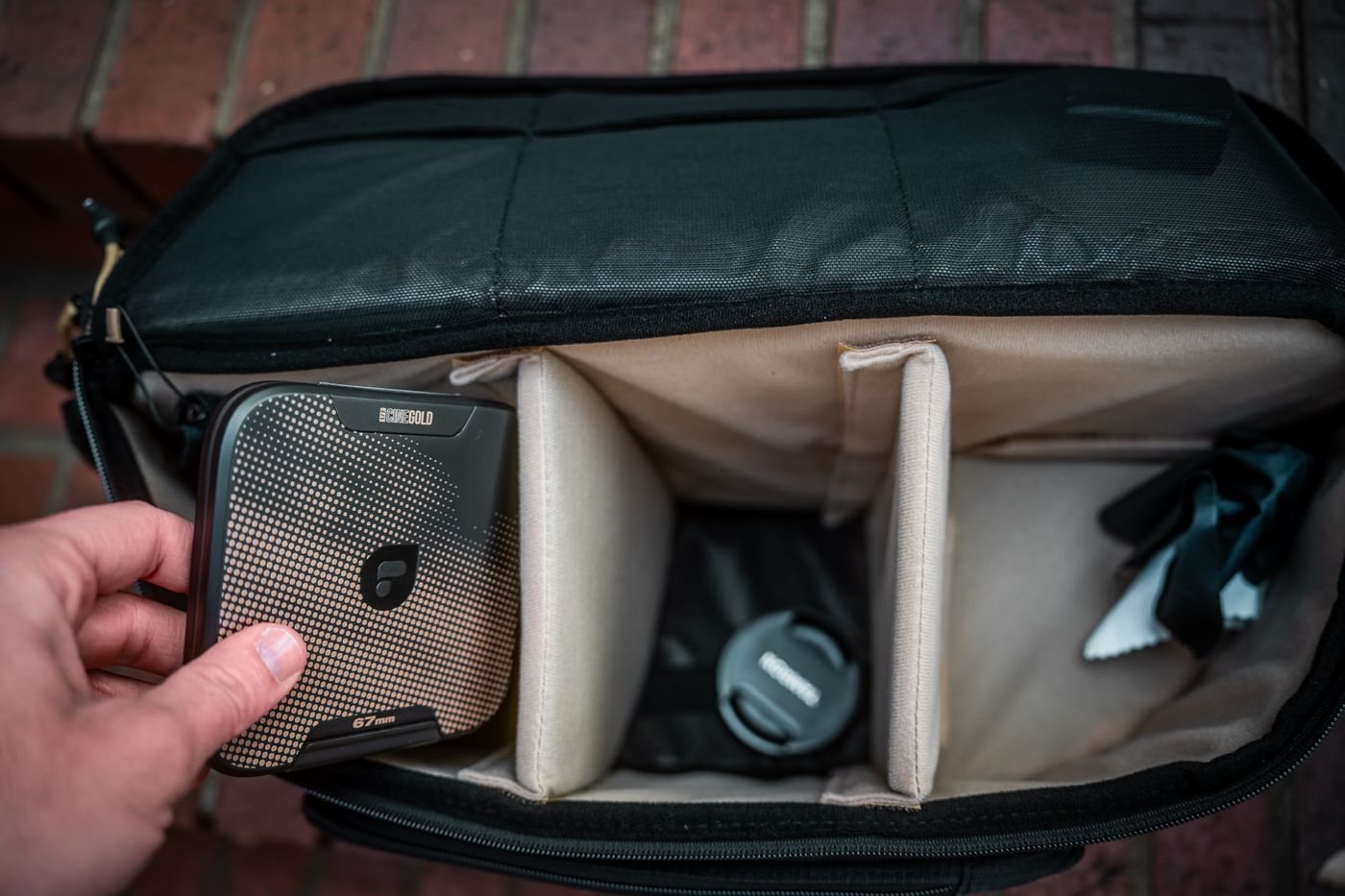
Protecting a portable drive during travel
Choose a portable-drive case that protects the connector, controls movement, and keeps backup copies separate.
 Connections & storage
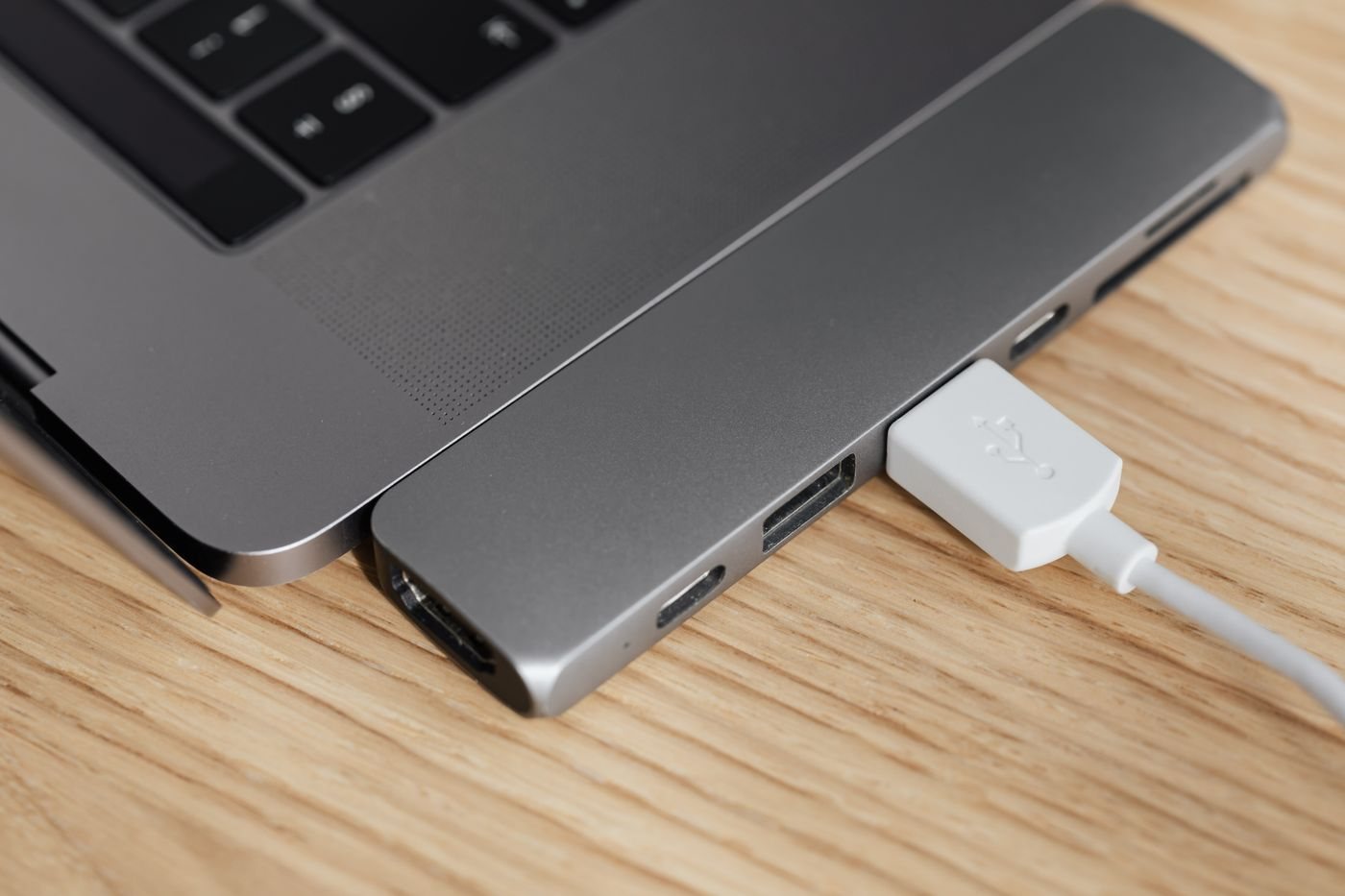
Adding wired networking to a laptop
Check host support and the rest of the network before adding a USB Ethernet connection.
 Connections & storage
Planning a KVM setup before buying a switch
Map every computer, monitor, and USB peripheral before selecting a KVM switch.
 Connections & storage
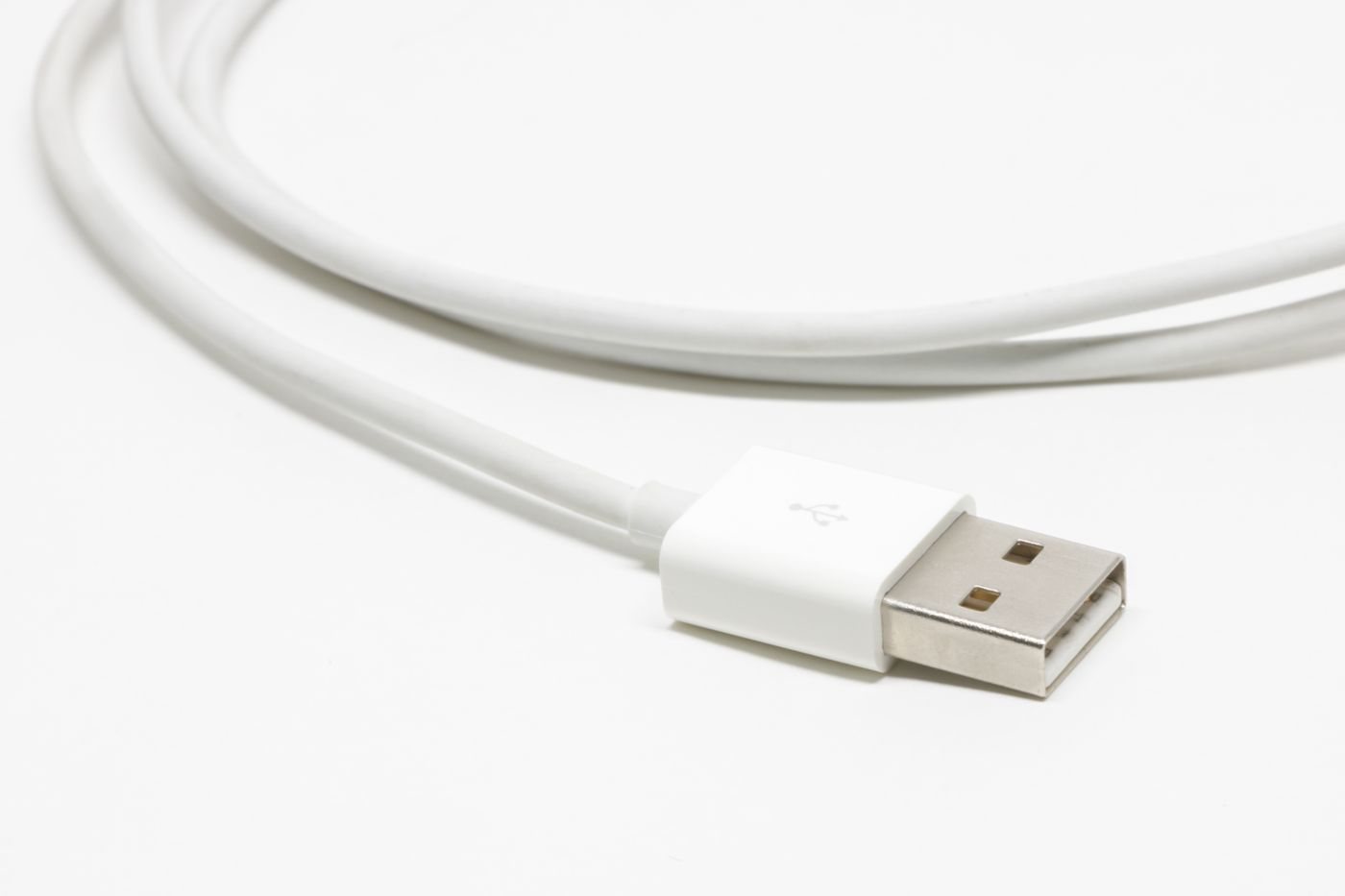
Checking a USB extension for its intended use
Check data rate, power, device support, and direction before extending a USB connection.
 Connections & storage
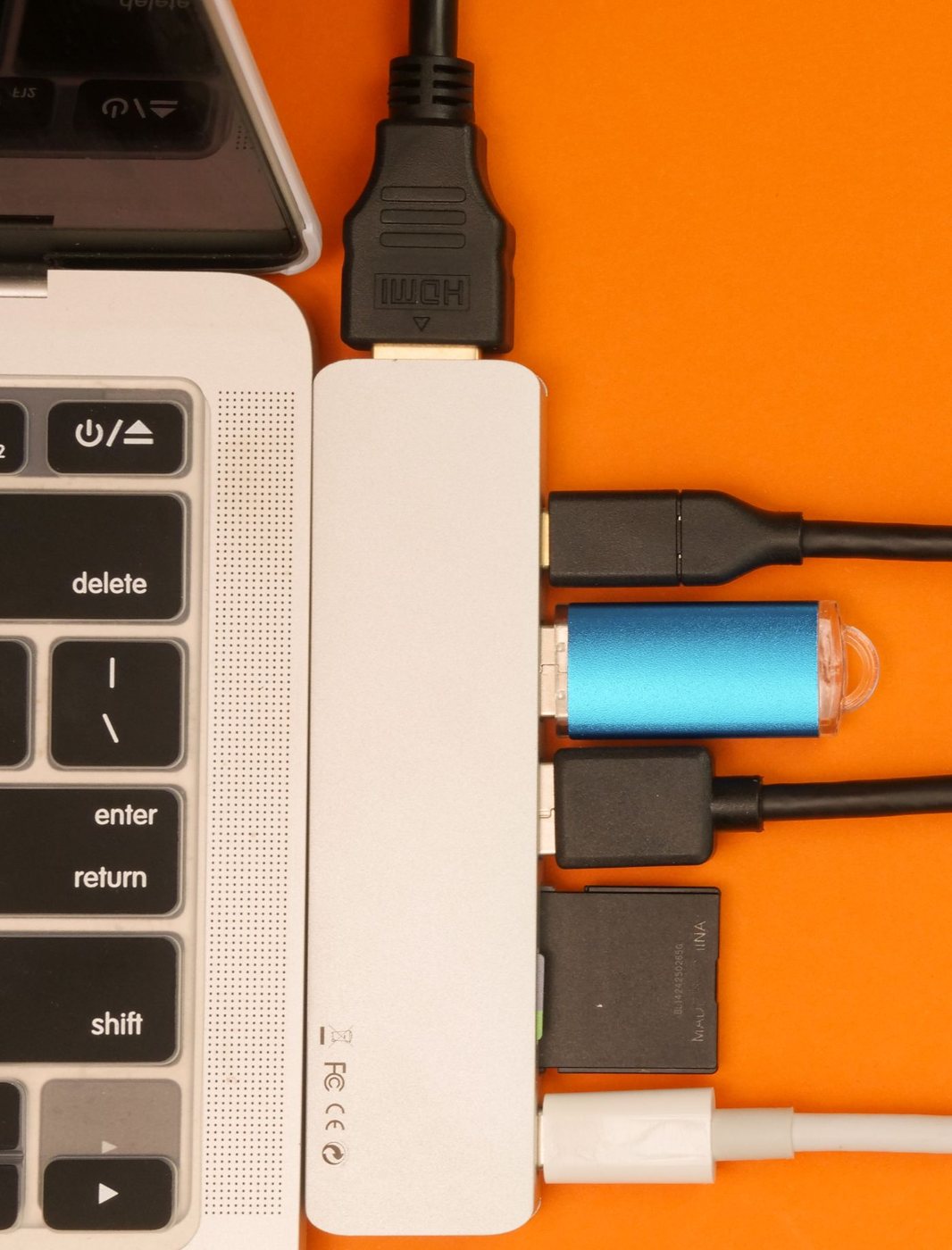
When a powered USB hub may help
Use a powered hub to address accessory power needs while checking bandwidth and host compatibility separately.
 Connections & storage
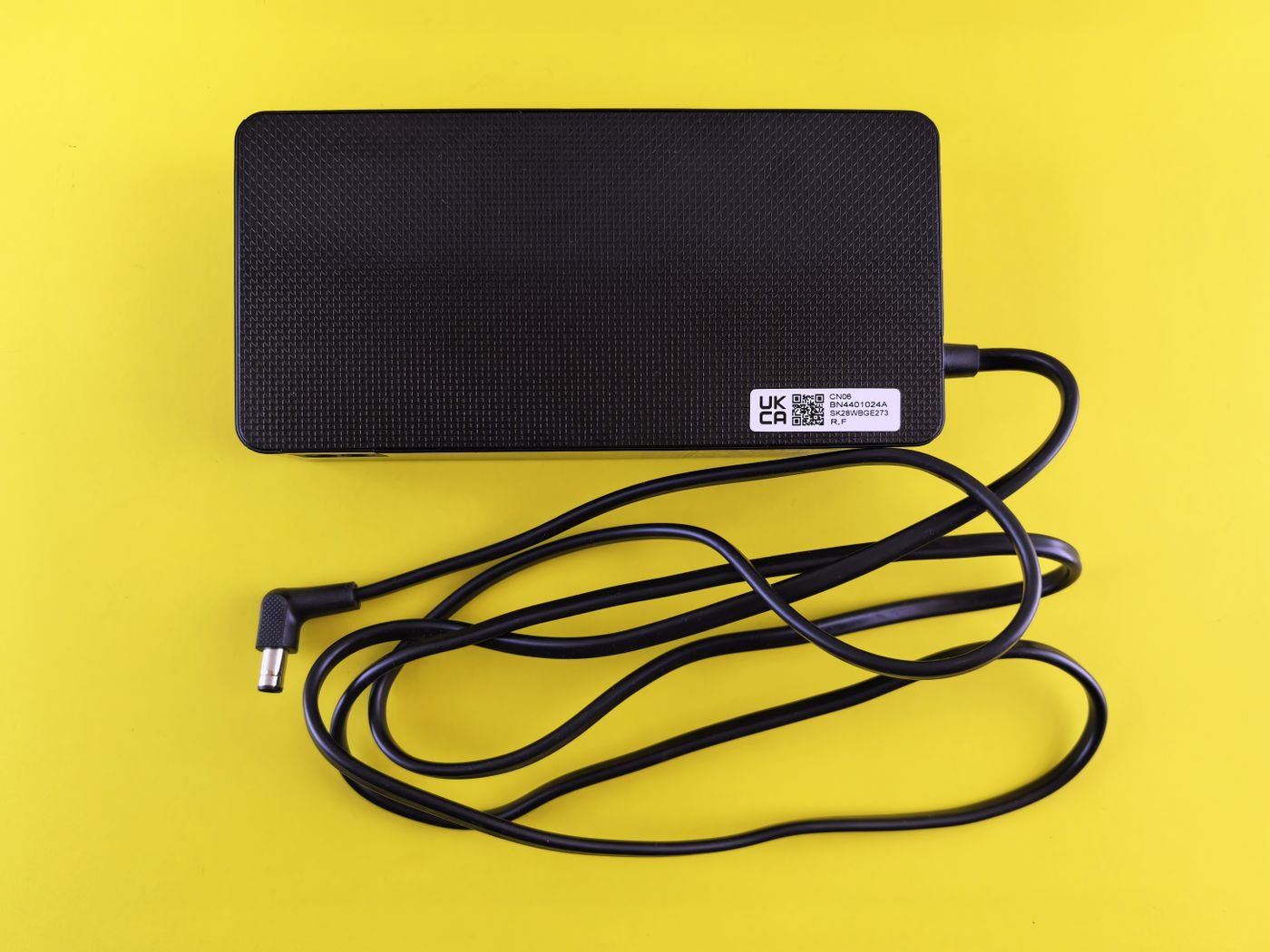
Responding to unusual charger heat
Distinguish normal adapter warmth from signs that call for stopping use and getting help.