Some warmth from a power adapter during use can be normal. That does not mean every hot charger should be ignored. A change from its usual behavior, repeated shutdowns, damaged insulation, discoloration, an unusual smell, or popping sounds deserves attention. Stop using suspect equipment rather than repeatedly reconnecting it to see whether the symptom disappears.
Do not use your hand as a temperature test. If an adapter seems excessively hot, avoid handling the hot surface and disconnect power only when you can do so safely. Keep people away from damaged mains parts. Smoke, sparks, or fire call for leaving the area and contacting emergency services from a safe place.
Look at the surroundings first
When there are no immediate danger signs, consider whether the charger has been covered or placed on bedding, thick carpet, or another surface that traps heat. Apple advises using its USB-C adapters in a well-ventilated location and allowing an overheated adapter to cool before handling. Follow the equivalent guidance for your exact product.
Check the documented charging arrangement. A multiport charger may behave differently when several devices are connected, but that does not excuse visible damage or a burning odor. Use compatible cables and the intended power connection. Do not open the charger, poke into it, or attempt a homemade repair.
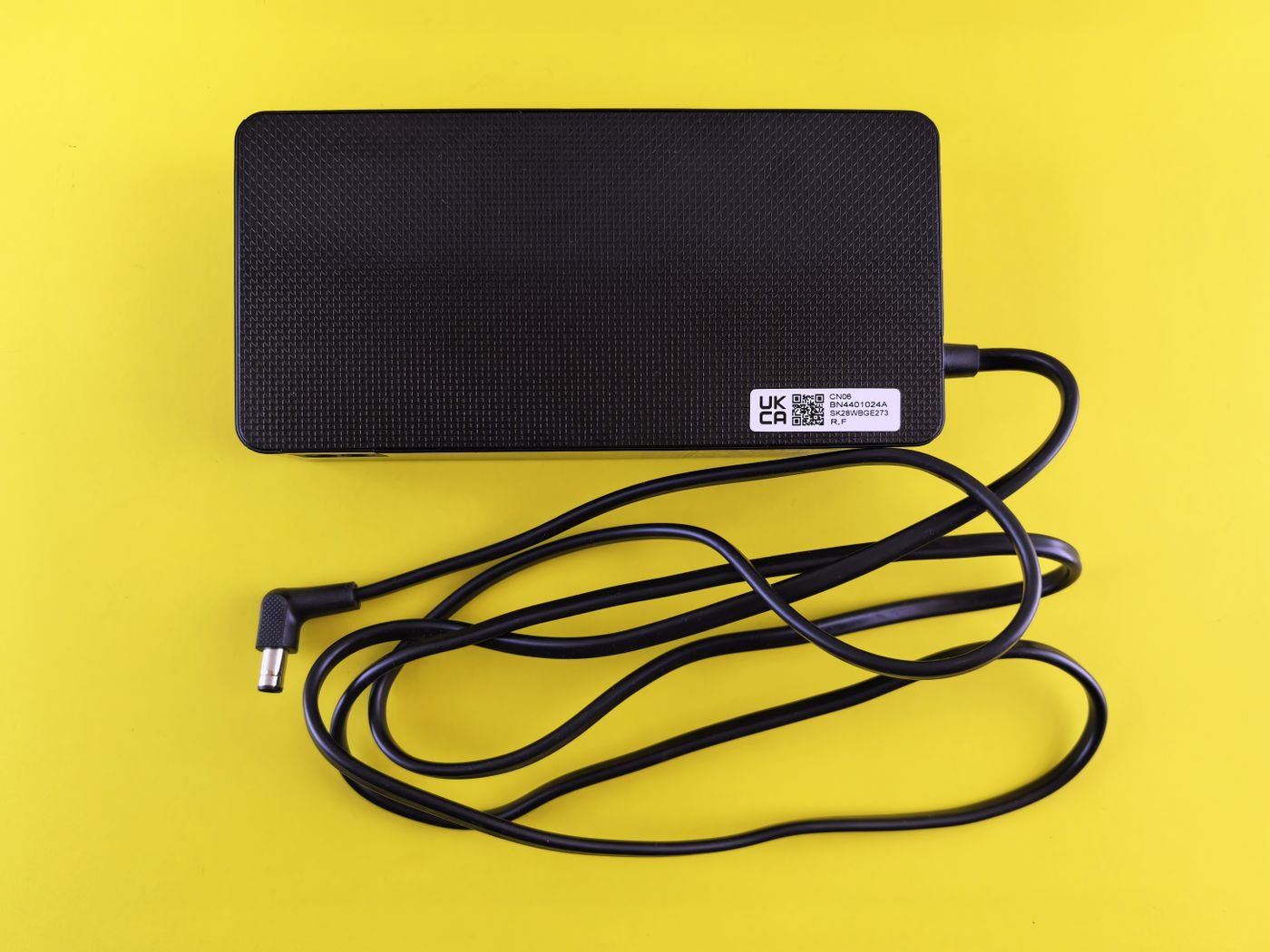
Once unplugged and cool, inspect only the accessible exterior. Look for a cracked case, frayed cable, loose connector, or damaged plug. If a mains prong is damaged or stuck in an outlet, do not pull it out with tools. Apple's safety guidance calls for isolating power safely and using a qualified electrician when necessary.
Give support a useful description
Record the adapter model, connected devices, cable models if known, and whether the symptom occurred with one device or several. Include the surface it rested on and any warning message. Photographs of exterior damage can help if they can be taken without handling unsafe equipment.
Do not resume use merely because the adapter has cooled. Cooling changes the temperature, not the condition of damaged hardware. Contact the manufacturer for assessment or replacement guidance, and follow its disposal instructions if the charger is retired. Keeping the details together helps you replace the faulty part without carrying an unexplained problem into a new setup.