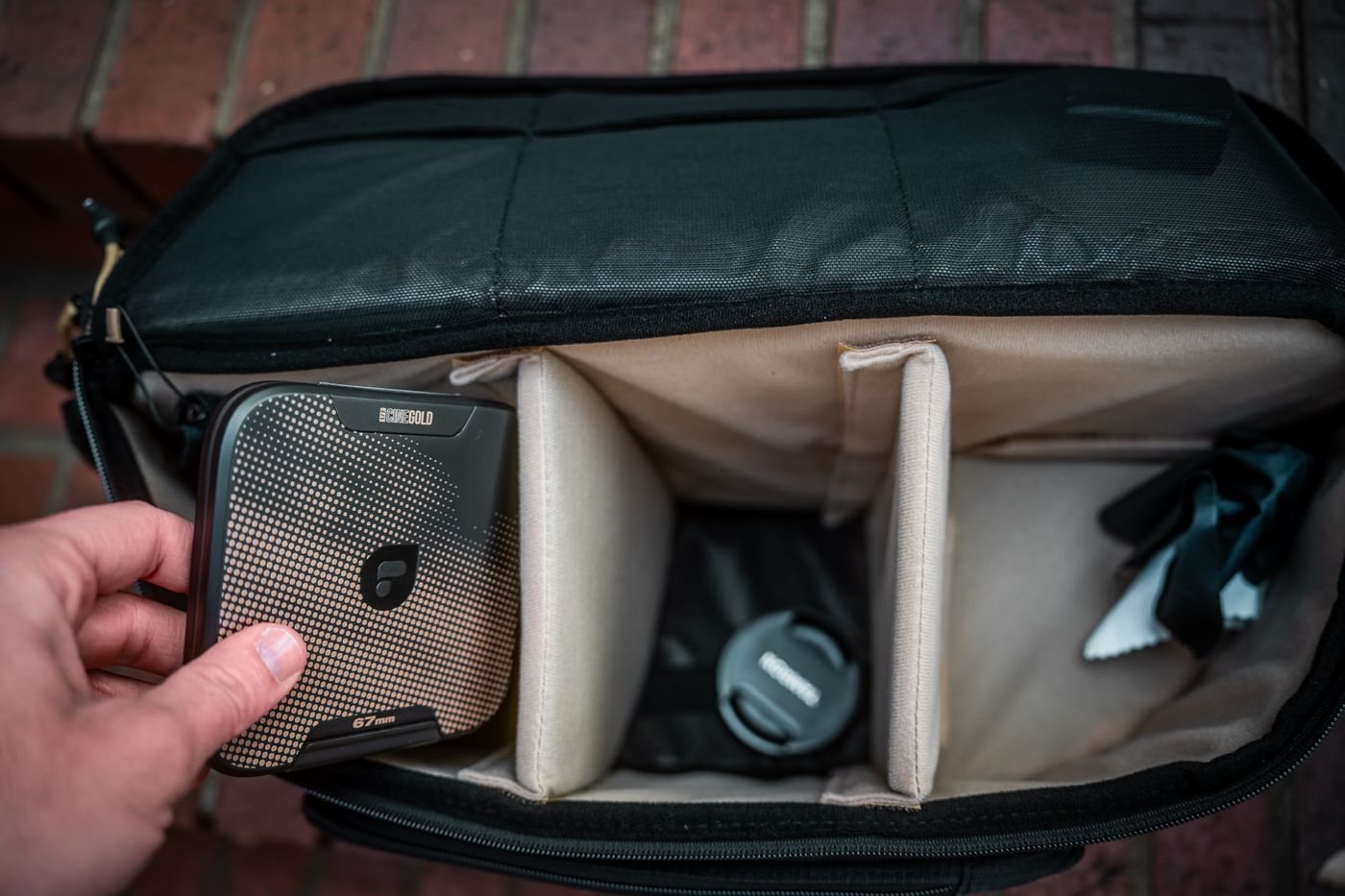
A protective case should prevent a drive from moving freely, not merely surround it with thick padding. Measure the drive with any fitted bumper and consider its connector position. The case should close without pressing a cable plug into the socket or bending the drive against another object.
Disconnect the drive before packing it, using the operating system's safe-removal procedure. A plugged-in cable can act as a lever when a bag is compressed. Give the cable its own compartment or loose loop so it cannot scratch or press against the drive housing.
A short commute inside a laptop bag presents different demands from frequent transport among tools or camera equipment. Consider impact protection, closure quality, and resistance to dust or incidental moisture. Read the case's claims carefully; a padded pouch is not automatically waterproof, and a water-resistant drive does not make every connector arrangement safe when wet.
Mechanical hard drives deserve particular care with knocks and vibration. Seagate advises avoiding rough handling and moisture. An SSD has no spinning disk, but its housing and connector can still be damaged. Do not treat the storage technology as permission to throw the drive loose into a bag.
Allow equipment to return to appropriate operating conditions after transport according to the manufacturer's guidance. Avoid leaving a drive in a hot vehicle or using it while damp. If condensation or liquid is present, do not plug it in merely to check whether it survived.
Separate protection from recovery
A case protects a physical object; it does not replace a backup. If the laptop and the only external copy travel in the same bag, the bag's loss affects both. Decide whether important files need another copy at home, at work, or in a suitable remote backup system before leaving.
For sensitive data, use a supported encryption method and keep the recovery key somewhere other than inside the same case. Add a discreet identifying label if useful, but avoid displaying private project details. Record the drive's model and serial number in your equipment notes.
At your destination, take the drive out of the padded case before operating it unless the manufacturer specifically permits that use. Put it on a stable surface with a clear cable route. After a transfer, check the copy, eject the drive, and return it to its compartment. That small routine protects both the hardware and the continuity of the work.