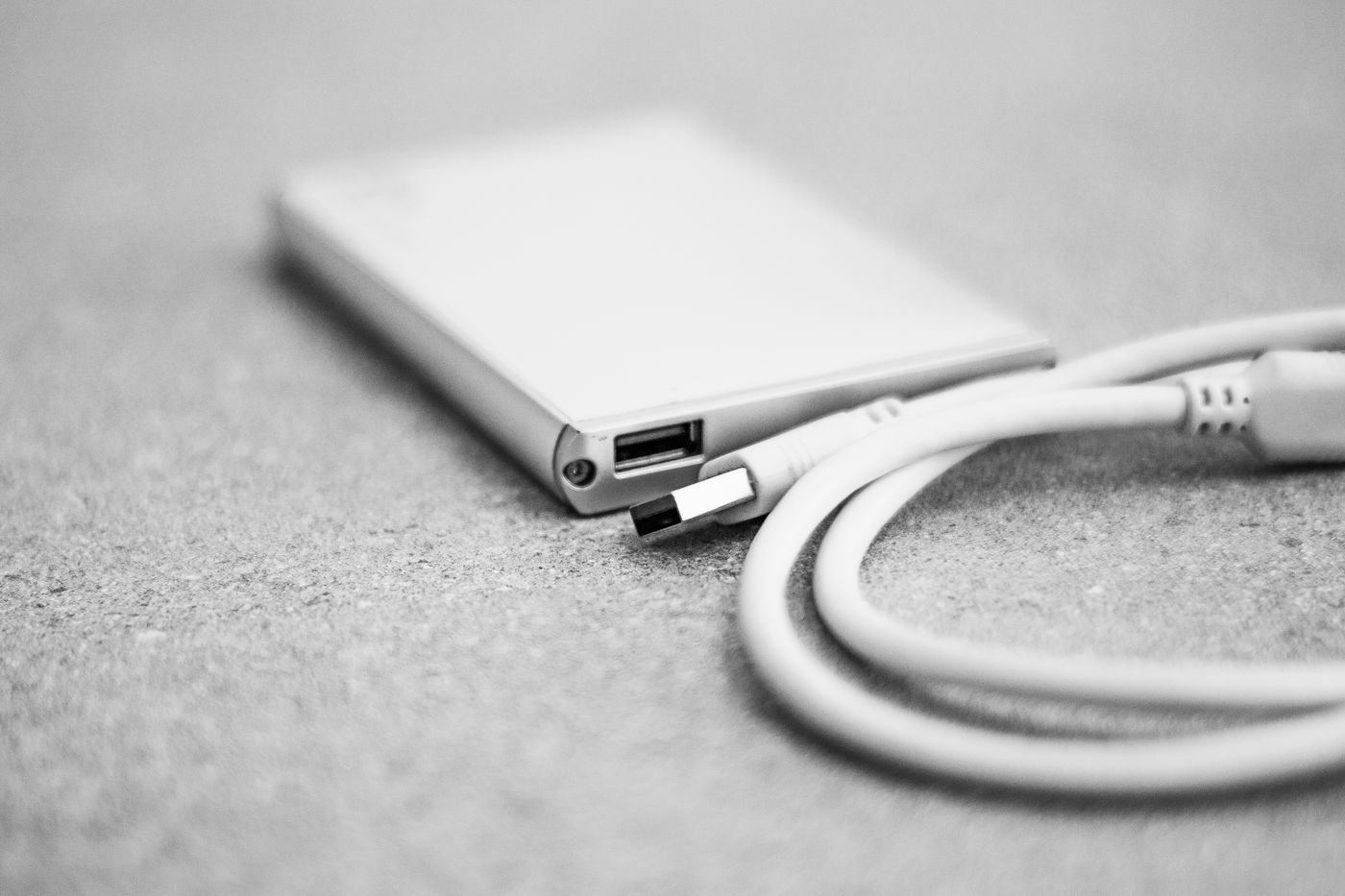
A large collection of finished projects does not always need the same storage behavior as an active editing workspace. An external hard drive can be worth considering when capacity and a predictable backup routine matter more than the shortest transfer time. Compare current products for your actual needs rather than assuming one storage technology always offers the best value.
Decide whether the drive will stay on a desk or travel. Desktop models may use a separate power supply, while portable models can draw power through their data connection. Check the exact product requirements and make space for every component. A desktop drive is inconvenient if its brick is routinely left behind.
Give mechanical storage a stable home
Hard drives contain moving parts. Place one where it will not be knocked off a desk, pulled by its cable, or moved while operating. Seagate's handling guidance emphasizes avoiding rough handling and safely removing external drives before disconnecting them. A shelf with easy cable access can be better than a precarious stack of other equipment.
Consider noise and placement if the drive sits near a microphone or in a quiet room. Product specifications and return terms may help you evaluate a suitable location, but do not assume every drive of the same capacity sounds alike. Maintain the ventilation required by the manufacturer and avoid enclosing an operating drive in a padded travel case.
Decide what the drive protects
For backups, choose software and a schedule that match the files you need to recover. A manual copy can preserve selected files, but it may not retain older versions or remind you when the next copy is due. Understand what the selected method includes before relying on it.
If you move files off the computer and delete the originals, the external drive becomes their only location. Arrange another copy for files that matter. Capacity by itself offers no protection against failure, loss, mistaken deletion, or a damaged cable interrupting a transfer.
Check operating-system and file-system compatibility before loading the drive. Keep the original power supply identified with the drive; a barrel connector that fits does not prove that a different adapter has the right electrical specification.
Finally, restore a few files to another folder and open them. Record where the backup is stored and when it last completed. A drive earns its place in a backup plan through successful recovery, not merely because its activity light comes on.