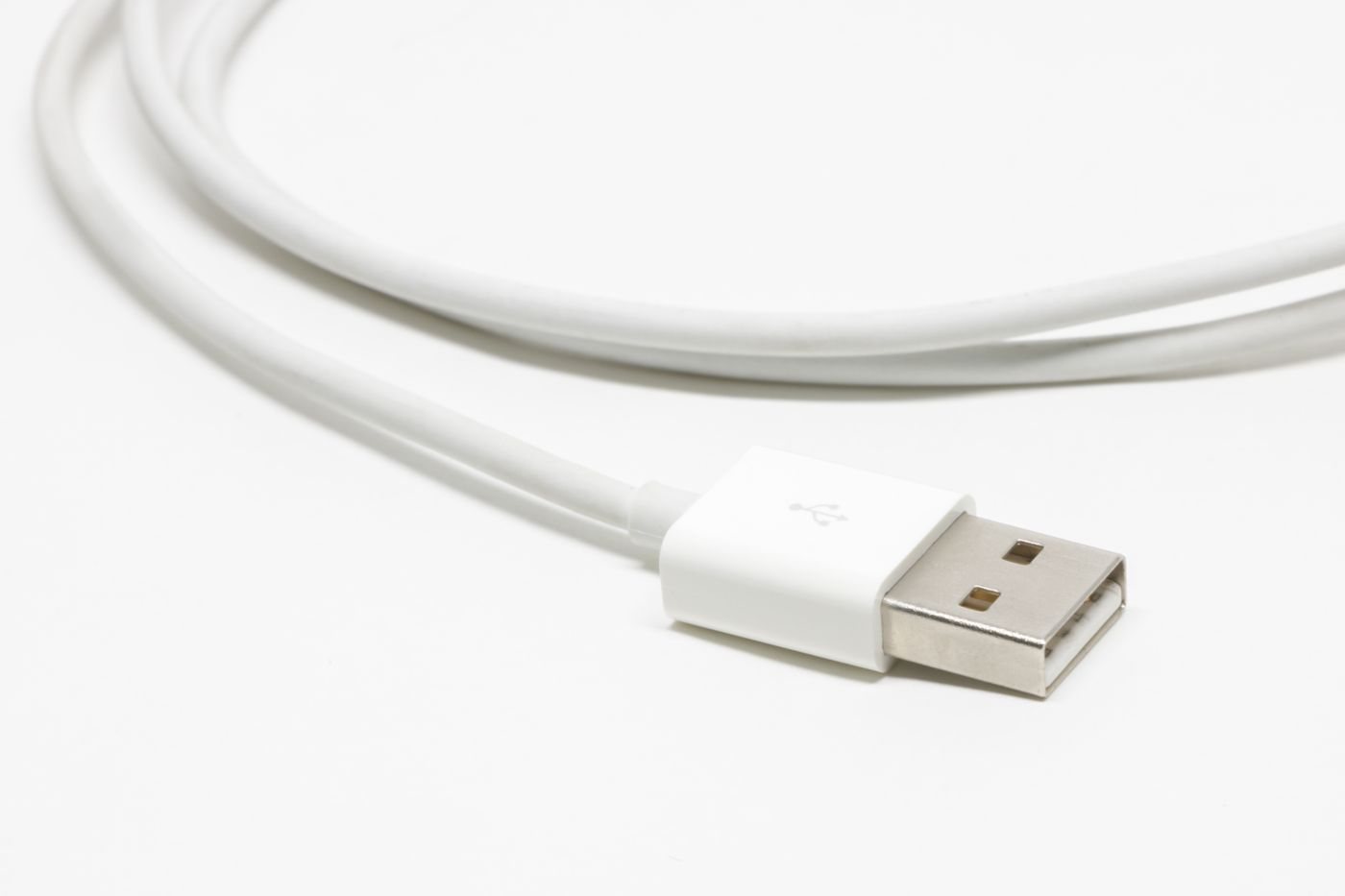
Extending a USB lead changes the connection path, even when the new plugs fit perfectly. Begin with the device and its requirements. A keyboard receiver, camera, external drive, and charging cable do not place the same demands on an extension.
Measure the extra reach you actually need. Moving a hub or the computer slightly may solve a short placement problem without adding another joint. If an extension is necessary, choose a product documented for the intended device type, speed, and distance rather than joining several unidentified leads.
Read what the extension carries
A USB extension's supported data rate may be lower than the device's preferred connection. An active extension can improve reach for a specified use, but “active” does not mean unlimited speed or compatibility. StarTech's long USB 2.0 extender, for example, explicitly identifies its data standard, maximum distance, and power arrangement. Those details belong to that product, not all extensions.
Check whether the extension needs a power supply, supports the device's power demand, and has a required source end. If it terminates in a hub, include the hub's shared resources in the plan. A product suitable for a keyboard is not automatically appropriate for a camera streaming video or a fast storage device.
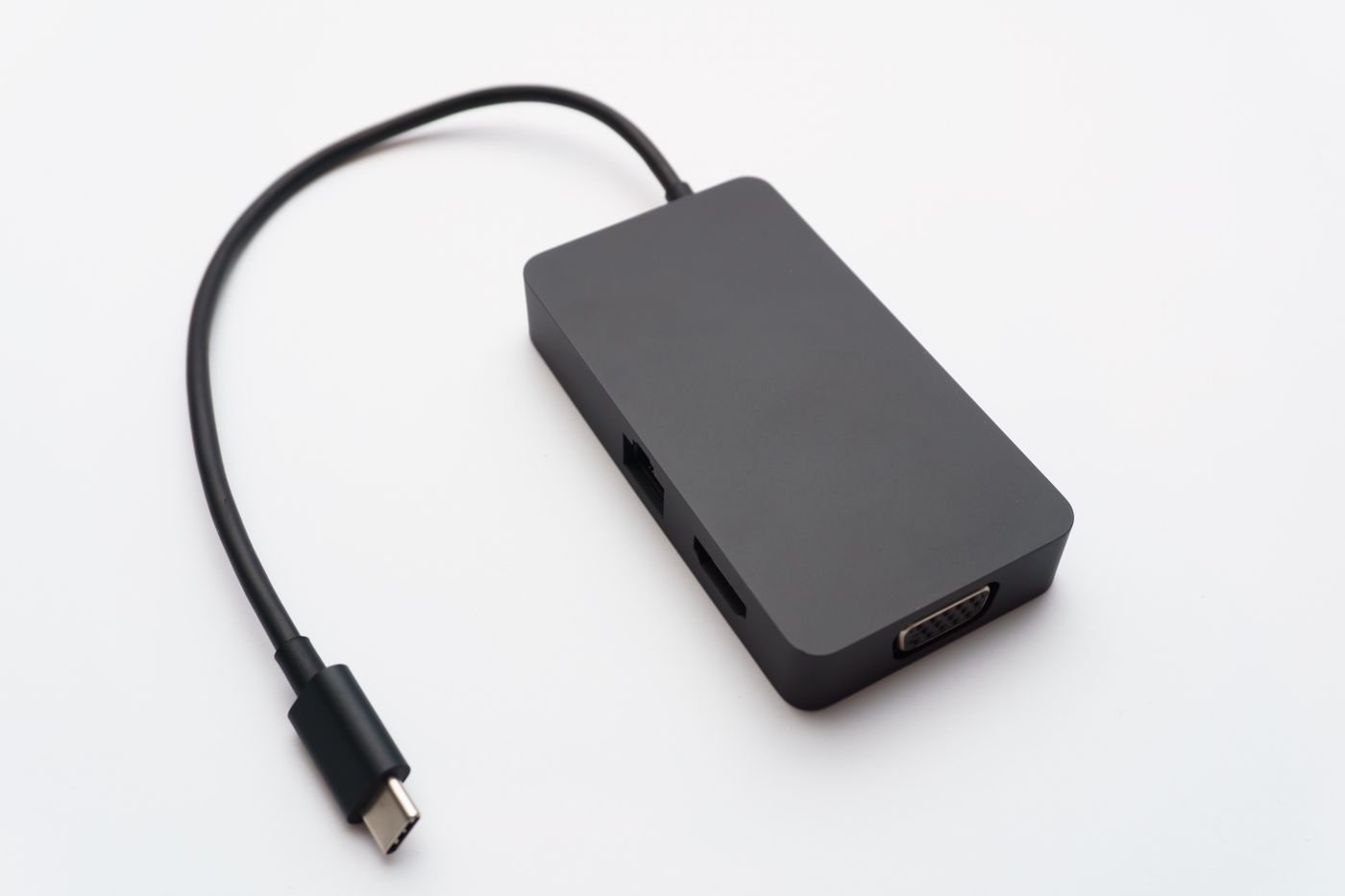
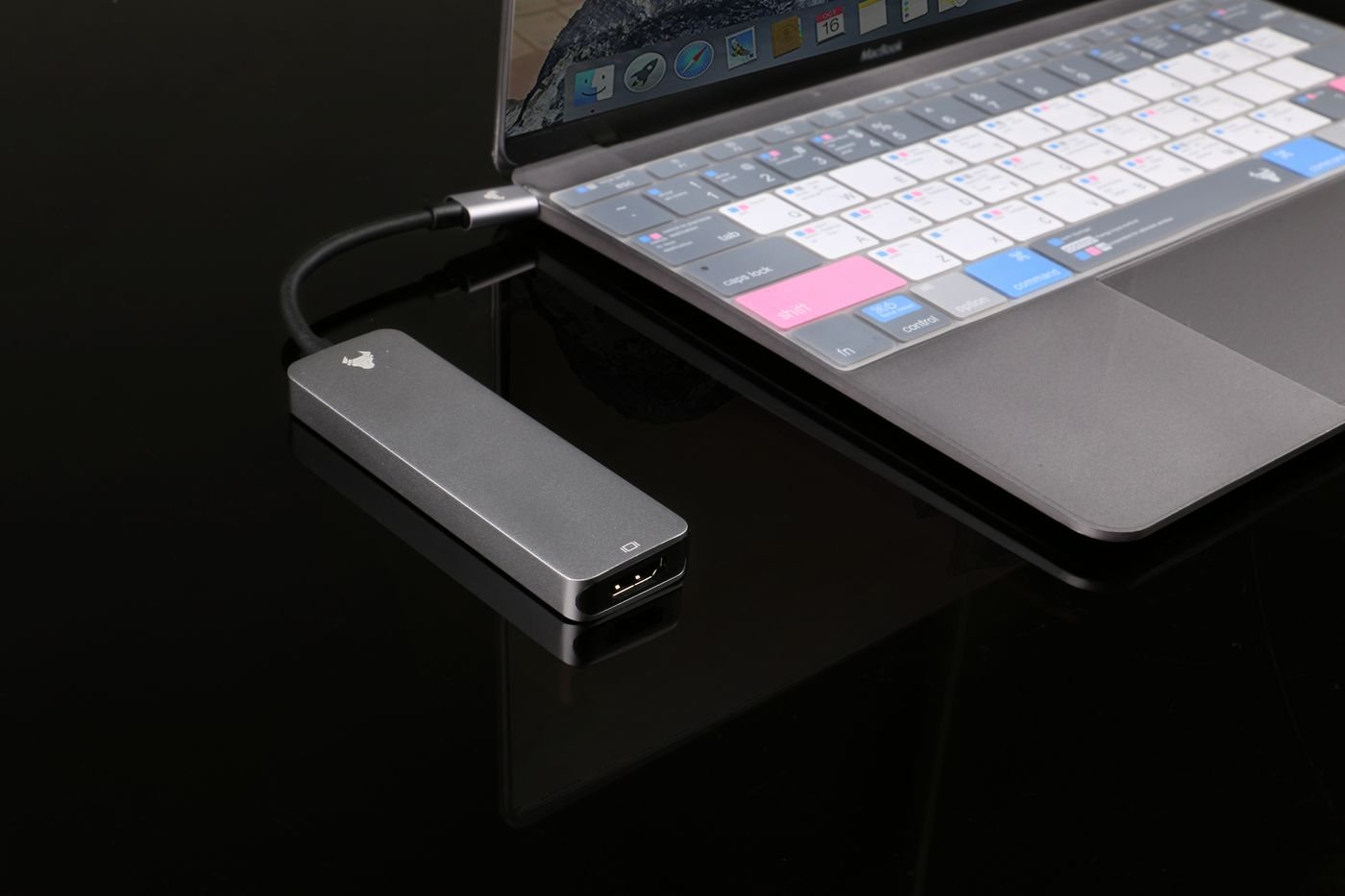
USB-C adds further distinctions. Do not assume a connector extension preserves charging power, video capability, or every alternate mode. For a dock or display, the equipment maker may specify a particular host cable arrangement. Follow that guidance instead of adding an unverified extension to an otherwise compatible setup.
Test before concealing the route
Connect the device directly first and confirm normal operation. Then add the extension and repeat the same task. For storage, use noncritical test files with another copy retained. For a camera, check the intended resolution in the actual application. A device appearing in a list is not enough to establish reliable operation under load.
Lay out the cable where it will be installed and check for pulling, crushed sections, and trip hazards. Keep active electronics and power supplies accessible and ventilated according to their instructions. Avoid hiding a connection behind furniture before testing reconnecting and sleep behavior.
If the extension introduces intermittent disconnections, return to the direct baseline. Record the exact models and total route instead of repeatedly unplugging until it happens to work. A shorter supported arrangement is often easier to maintain than a chain whose limits are unknown.