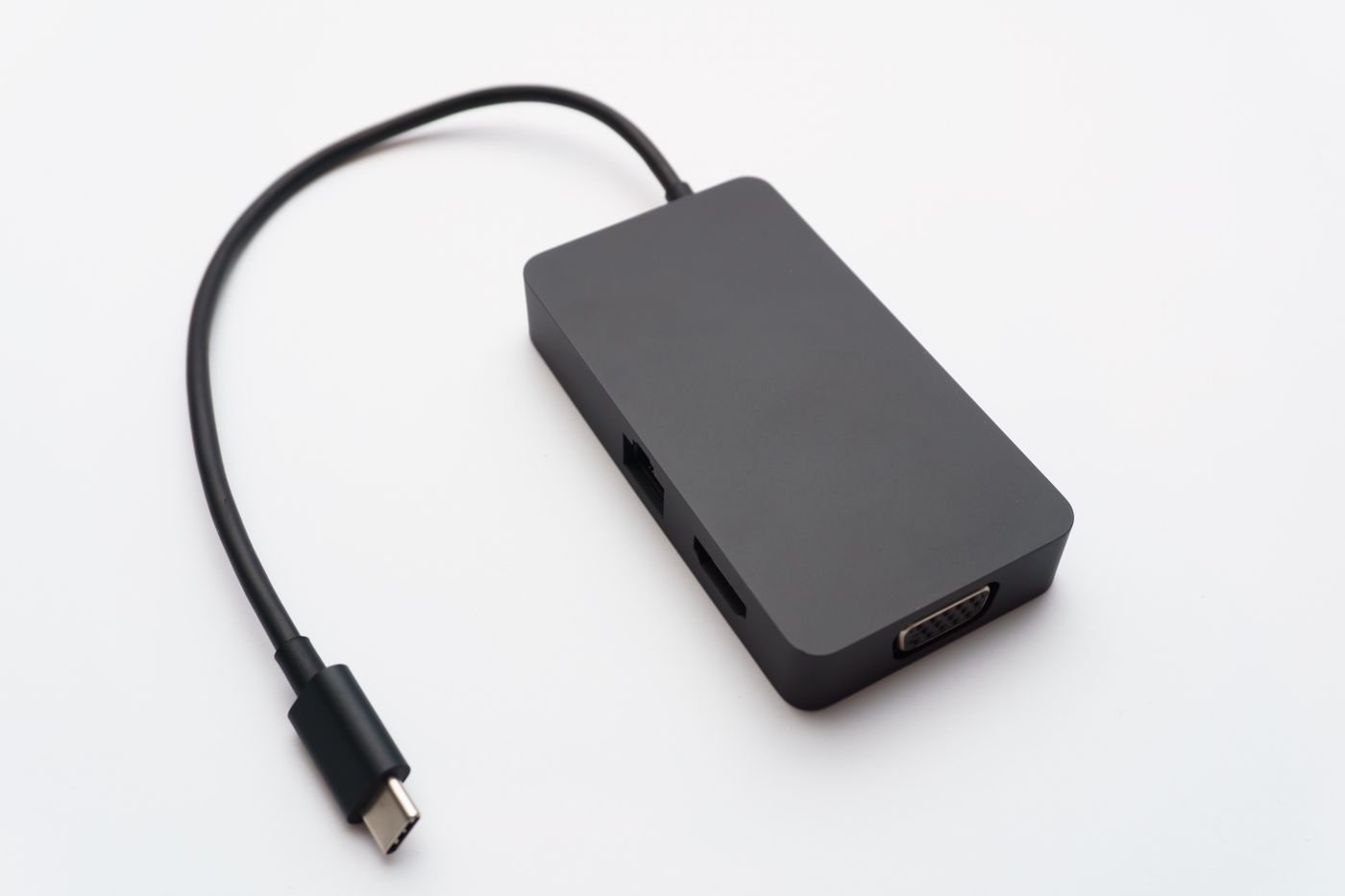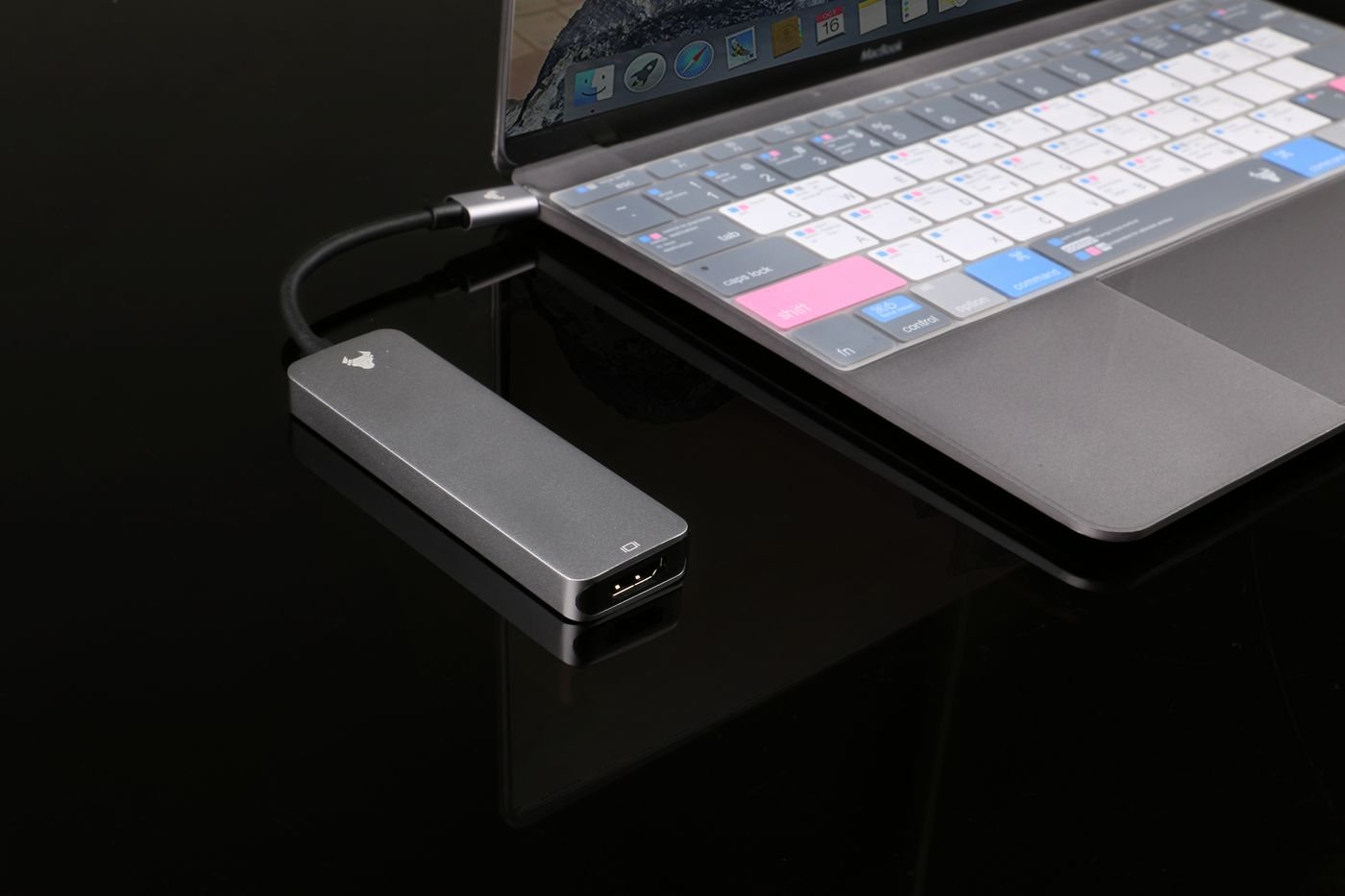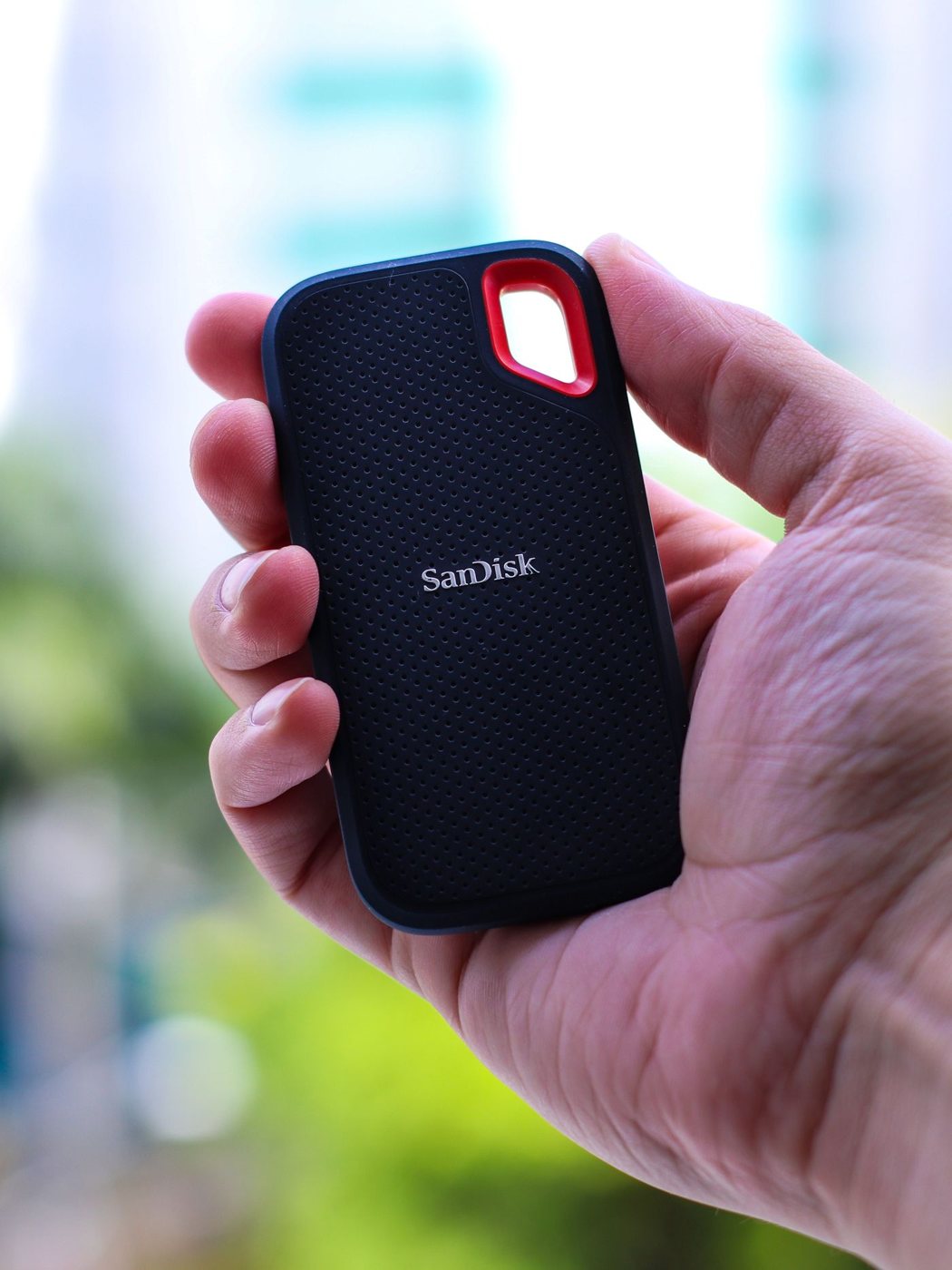
An external SSD can make a portable workspace easier to manage, especially when large project folders need to move between locations. Start with the files you will work on directly: photographs, video, design assets, or ordinary documents. The appropriate capacity and connection depend more on that workload than on the largest speed number in an advertisement.
Estimate the space occupied by current projects and the likely growth over the next working period. Leave room for exports, temporary files, and duplicate versions created by the applications you use. A drive that fits the original source files exactly may feel cramped as soon as work begins.
Match the interface to the computer
Compare the SSD's interface with the computer's actual port specification. Kingston's portable-drive documentation, for example, ties maximum performance to a compatible host connection. The same principle applies across a setup: the port, cable, enclosure, and drive must support the required connection. A USB-C socket alone does not establish the available speed.
Look beyond peak transfer claims if your work involves long writes or thousands of small files. Manufacturer figures describe particular test conditions and do not guarantee your application's result. A useful purchase decision includes operating-system support, the supplied cable, and any stated limits on sustained use or environmental conditions.
Check the file system before moving important data. A format convenient for sharing between systems may differ from the format required by a backup application or specialized workflow. Formatting erases existing content, so identify the correct drive and keep a verified copy elsewhere before making that change.
Put the working drive in a wider plan
An SSD containing the only copy of a project is primary storage, even if the product is sold as a backup drive. Decide where a second recoverable copy will live and how often it will be updated. If the drive travels in the same bag as the laptop, consider what would happen if the entire bag were lost.
Keep the drive on a stable surface during use, with a cable that cannot easily snag. Follow the operating system's safe-removal procedure before unplugging. For sensitive work, evaluate supported encryption and keep the recovery information separate from the drive.
Plan the application workflow
For a project stored on the external drive, check where the application puts caches, previews, and exports. Moving the main folder may leave those working files on the internal disk, so the SSD does not automatically resolve every storage shortage. Use the application's supported location settings and keep the project's links intact. After moving an existing project, open it from the new location and verify its media before deleting the old copy.
Decide how the drive will be named and mounted across computers. A stable name and folder structure can reduce confusion, but applications differ in how they resolve linked files. Test a representative project on the second computer before committing an entire library to a shared workflow.
When the drive arrives, copy a noncritical representative folder, open several files, and test the workflow before moving active projects. That check establishes compatibility without turning an unproven device into the sole home of important work.