For handing a few documents to another computer, a USB flash drive can be convenient. Its small size is also its main weakness: it is easy to misplace, leave connected, or confuse with another nearly identical device. Choose it as a transfer tool with a clear role, rather than automatically making it the permanent home of important files.
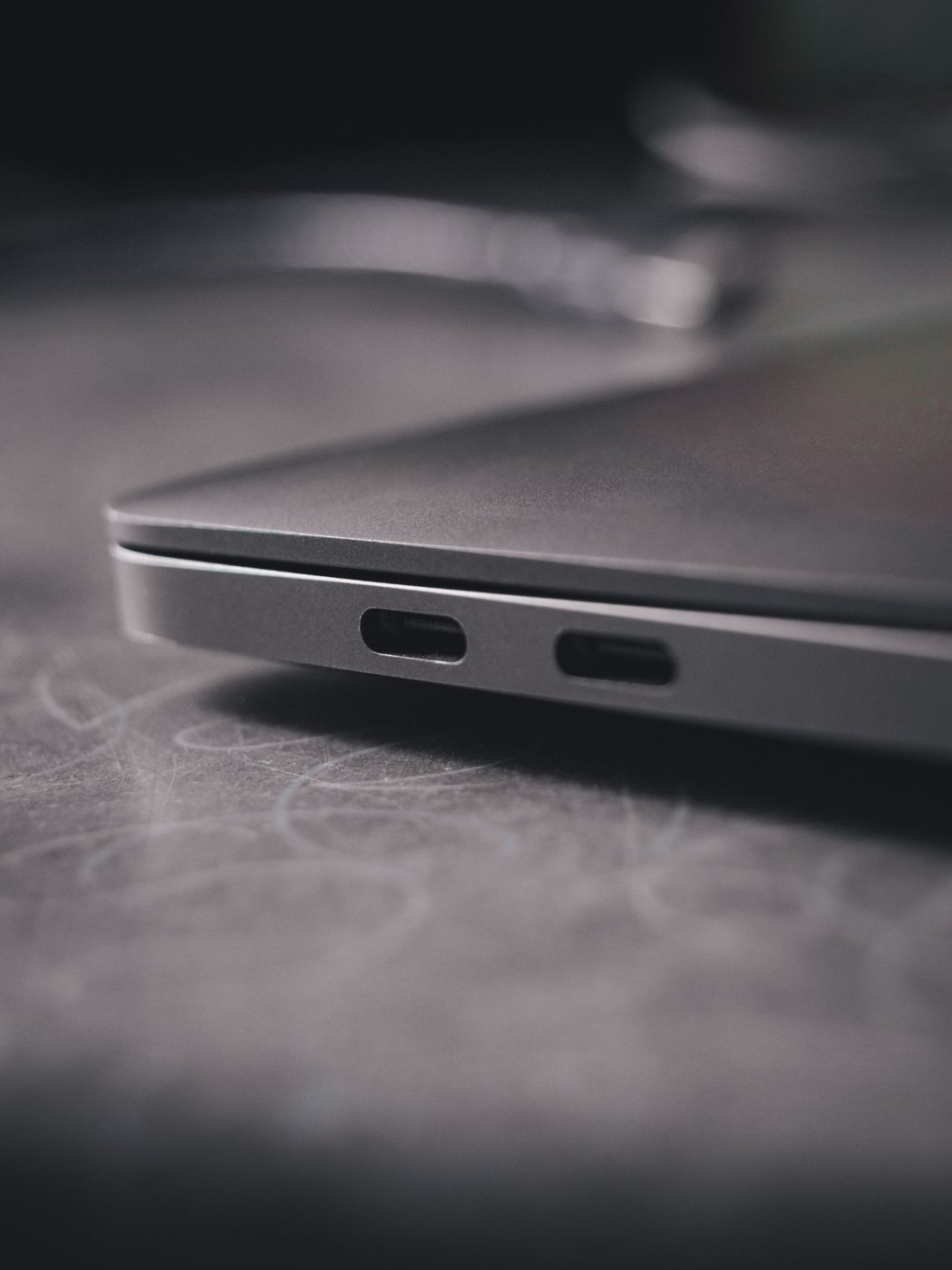
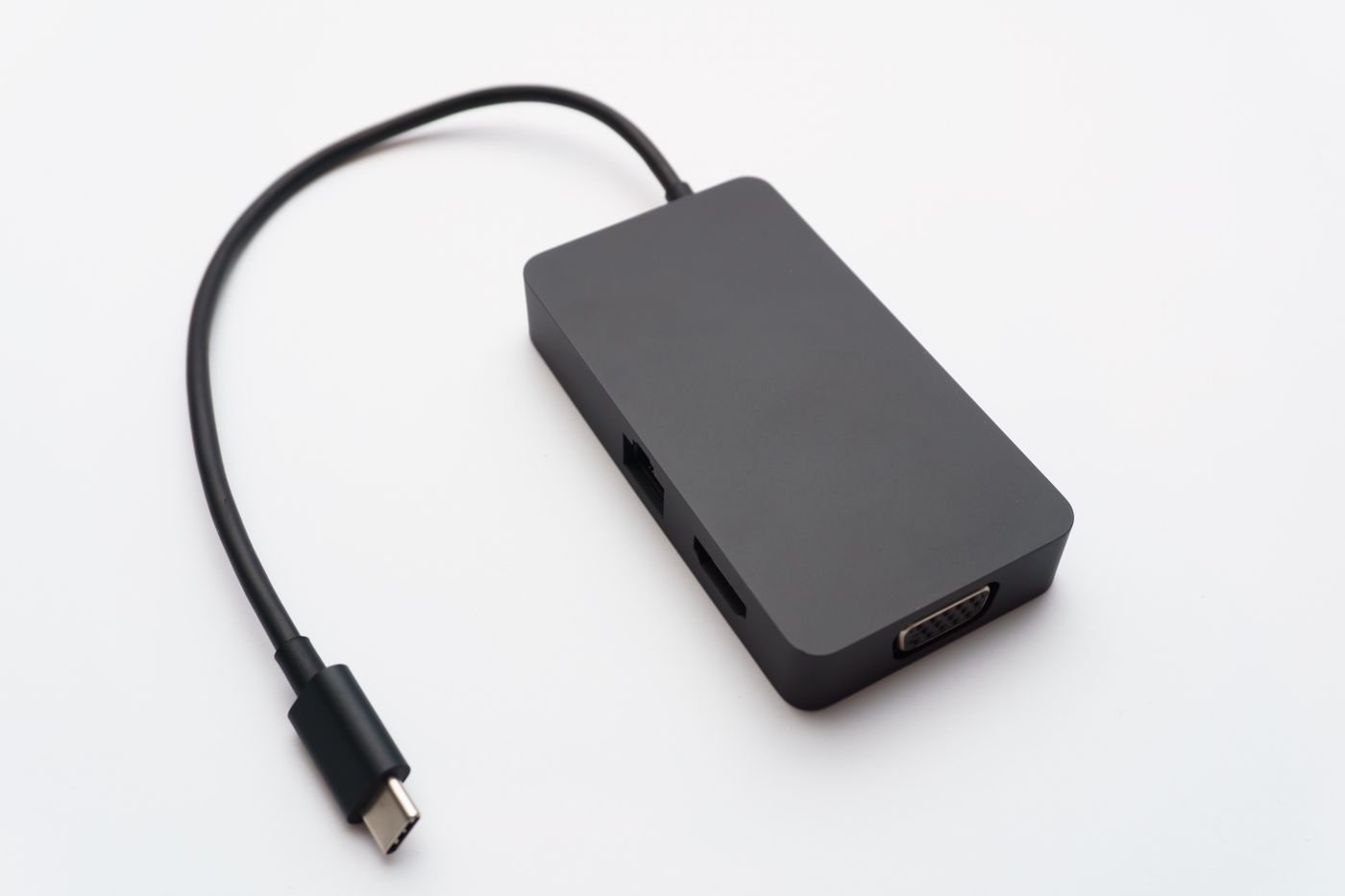
Start with the computers that will read it. Check their available connectors and any rules about removable storage. A work or school device may block unknown USB storage regardless of the drive's technical compatibility. Resolve that restriction before buying an adapter to solve a problem that is actually administrative.
Allow space for the typical transfer, including any large individual files. Verify the file system's compatibility with the receiving device and its file-size requirements. Changing the format erases existing content, so do it only after confirming that the drive holds nothing you need and that you have selected the correct device.
If transfers are frequent or large, read both write and read performance information where available. A headline read figure does not tell you how long it will take to copy material onto the drive. The computer's port and the file mix also influence the result. For sustained working-file use, compare a portable SSD instead of assuming every small USB storage device behaves similarly.
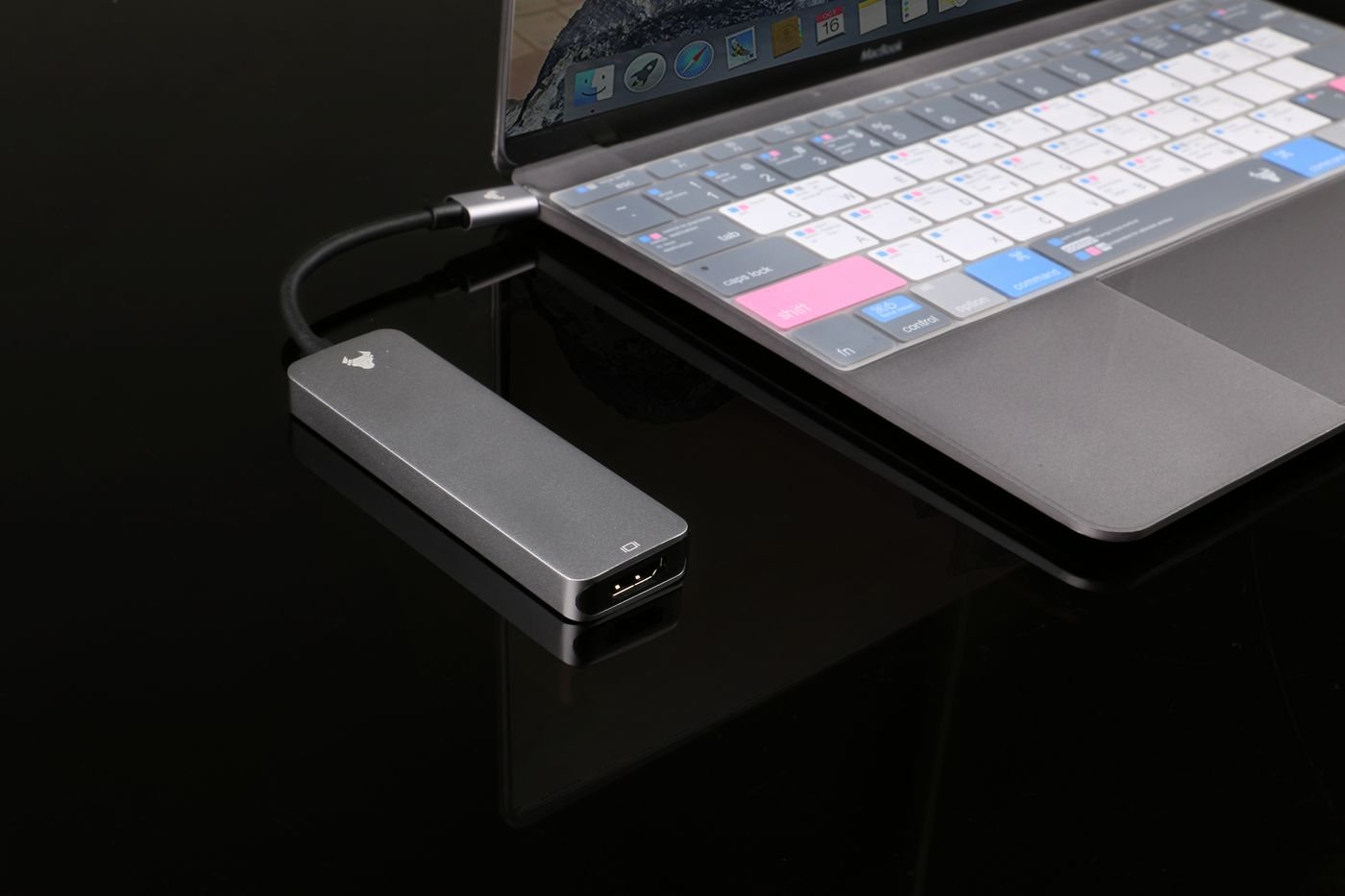
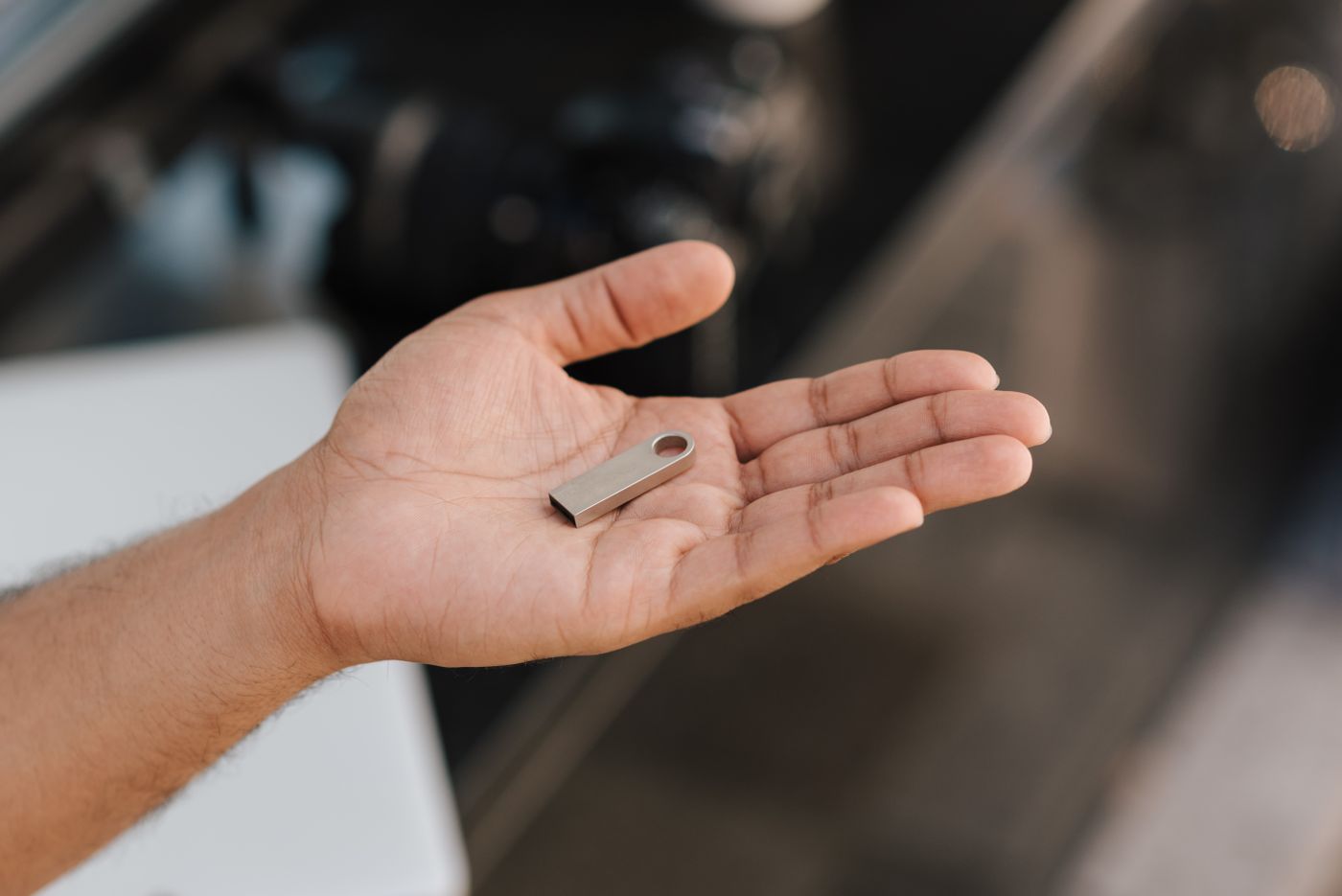
A cap, sliding connector, or compact housing changes daily handling. Think about adjacent ports and whether the drive will protrude where it can be bumped. Avoid leaving a large projecting drive connected while putting a laptop in a bag.
Copy the files, wait for the operation to finish, and use the operating system's safe-removal option. On the receiving computer, open representative files from the new location before deleting the source copy. If the handoff includes a project with linked assets, verify that the required folders traveled with it.
Keep private information off a shared drive unless you have an appropriate, compatible protection method. Password-protected or encrypted options need a recovery plan and must work on the receiving system. Do not plug in found drives of unknown origin.
Label the drive with a role or contact method that does not expose sensitive information. After a transfer, put it back in the same pouch. A repeatable routine makes a simple tool much less likely to become a missing piece of a project.