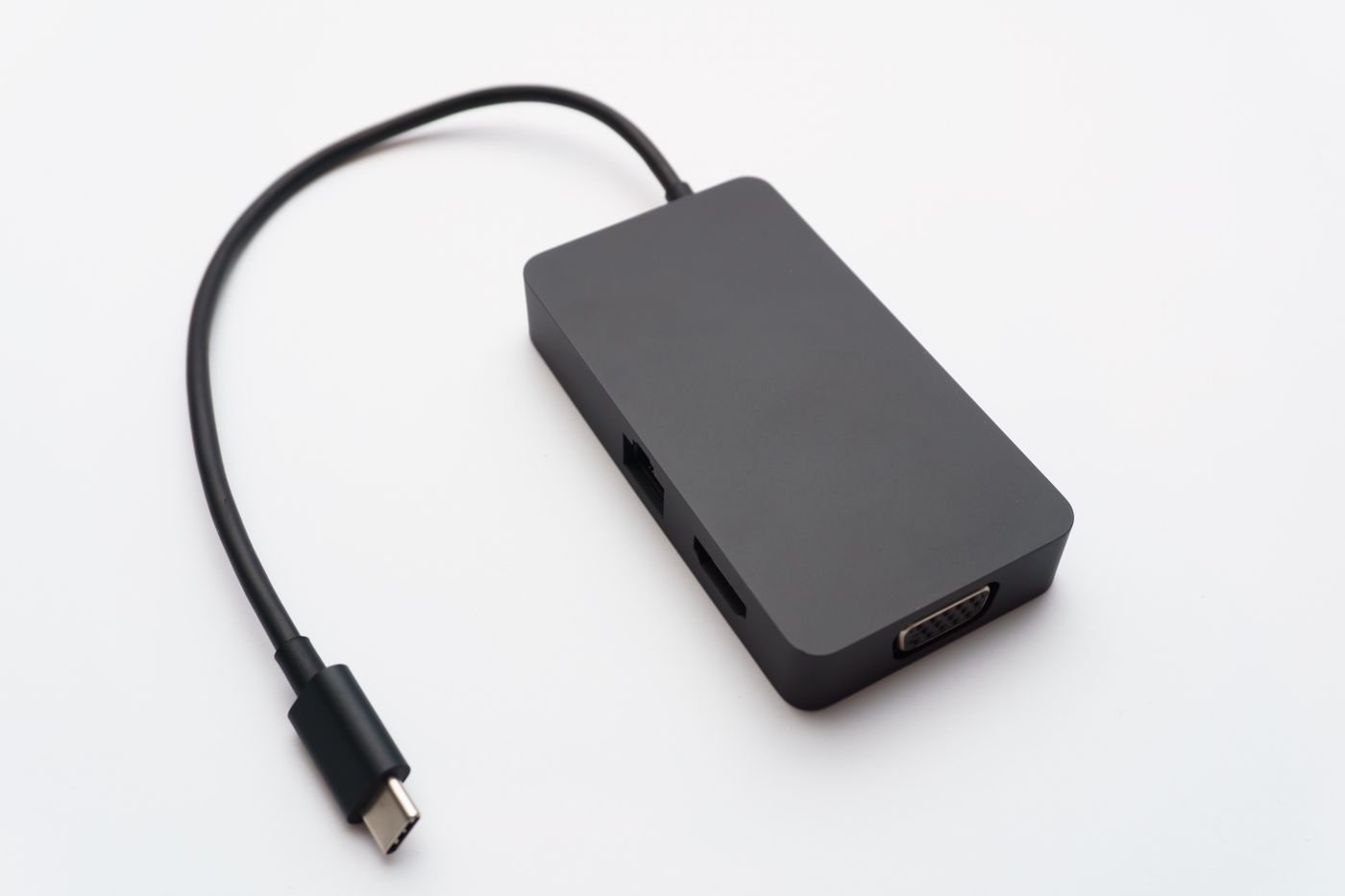
A reserve adapter is useful when it replaces a specific missing connection. A bag full of unfamiliar converters can create more uncertainty than it solves. Begin with the situations that would interrupt your work: a meeting-room display, a forgotten charging cable, or a wired network connection in a location without usable Wi-Fi.
For each situation, write down the computer you will use and the destination equipment you expect. Choose a reserve that supports that route. If the destination is unknown, seek information from the venue before buying several speculative adapters.
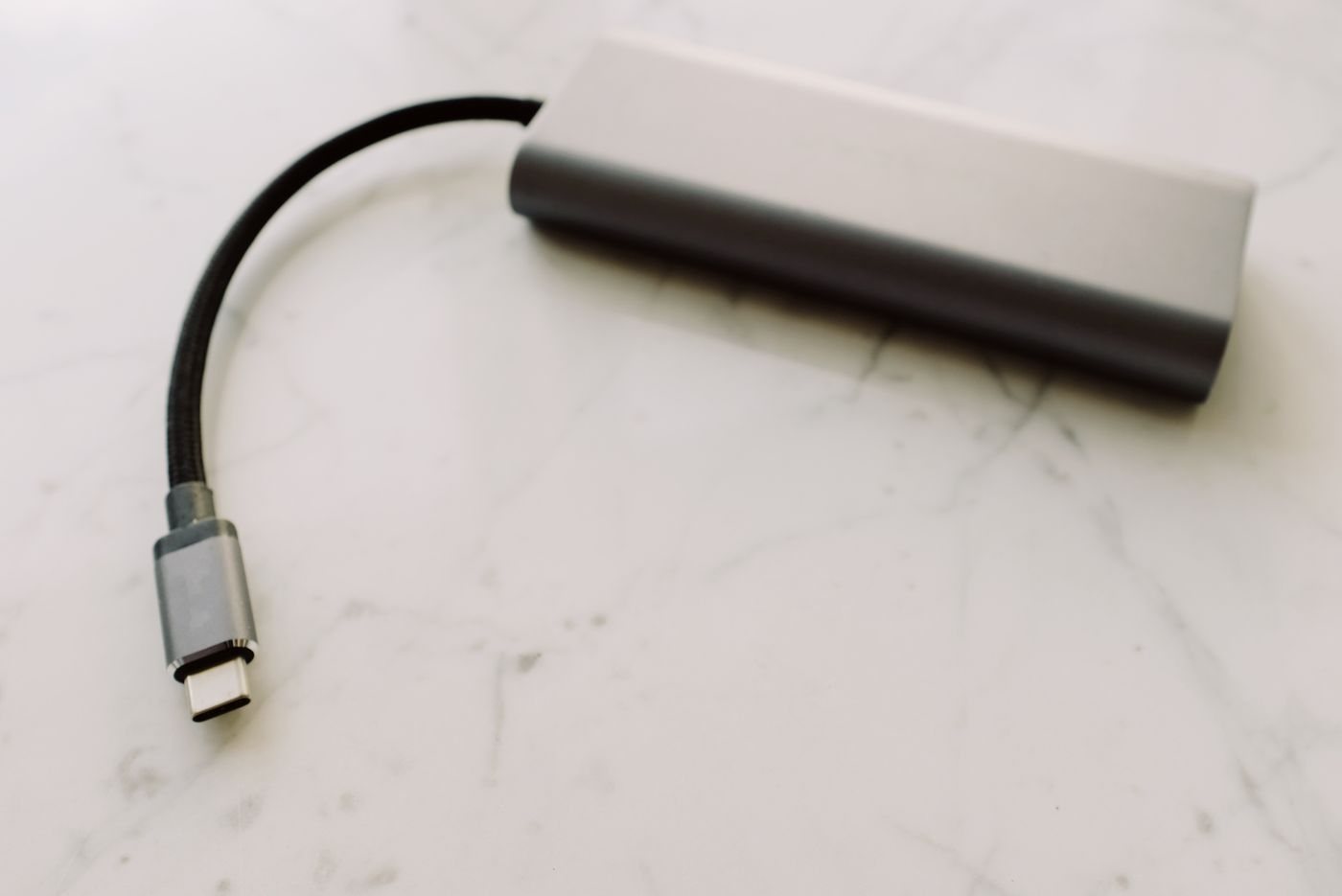
A spare that permanently lives in the main setup is no longer a reserve. Give the backup item a separate pouch or storage place, along with any cable it requires. If an adapter needs external power or software, include those requirements in the plan. An uninstalled driver can make an otherwise compatible adapter unavailable at exactly the wrong time.
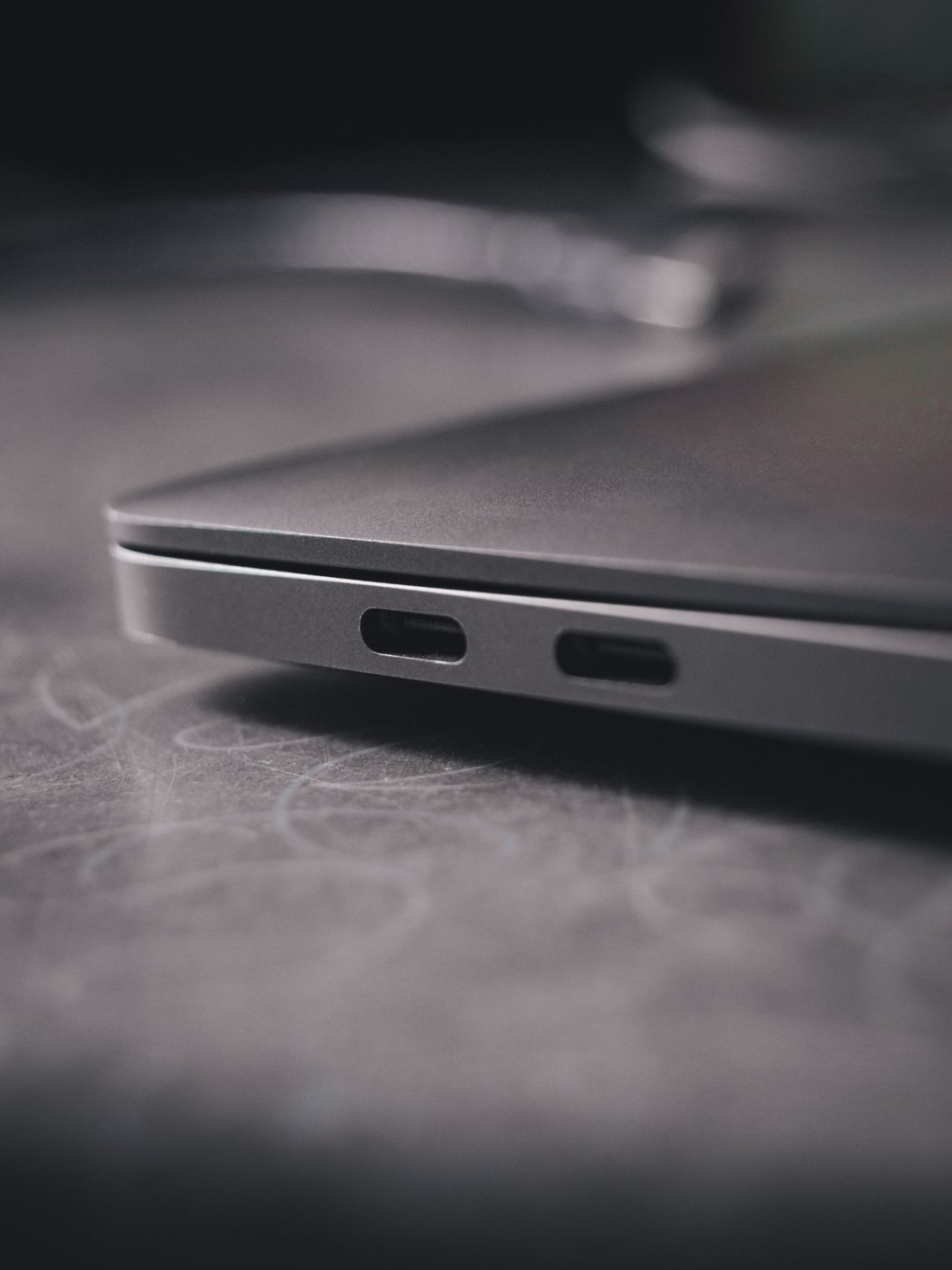
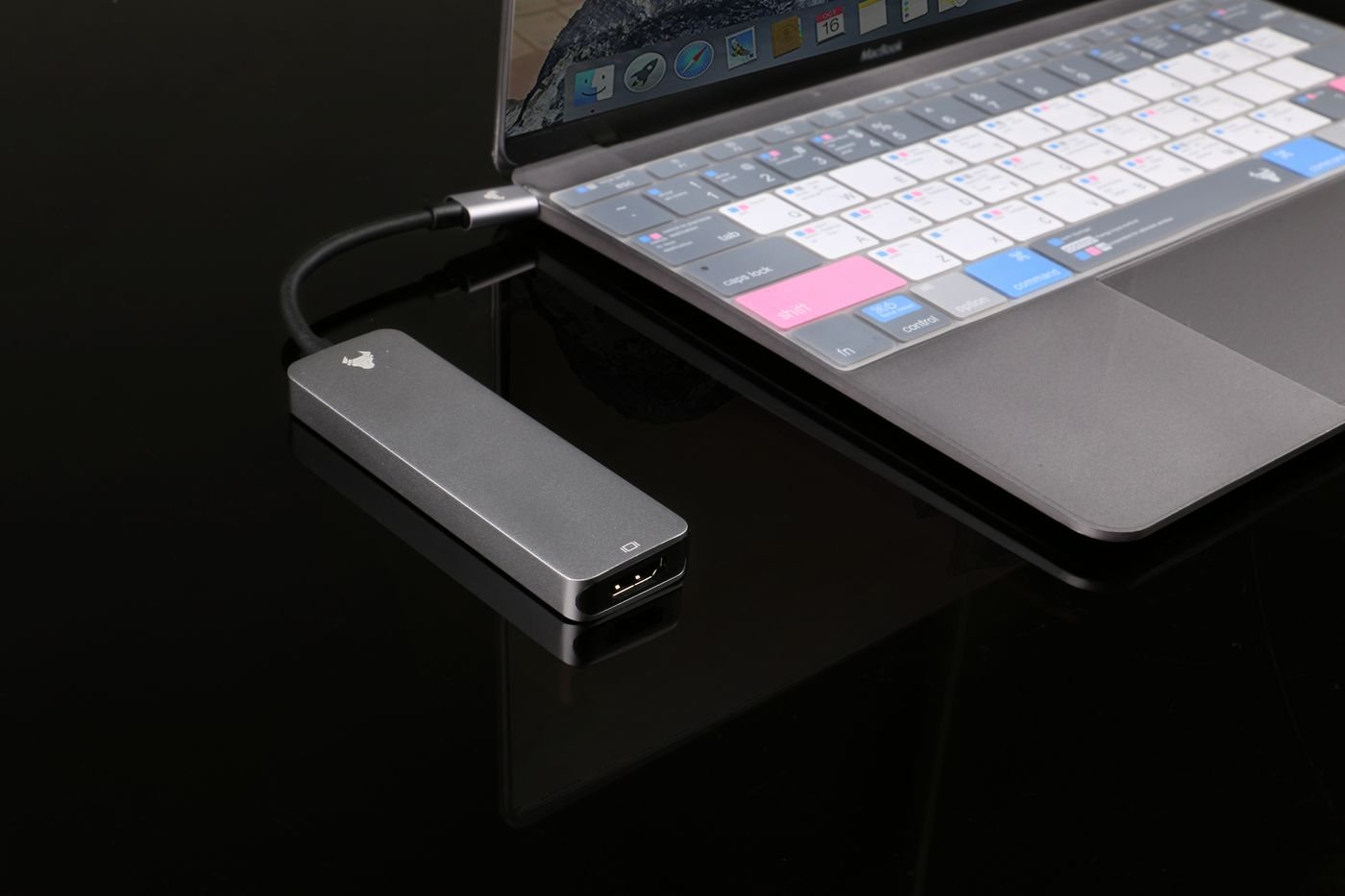
Label the adapter with its purpose and direction, such as “laptop USB-C to meeting-room HDMI.” Verify that the computer's chosen port provides the required video capability. Microsoft's USB-C guidance makes clear that an alternate-mode accessory needs matching host support; a familiar connector does not guarantee the route will work.
Test the reserve with the actual computer before depending on it. Confirm the intended display mode or data task, and check that the connector fits with the computer's case or stand in place. A successful charging test does not validate video or file transfer.
Inspect the kit after equipment changes. A new laptop can make an old adapter redundant, while a new monitor can introduce a different requirement. Keep the model information and instructions for the items that remain. Remove damaged or unidentified accessories from the working kit rather than letting them serve as emergency options.
For power adapters, maintain compatibility with the device manufacturer's requirements. Do not stock a collection of similar barrel-plug supplies and assume they can be exchanged. Store each with a clear device association.
The best reserve kit may be very small: one verified display adapter and one known charging cable, for example. Its value comes from a rehearsed use case and a dependable storage location. If something fails away from your desk, you should be able to identify the correct replacement without turning the moment into a new compatibility investigation.