The guide library
Find the guide for the job.
Browse by topic or search the complete guide collection for an item, connection, or everyday task.
 Connections & storage
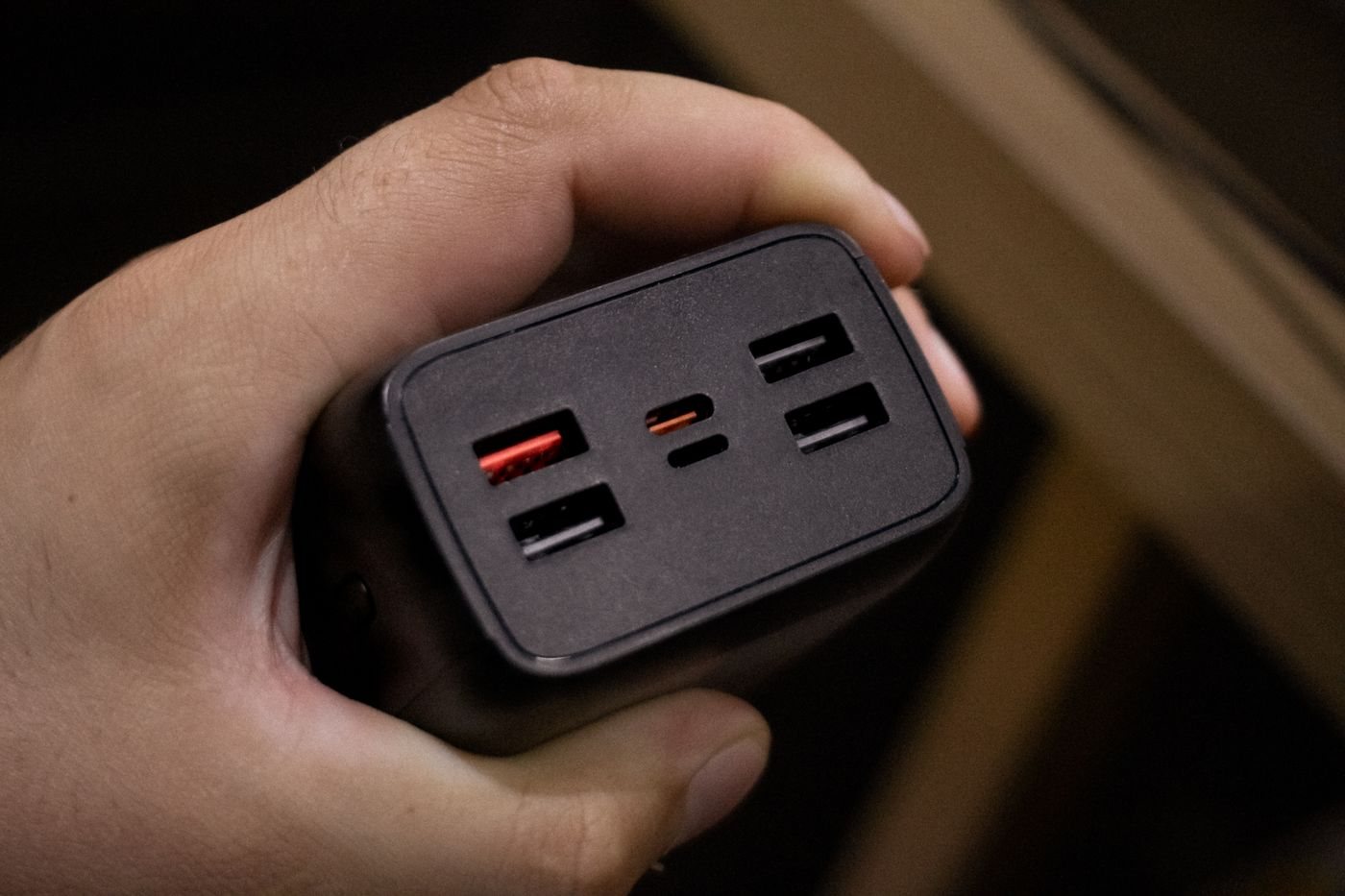
Planning a charger for several travel devices
Plan a travel charging kit around simultaneous use, outlet compatibility, and the cables each device needs.
 Connections & storage
Understanding a multiport charger power budget
Read per-port and combined outputs before sharing a charger among a laptop, tablet, and phone.
 Connections & storage
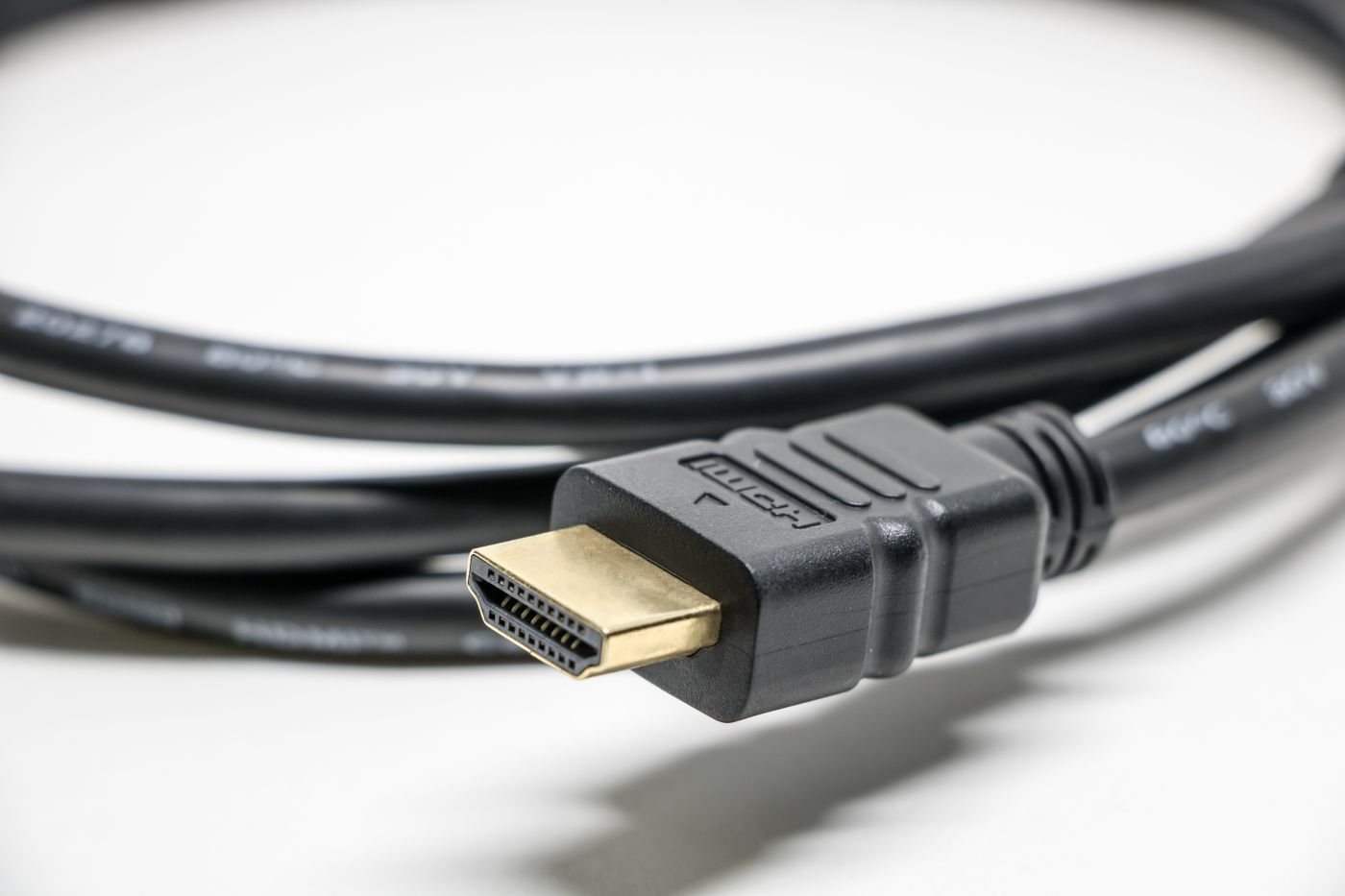
Choosing an HDMI cable for your display setup
Match HDMI cable capability to the resolution, refresh rate, and installation route you need.
 Connections & storage
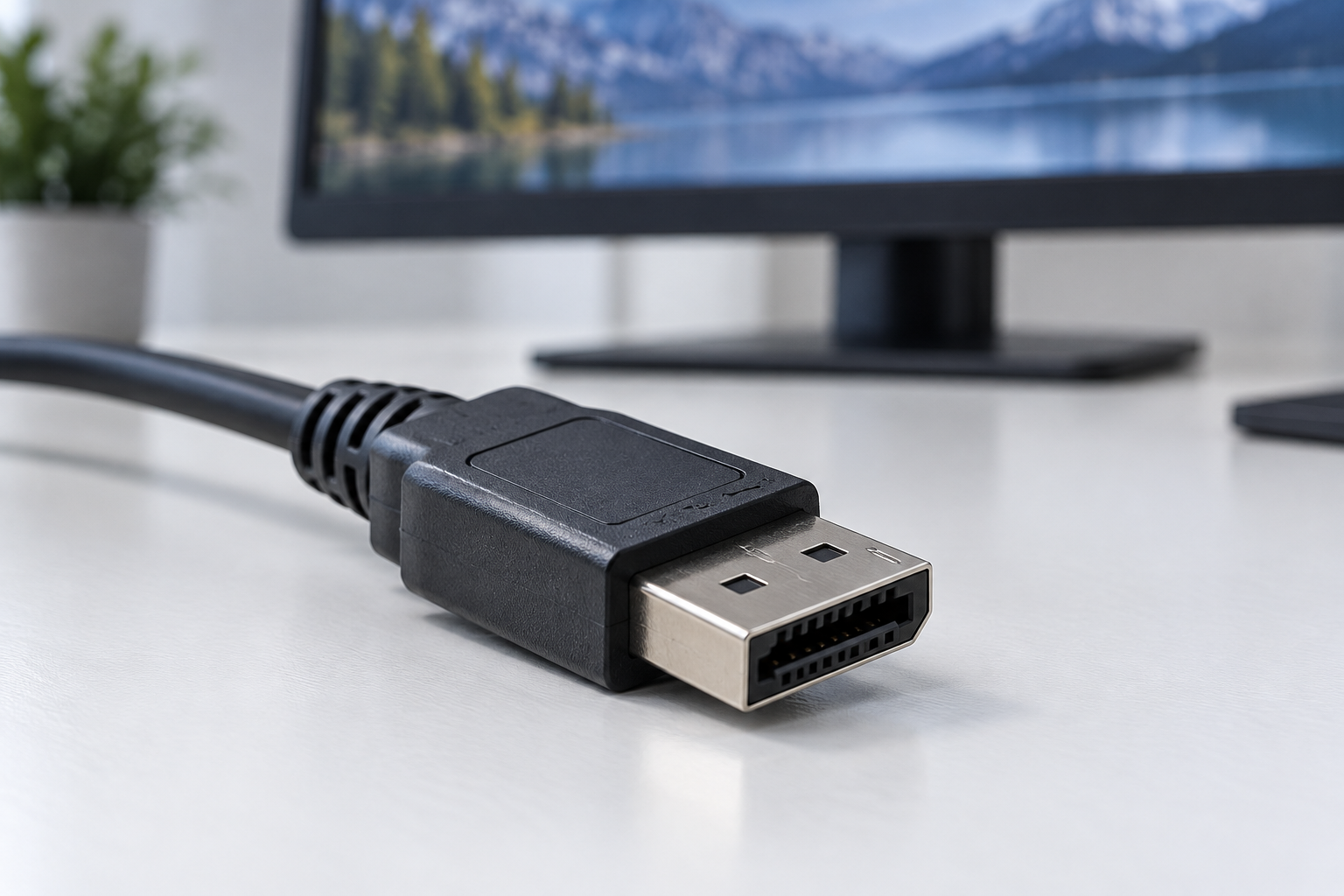
Checking DisplayPort connections and adapters
Check source capability, display input, and adapter direction before connecting a DisplayPort monitor.
 Connections & storage
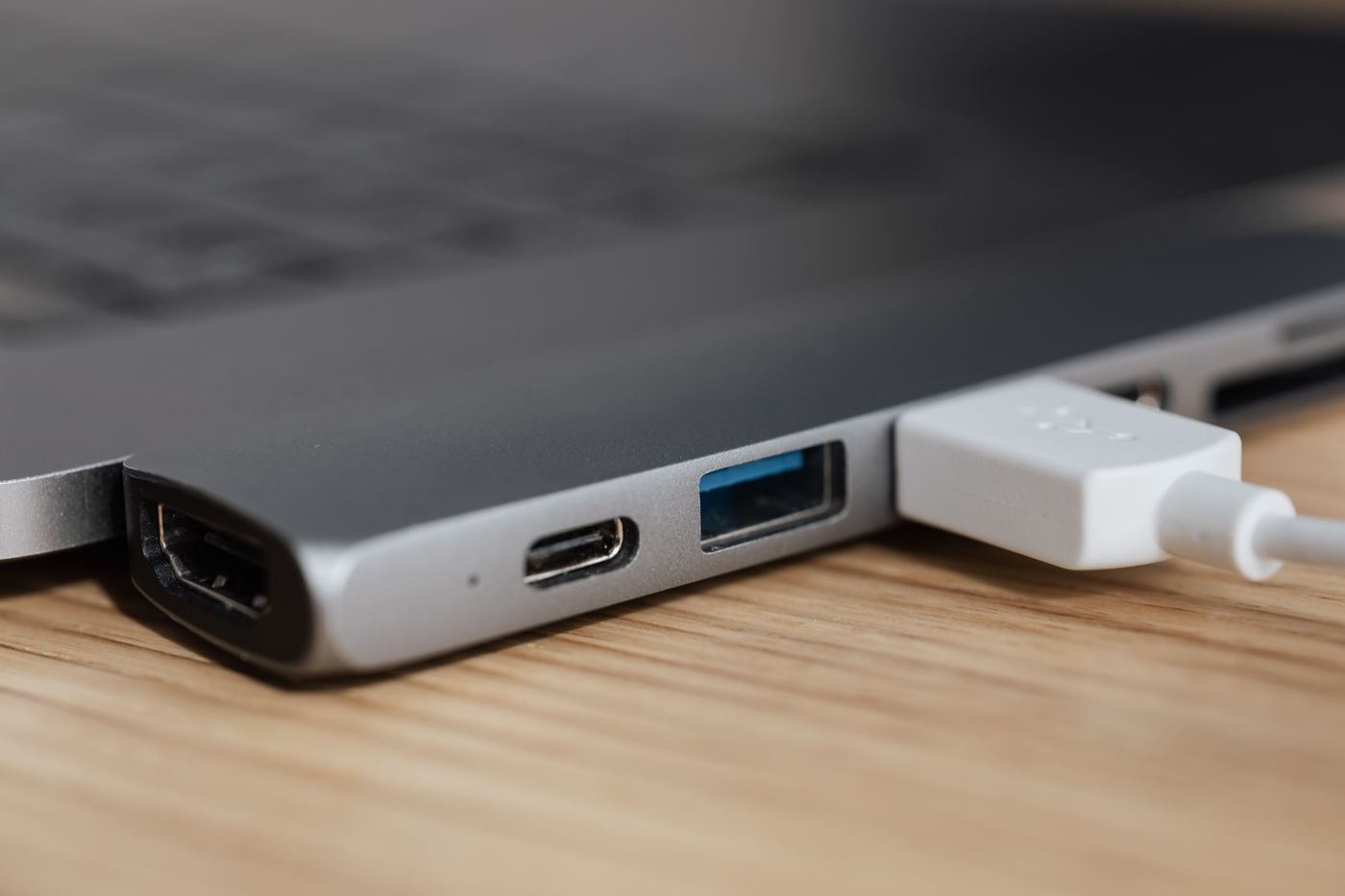
Planning a video adapter connection
Plan a video connection from its source to its display, including signal direction and supported modes.
 Connections & storage
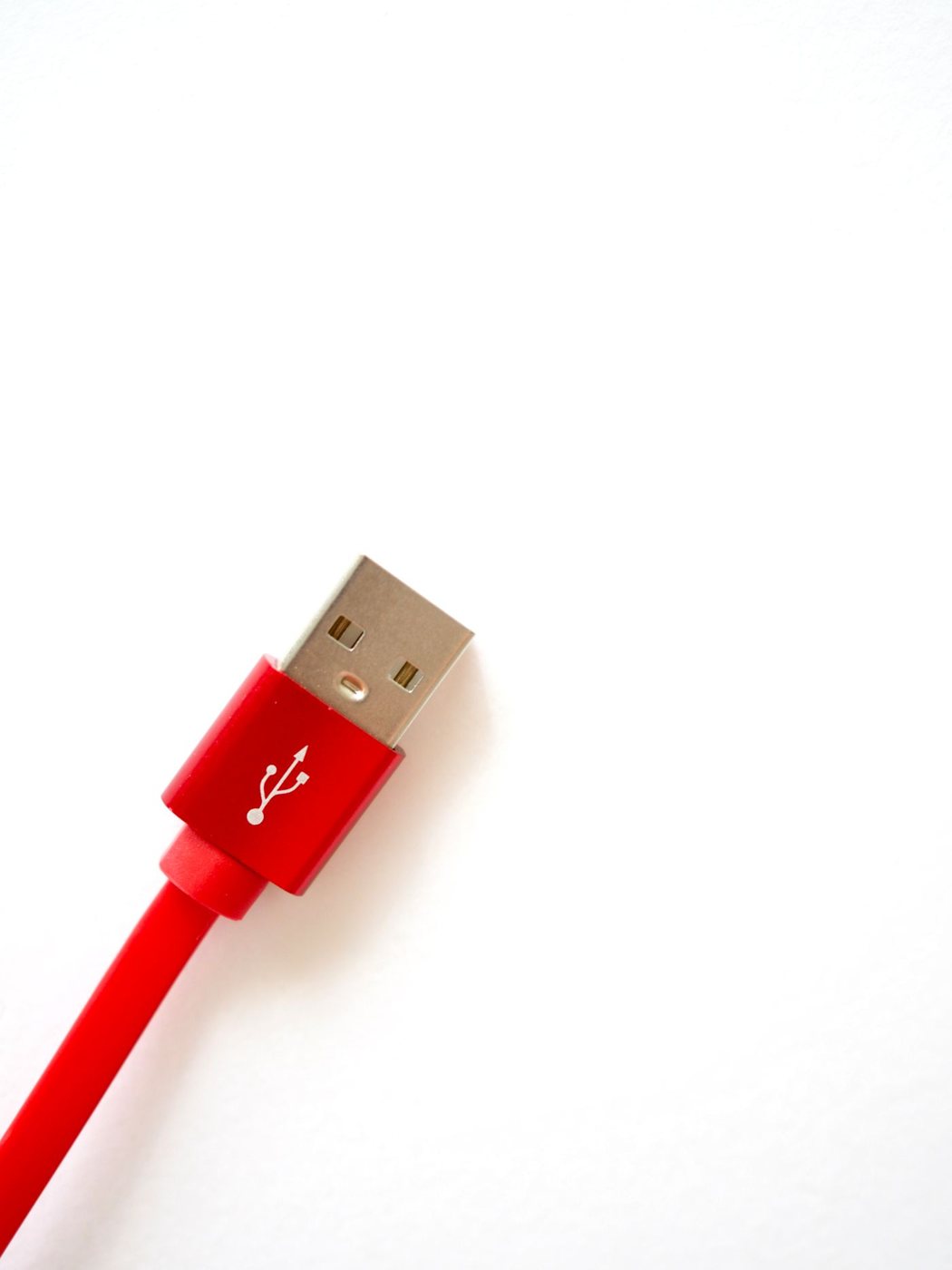
Choosing cable length without creating clutter
Measure a cable route with equipment movement in mind, then check that the selected length supports the job.
 Connections & storage
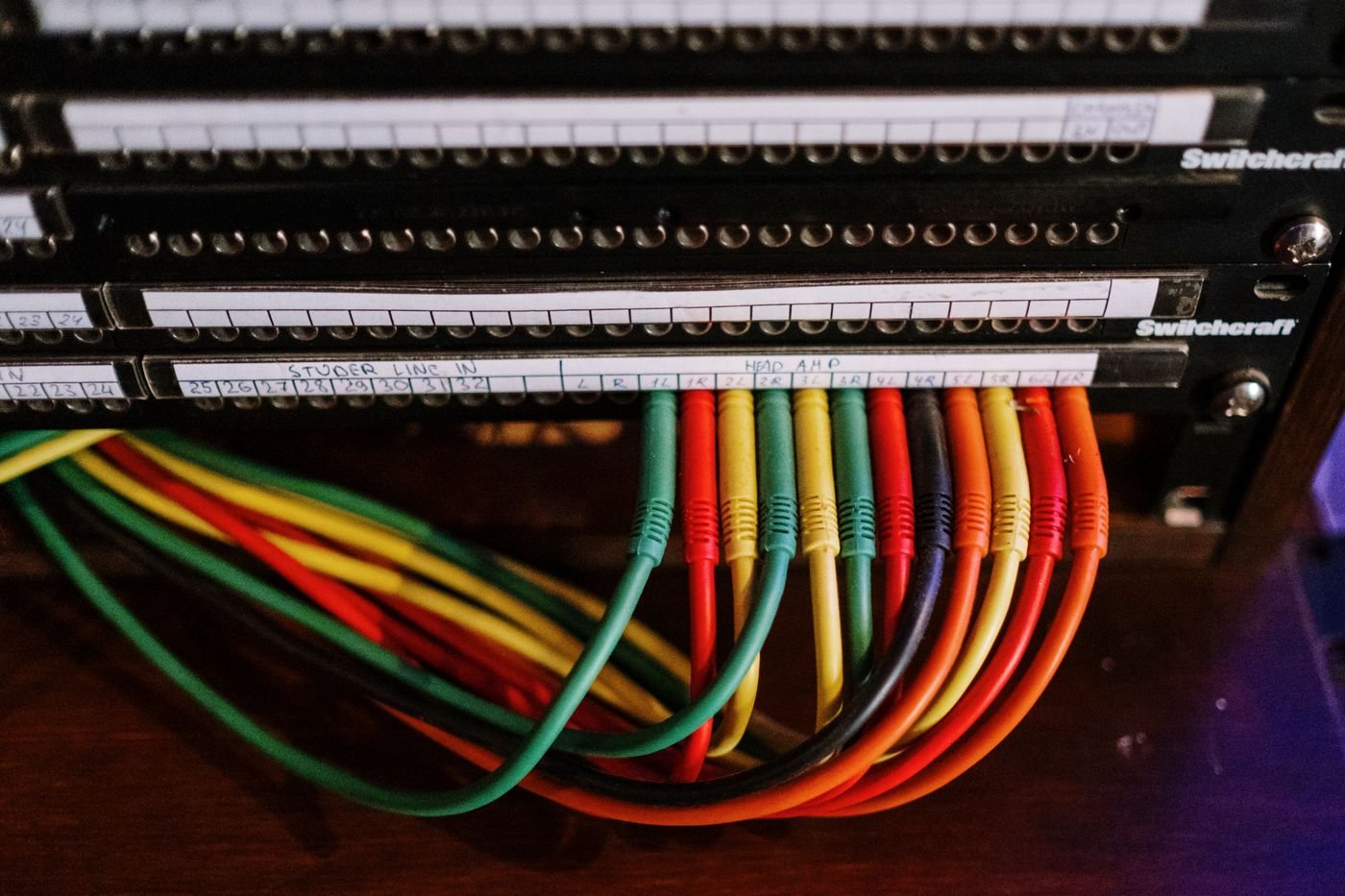
Labeling cables so they can be traced
Use short, consistent labels at both ends of a cable so future changes do not become a guessing exercise.
 Connections & storage
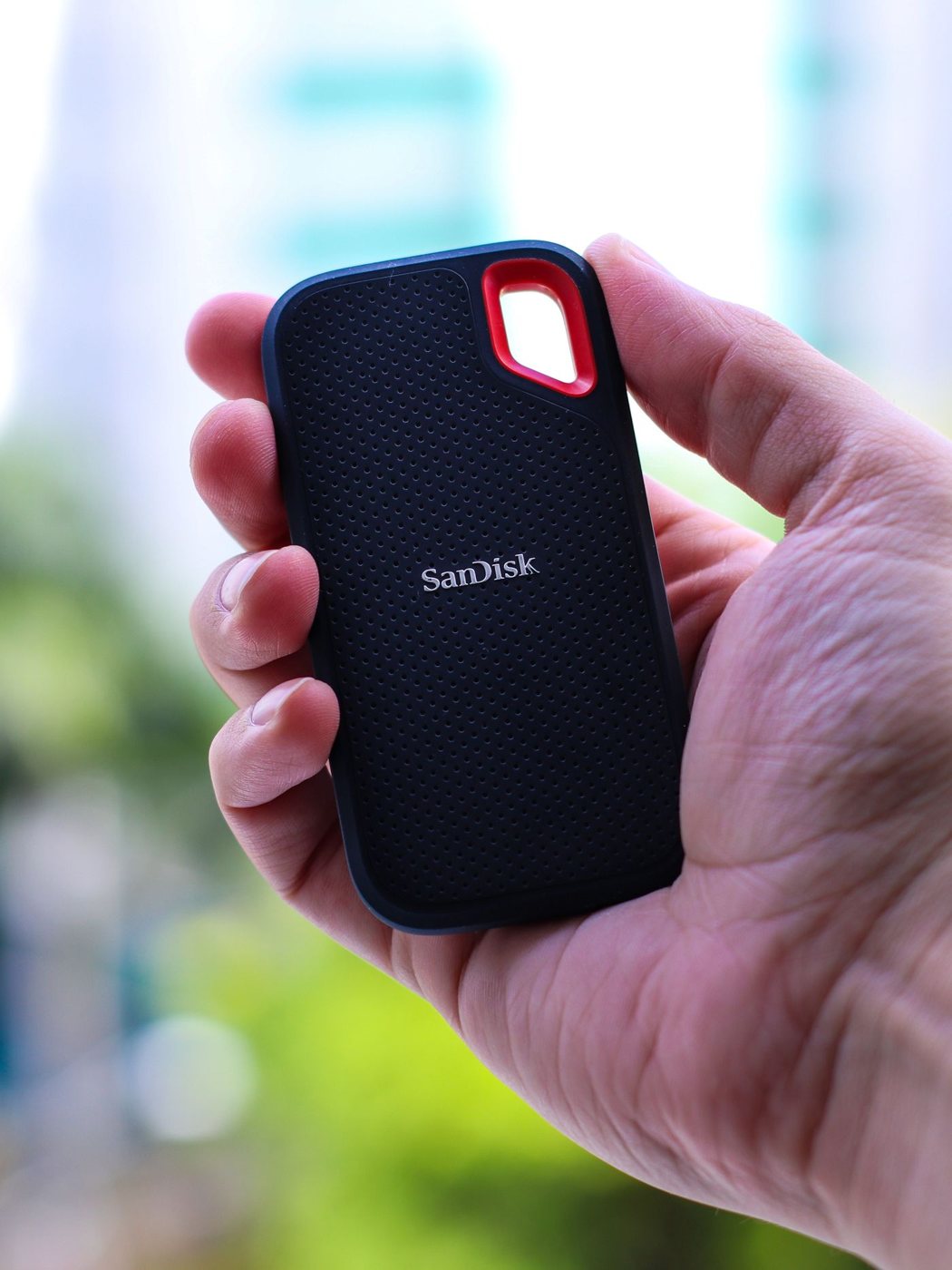
Choosing an external SSD for working files
Choose working-file storage by workload, host compatibility, and a separate backup plan.
 Connections & storage
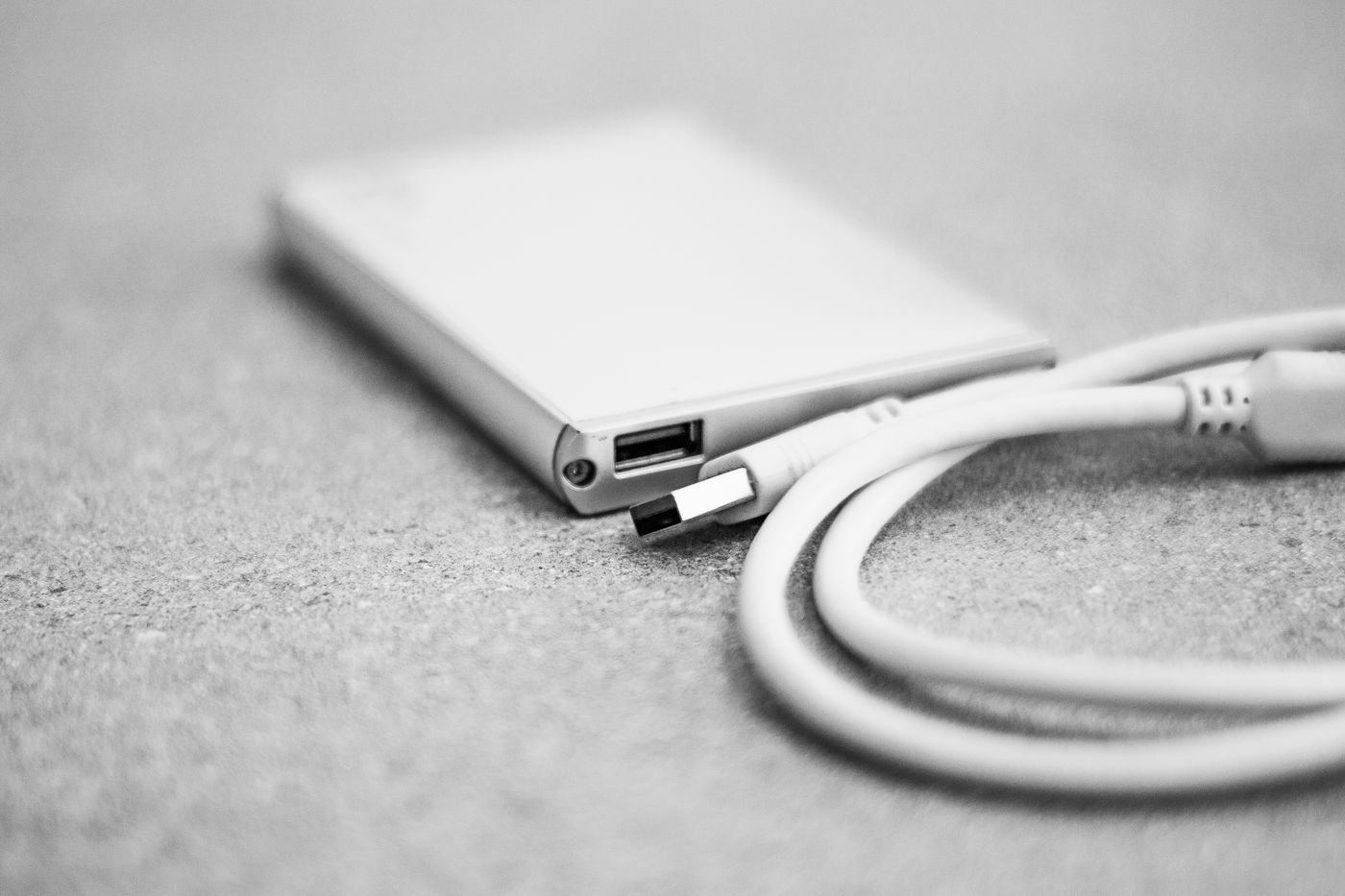
When an external hard drive is useful
Consider a hard drive for larger collections and backups while accounting for movement, power, and recovery.
 Connections & storage
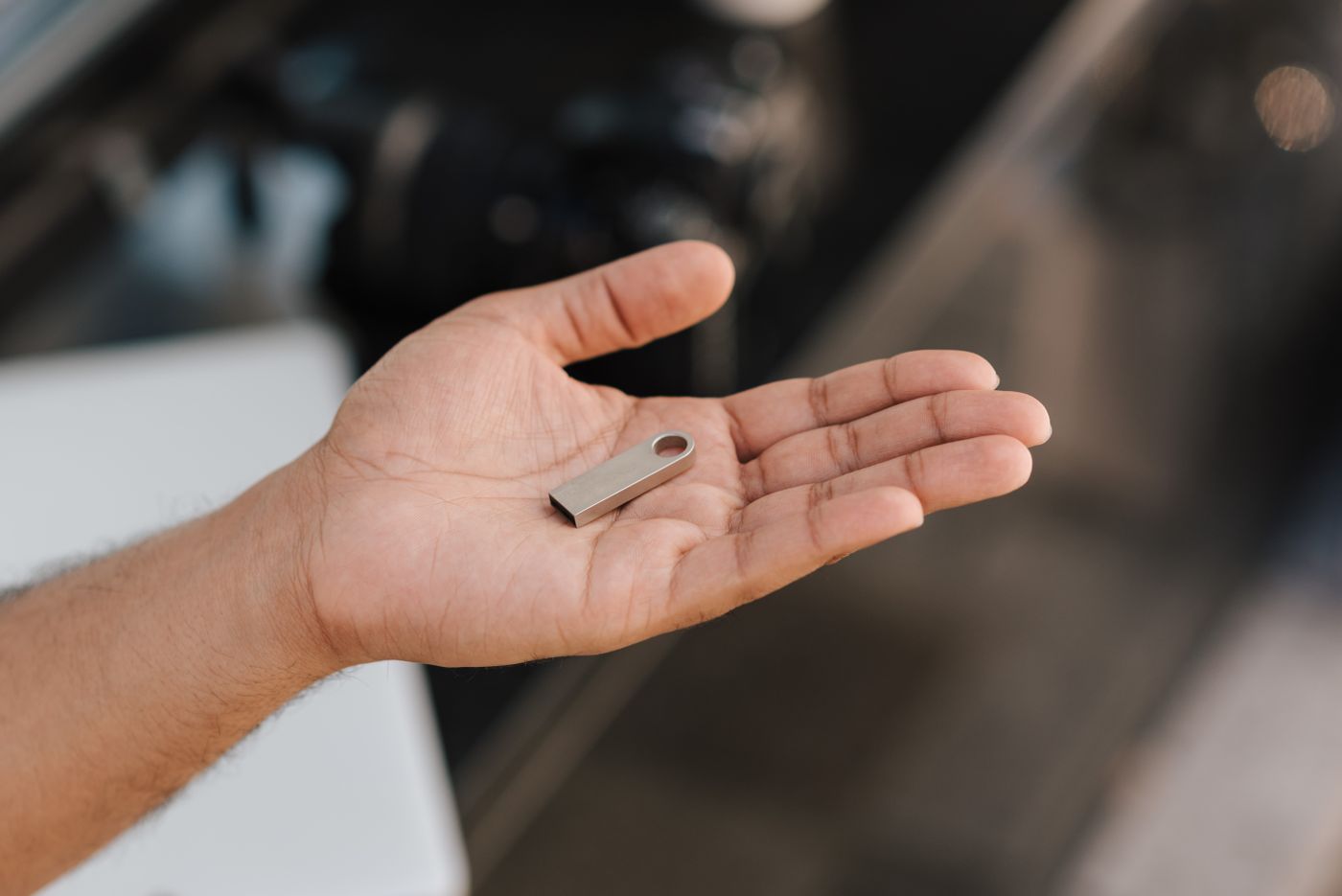
Choosing a flash drive for occasional transfers
Select a flash drive for occasional handoffs, and verify the files before removing another copy.
 Connections & storage
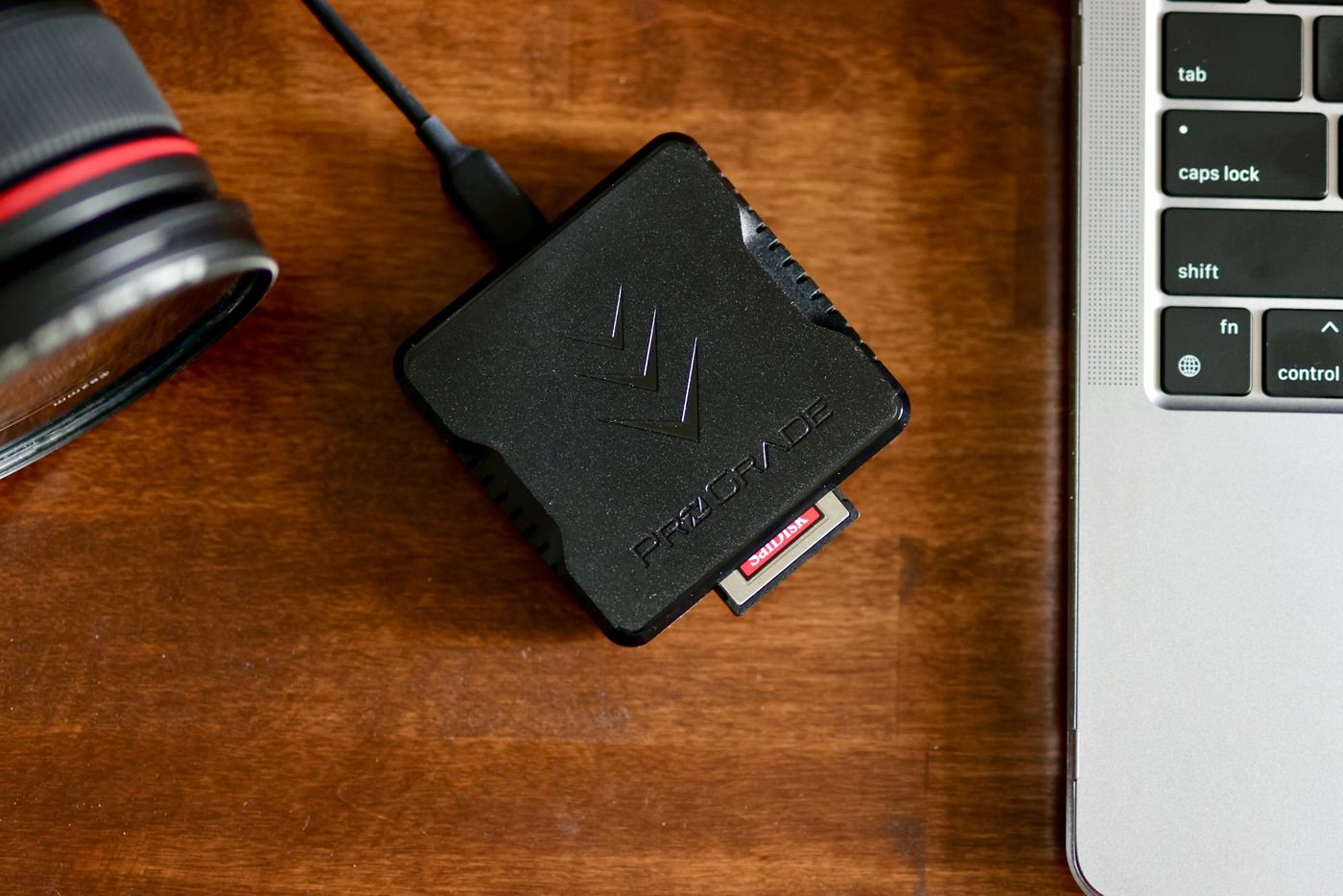
Matching a memory card reader to your cards
Match a reader to card format, supported standards, and the computer connection before importing files.
 Connections & storage
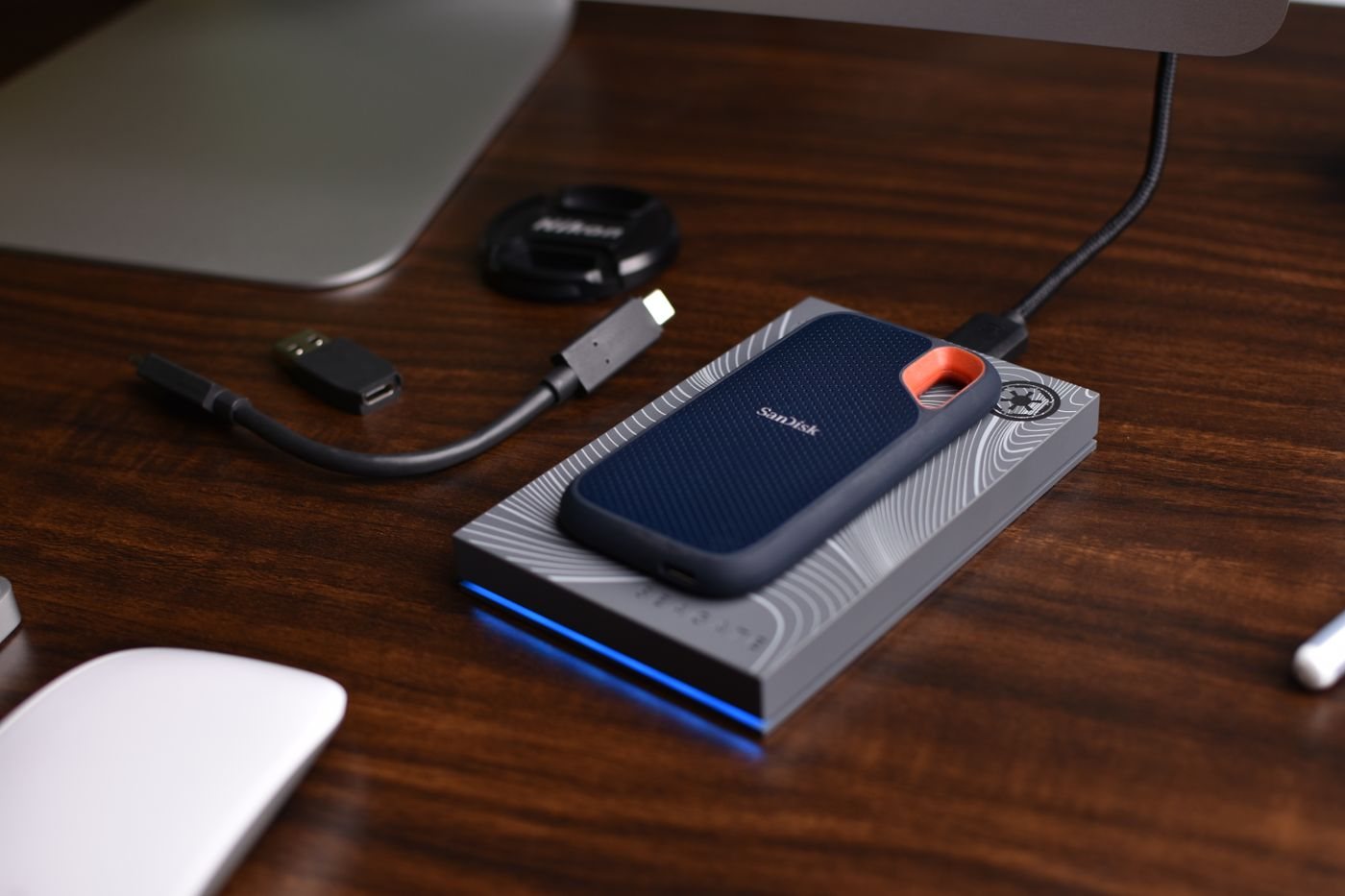
Checking compatibility before buying a drive enclosure
Identify a spare drive by interface, dimensions, and power needs before selecting an enclosure.