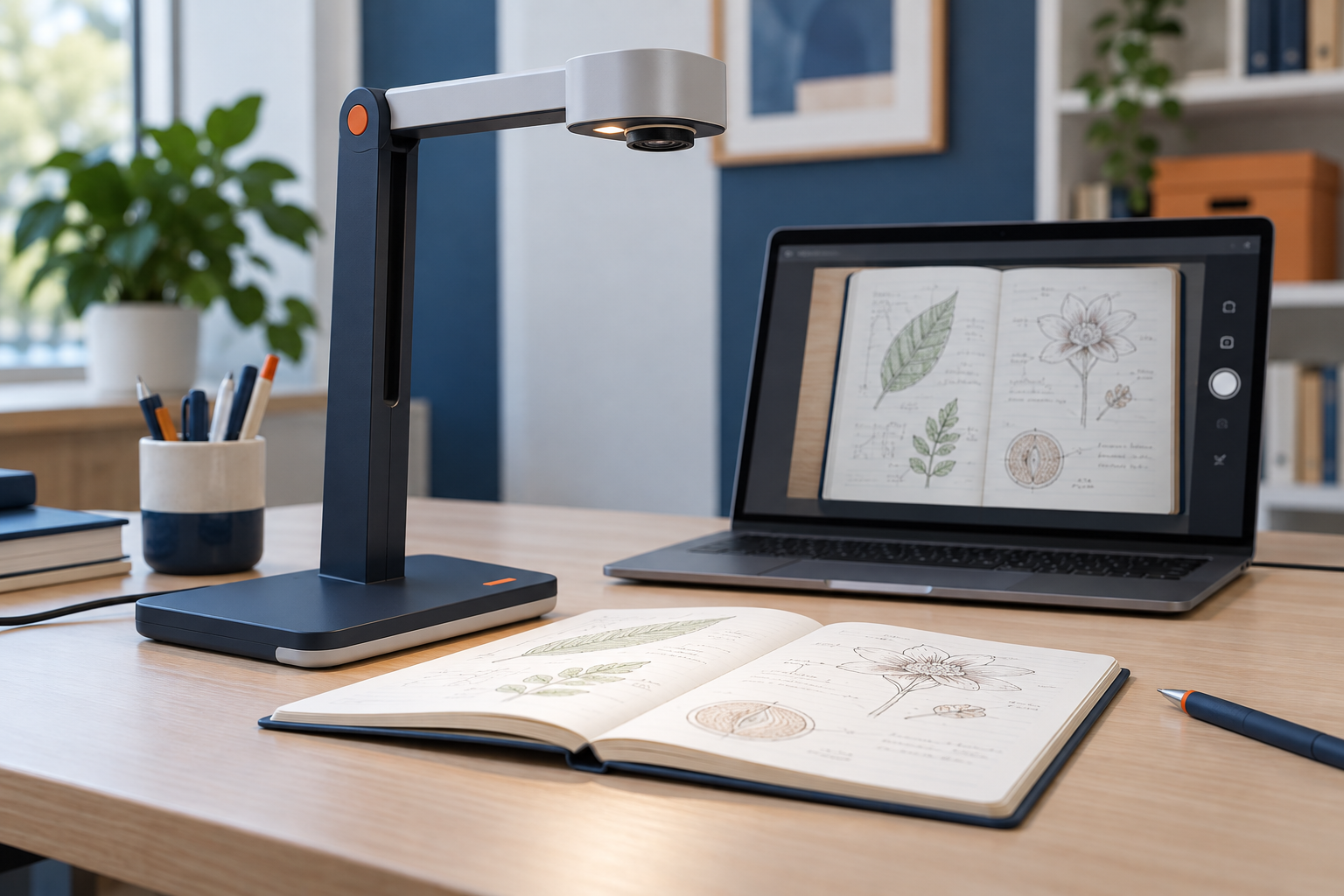
A document camera is useful when the audience needs to watch something happen on a surface: handwriting, a small assembly, a sketch, or a page being discussed. Decide what must remain visible before comparing cameras. A full sheet of paper and a tiny component impose different framing and focus needs.
Build the demonstration area
Mark the camera's usable view on the desk with removable guides if the surface allows it. This helps keep a page or object inside the frame while you concentrate on speaking. Leave room for your hands without blocking the important detail.
Check the working distance and focus range. A camera that clearly shows a letter-size page may not focus on an object held close to the lens. Test the smallest detail the audience must read, including pencil marks or fine labels, through the intended meeting application.
Lighting should illuminate the surface without creating a reflection from glossy paper or packaging. Try light from an angle and inspect shadows made by your hands. If the camera includes a lamp, check whether its position solves the actual problem rather than simply making the center brighter.
Verify the sharing method
Some document cameras appear as a standard camera input; others use an application for capture and annotation. Confirm support for your operating system and the meeting platform. A required driver or utility must also be permitted on a managed computer.
Decide whether participants should see the document as the camera view or through screen sharing. Test orientation and mirroring from the audience side. Your local preview may be mirrored while the transmitted image is not, so a self-view alone can be misleading when text is involved.
Keep a copy of any essential document available as a file. Sharing a clean digital version may be better for detailed reading, while the live camera remains useful for demonstrating changes or physical handling. The two methods can complement each other.
Stability matters during close work. Position the stand where writing or moving a notebook will not shake it, and route the cable away from your hands. Check that the arm supports the intended camera position without drifting.
Rehearse the sequence with a short recording or a test participant. Move the object at a pace the camera and connection can show clearly, and pause on important details. A successful demonstration depends on readable framing and deliberate movement as much as the camera's maximum resolution.