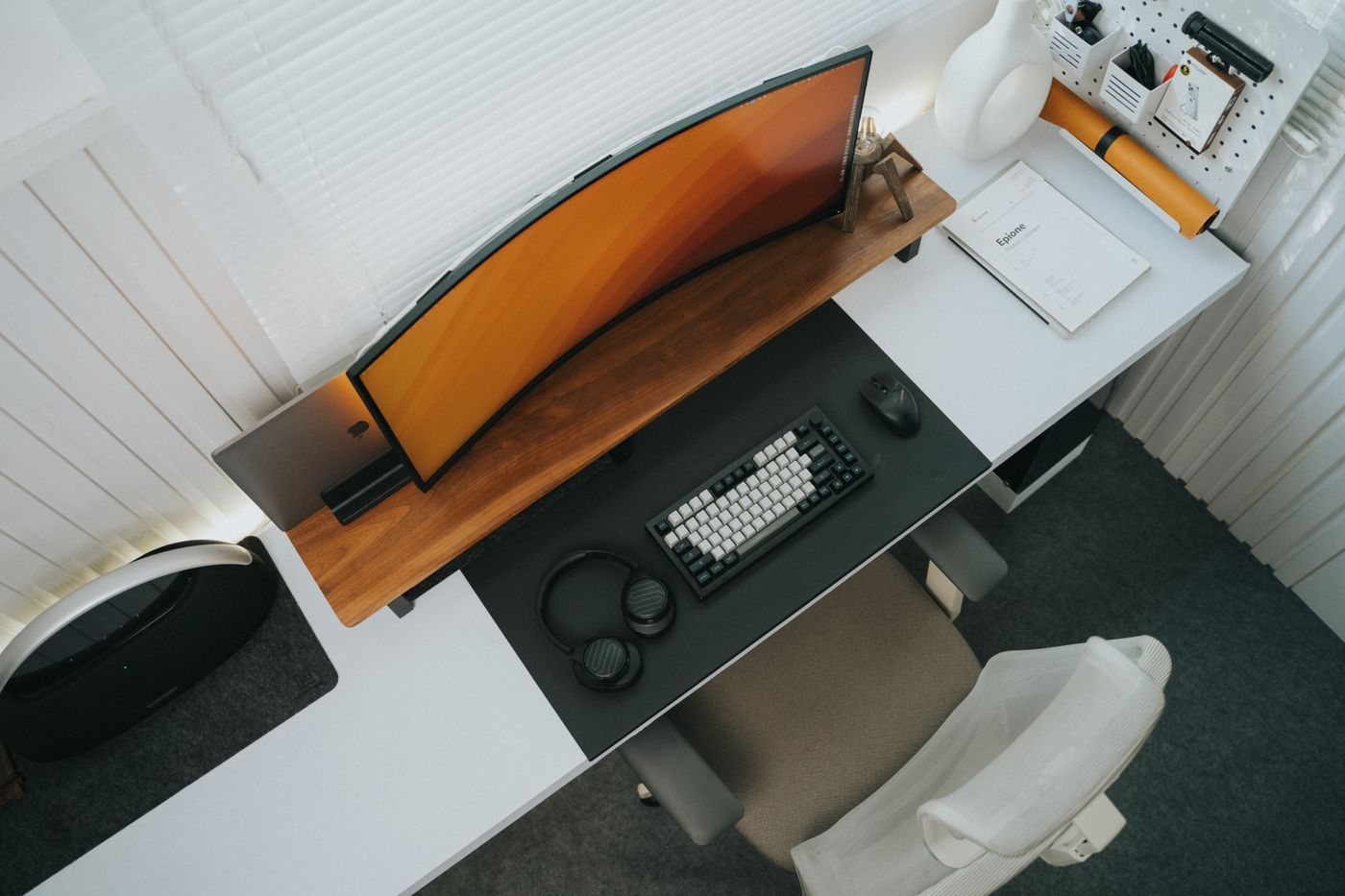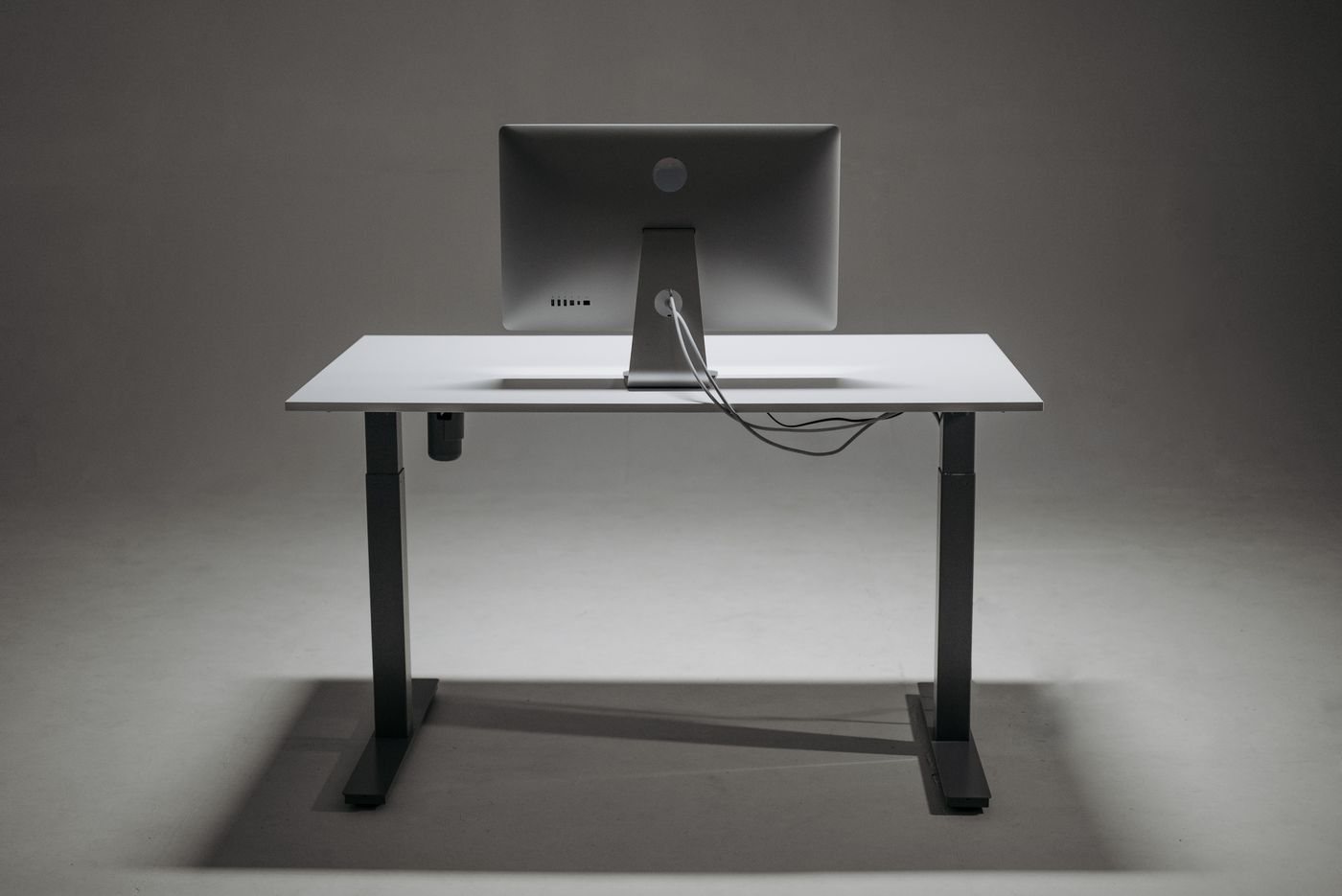
Cable clips are often installed before anyone checks where the cables need to go. The result can look neat until a laptop is unplugged or a desk is raised, when a short connection pulls against its socket. Plan the route first. Organizing products should support that route rather than dictate it.
Draw a simple map of the devices on and around the desk. Mark power connections separately from data and display connections so each cable's job remains recognizable. Identify which equipment stays fixed and which moves during an ordinary day. A laptop removed every evening needs a different arrangement from a monitor that rarely changes position.
Allow for the whole movement
Check the route with the chair, drawers, and adjustable equipment in their normal operating positions. For a height-adjustable desk, follow the desk and equipment instructions and account for the full intended movement before securing cables. Do not rely on a cable being just long enough at the lowest position.
Leave suitable slack near connectors without placing loops where feet or moving parts can catch them. Avoid sharp bends or pinching a cable behind furniture. Where a cable has a specified bend radius or installation requirement, follow it. A tidy-looking turn that stresses the cable is not an improvement.
Choose access points deliberately
Keep frequently disconnected plugs reachable. An organizer that hides every connection can turn a simple laptop removal into an under-desk search. Group cables by destination where that makes them easier to trace, and label similar ends before bundling them.
Use suitable removable fasteners when equipment changes often. Check the surface requirements and weight limits of adhesive clips or mounted trays. Do not attach heavy power equipment with an improvised method merely to remove it from view. Ventilation and manufacturer placement instructions still apply when devices are placed beneath a desk.
Test before tightening the arrangement
Make a temporary route and use the setup for a normal work session. Open drawers, reposition the screen, and disconnect the portable equipment as you usually would. If a cable moves unexpectedly, find the cause before adding more restraints.
Once the route works, remove only genuinely unused cables. Keep identifiable spares in a separate place rather than leaving both current and obsolete connections in the same bundle. Photograph the finished connections if that will help rebuild the setup after a move. A good route is not simply concealed; it remains understandable and accessible when one component needs attention.