The guide library
Desk & workspace
Dimensions, placement, light, and the things within reach. Plan the workspace around the tasks that happen there.
 Desk & workspace
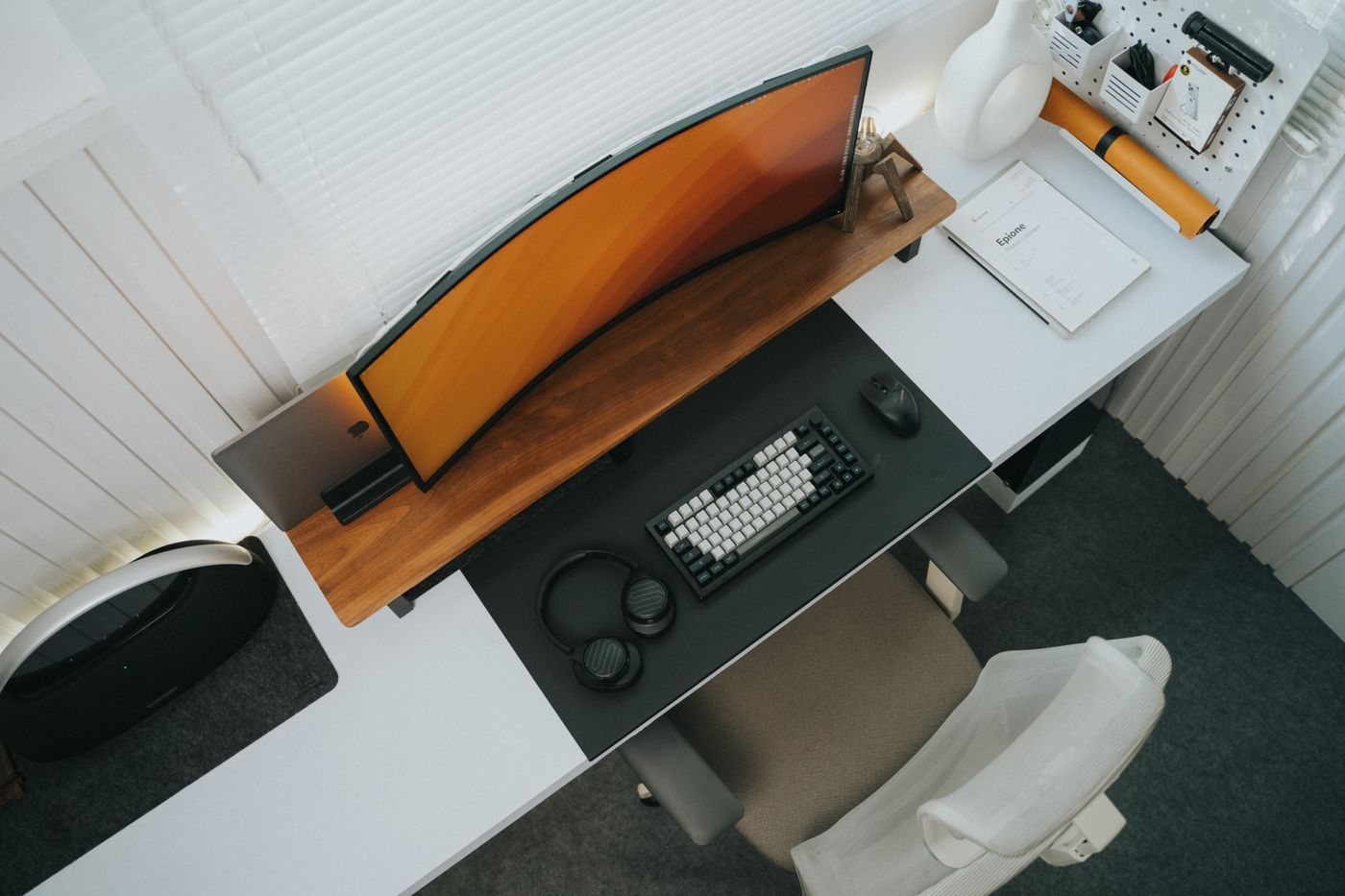
Choosing desk depth around your equipment
Measure the space needed for the screen, input devices, and papers rather than choosing a desk by width alone.
 Desk & workspace
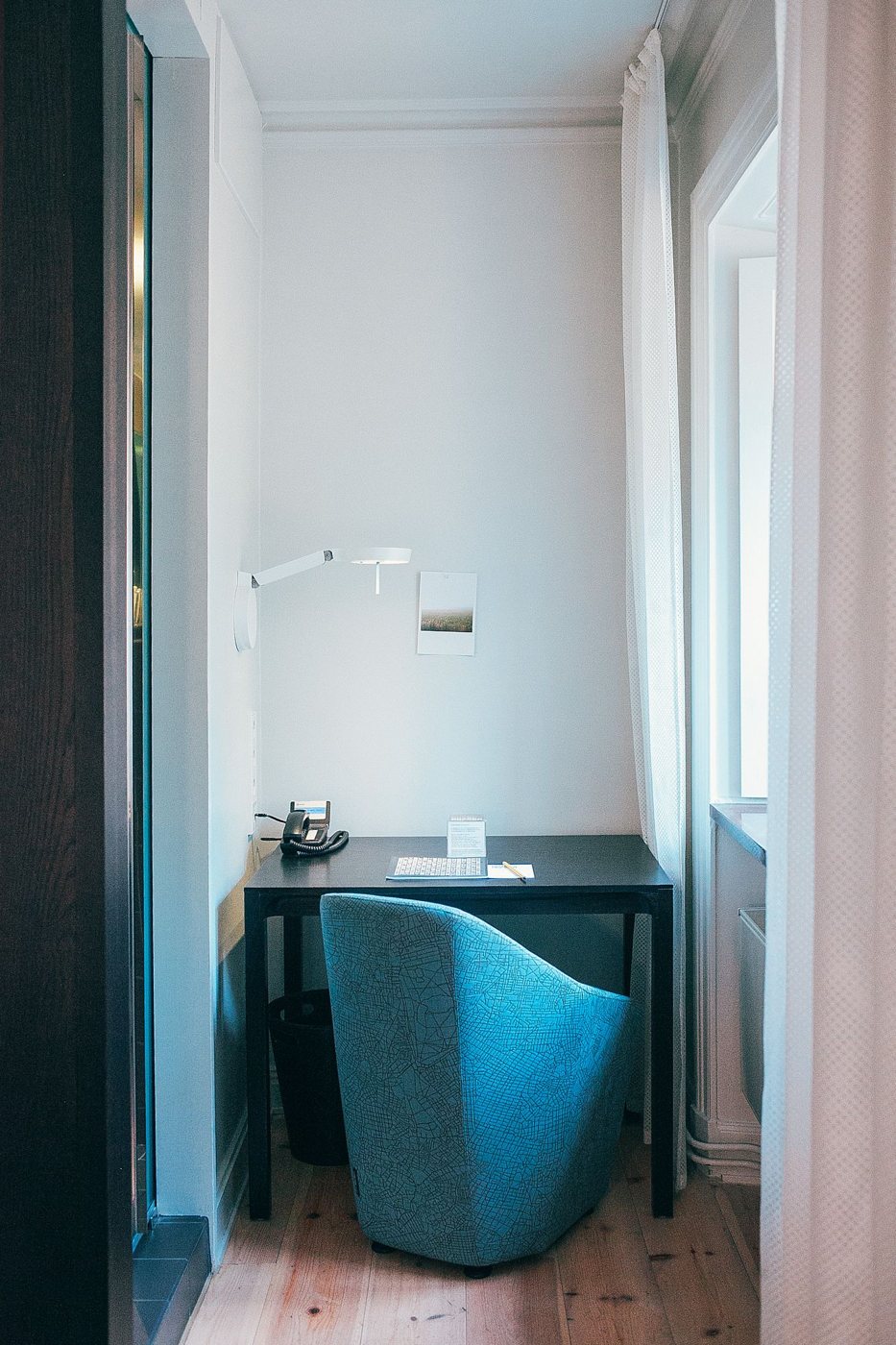
Making a small desk work without crowding it
Prioritize the tools used during a real work session and move occasional equipment to a suitable nearby location.
 Desk & workspace
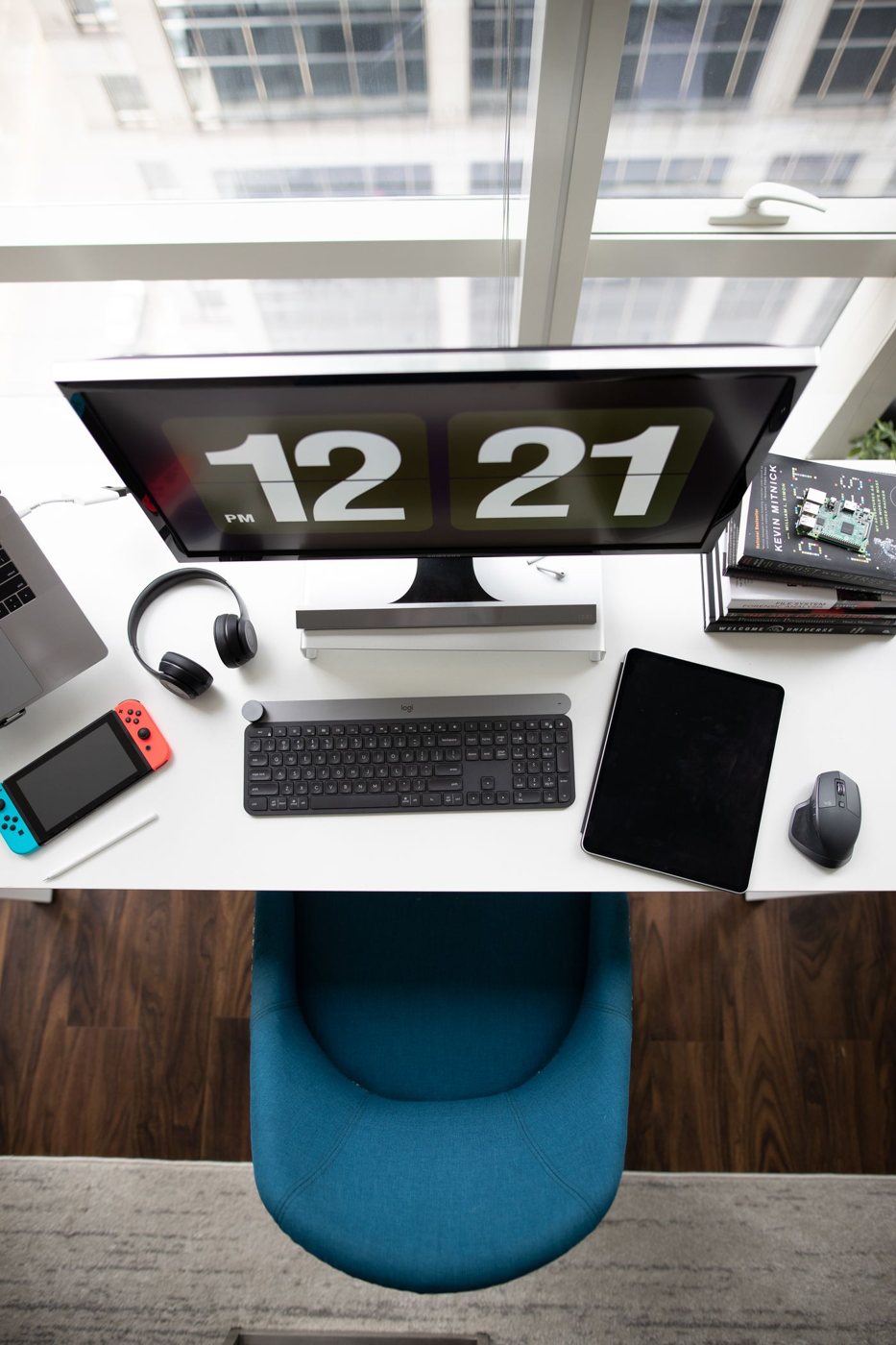
Dividing a desk into working zones
Arrange the work surface around active work, supporting materials, and temporary items without creating rigid decorative sections.
 Desk & workspace
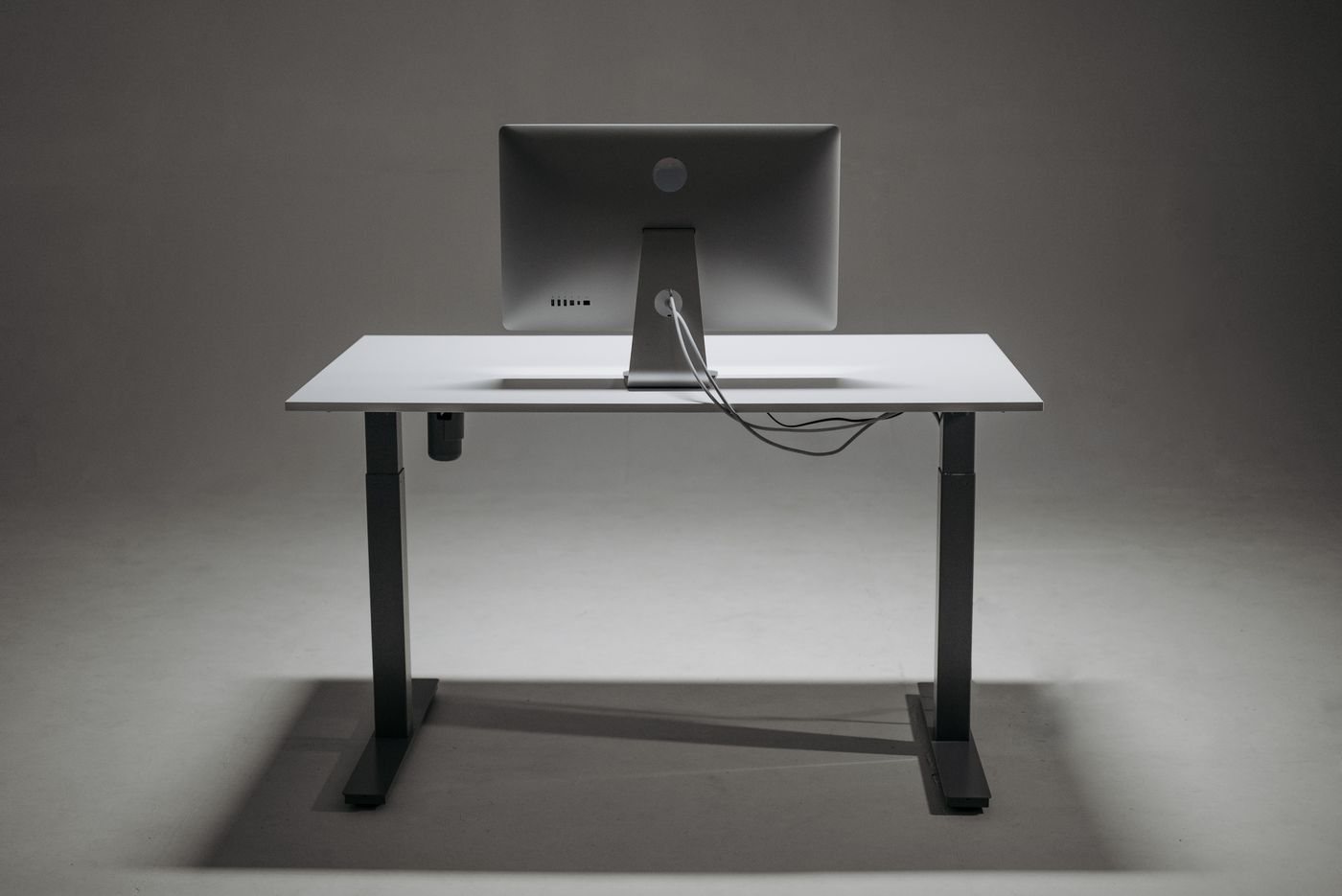
Planning cable routes before adding clips
Map cable destinations and required movement before choosing clips, sleeves, or under-desk organizers.
 Desk & workspace
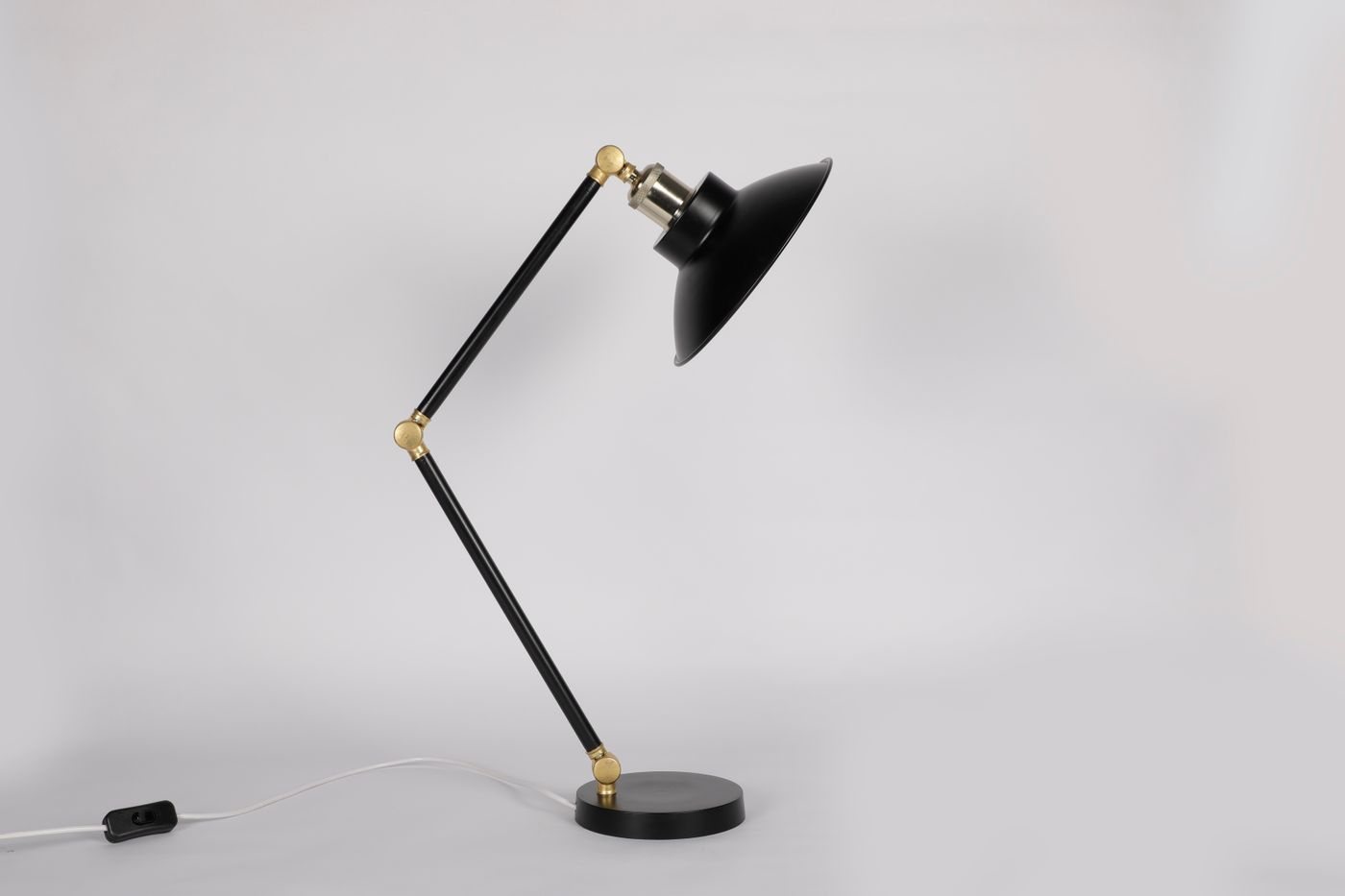
Choosing a desk lamp for the task
Choose a task lamp by its placement, adjustment range, and the work it needs to illuminate rather than its appearance alone.
 Desk & workspace
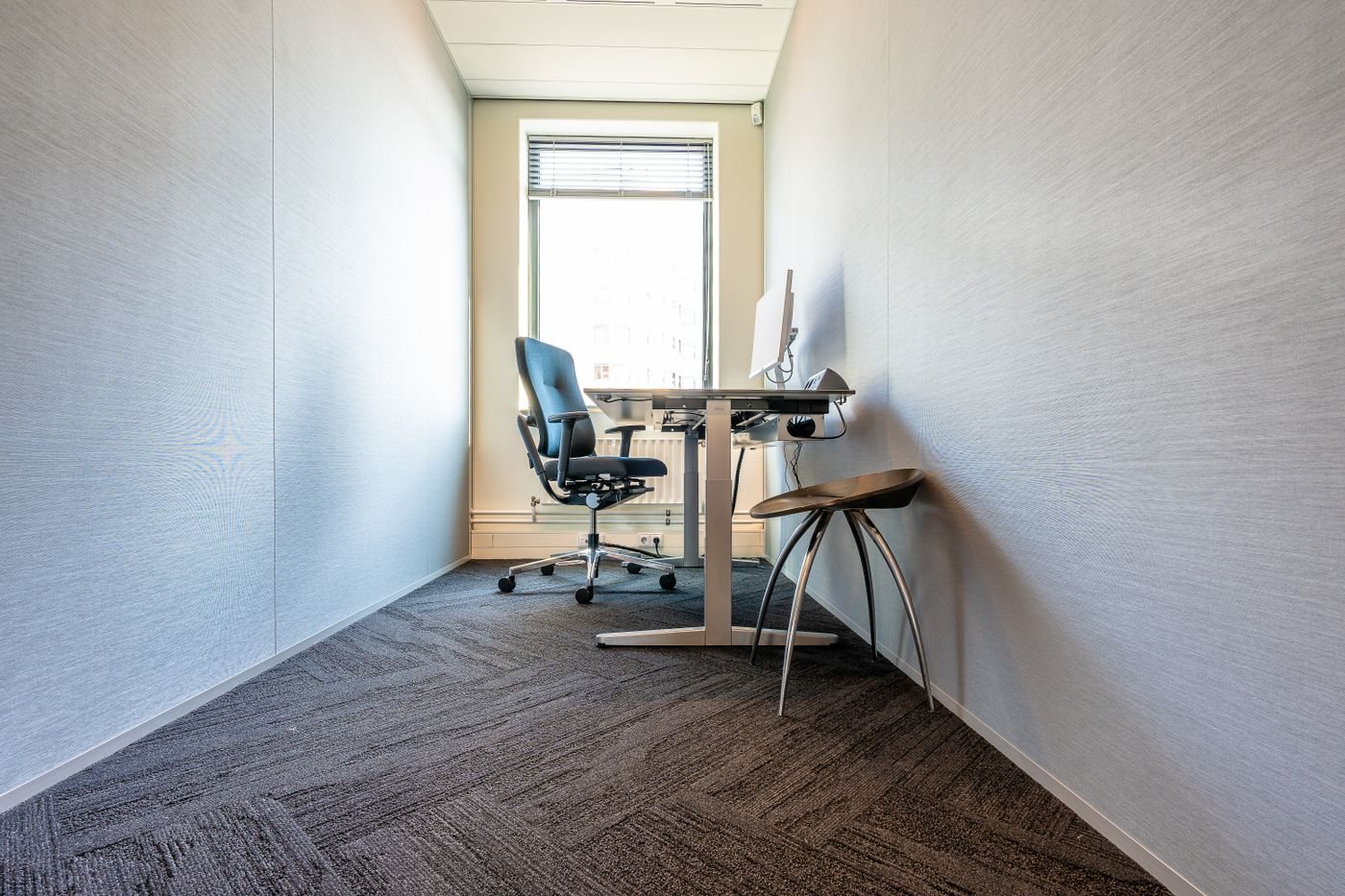
Placing a desk near a window
Observe daylight, reflections, access, and changing room conditions before deciding where a desk should face.
 Desk & workspace
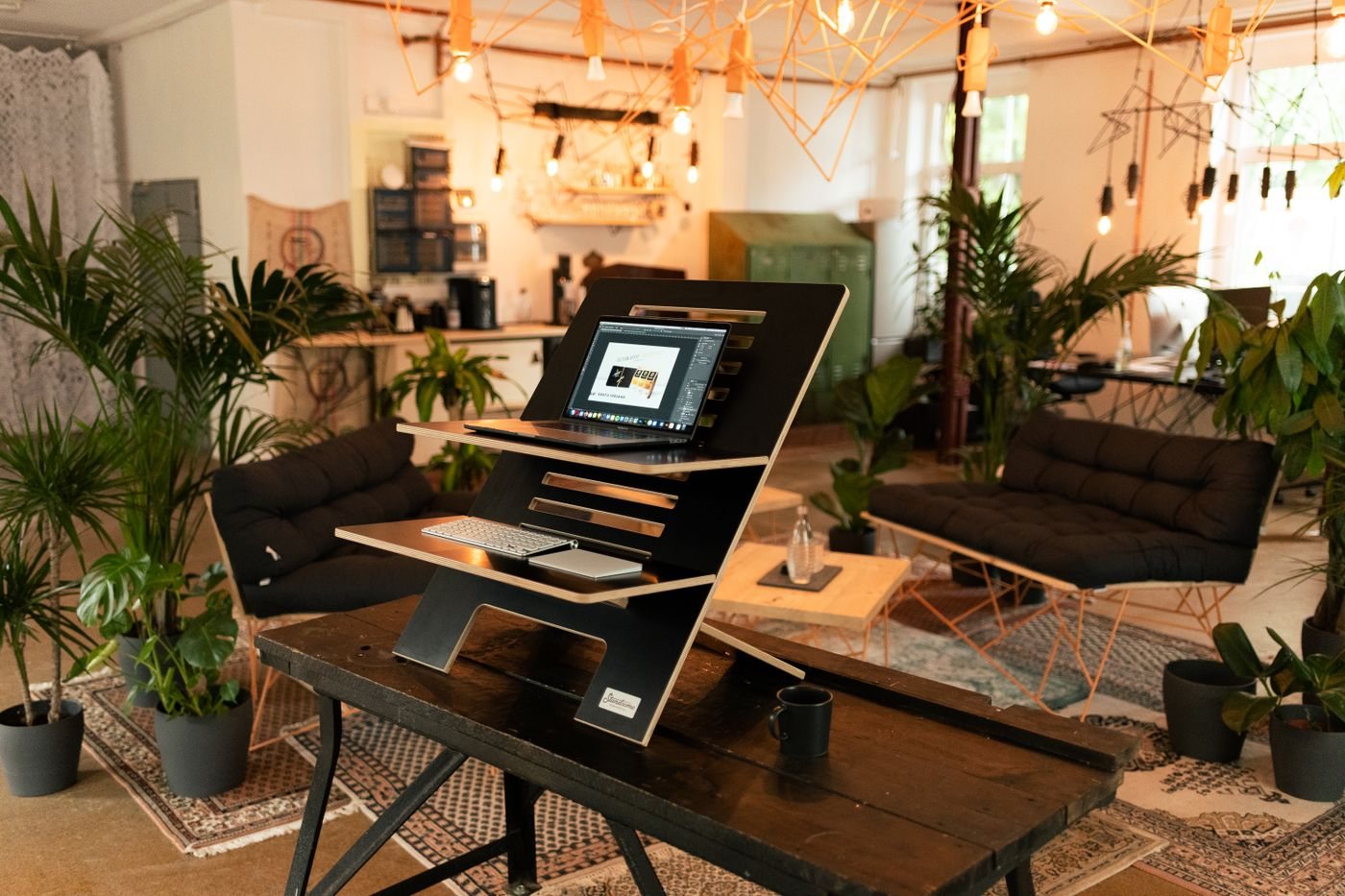
Questions to ask before buying an adjustable desk
Compare adjustment range, load ratings, movement clearance, and return logistics before choosing a height-adjustable desk.
 Desk & workspace
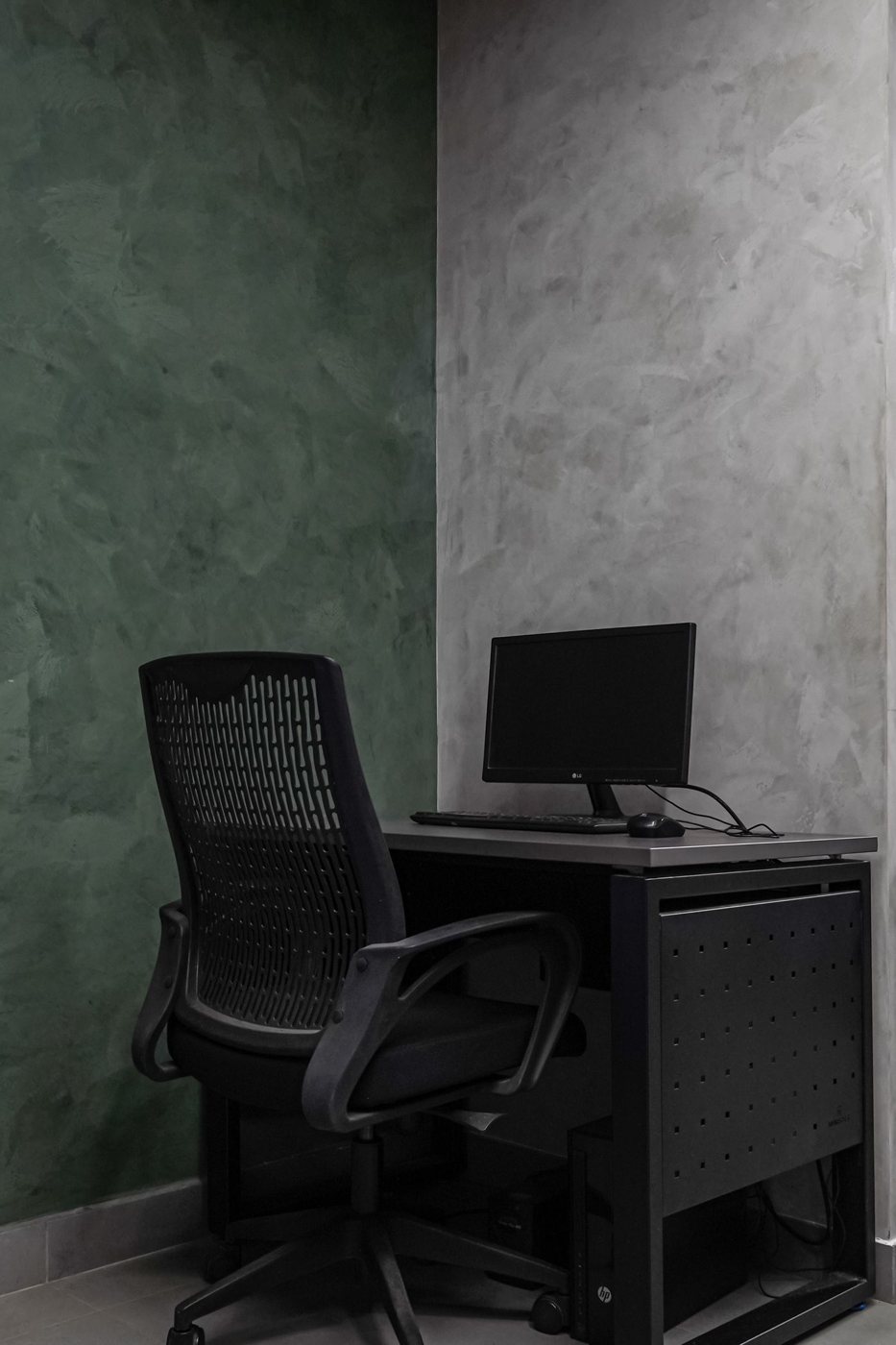
Learning the adjustments on an office chair
Identify an office chair’s controls and test one change at a time while considering the desk and input devices around it.
 Desk & workspace
Keeping space clear beneath a desk
Check the usable area under a desk before adding drawers, a computer tower, cable trays, or storage boxes.
 Desk & workspace
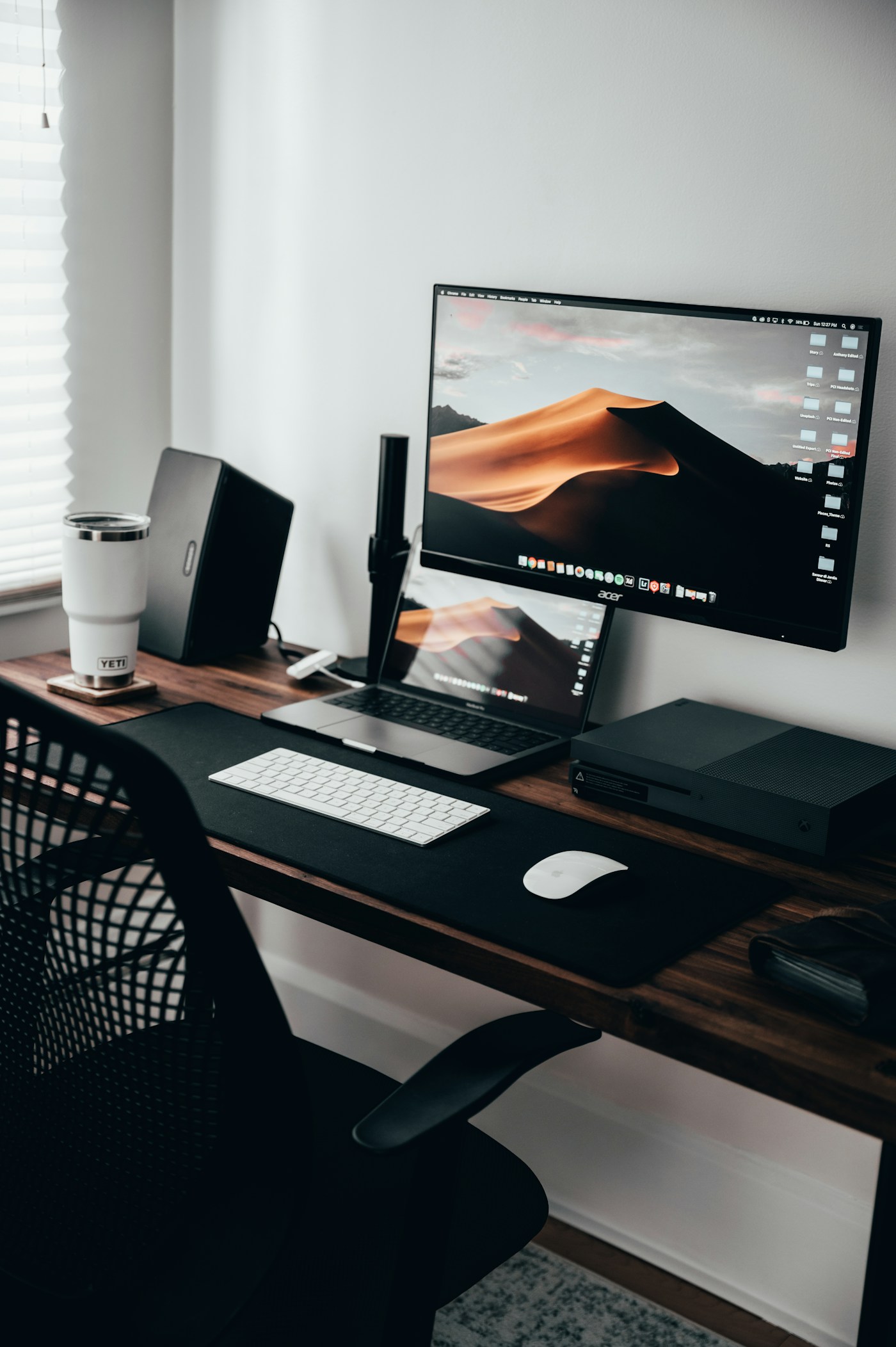
Checking whether a monitor arm will fit
Check display mounting, weight, desk construction, and movement clearance before choosing a monitor arm.
 Desk & workspace
Inspecting a desktop before fitting a clamp
Inspect tabletop material, thickness, edges, and underside clearance before attaching a lamp, arm, or other clamp-mounted accessory.
 Desk & workspace
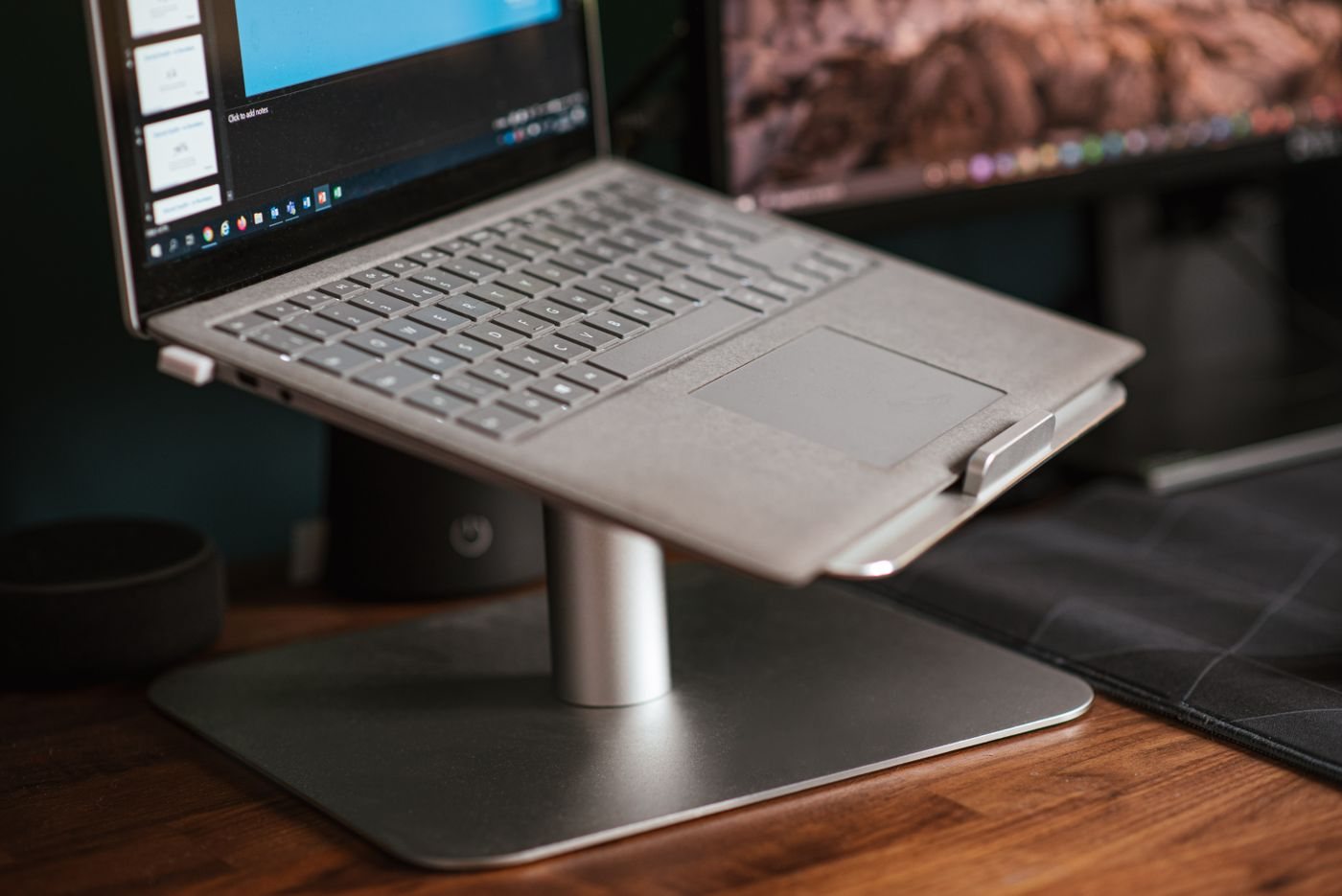
Choosing a laptop stand with the whole setup in mind
Consider a laptop stand together with external input devices, ventilation, adjustment, and the space available for cables.