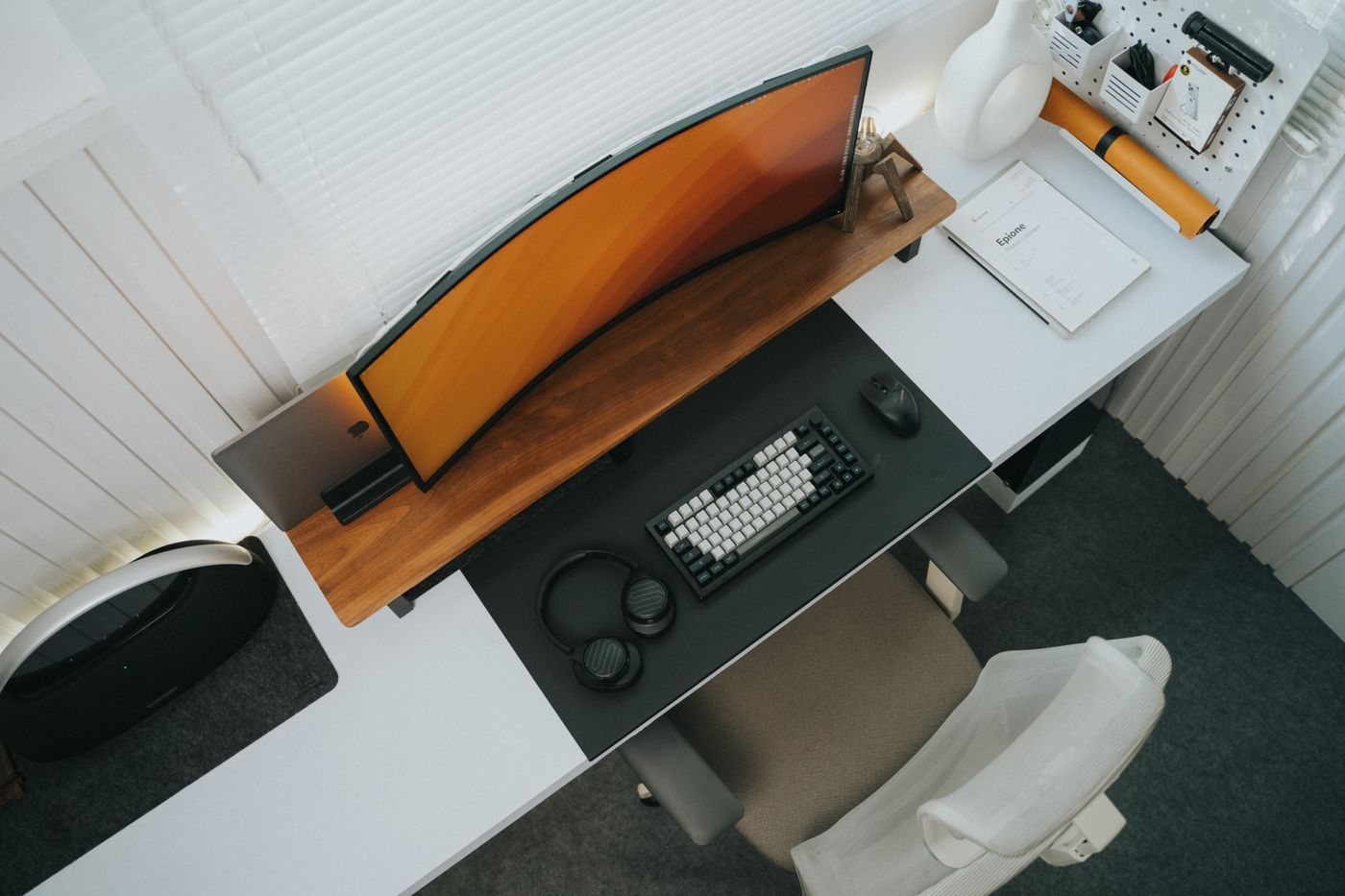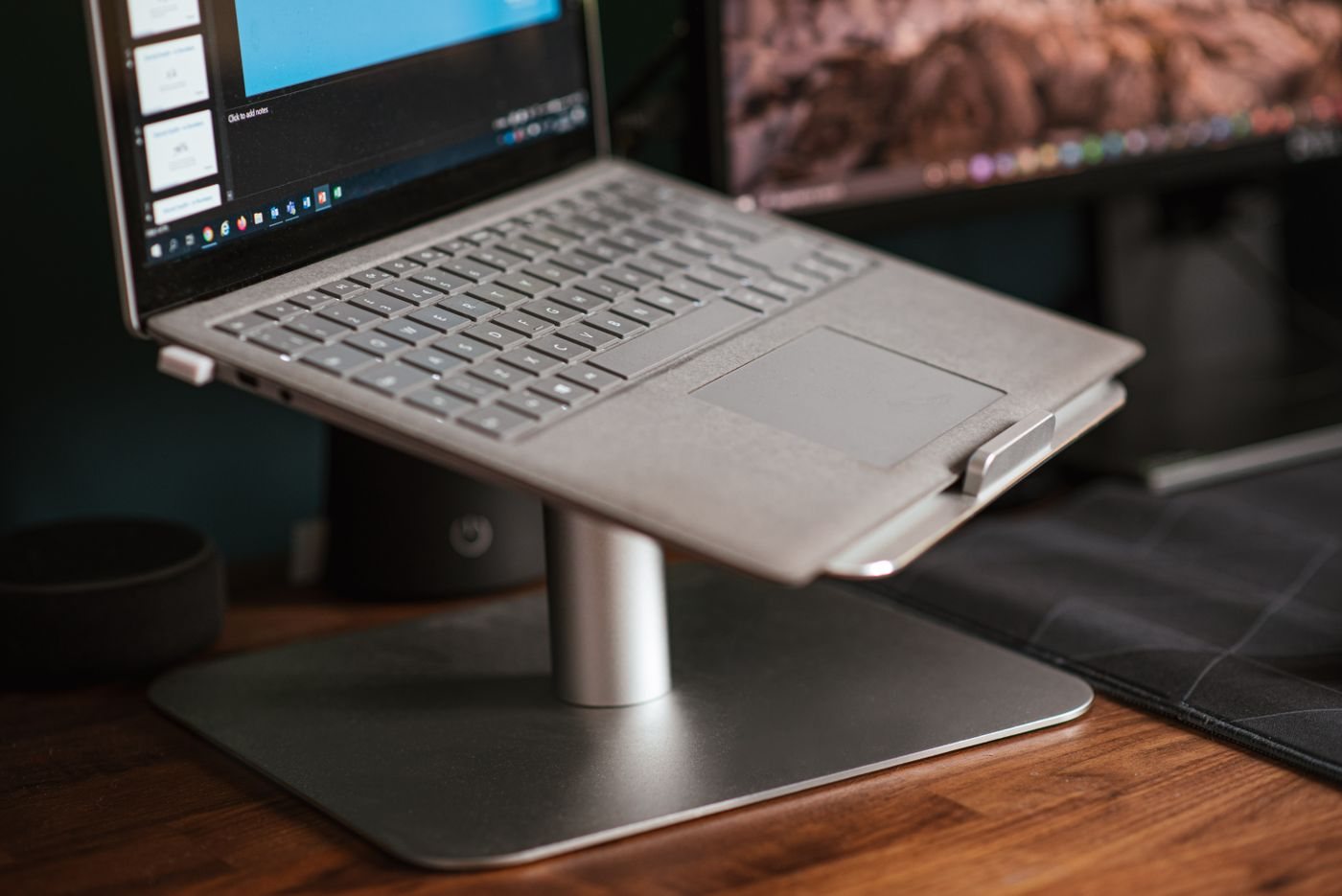
Raising a laptop changes the position of both its display and its built-in keyboard. That is why a stand should be evaluated as part of a complete arrangement rather than as an isolated accessory. Decide whether you will use an external keyboard and pointing device, how the laptop connects to power, and whether it needs to be removed frequently.
A stand used at a permanent desk has different priorities from one folded into a travel bag. The desk version may emphasize stable positioning and cable access. A portable version must also fit the bag and be straightforward to set up on the surfaces you actually encounter. Neither use automatically calls for the tallest or most adjustable model.
Check the laptop's contact points
Compare the stand's supported dimensions and load with your laptop. Look at the position of feet, support lips, and any part contacting the device. A raised edge should not press against controls or obstruct the way the lid opens. Check the laptop manufacturer's ventilation requirements and avoid covering intake or exhaust paths.
Inspect how cables connect while the laptop is on the stand. Side ports may become harder to reach, or a heavy adapter may hang awkwardly from a socket. Leave the necessary clearance and avoid arrangements that place strain on a connector. If a dock is involved, include it in the trial rather than adding it afterward.
Test a real working arrangement
Position the external keyboard and mouse where you intend to use them and open a familiar task. Check whether the screen is readable from your normal seated position. Do not compensate for an unsuitable stand position by moving your whole body toward the laptop.
Try routine actions: joining a call, connecting a drive, opening the lid, and removing the laptop. Adjustable joints should remain secure according to the product instructions, but they should not require improvised tightening or extra supports. A stand that only works while untouched may be unsuitable for a setup that changes throughout the day.
For travel, practice folding and packing the stand with its accessories. Keep loose parts together and protect the laptop from any hard edges in the bag. Consider whether the extra input devices and cables outweigh the portability benefit for the trip you are planning.
A stand earns its place when the whole arrangement becomes easier to use. If it creates a need for several new accessories without solving a clear task, a different placement or an external display may deserve consideration before you commit.