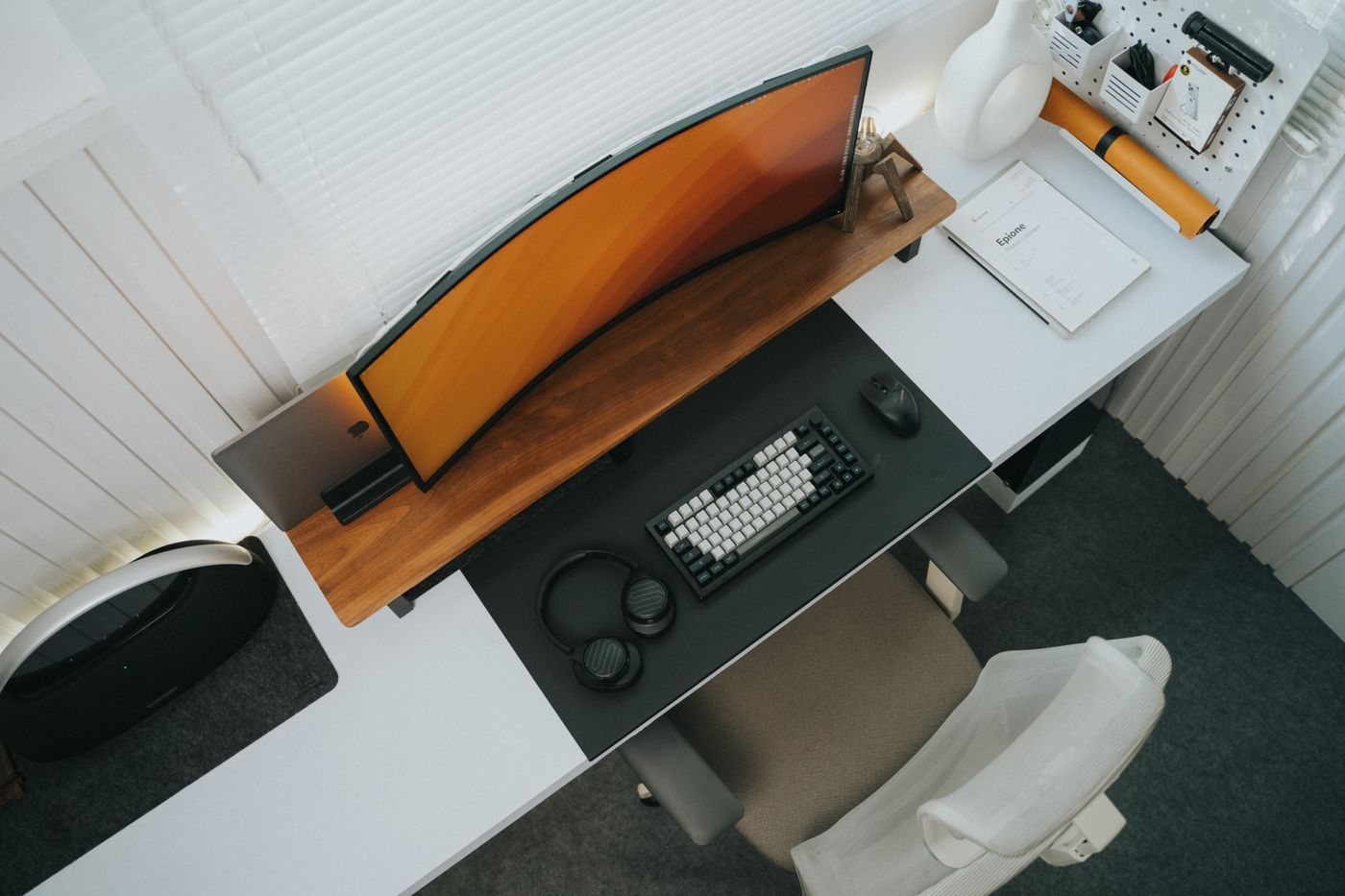
A monitor arm can change the usable space on a desk, but it adds a set of compatibility requirements. The display, mounting hardware, desk, and movement range all need to work together. Do not begin by assuming that an arm rated for a screen of a certain diagonal will support every monitor of that size.
Find the display's weight without its removable stand and the mounting pattern specified by the manufacturer. Check any restrictions concerning recessed mounts, supplied screws, or adapters. Compare those details with the arm's supported load range and mounting requirements. A spring-assisted arm may have both a minimum and maximum load, so lighter is not automatically compatible.
Inspect the desk connection
Decide whether the intended installation uses a clamp, a grommet mount, or another supported method. Measure the desktop thickness and the clearance beneath and behind the mounting position. Look for an apron, frame, cable tray, or other structure that could prevent the clamp from seating correctly.
The tabletop material matters. Follow both the furniture and arm manufacturers' guidance rather than assuming glass, hollow-core construction, and solid wood accept the same mounting pressure. Reinforcement plates are not a universal permission to use an unsuitable surface. If the requirements are unclear, ask before buying or drilling.
Draw the movement you need
Consider where the screen should sit during work and where it needs to move for another task. An arm may extend behind the desk or require clearance from a wall. A dual-arm setup may need more room than the monitors themselves suggest. Check whether the stated reach and height range are measured from a point that matches your planned installation.
Account for connected cables throughout that movement. They should meet their own requirements and remain free from pinching or pulling at the sockets. Do not tightly bind the cables before checking the full intended range according to the installation instructions.
Installation may require another person to handle the display safely. Keep the original stand and its parts until the arm is installed and the arrangement has been checked. If you later change the monitor, revisit every compatibility point rather than transferring it automatically to the same arm.
An arm is worthwhile when it solves a defined placement or movement need. If the existing stand already provides suitable position and access, an arm may add complexity without a meaningful benefit. Judge the complete installation, including maintenance and future changes, rather than the empty desk space in an advertisement.